
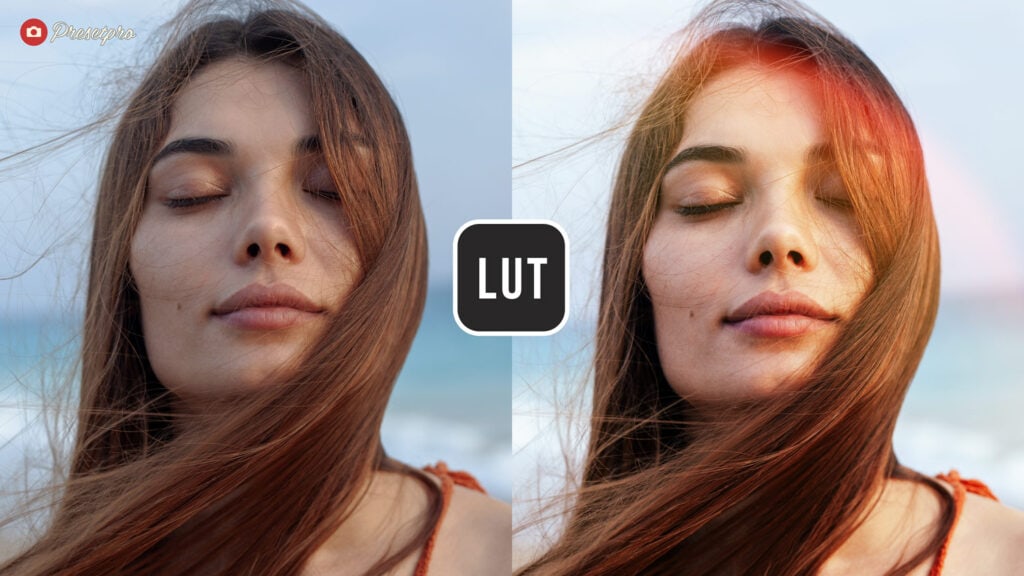
Free Portra 800 LUT: The Ultimate Analog Film Grade for Video & Photo
Want to achieve the Kodak Portra 800 look on both your photos and videos? This Free Portra 800 LUT (Lookup Table) is a universal .CUBE file designed to emulate the warm, saturated aesthetic of Kodak’s professional high-speed film. Because it uses the industry-standard .CUBE format, this single file allows you to color grade video in Premiere Pro and DaVinci Resolve, and retouch images in Photoshop using the same professional color science.
Quick Technical Guide: Check compatibility and specs below.
| Feature | Specification |
|---|---|
| File Extension | .CUBE (3D Lookup Table) |
| Film Emulation | Kodak Portra 800 (Warm/Saturated) |
| Video Compatibility | Premiere Pro, DaVinci Resolve, Final Cut Pro, LumaFusion |
| Photo Compatibility | Adobe Photoshop (Color Lookup Layer), Affinity Photo |
| Best For | Hybrid Shooters (Photo & Video) |
One LUT, Two Workflows (Photo & Video)
The power of this .CUBE file lies in its versatility. Unlike proprietary presets that work only in Lightroom, a 3D LUT maps color values in a software-agnostic way. This means you can use the same file to grade your YouTube vlog in Premiere Pro and your thumbnail in Photoshop, ensuring consistent visual branding across your brand.
- Best For: Content creators who shoot hybrid photo/video.
- Style: Analog, Warm, Cohesive.
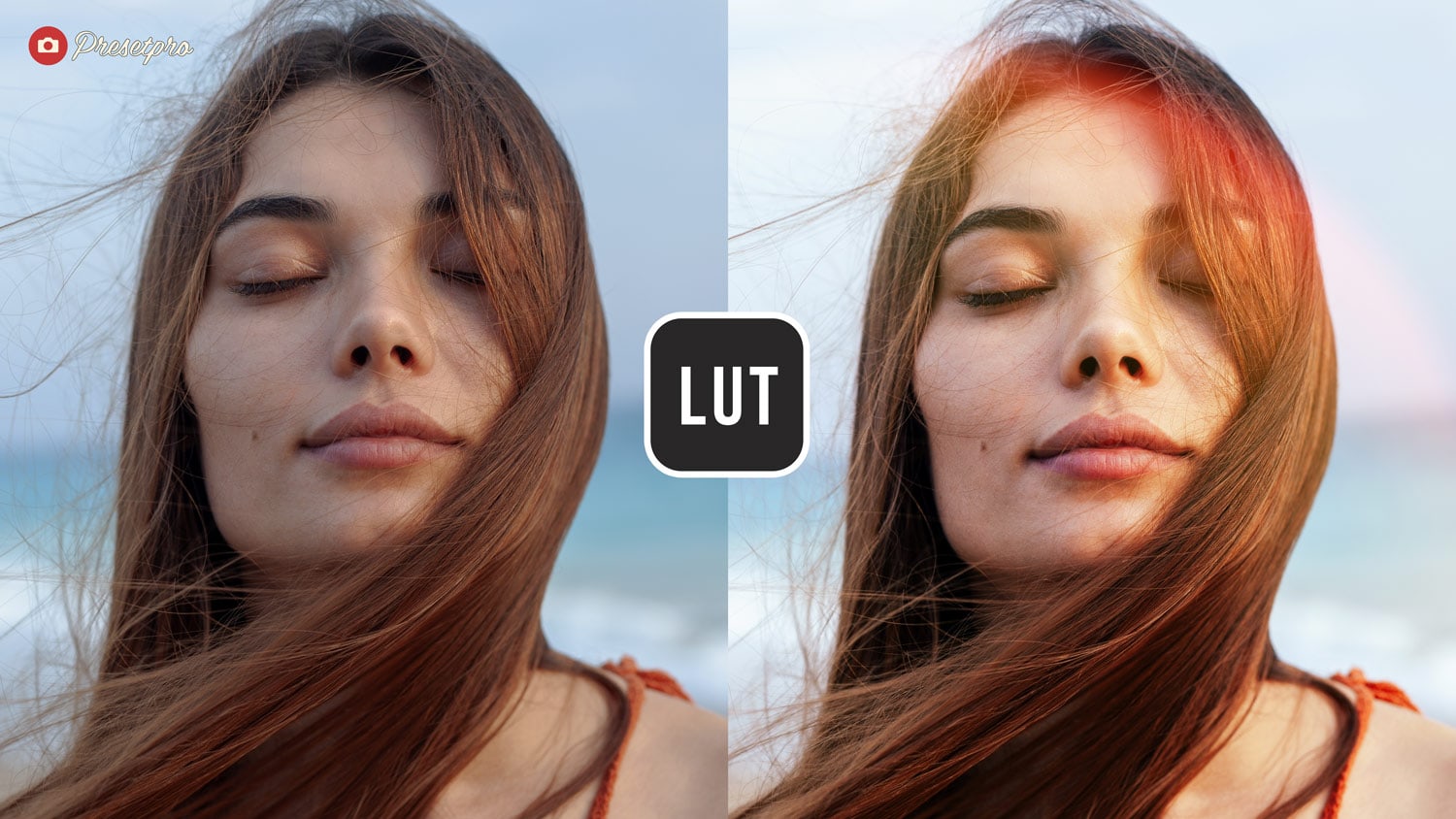
Workflow: Creating the “Light Leak” Look in Photoshop
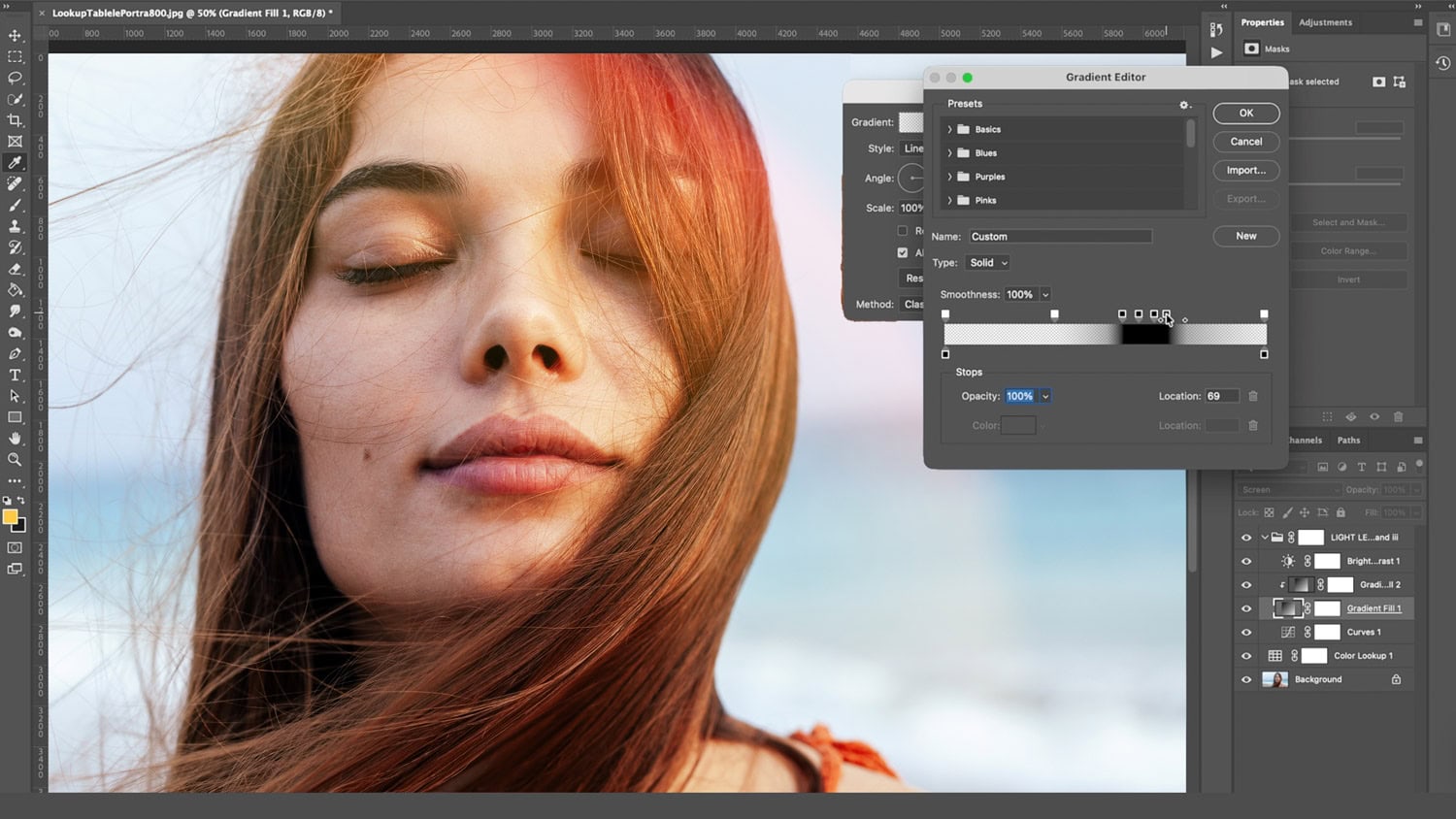
As seen in the screenshots below, you can achieve a stunning vintage effect by combining the Portra 800 LUT with a manual light leak. Here is the breakdown of the technique shown:
- Apply the LUT: In Photoshop, go to Layer > New Adjustment Layer > Color Lookup. Load the Free Portra 800 .CUBE file.
- Add the Leak: Create a Gradient Fill layer. Choose a “Noise” or reddish/orange gradient pattern to simulate light hitting the film sensor.
- Blend It: Set the Gradient layer’s Blending Mode to Screen or Linear Dodge (Add). This removes the dark parts of the gradient, leaving only the glowing “leak” overlaying your subject.
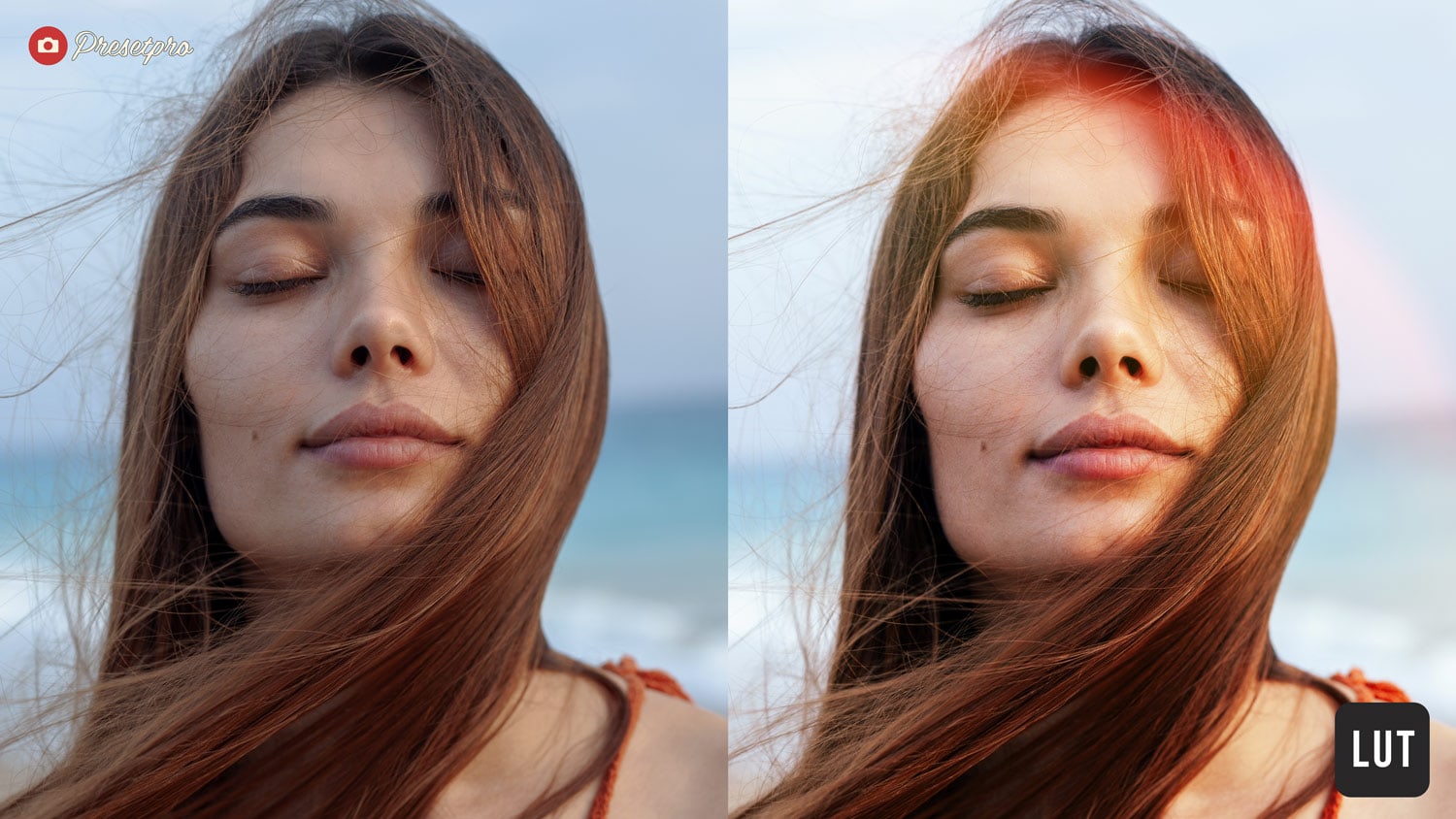
Video Showcase: The LUT in Action
Watch how this .CUBE file transforms flat footage into a vibrant, filmic final product. The video below demonstrates the LUT applied to log footage, instantly correcting contrast and adding the signature Portra warmth.
Download the Free Portra 800 LUT
Don’t limit your editing to just one platform. Download the Portra 800 .CUBE file today and start applying professional color grades to your videos in Premiere/DaVinci and your photos in Photoshop.
Take Your Editing Further
Looking for more advanced tools? Check out our professional collections designed for cinematic grading and high-end retouching:
- Complete Collection LUTs: A massive library of professional color grades for filmmakers and photographers.
- Photoshop Actions Photo Flow: Accelerate your retouching workflow with automated actions for light, color, and detail.
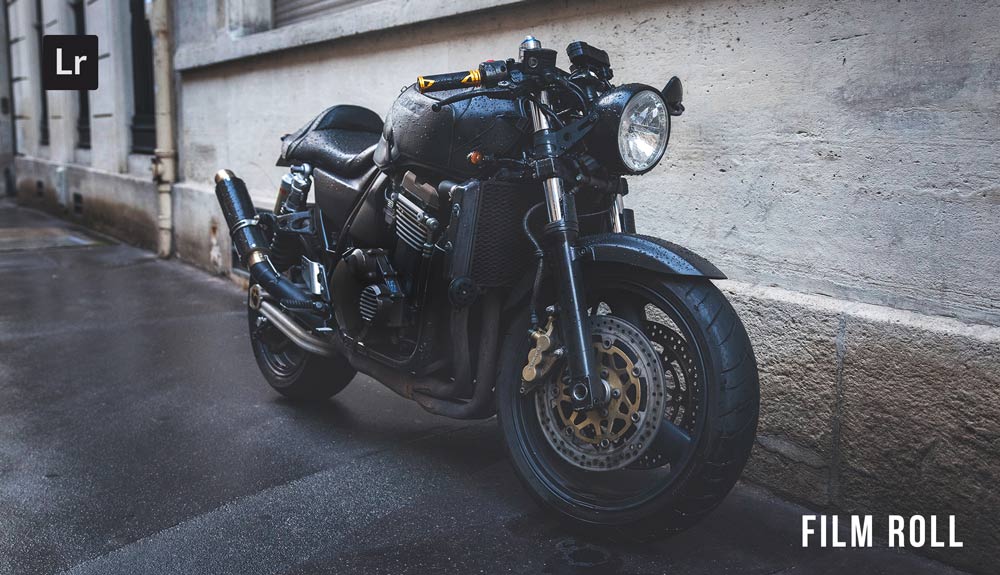
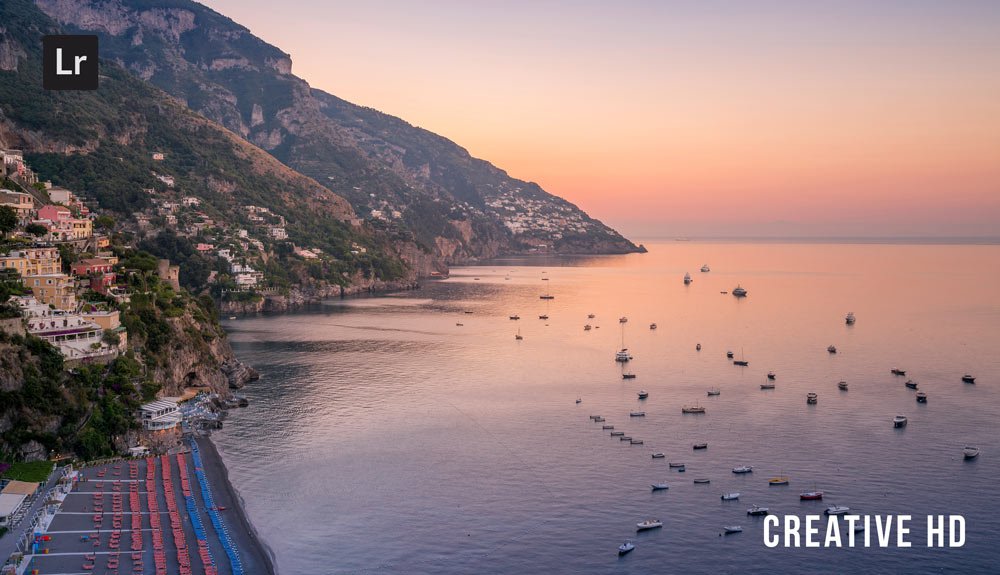
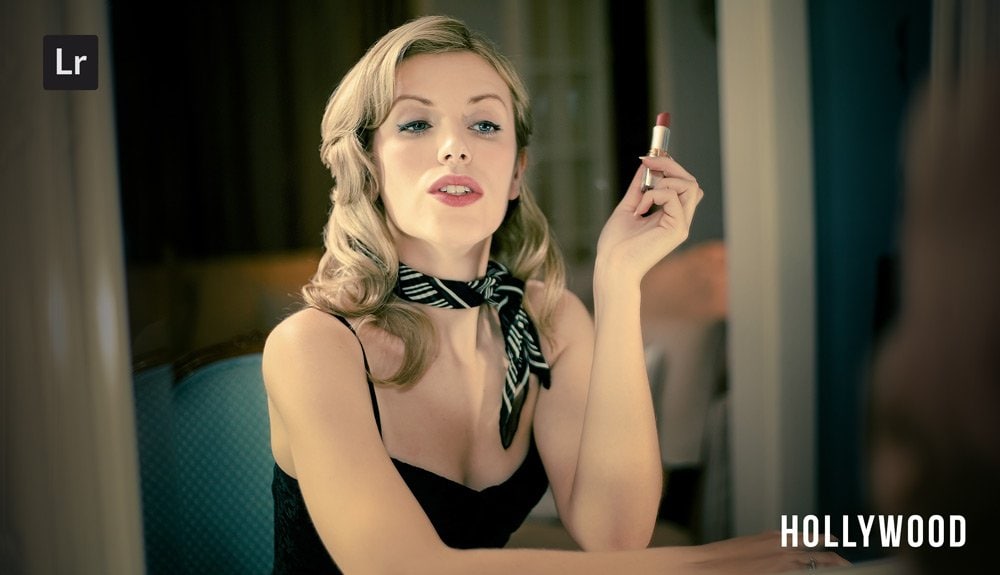
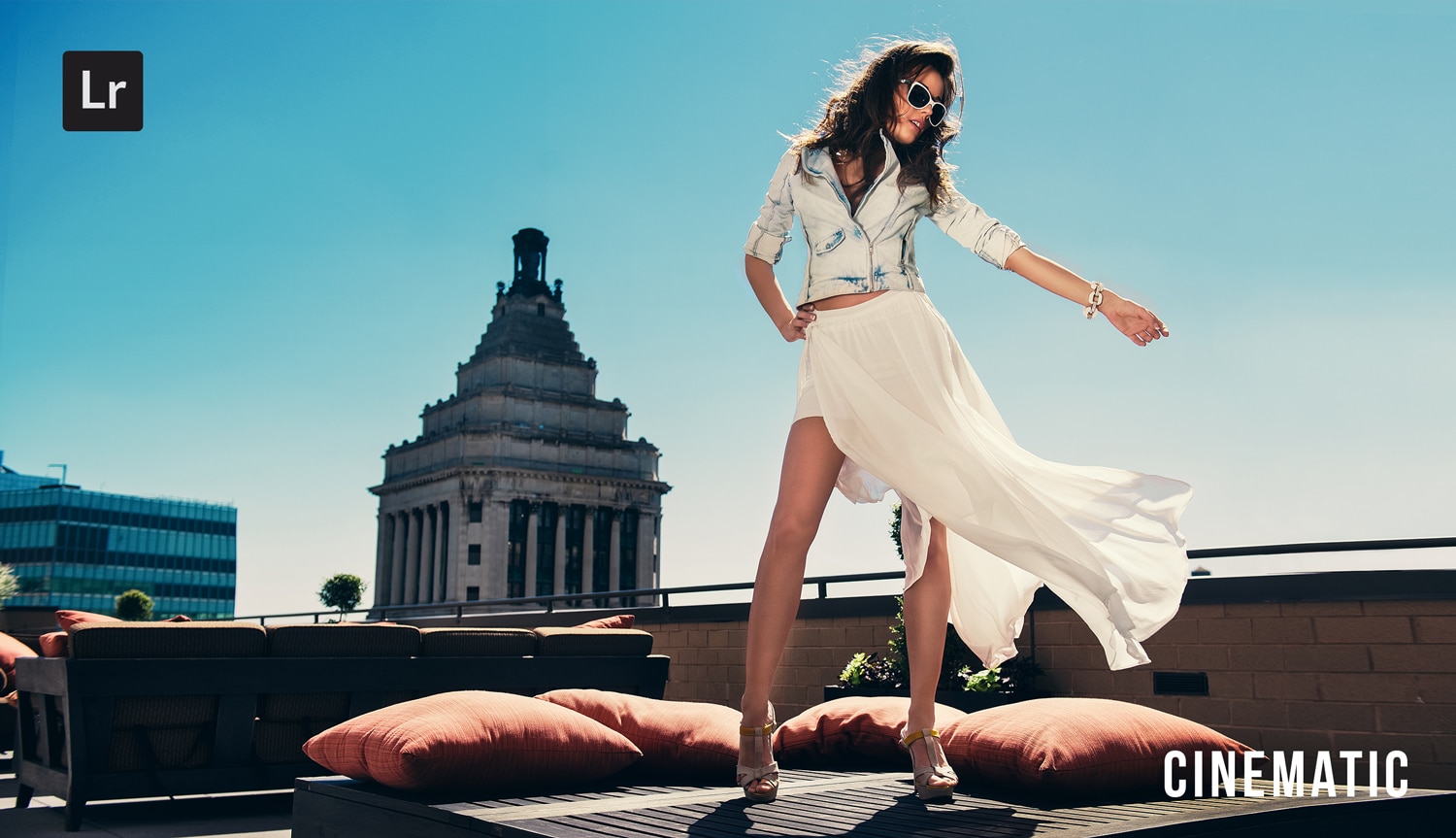
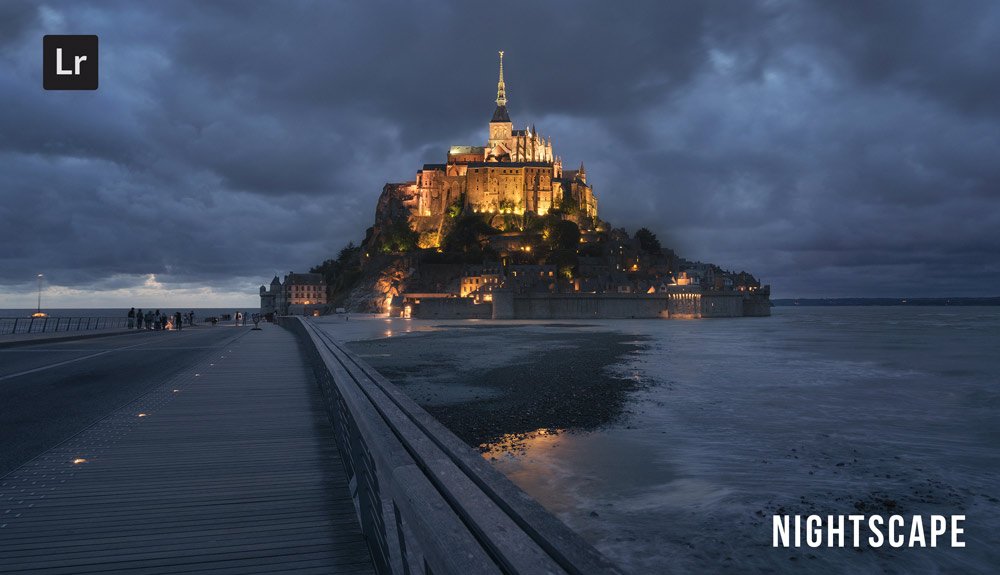
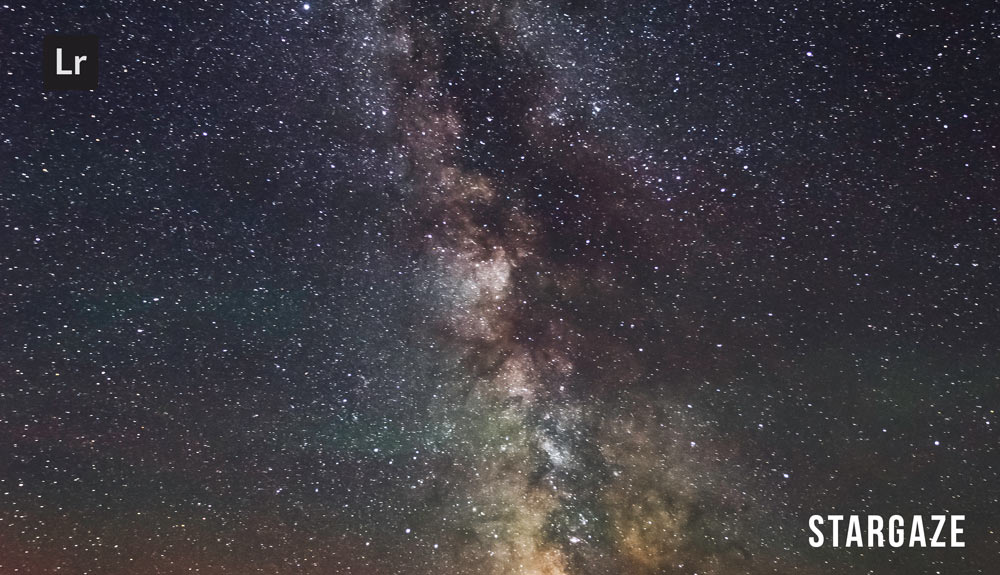
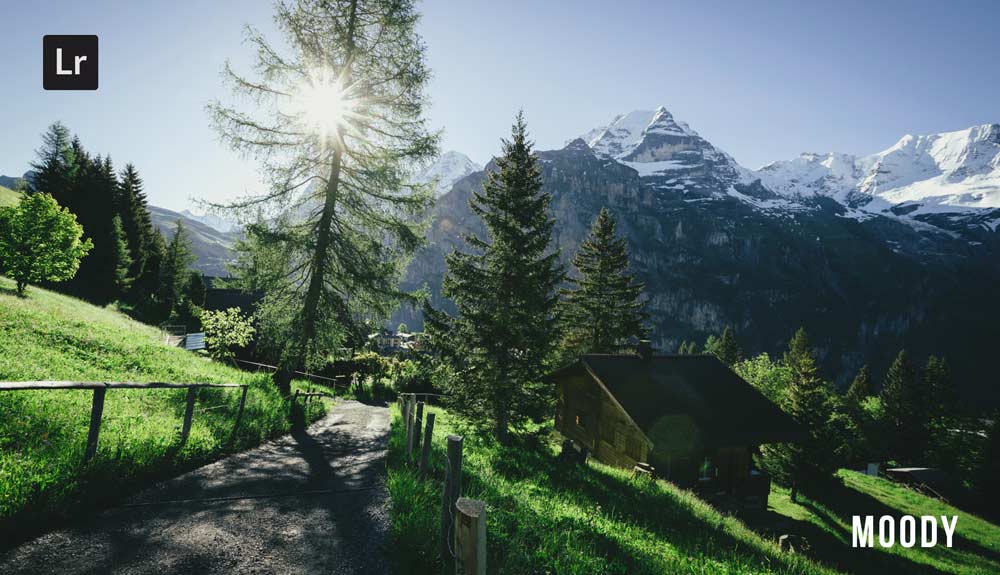
Do you want to take your photography skills to the next level? With The Creative Flow, you’ll have access to more than 1200 Beautiful Lightroom Presets, 1200 Lightroom Profiles, and 200 brushes that will spark your creativity and bring your photos to the next level! Designed for the photographer who wants the ultimate workflow and premium Lightroom collection. The Creative Flow is your own personal preset “toolbox” where you can swap out a variety of different looks with a few simple clicks. Whether you’re a professional or just starting out, this all-in-one collection was created for you! You won't find another product like this anywhere else online - trust us when we say it's worth every penny! Click here right now and get started with The Creative Flow today!
The Creative Flow | Presetpro.com



Lightroom Presets
Lightroom Presets
Lightroom Presets
Lightroom Presets
Lightroom Presets
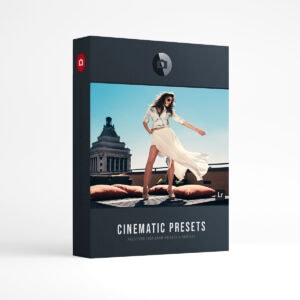
Lightroom Presets
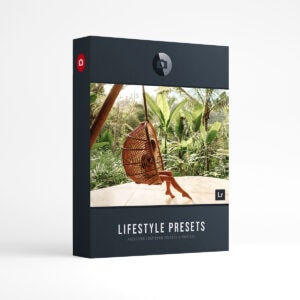
Lightroom Presets
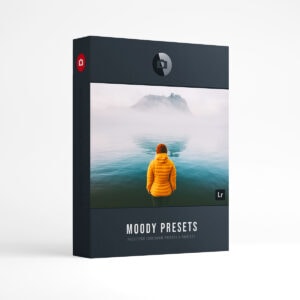
Lightroom Presets
The film names above are the brands and trademarks of their respective holders. None of the film producers listed endorse or sponsor this film emulation collection or any other content. The film producers are not affiliated with Presetpro.com and all trademarks and copyrights are the exclusive property of their respective owners. Adobe®, Photoshop®, Adobe® Lightroom® are either registered trademarks or trademarks of Adobe Systems Incorporated in the United States and/or other countries.