
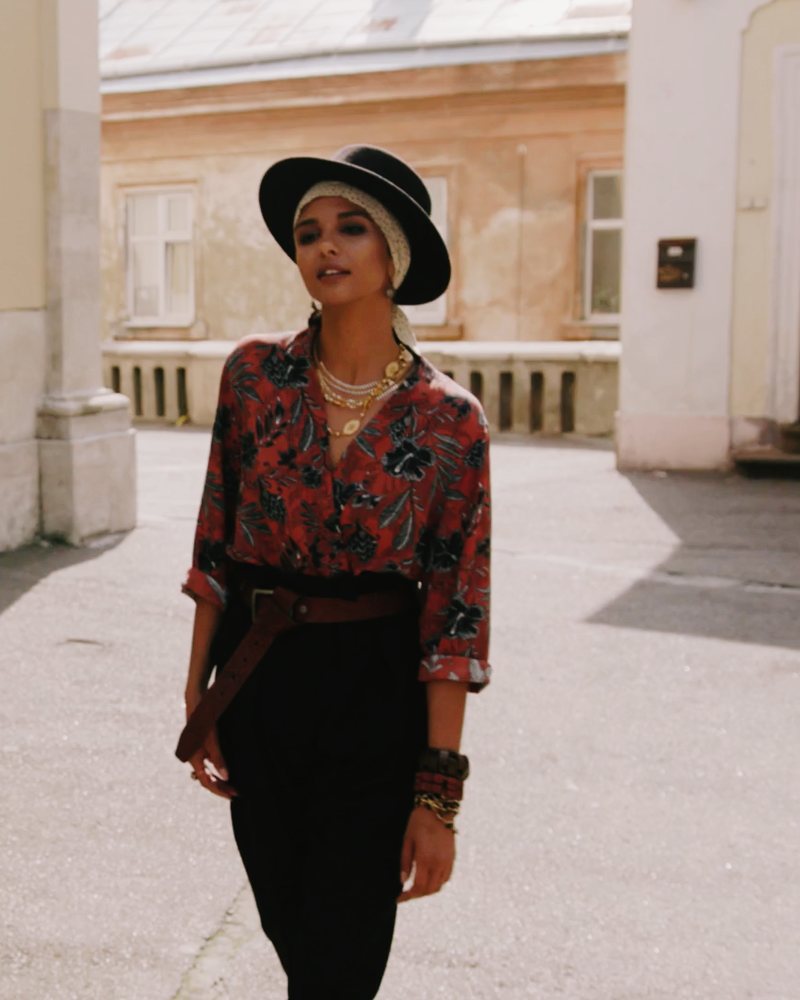
Free LUTs for Final Cut Pro
One shot. Four films.
Looks inspired by Kodak Portra 160, Portra 400, Portra 800 and Gold 200, right inside Final Cut Pro. One look from each film is free.
For Final Cut Pro on macOS 13 or later.
Browse Looks
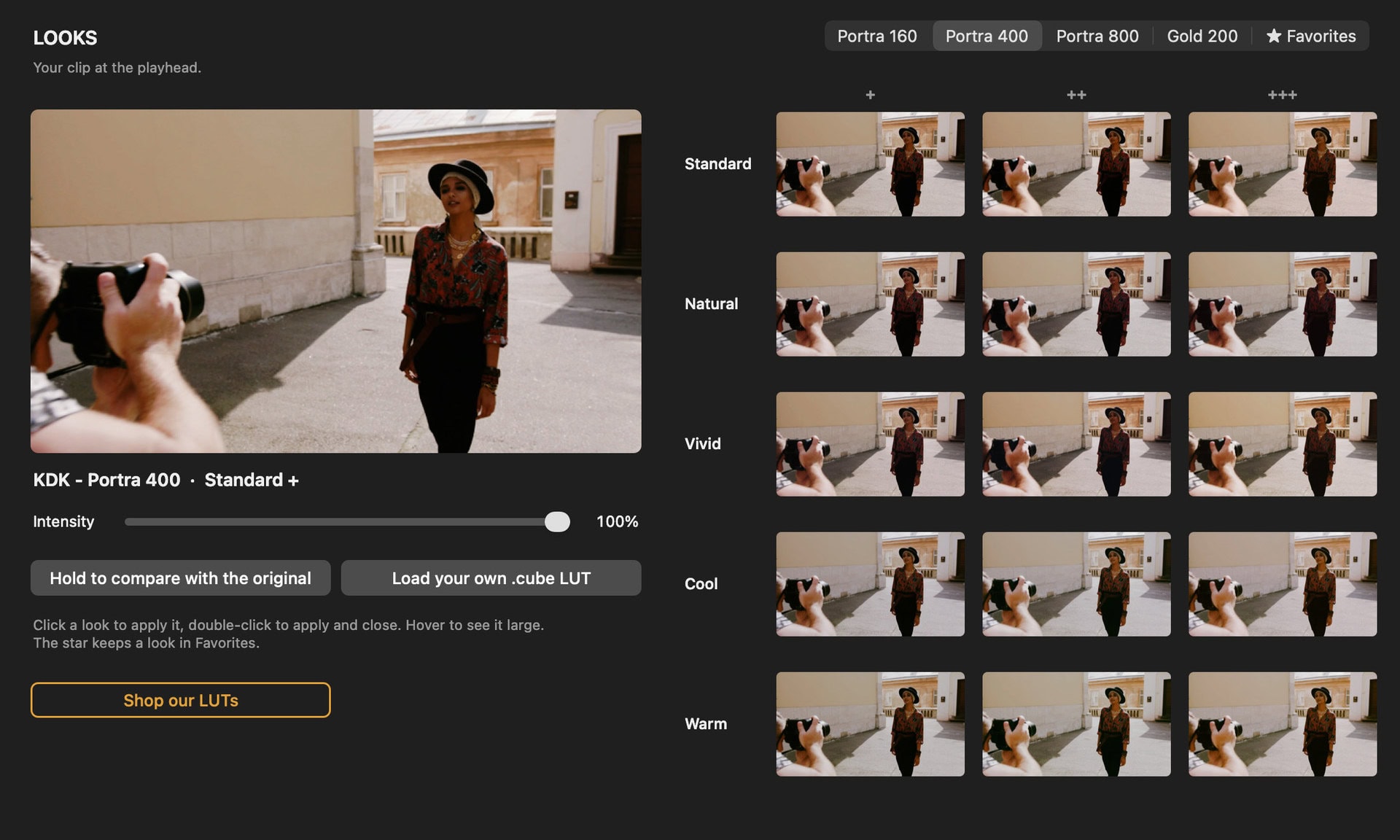
Every look, on your own clip.
Browse Looks shows each look on the frame at your playhead. Hover to see it large, then hold to compare with the original.
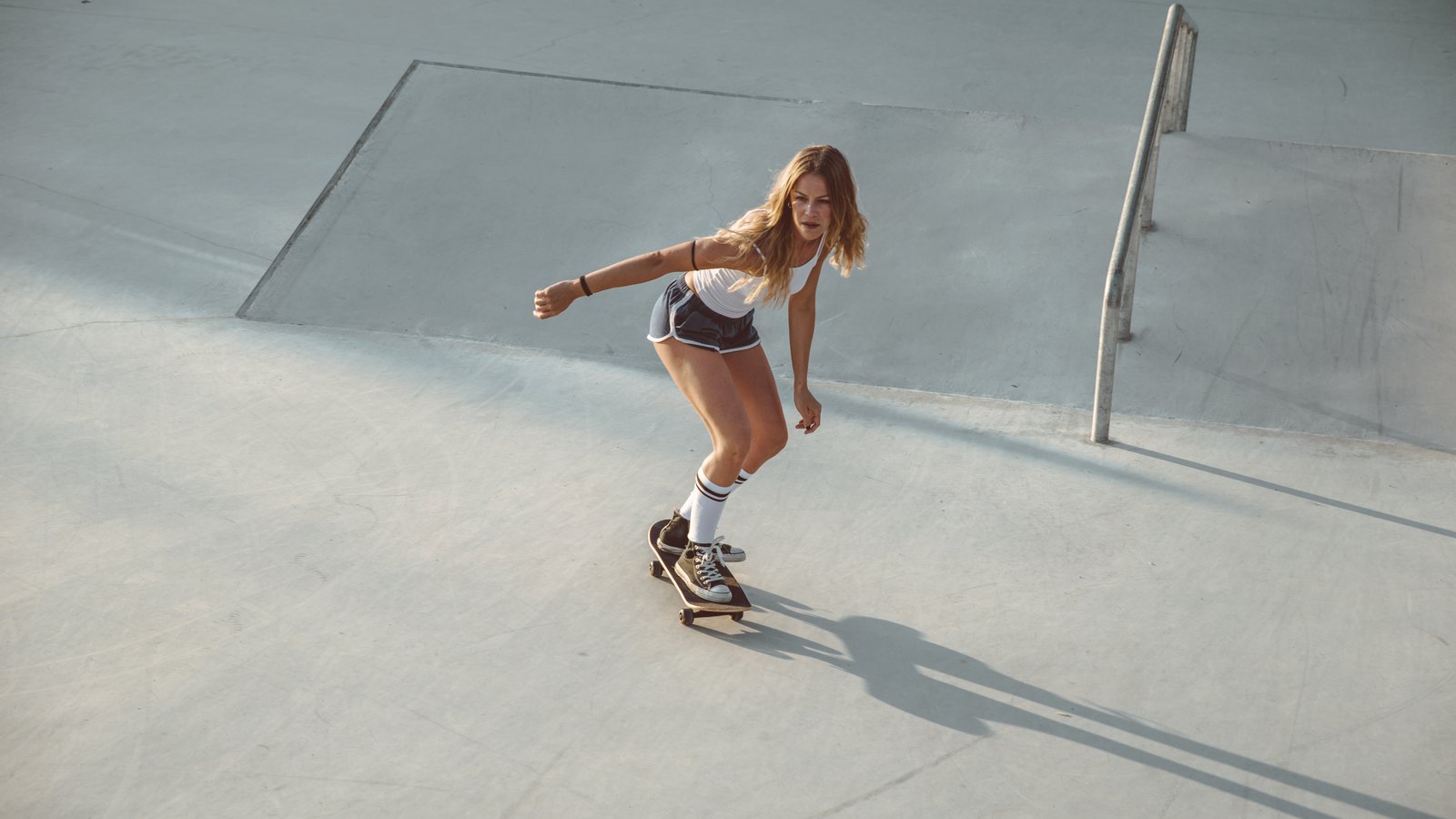
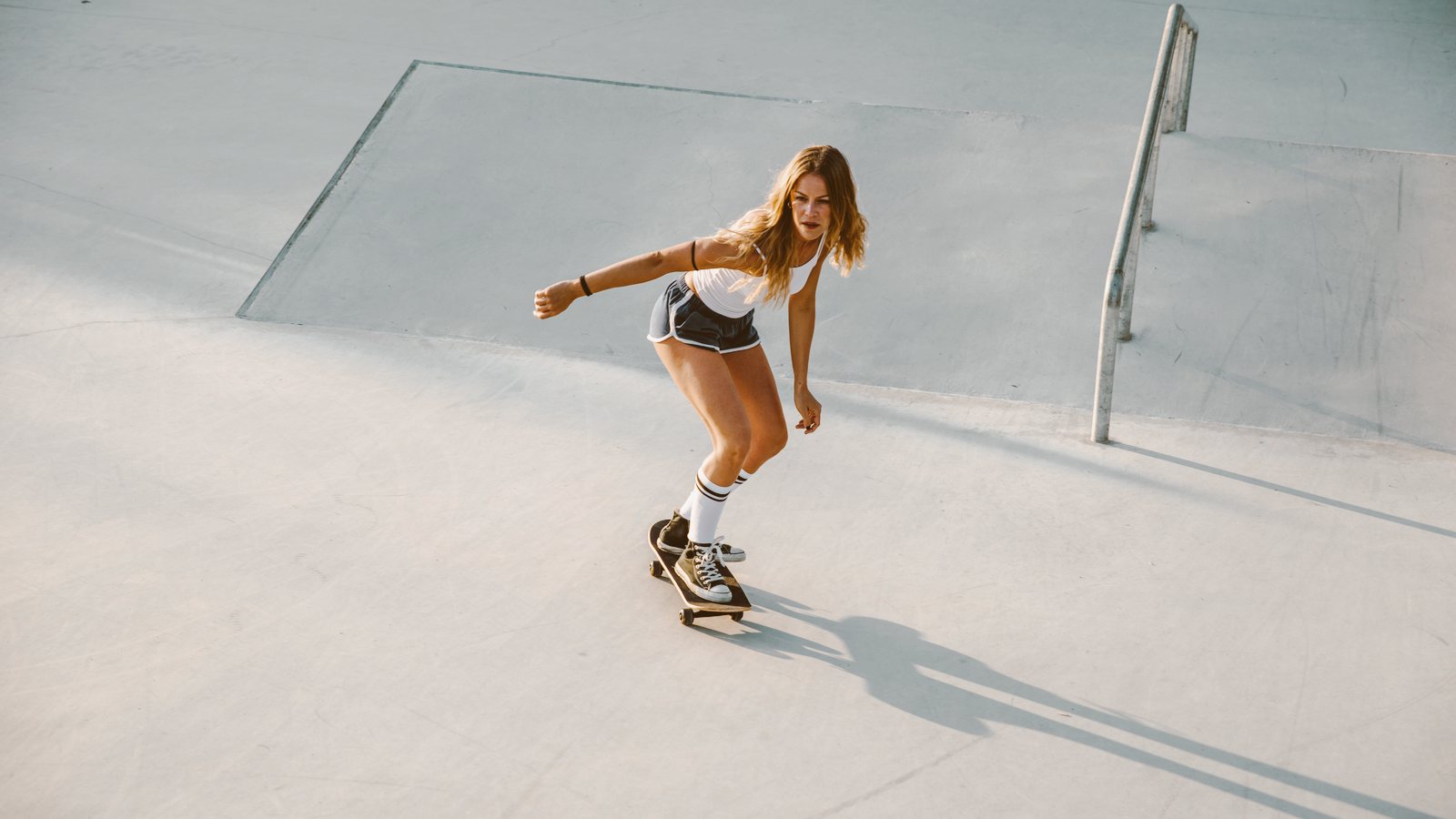
Before and after
Drag to compare.
Film packs
Fifteen looks for every film.
Standard, Natural, Vivid, Cool and Warm, each in three strengths. $29 per film.



Log footage
Shot in log? Pick your camera.
Set Camera to the format you shot and the look converts as you edit. Normal video stays on Rec.709.
- Sony S-Log3
- Canon C-Log3
- Panasonic V-Log
- Fujifilm F-Log2
- Apple Log
- DJI D-Log
- RED Log3G10
- ARRI LogC3
- Apple Log 2
Portra 800 Cool ++
The free download
Four looks. Free to keep.
The Standard + look of each film comes with the free effect.




- Portra 160 Standard +
- Portra 400 Standard +
- Portra 800 Standard +
- Gold 200 Standard +
Browse Looks
See every look on your own clip before you choose.
Log footage
Set Camera to your format and the look converts as you edit. Nine log formats, from S-Log3 to Apple Log 2.
Your own LUTs
Load any 3D .cube LUT. It is saved inside your project.
Finishing controls
Intensity, Levels, Contrast, Hue and Grain, right in the Inspector.
Made for Final Cut Pro
Find Presetpro LUT in the Effects browser, under Presetpro.
How to install
Three steps.
- 1
Quit Final Cut Pro, then open the installer and follow its steps.
- 2
Open Final Cut Pro. In the Effects browser, choose Presetpro and drag Presetpro LUT onto a clip.
- 3
Click Browse Looks in the Inspector and pick a look. Film packs install the same way.
Requires macOS 13 or later and Final Cut Pro.
Questions
Frequently Asked Questions
Is Presetpro LUT really free?
Yes. The effect and four looks, one from each film, are free to download and keep. Film packs add all 15 looks for one film and are sold separately.
Does it work with log footage?
Yes. Set Camera to the format you shot and the look is converted as you edit: Sony S-Log3, Canon C-Log3, Panasonic V-Log, Fujifilm F-Log2, Apple Log, DJI D-Log, RED Log3G10, ARRI LogC3 or Apple Log 2. For normal video, leave Camera on Rec.709.
How do film packs work?
Each pack comes with its own installer, which also installs the free effect. Quit Final Cut Pro, run it, and the 15 looks of that film appear in Browse Looks the next time you open Final Cut Pro. Clips that use the free look keep it.
Can I use my own LUTs?
Yes. Click Load your own .cube LUT in Browse Looks and choose any 3D .cube file. The LUT is saved inside your project.
Do you have LUTs for other apps?
Yes. Our .cube LUT collections work in Premiere Pro, DaVinci Resolve, Photoshop and more. See our Color Grading LUTs.
Start with four free looks.
For Final Cut Pro on macOS 13 or later.
Kodak, Portra and Kodak Gold are trademarks of Eastman Kodak Company. Final Cut Pro is a trademark of Apple Inc. Other product, camera and log format names are trademarks of their respective owners. Presetpro is not affiliated with or endorsed by Eastman Kodak Company or Apple Inc.