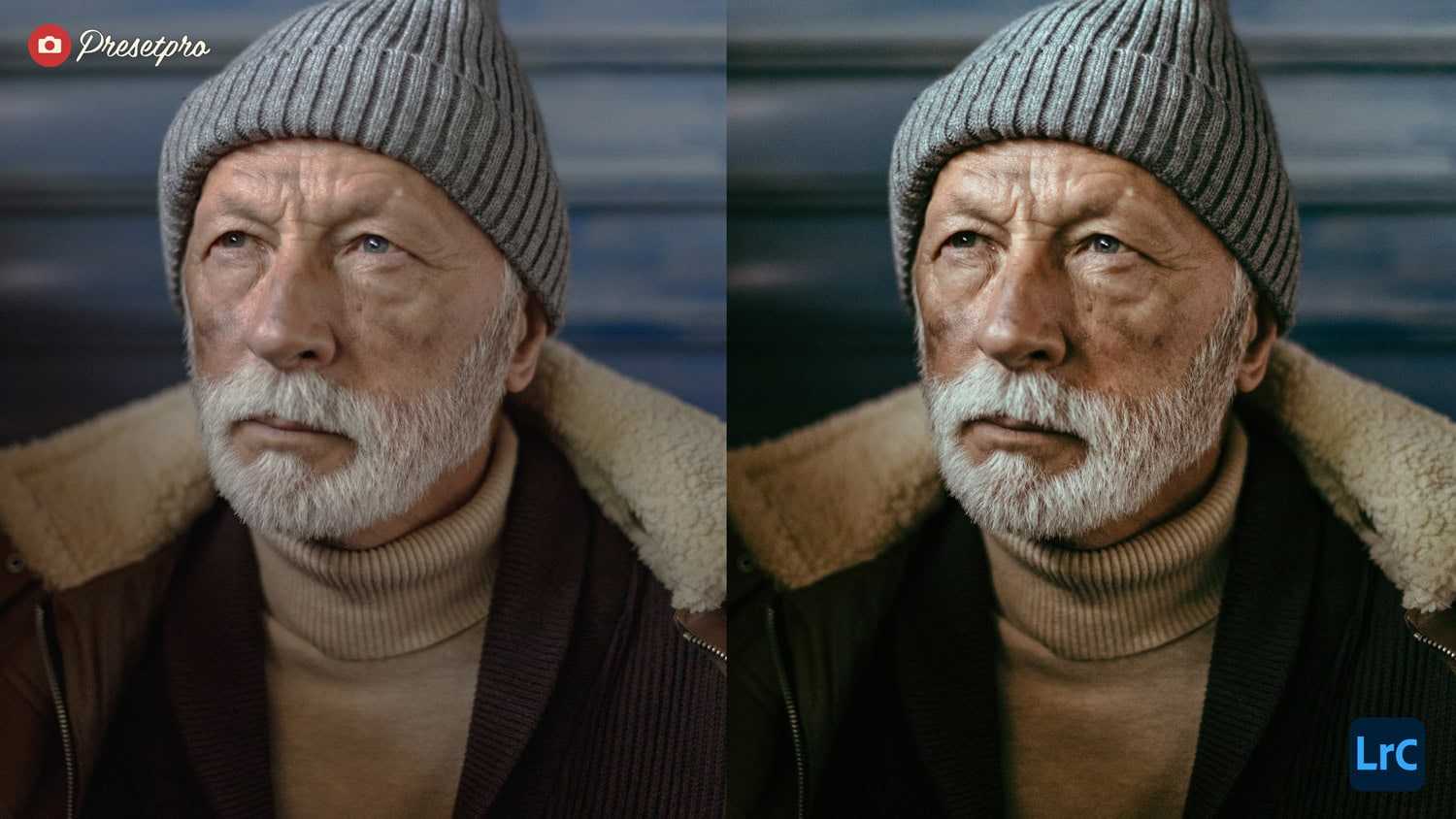
| Feature | Fuji Film Emulation | Standard Digital RAW |
|---|---|---|
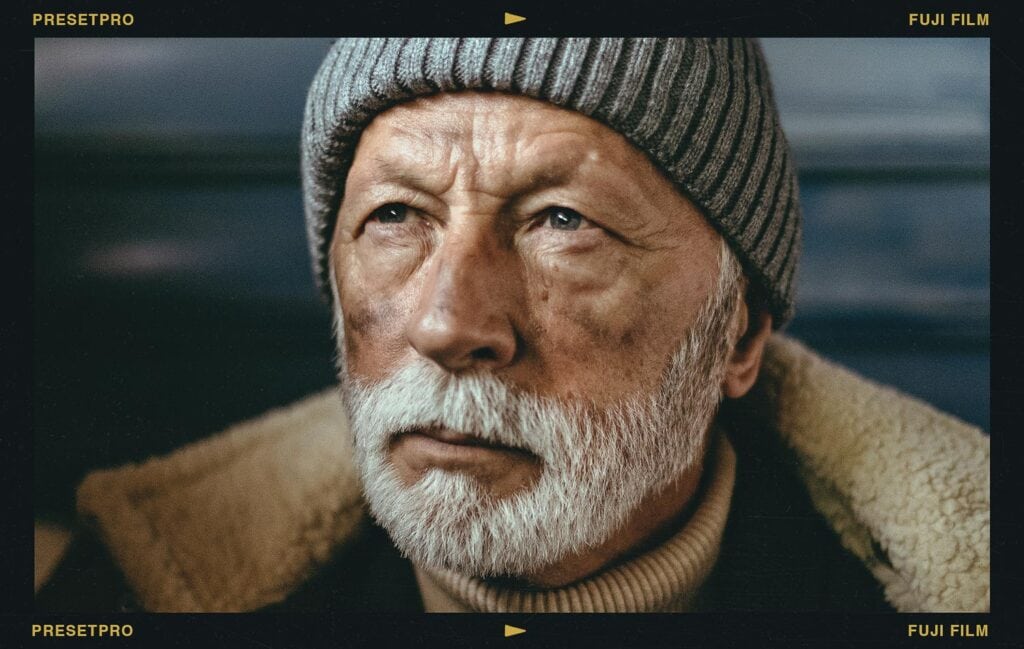
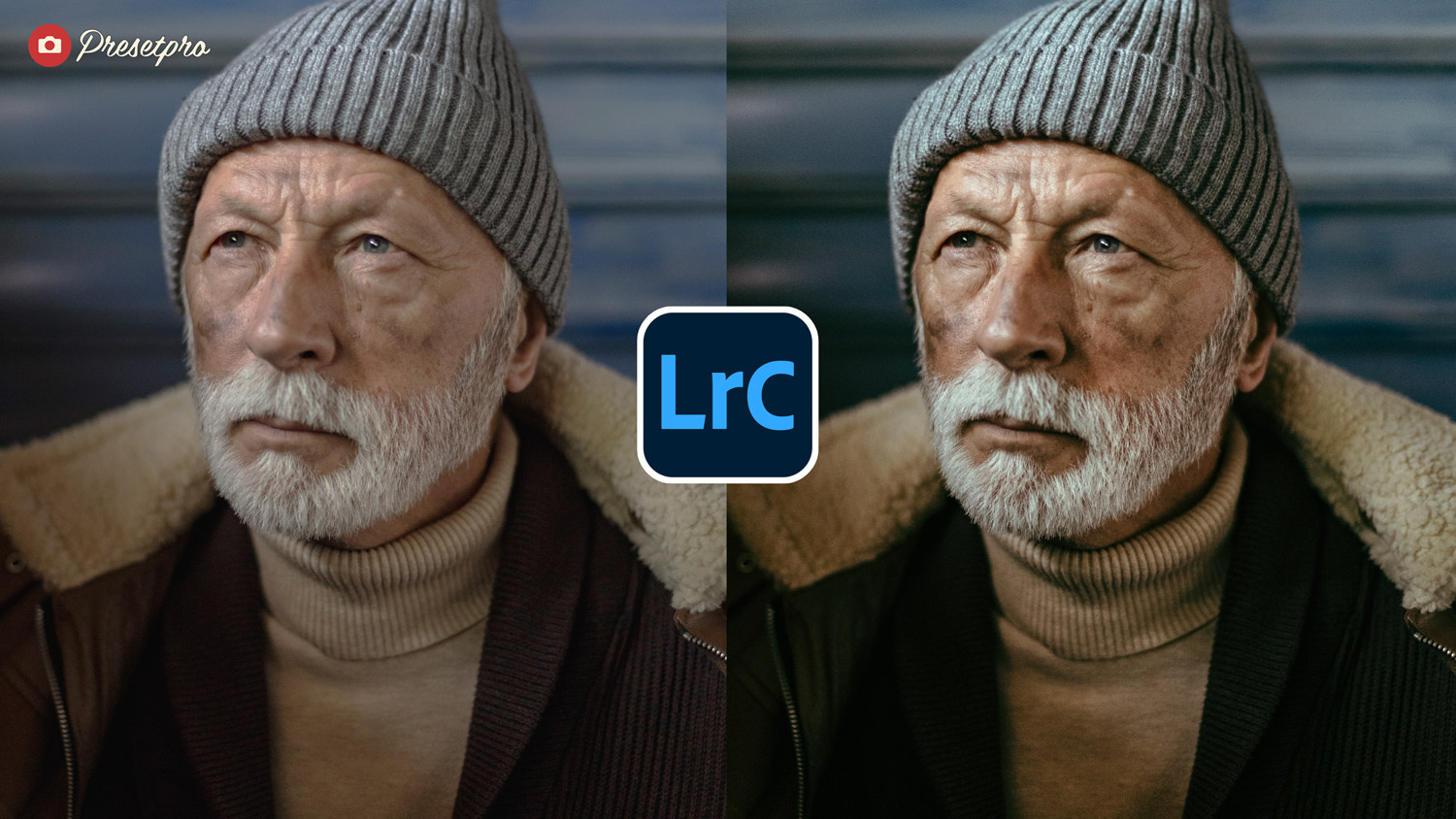
| Shadow Tone | Sophisticated teal/green cooling | Neutral or muddy blacks |
| Highlight Roll-off | Soft, organic compression | Harsh, linear digital clipping |
| Skin Tones | Luminous and flattering | Often oversaturated or yellow |
| Texture | Refined 35mm organic grain | Clinical, sterile digital noise |
Elevate your photography to a professional standard with a look inspired by classic Fuji Film stocks. Part of the premier Creative Flow collection at Presetpro.com, this featured emulation delivers the legendary color science and airy quality of 35mm Fujifilm straight to your digital workflow.
Introduction
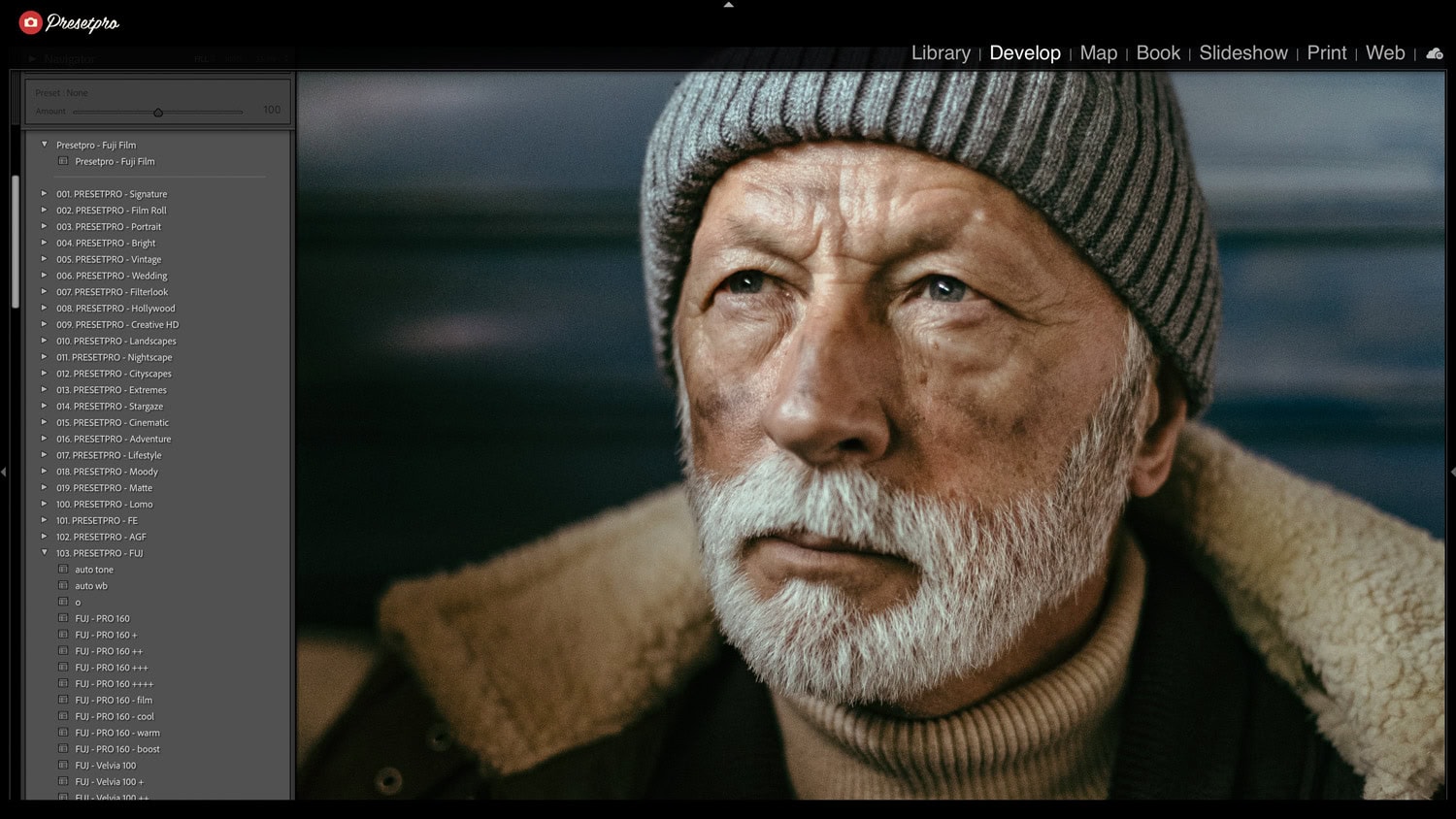
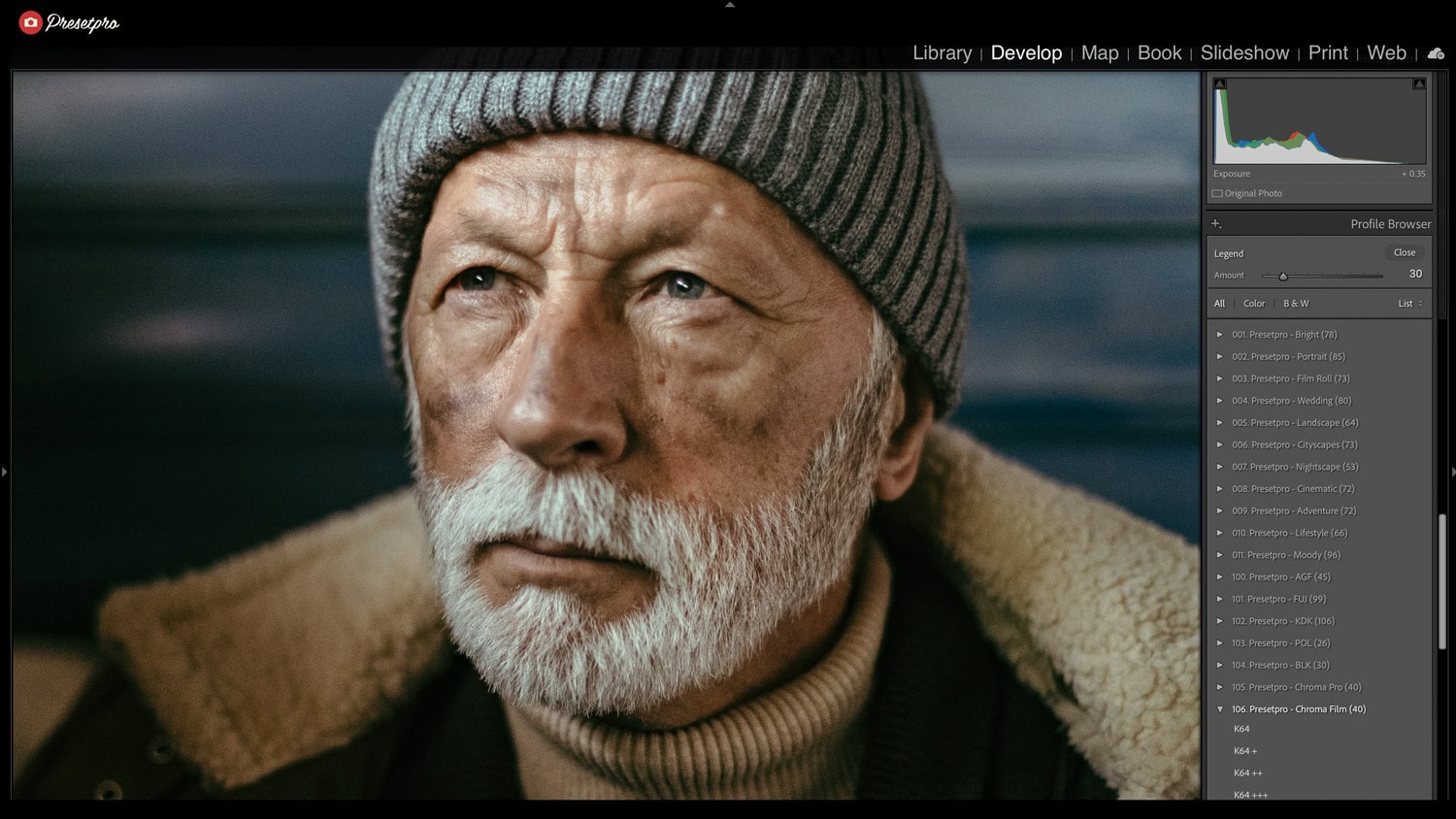
The Fuji Film Featured Preset is a professional-grade tool designed to breathe life into your digital images by channeling the soulful response of iconic Fujifilm color negative stocks. Unlike basic filters that merely sit on top of your photo, this preset works deep within Lightroom’s engine, optimizing camera calibration and tonal curves to replicate that famous Fuji “glow.”
While the Free Fuji Film Preset offers a beautiful entry point into this aesthetic, the Pro version within the Creative Flow provides a refined, editorial-ready finish that mimics the look of high-end lab scans from stocks like Pro 400H and 160S.
Master Your Edit with The Creative Flow
The Creative Flow is more than just a preset; it’s a comprehensive system for Adobe Lightroom. It allows you to layer professional film emulations with specialized brushes and profiles to achieve a bespoke, high-end look. Whether you’re capturing candid street moments or polished studio portraits, this system strips away digital harshness, replacing it with a cohesive, professional-grade look that feels authentic to film.
Fuji Film-Inspired Characteristics
Here is how this emulation refines your RAW files to achieve that timeless Fuji aesthetic:
- Luminous Skin Tones: Calibrates color channels to produce healthy, glowing complexions even under tricky artificial lighting.
Best For: Portraiture and Wedding Photography. - Cool Shadow Depth: Gently shifts shadows toward the sophisticated blue/green palette that defined the Fuji Pro series.
Style: Airy, editorial, and clean. - Soft Highlight Roll-off: Smooths out the brightest areas of your frame to prevent clipping.
- Organic Grain Structure: Adds a fine, tight grain pattern that provides the tactile feel of 35mm film without sacrificing sharpness.
Professional Film Emulation Details
The featured version of Fuji Film in the Creative Flow is engineered to provide the gravity and mood of authentic analog photography. By using advanced colour science, it helps your subject “pop” with a three-dimensional quality, avoiding the flat, sterile look common in modern sensors.
- Editorial Ready: Achieve a cohesive cinematic aesthetic in a single click.
Best For: Quick turnarounds on large client galleries. - Non-Destructive Workflow: Every setting remains fully adjustable to suit your specific exposure.
Style: Flexible and adaptable. - Multi-Platform: Fully compatible with Lightroom Classic, Lightroom CC, and Lightroom Mobile.
Conclusion
Our Fuji Film-inspired featured preset is an essential tool for photographers seeking the effortless elegance of professional analog film. By integrating this iconic look into The Creative Flow, Presetpro.com provides a seamless way to add depth, natural skin tones, and a cool, sophisticated mood to your work. Transform your digital files into a visual story today.
Key Takeaways
Feature
Details
Inspiration
Fujifilm Pro Series (400H, 160S)
Primary Palette
Minty greens, cool shadows, soft magentas
Best Used For
Natural light, lifestyle, and editorial portraits
FAQs
Q: Can I use this for portrait photography?
A: Absolutely. It is specifically calibrated for the natural skin-tone rendering for which Fujifilm is world-renowned, making it a favorite among wedding and fashion photographers.
Q: Does this work with all camera brands?
A: Yes. Whether you shoot Sony, Canon, Nikon, or even a digital Fuji camera, these presets remap the RAW data to achieve a consistent film-inspired result.
Q: Where can I download the presets?
A: You can find the free version at Freepresets.com or upgrade to the full professional collection at Presetpro.com.
Lightroom Presets
Lightroom Presets
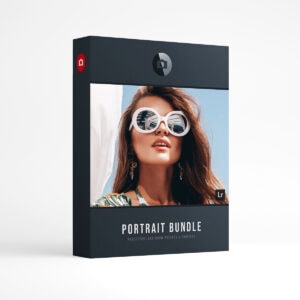
Lightroom Presets
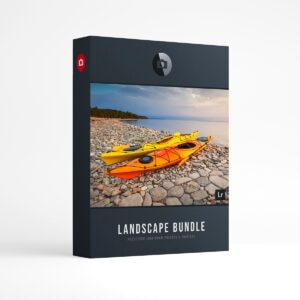
Lightroom Presets
Lightroom Presets
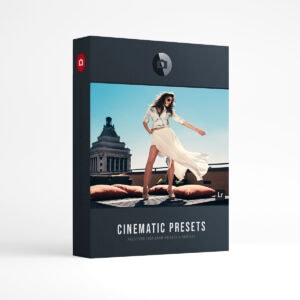
Lightroom Presets
Lightroom Presets
Lightroom Presets