
Shoot a roll of film and you get one look. That’s the deal you make before the first frame. The Creative Flow works the other way: every look Presetpro makes, in one collection, and you can mix any of them together. It’s not a bigger box of presets. It’s a different way of editing.
Last updated: July 2026
The Creative Flow | Quick Facts
| What it is | Presetpro’s complete preset and profile system for Lightroom |
| What’s inside | 1,200+ presets, 1,200+ profiles, 200 brushes, and 100 RAW brushes across 16 style collections, the full film emulation library, Lab Tools, and Signature |
| Price | $139, one-time purchase |
| Works with | Lightroom Classic and Lightroom CC, RAW and JPEG, Mac and PC |
The Creative Flow is Presetpro’s complete Lightroom system: every style collection, the full film stock emulation library, and the Lab Tools AI grain engine in one purchase. Any preset mixes with any profile, so you’re never locked into one fixed look.
The Creative Flow | Presetpro.com
How the Creative Flow Works
A profile can carry a photo all by itself. Drop one on a RAW file and you’ve already got a look. Stylize whenever you’re ready with the workflow presets built into each collection, the brushes, or a finishing pass in Lab Tools.
Or flip it around. Pick a preset you love, then slide a Chroma profile underneath it. Chroma only comes with the Creative Flow and the Film Emulation collection, and it adds a moody, filmic base under whatever’s on top. And it’s fully adjustable, so the vibe is yours to dial.
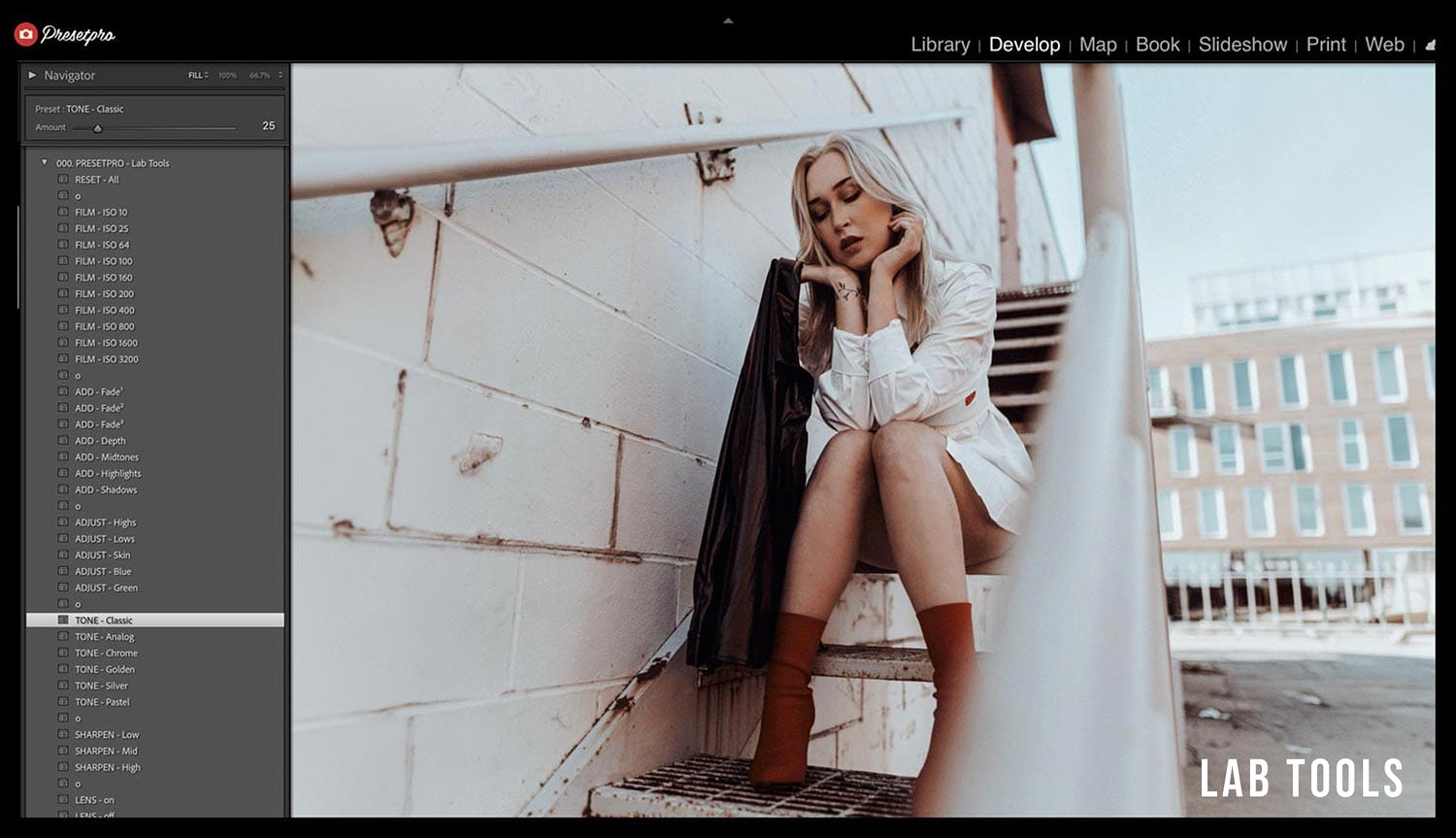
When the color’s where you want it, Lab Tools finishes the job. It melts away that harsh digital sharpness and gives your highlights the soft, gradual rolloff of real film. A bright window fades instead of clipping. It’s the difference between a photo that looks edited and one that looks shot on film.
Profile first, preset first, film stock first. There’s no wrong way in, and the combinations are practically unlimited. You choose your own path. Your own creative flow.
What You Only Get in the Creative Flow
Lab Tools: Grain That Actually Behaves Like Film
I built Lab Tools because every grain preset I tried did the same thing no matter what ISO it claimed to be. That’s backward. ISO 100 and ISO 3200 barely look like the same medium, and getting that right meant modeling the whole ramp, not pasting one texture over everything.
Signature: The Lightest Touch
Chroma: Mix Any Preset With Any Profile
The Creative Flow takes those same Chroma profiles and lets them loose on everything else: Moody with one Chroma profile underneath, Wedding with a completely different one. That’s the part nobody else sells. It’s not the profiles. It’s how far they reach.
The Style Collections
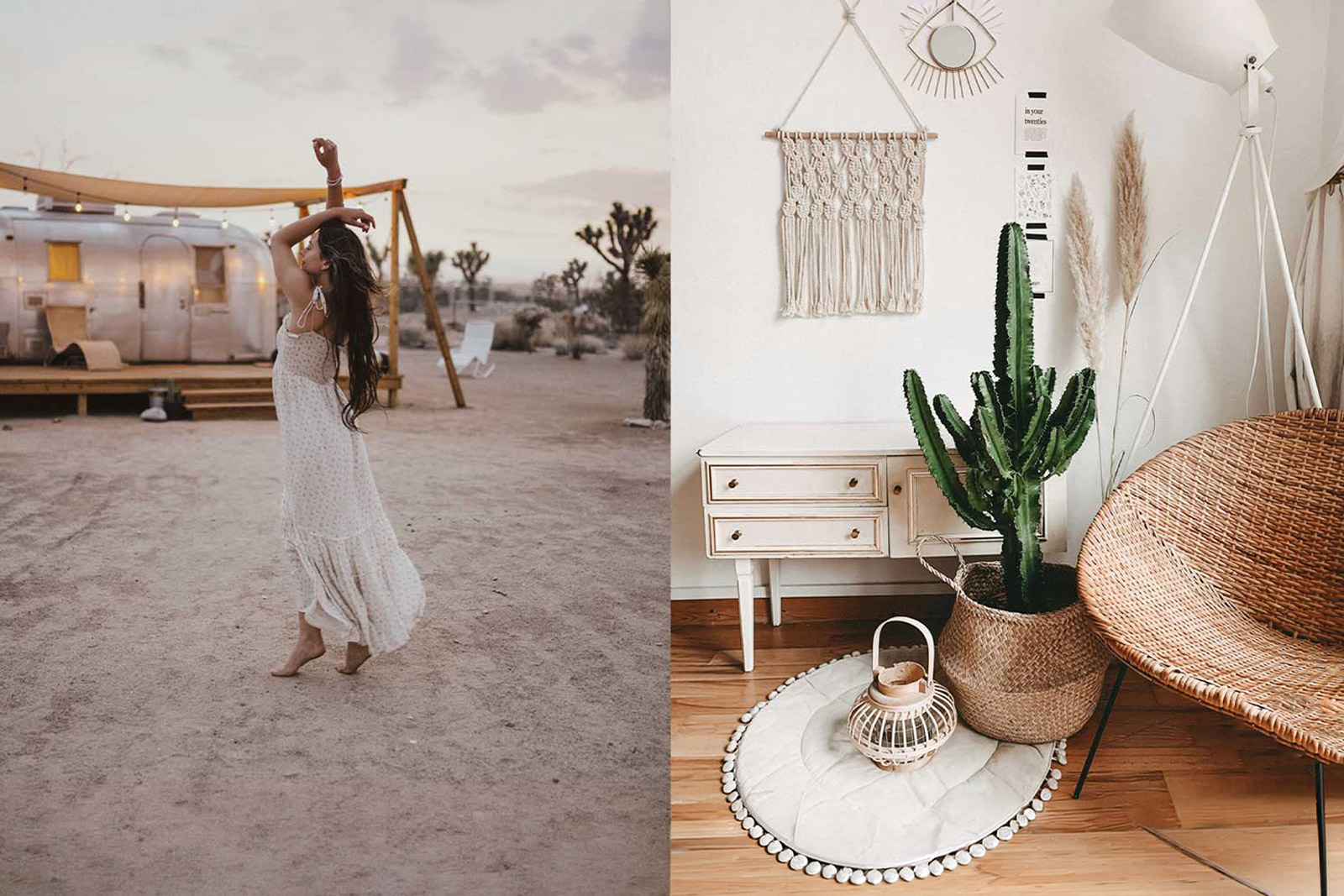
Life & People
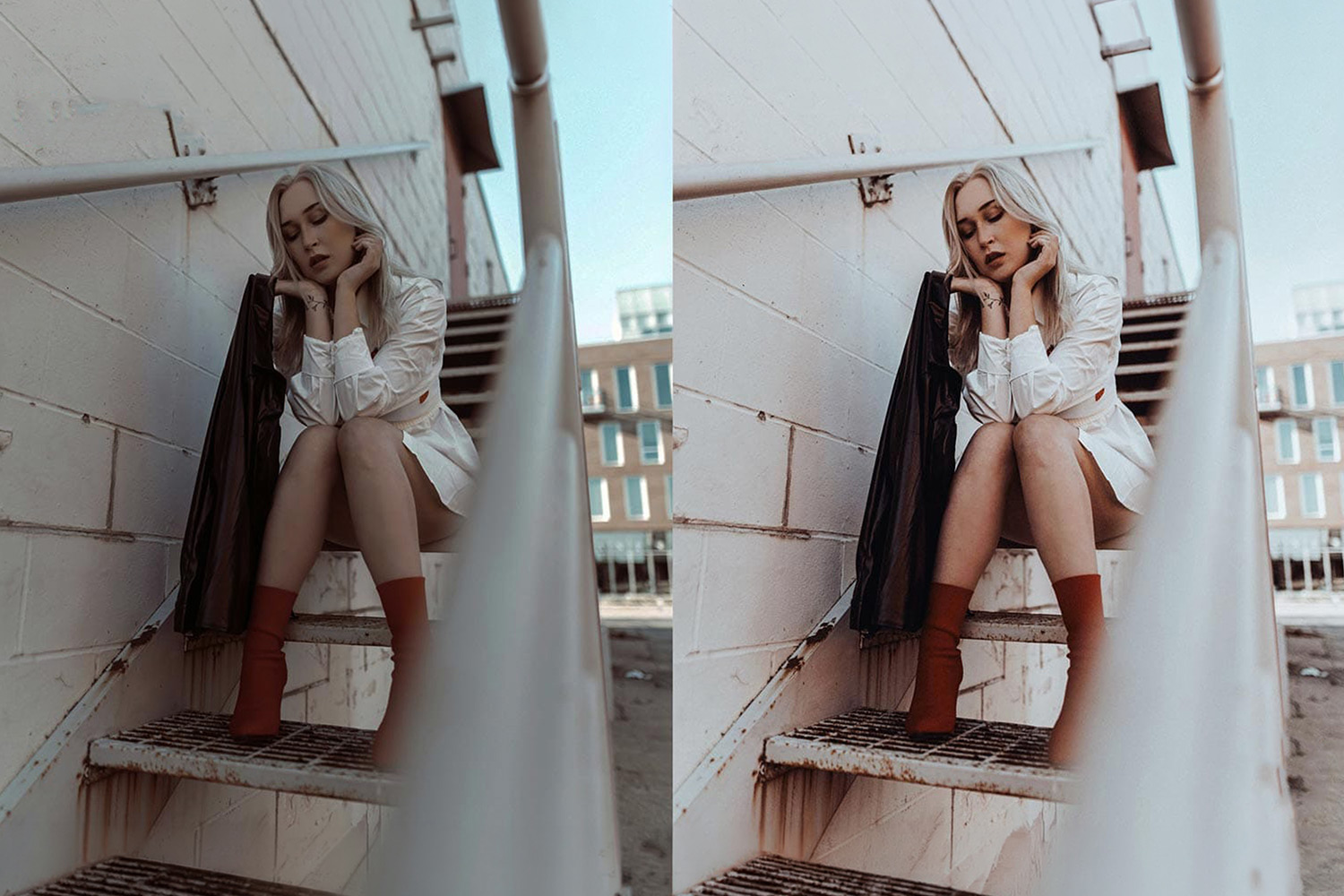
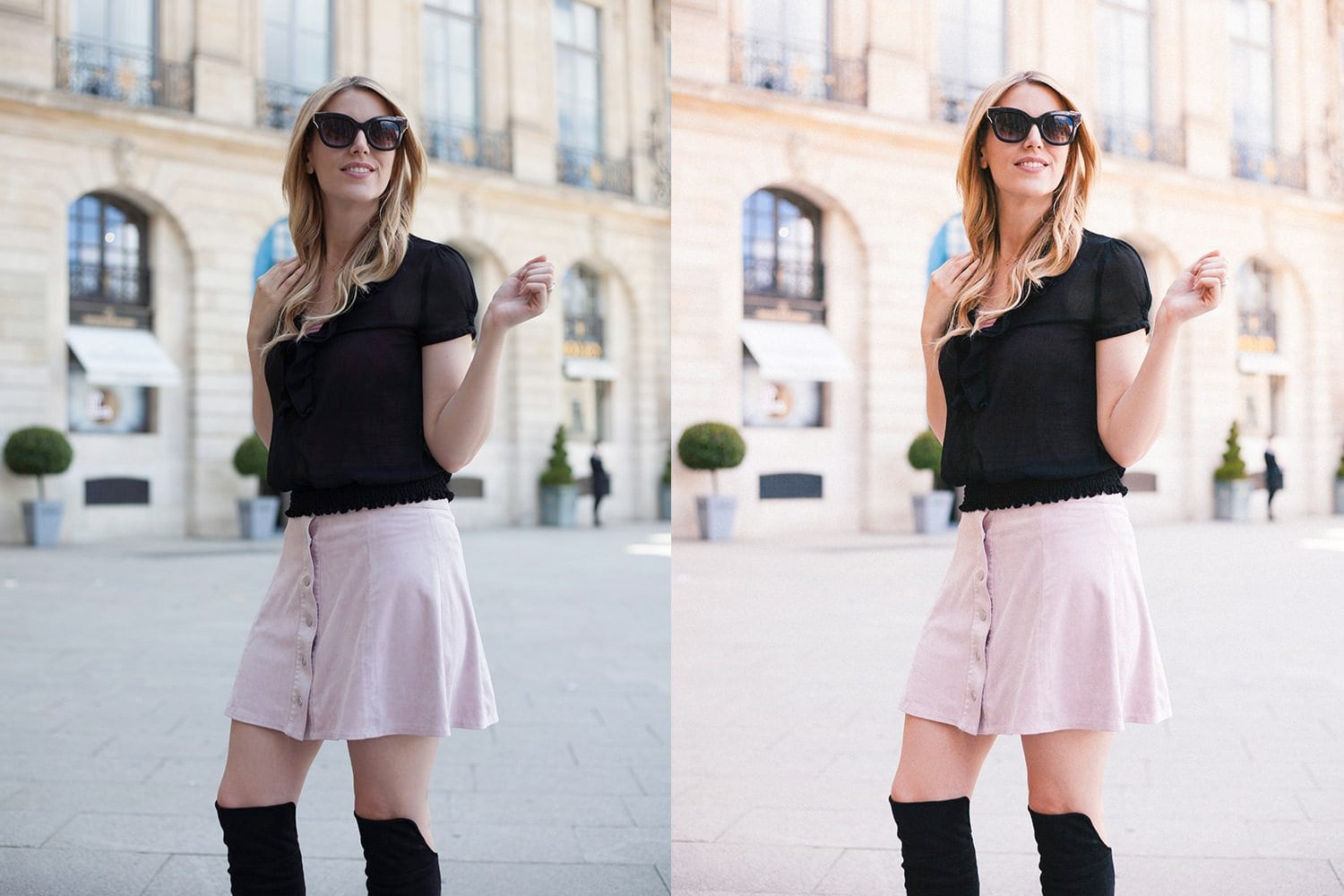
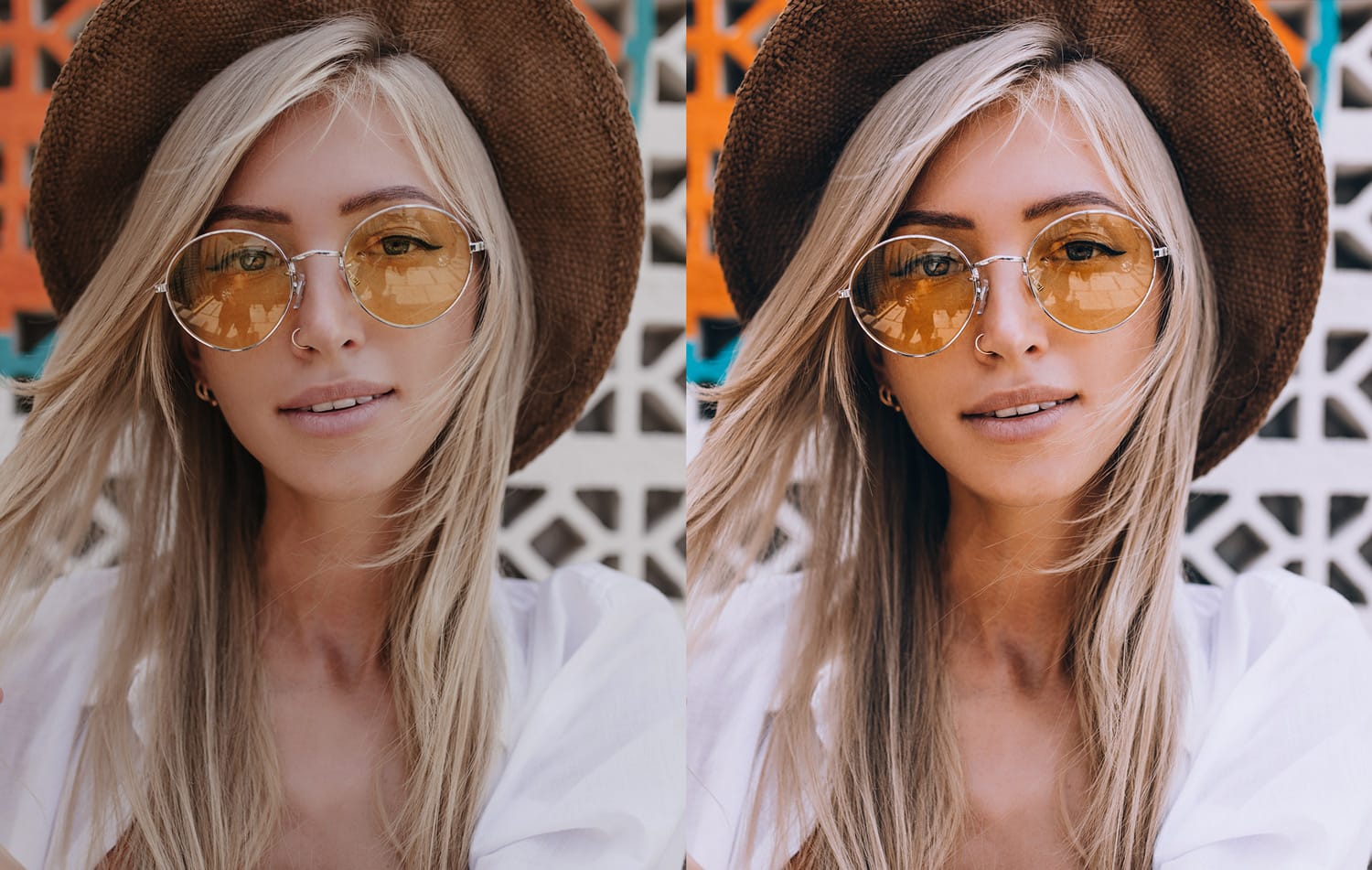
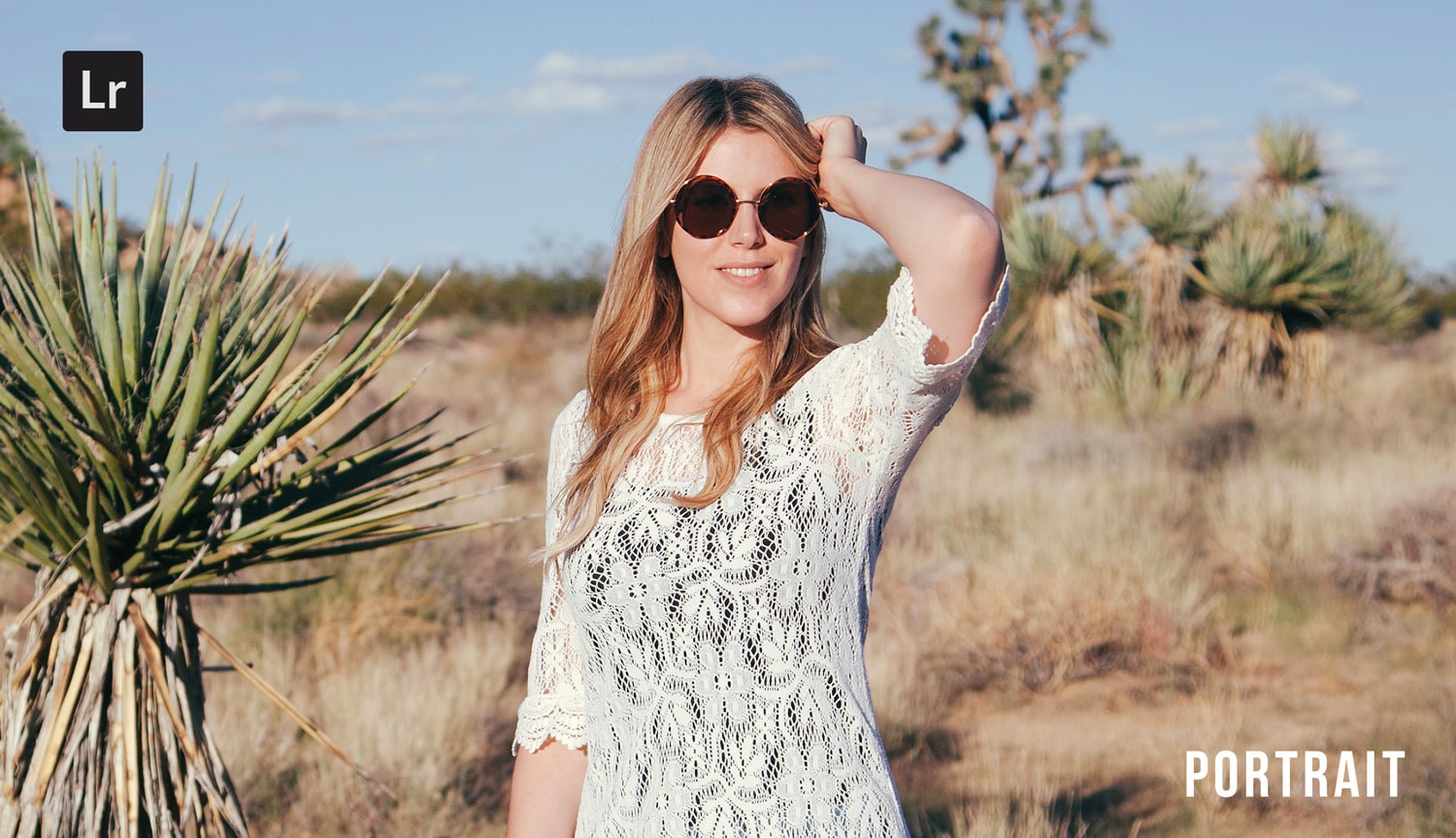
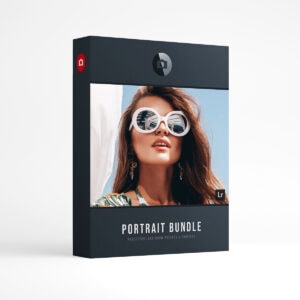
- Portrait: Soft skin tones and gentle warmth that keeps the focus on the person. Made for sessions where the face is the whole story.
- Wedding: The look for the day that can’t be reshot. Forgiving skin tones that hold up from getting-ready light to the reception.
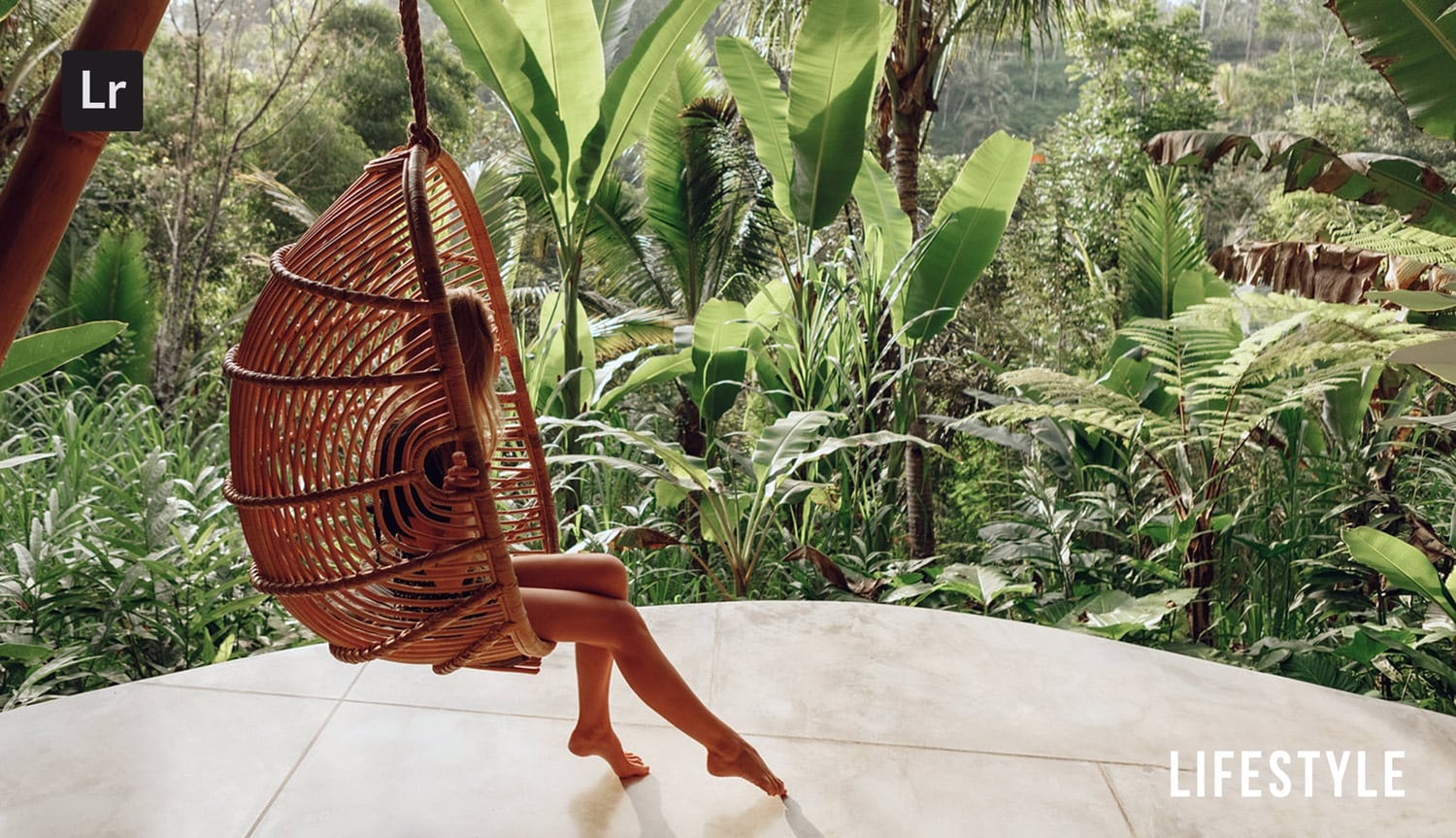
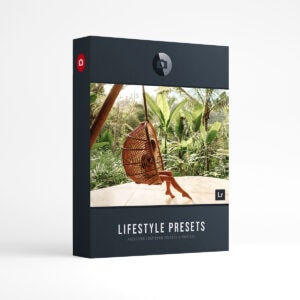
- Lifestyle: Candid, unposed warmth for the in-between moments. Nothing about it looks staged.
- Bright: Airy, light, a little overexposed on purpose. For photos that should feel like a window with the curtains open.
Place & Light
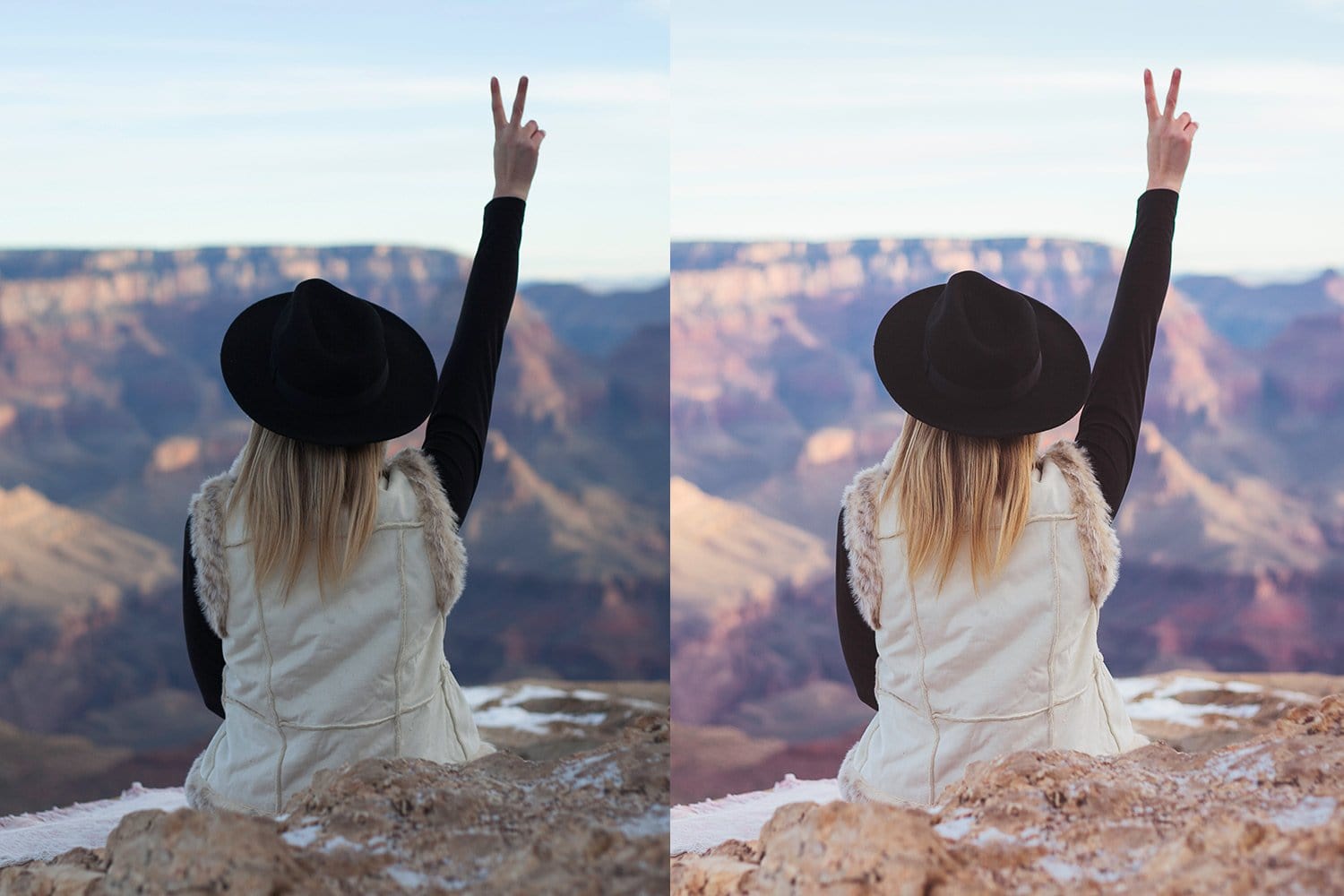
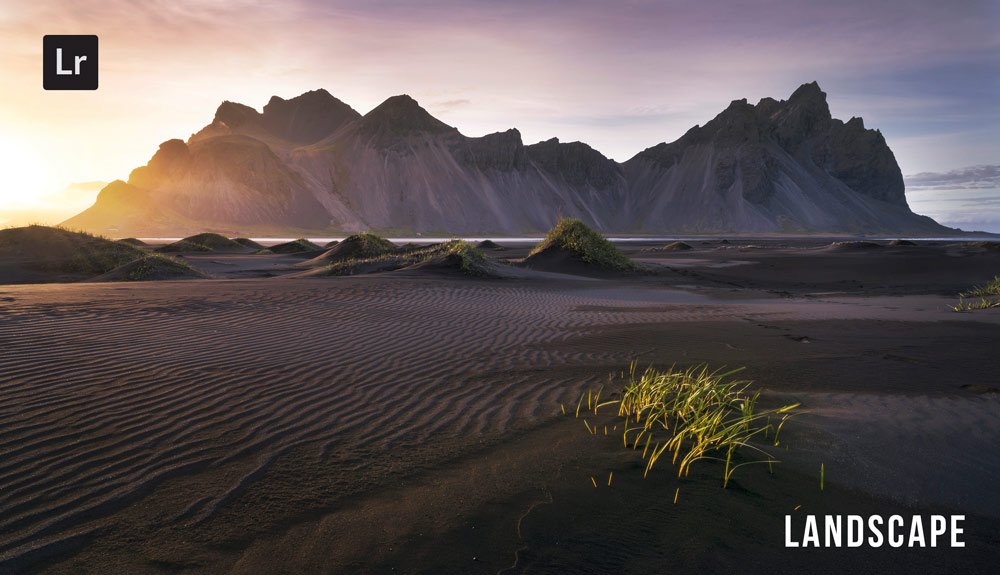
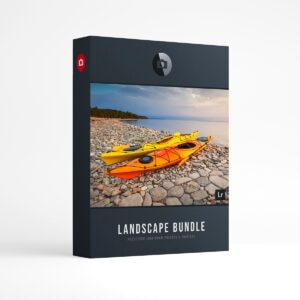
- Landscape: Big skies and rich color that stays true to the moment you were standing in.
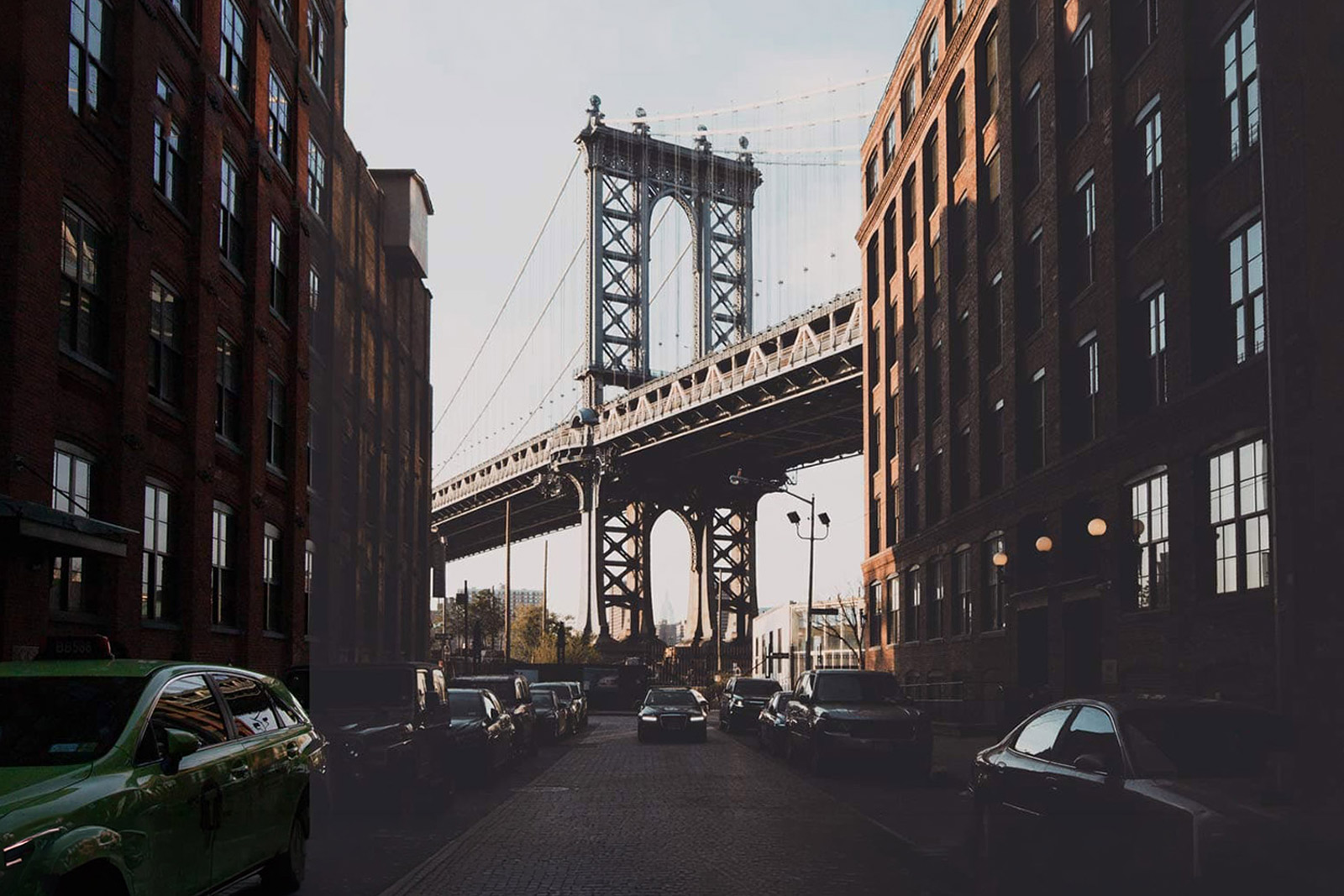
- Cityscape: Concrete, neon, and a little grit. Made for streets that look real, not pretty.
- Nightscape: For the hours after sunset: window glow, streetlights, and the colors a city only shows at night.
- Adventure: Rugged and a little sun-bleached, for trips with real dirt under the fingernails.
- Extreme: For high-contrast light: glaciers, desert glare, the scenes that blow out a normal exposure.
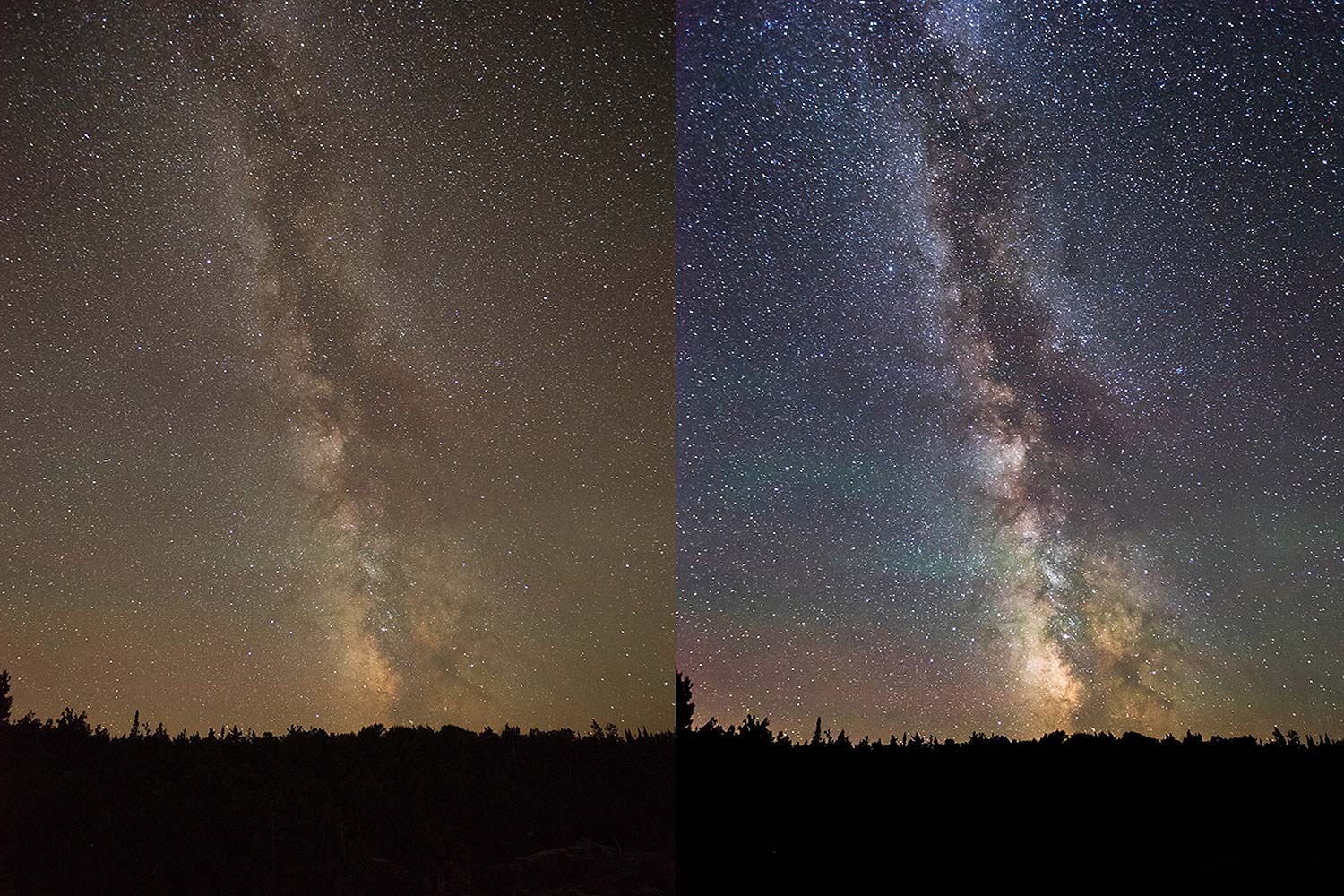
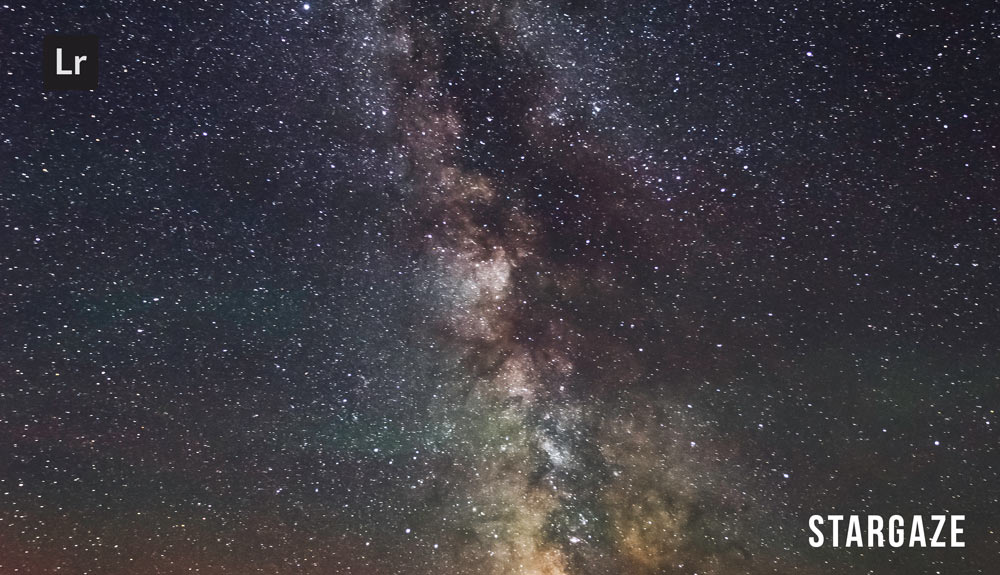
- Stargazer: Deep blacks and a Milky Way that actually shows up, without the color noise night-sky edits usually fight.
Mood & Story
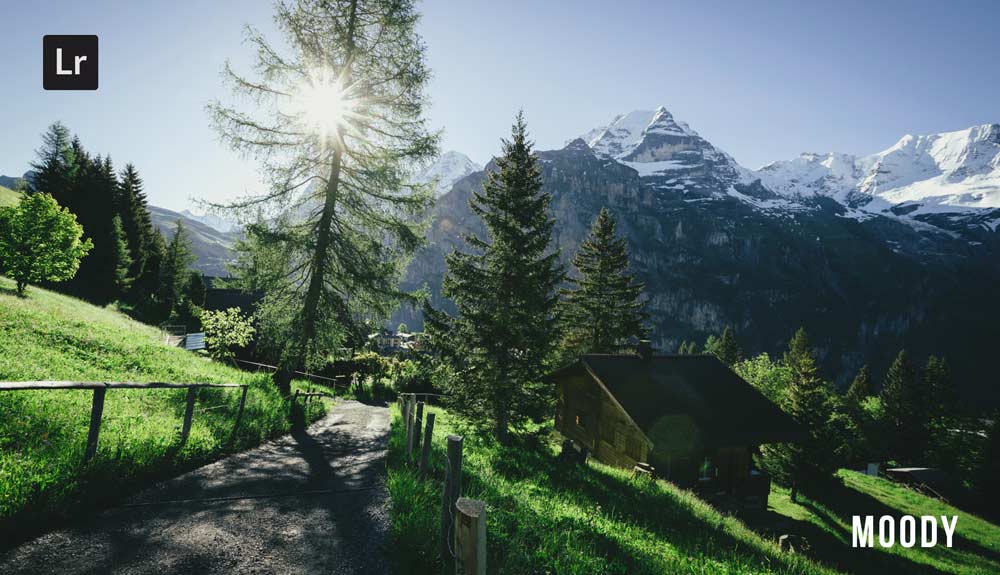
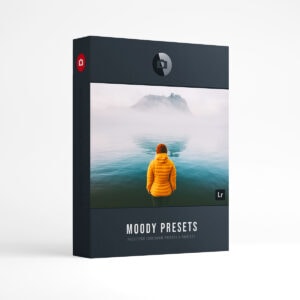
- Moody: Deep shadows and a color palette that feels like weather. Presetpro’s biggest collection, and the one people ask for by name.
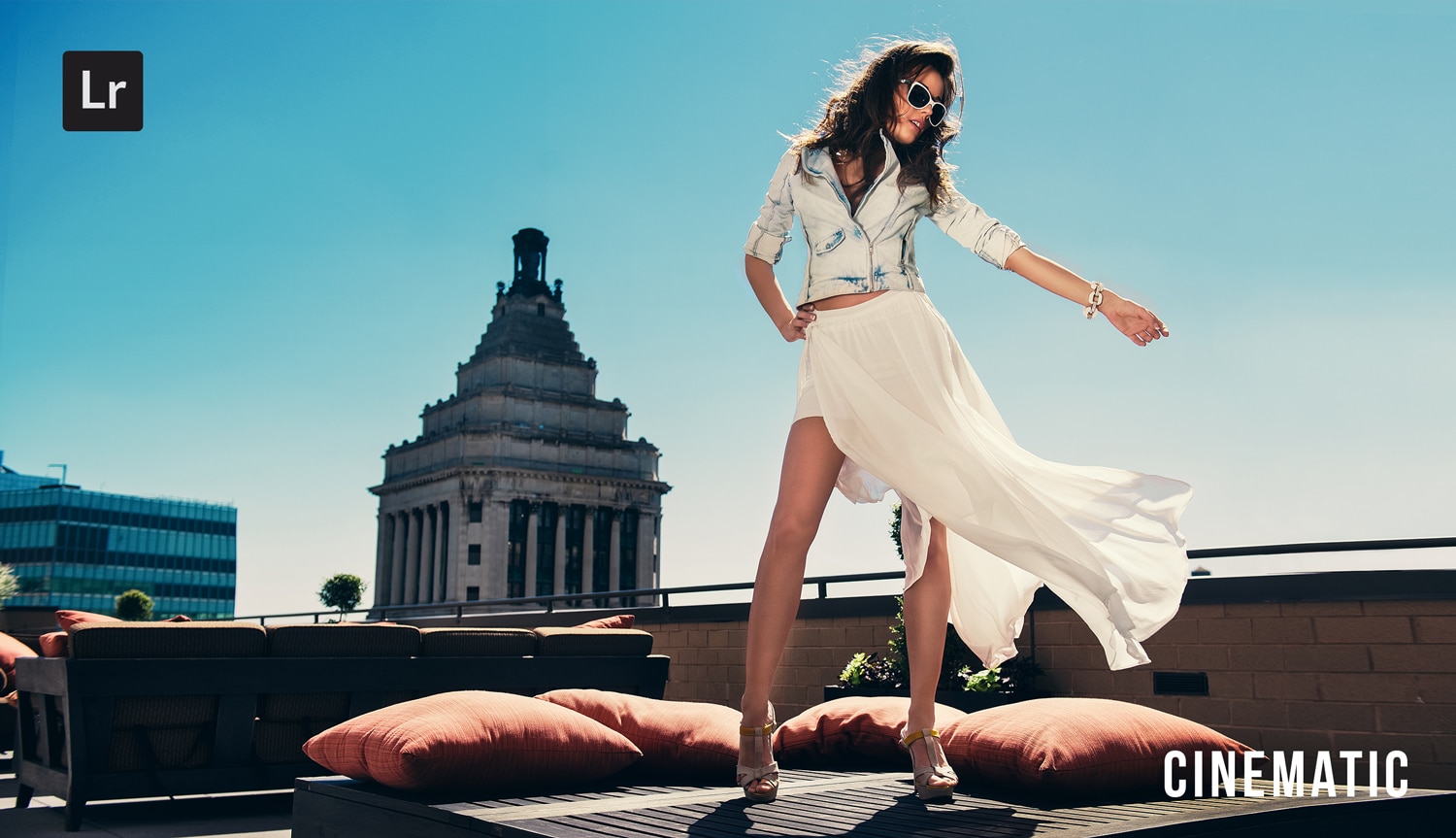
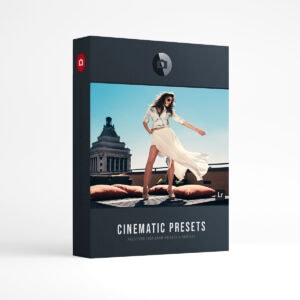
- Cinematic: A color grade, not a filter. Restrained, teal-leaning contrast that makes a still frame feel like a movie.
- Hollywood: Studio glamour for shots that look like they had a lighting team, even when they didn’t.
- Vintage: Faded blacks and a little color drift, like a photo that spent thirty years in a shoebox.
- Film Roll: The all-purpose analog look. No single stock, just the honest feel of film.
- Matte: Lifted blacks and soft contrast, the modern desaturated look that became its own genre.
The Film Stock Library
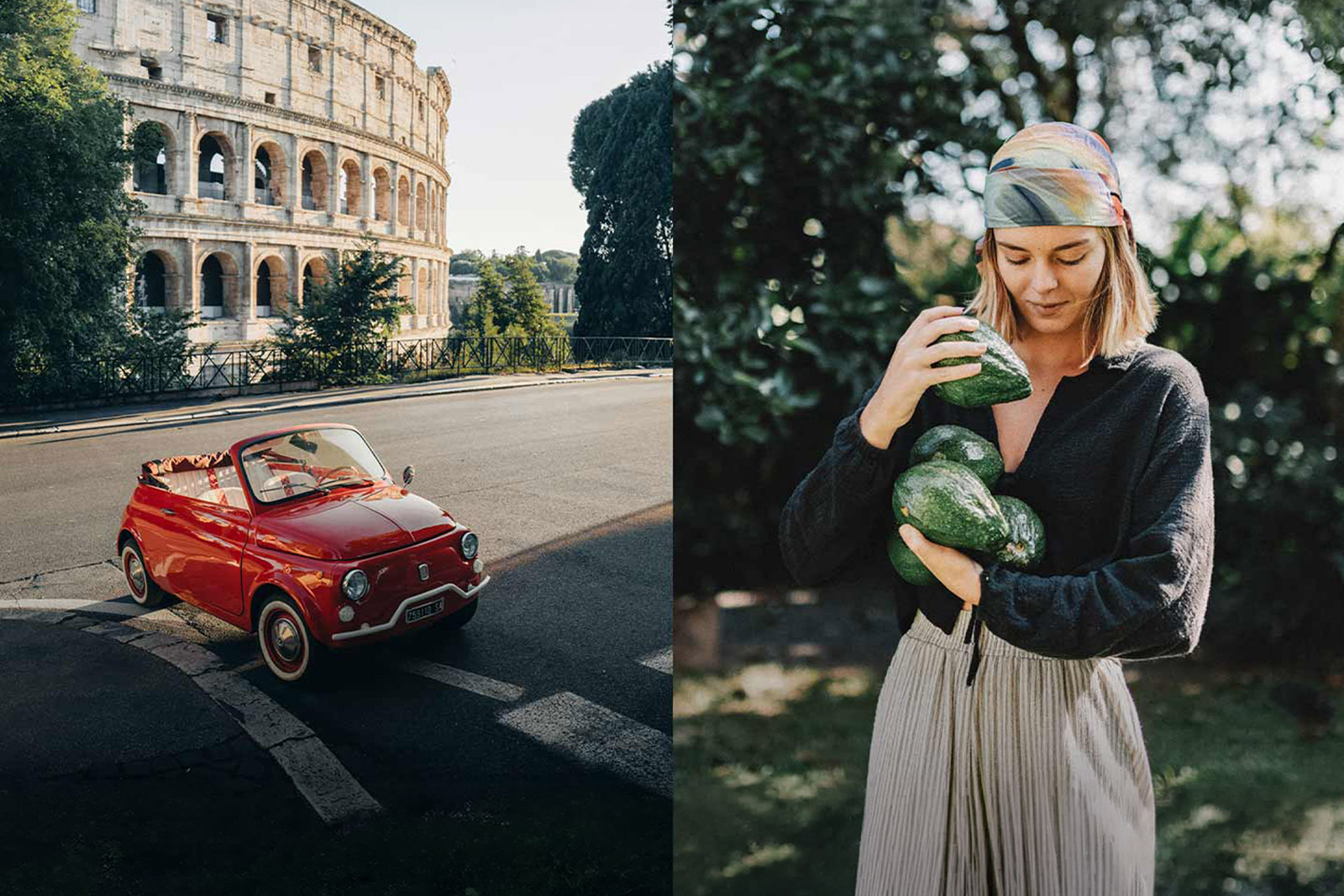
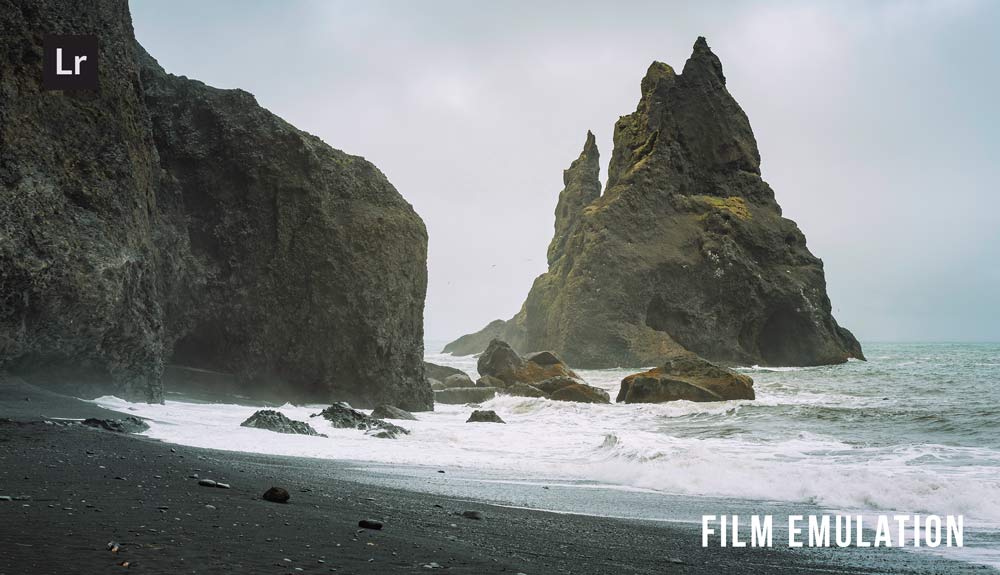
Kodak. Portra 160 is the one portrait and wedding photographers reach for first: low contrast and the natural skin tones Portra built its reputation on. Kodachrome 64 goes after the punchy reds and honest color that made it a legend before Kodak retired it in 2009. Ektachrome 64 has the cooler slide-film character Kodak brought back in 2018 after photographers wouldn’t let it go.
Fuji. Pro 160 & Velvia puts a gentle portrait stock and Velvia’s famously saturated landscape color in one pack. Superia & Astia leans softer: everyday color on one side, muted portrait tones on the other.
Agfa. Optima & Ultra has a color character Kodak and Fuji just don’t. You’ll see the difference the moment you apply it.
Polaroid and black and white round out the library. The Film Emulation collection has every stock above, plus Polaroid’s instant-film color and a full black-and-white set, in one $89 purchase.
Every stock is also sold on its own starting at $12.99 if you already know the one you want. The Creative Flow includes everything here, plus the freedom to run Chroma with all 16 style collections above, not just the film stocks.
Get the Creative Flow
Key Takeaways
Feature
Details
What it is
Presetpro’s complete Lightroom preset and profile system, all 16 collections in one purchase
The system
Profiles carry the look, presets shape it, Chroma mixes them, Lab Tools adds the film finish
Exclusives
Lab Tools and Signature (Creative Flow only), Chroma (Creative Flow and Film Emulation)
Price
$139 one-time purchase, instant download
FAQs
Q: What’s the difference between the Creative Flow and buying one collection?
A: A single collection gives you one look. The Creative Flow gives you all 16 style collections, the full film stock library, and Lab Tools plus Signature, which exist nowhere else. It also lets you run Chroma with all 16 collections, not just the film stocks it ships with in the Film Emulation pack.
Q: Is the Creative Flow available for Capture One?
A: No. The Creative Flow is built just for Lightroom. If you shoot in Capture One, Presetpro’s separate Capture One Complete Collection ($99, around 980 presets and styles) covers a similar range, built just for Capture One.
Q: Can I really mix any preset with any profile?
A: Yes. That’s the whole point of Chroma. Apply a preset for the mood, then swap in any profile underneath for the color. Nothing is fixed.
Q: Does it work with RAW and JPEG files?
A: Both. The collection is built for RAW first, which is where the profiles and Lab Tools have the most room to work, but every preset works on JPEGs too. Mac and PC are both supported.
Q: How do I install the Creative Flow?
A: Download is instant after purchase, and there’s a step-by-step installation guide that covers the whole collection, including presets, profiles, and brushes. Most people are up and running in about ten minutes.
Q: What’s new in the latest version?
A: Lab Tools, the AI grain and ISO system, shipped in May 2026, with the Chroma profile series close behind it. If you bought the Creative Flow before then, both are worth a fresh look.
Film stock names mentioned above, including Kodak, Kodachrome, Portra, Ektachrome, Fujifilm, Velvia, Agfa, and Polaroid, are trademarks of their respective owners and are used here to describe the look each preset is built to emulate. Presetpro is not affiliated with or endorsed by any film manufacturer. Adobe, Lightroom, and Photoshop are trademarks of Adobe Inc. Capture One is a trademark of Capture One A/S.
Lightroom Presets
Lightroom Presets
Lightroom Presets
Lightroom Presets
Lightroom Presets
Lightroom Presets
Lightroom Presets
Lightroom Presets