
How to Install Photoshop Actions: The 2026 Ultimate Guide
Photoshop Actions are a powerful sequence of recorded tasks that allow you to automate complex editing workflows with a single click. By using .atn files, you can apply professional color grading, retouching, and resizing operations instantly, ensuring consistency across your entire portfolio. In this guide, we’ll show you the definitive method to install and manage your actions in the 2026 version of Adobe Photoshop.
Quick Reference: Photoshop Action Basics
| Feature | Technical Specification |
|---|---|
| File Extension | .atn (Adobe Action File) |
| Primary Location | Window > Actions Panel (Alt + F9) |
| Best For | Batch processing, high-end retouching, and workflow automation |
| Non-Destructive | Yes (when utilizing adjustment layers and smart objects) |
💡 Pro-Tip: Use Button Mode for Speed
Once your actions are installed, click the hamburger menu in the Actions Panel and select Button Mode. This turns your long list of actions into a clean grid of color-coded buttons. It’s the fastest way to trigger your favorite effects without digging through folders.
Step-by-Step: Installing .atn Files in Photoshop
Step 1: Save and Unzip Your Action Files
Download your chosen action set and unzip the folder onto your desktop. Locate the .atn file. This is the specific data file Photoshop needs to read the recorded sequence.
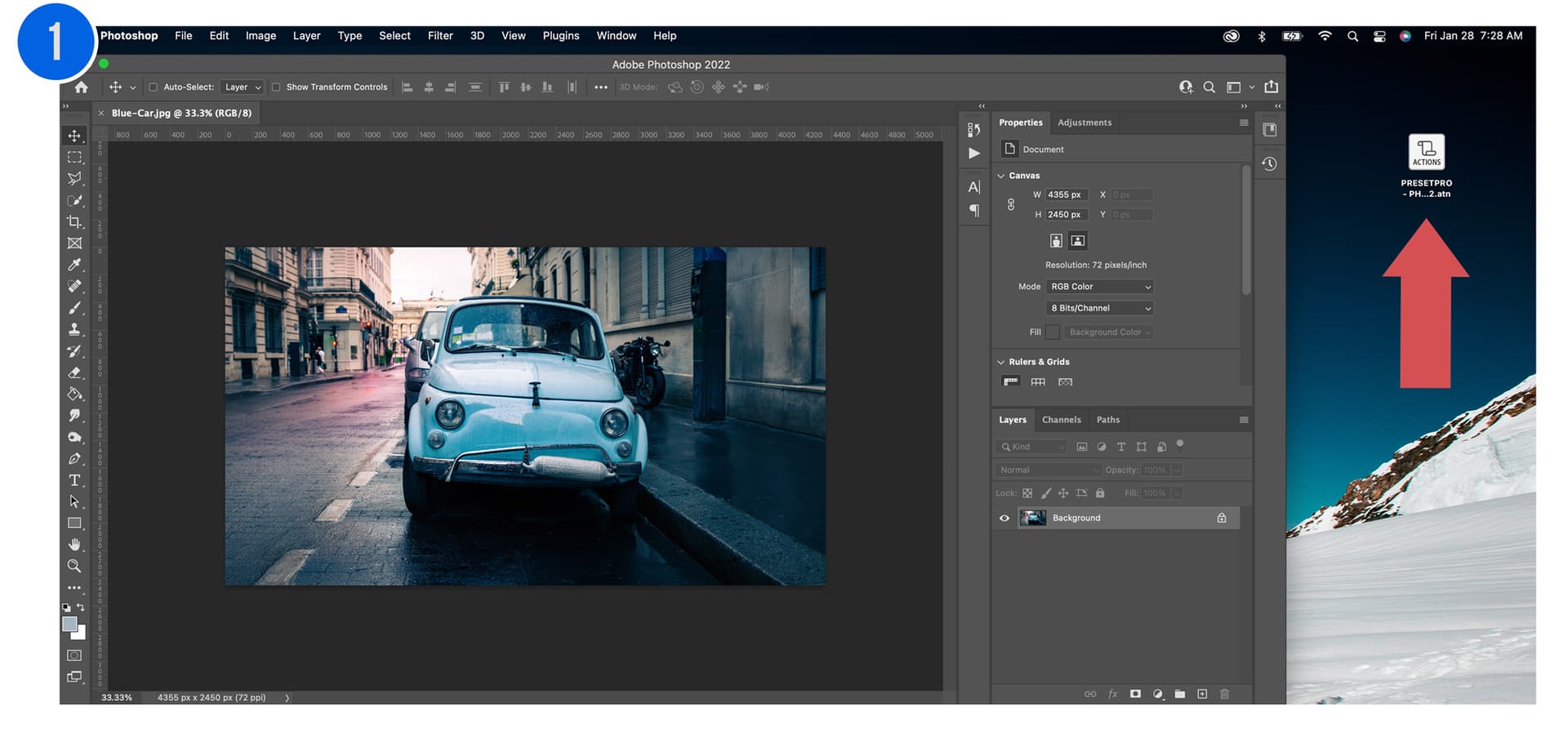
Step 2: Open the Actions Panel
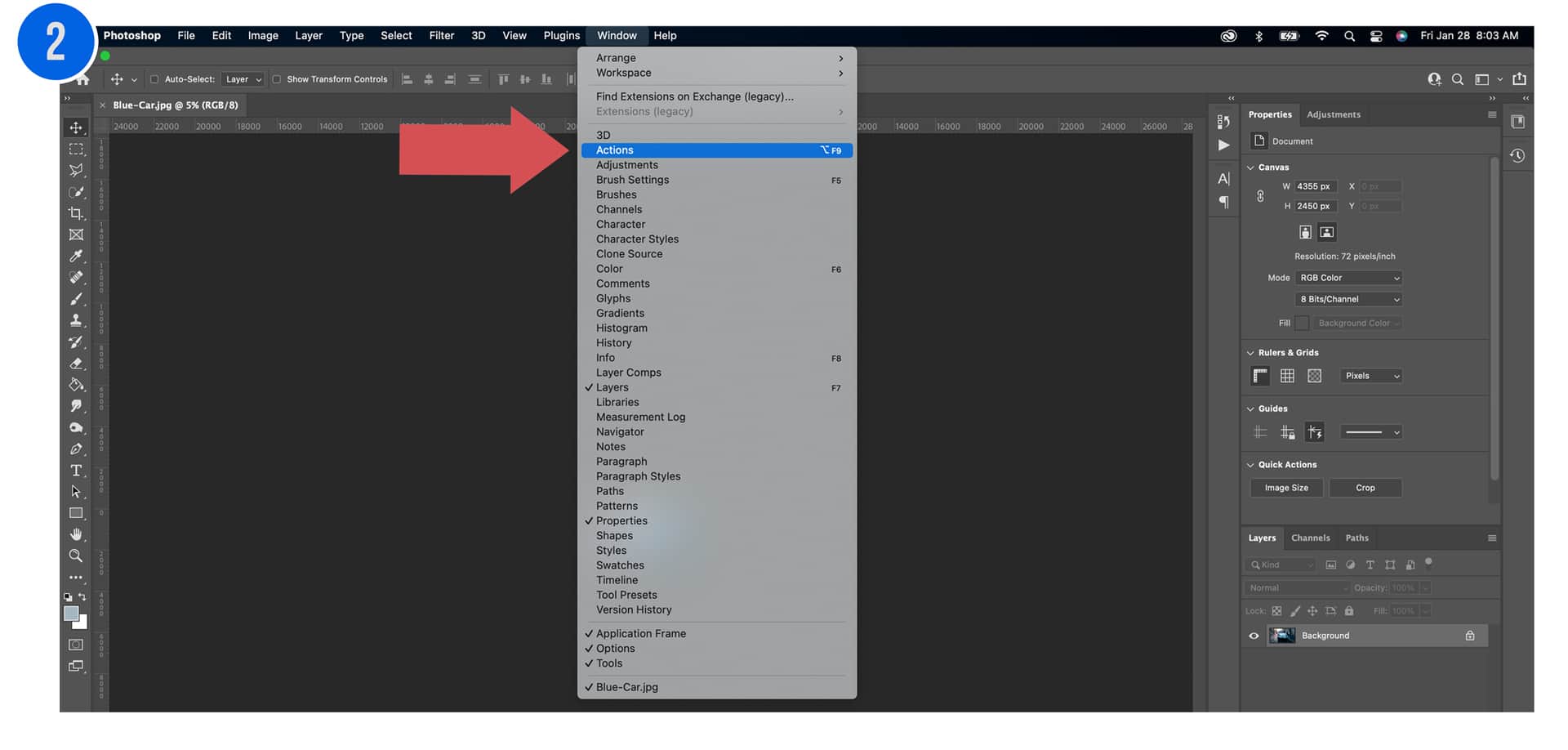
Launch Adobe Photoshop. Go to the top menu bar, click Window, and select Actions from the drop-down menu. Alternatively, you can use the keyboard shortcut Alt + F9 (PC) or Option + F9 (Mac).
Step 3: Load the Action Set
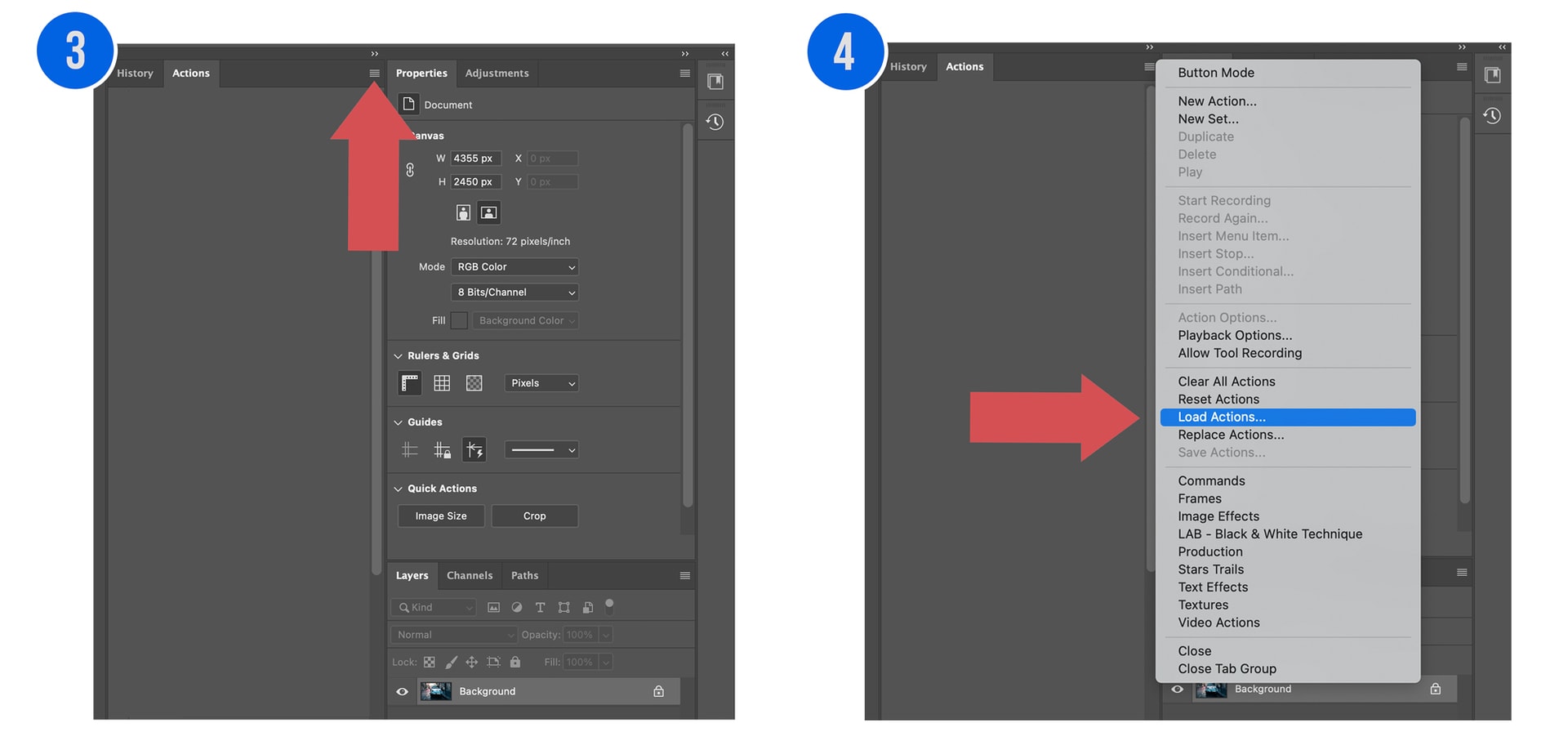
In the top-right corner of the Actions Panel, click the Hamburger Menu (four horizontal lines). From the pop-up list, select Load Actions.
Step 4: Locate and Import
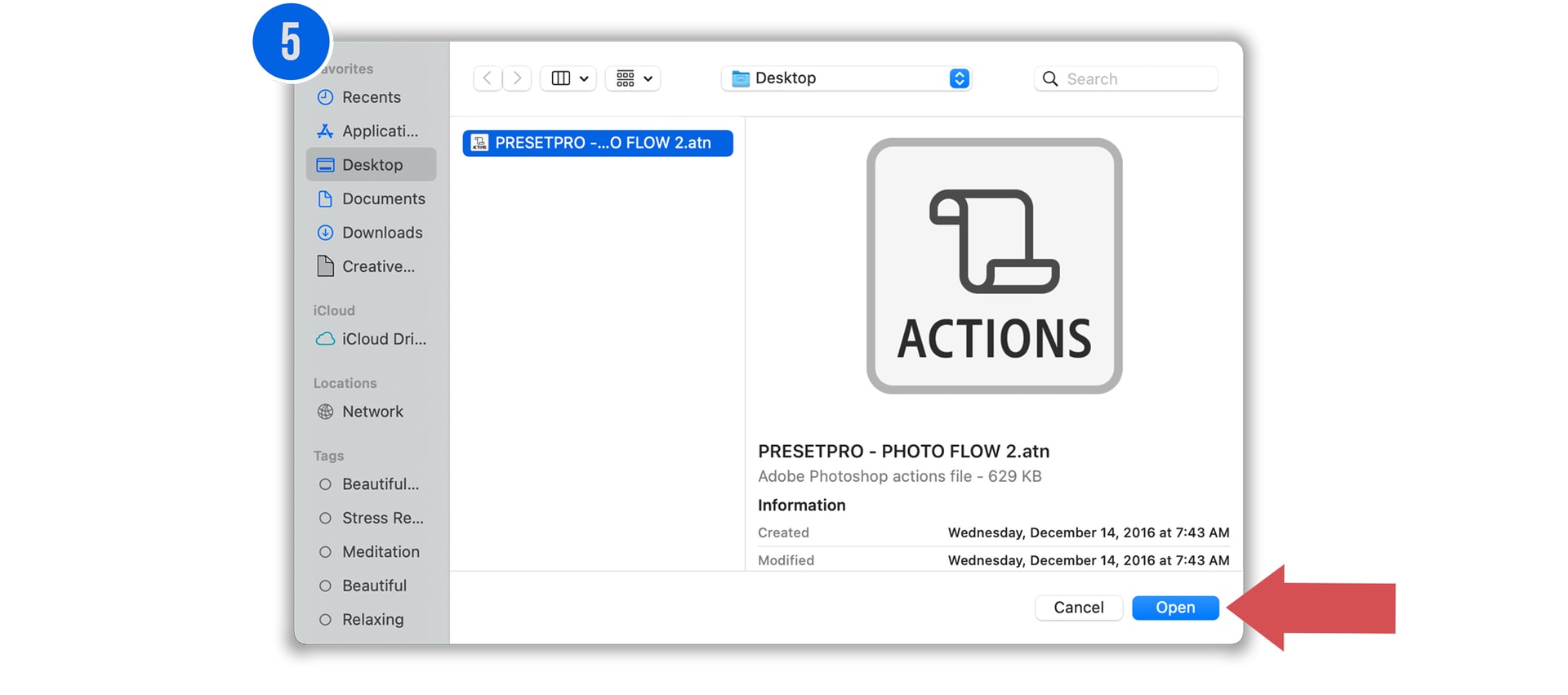
Navigate to your desktop, select the .atn file you unzipped in Step 1, and click Open. Your new action set will now appear as a folder in the Actions Panel list.
Step 5: Run Your First Action
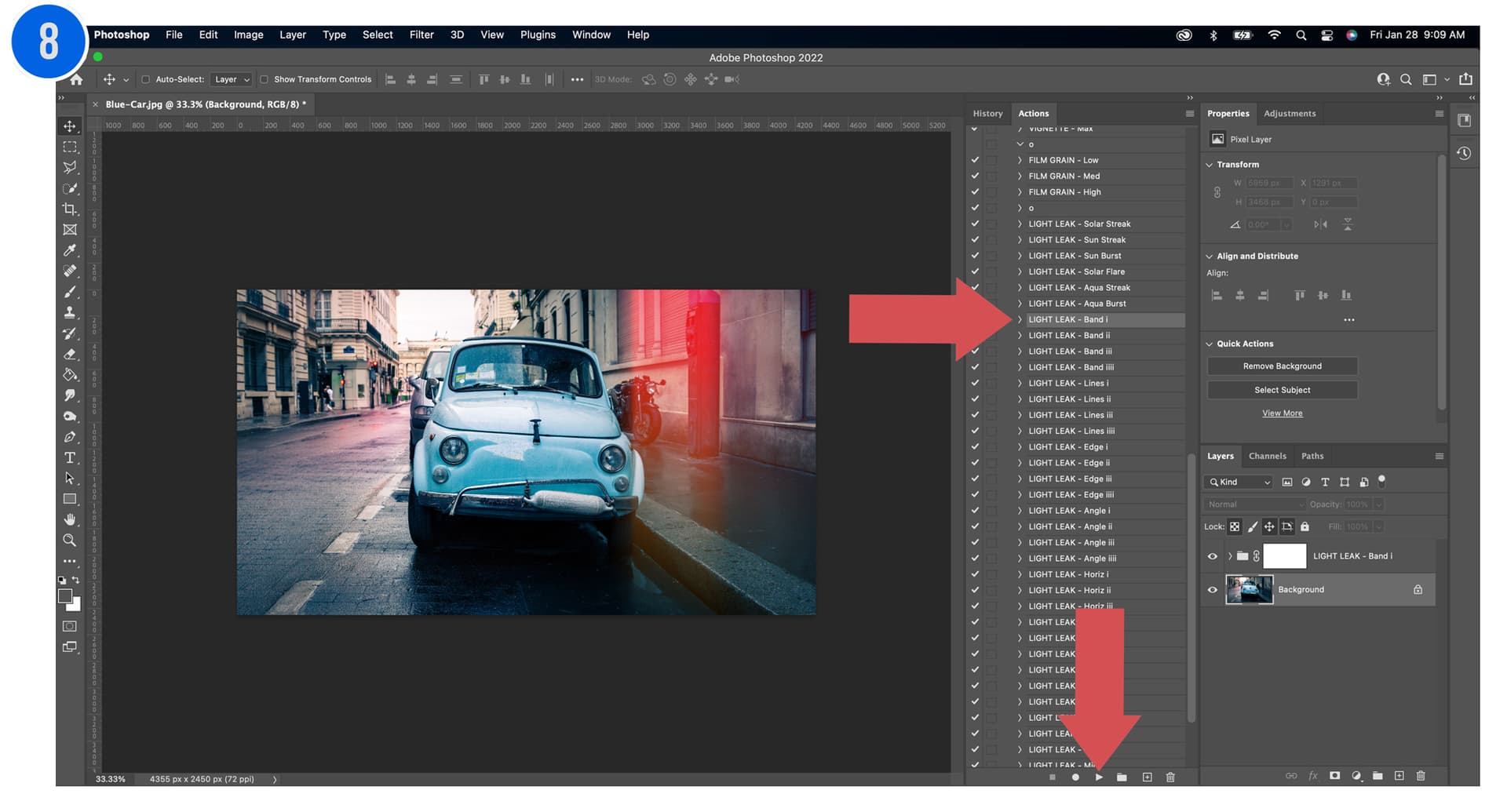
To apply an effect, expand the folder, select the specific action, and click the Play button at the bottom of the panel. Photoshop will automatically execute the steps, often creating new adjustment layers to preserve your original background.
📁 Pro-Tip: Organizational Best Practices
Photoshop actions are stored in your Preferences file. To prevent losing them during a software crash or update, always keep a backup of your .atn files in a cloud folder (like Dropbox or Google Drive). You can also use Save Actions in the hamburger menu to export your custom creations.
Conclusion
You are now ready to leverage Professional Photoshop Actions to drastically reduce your editing time. Whether you are batch processing a wedding or applying complex cinematic colorimetry, actions provide a level of efficiency that manual editing cannot match. If you have questions about specific scripts or compatibility, feel free to reach out to our team!
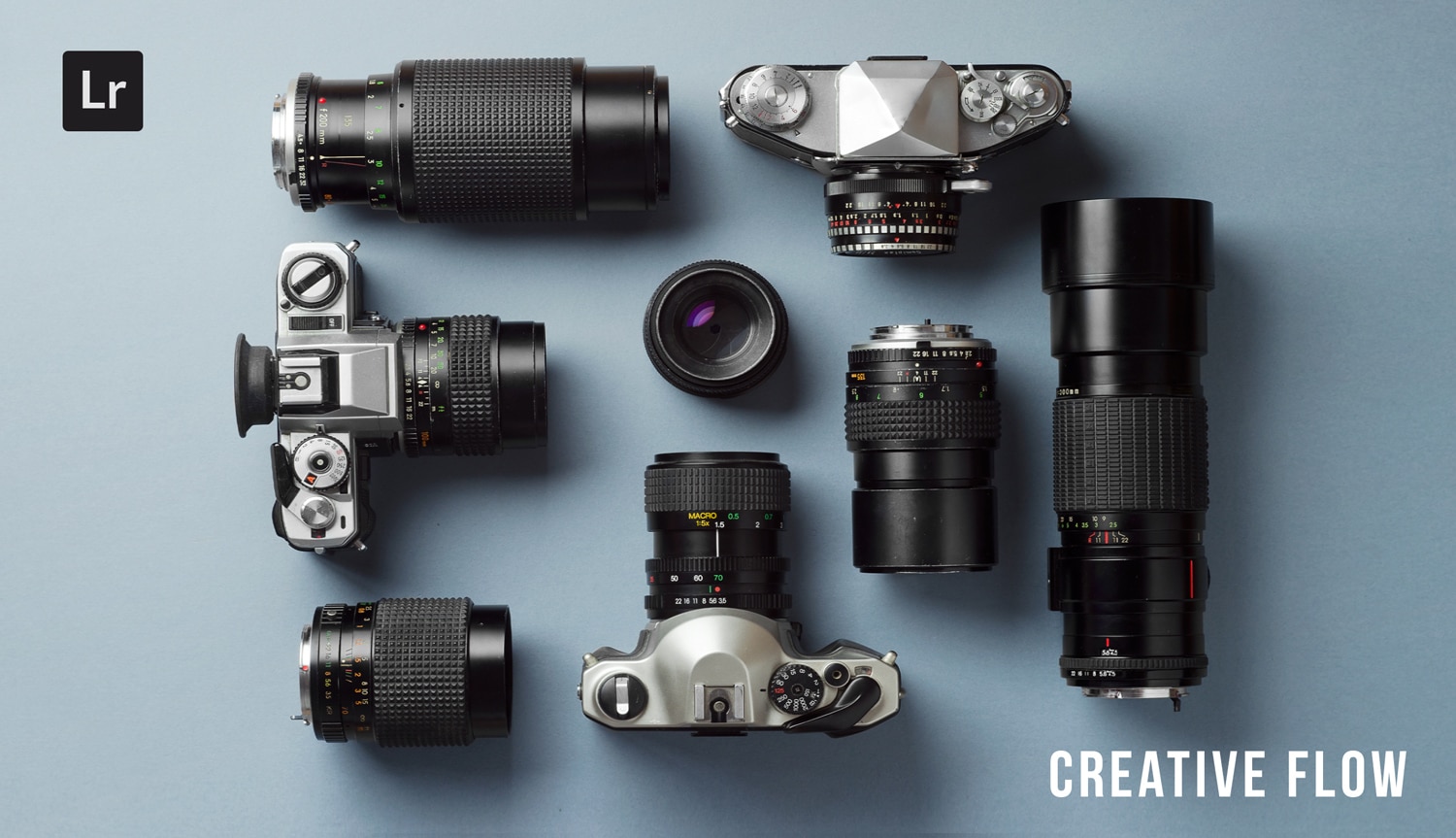
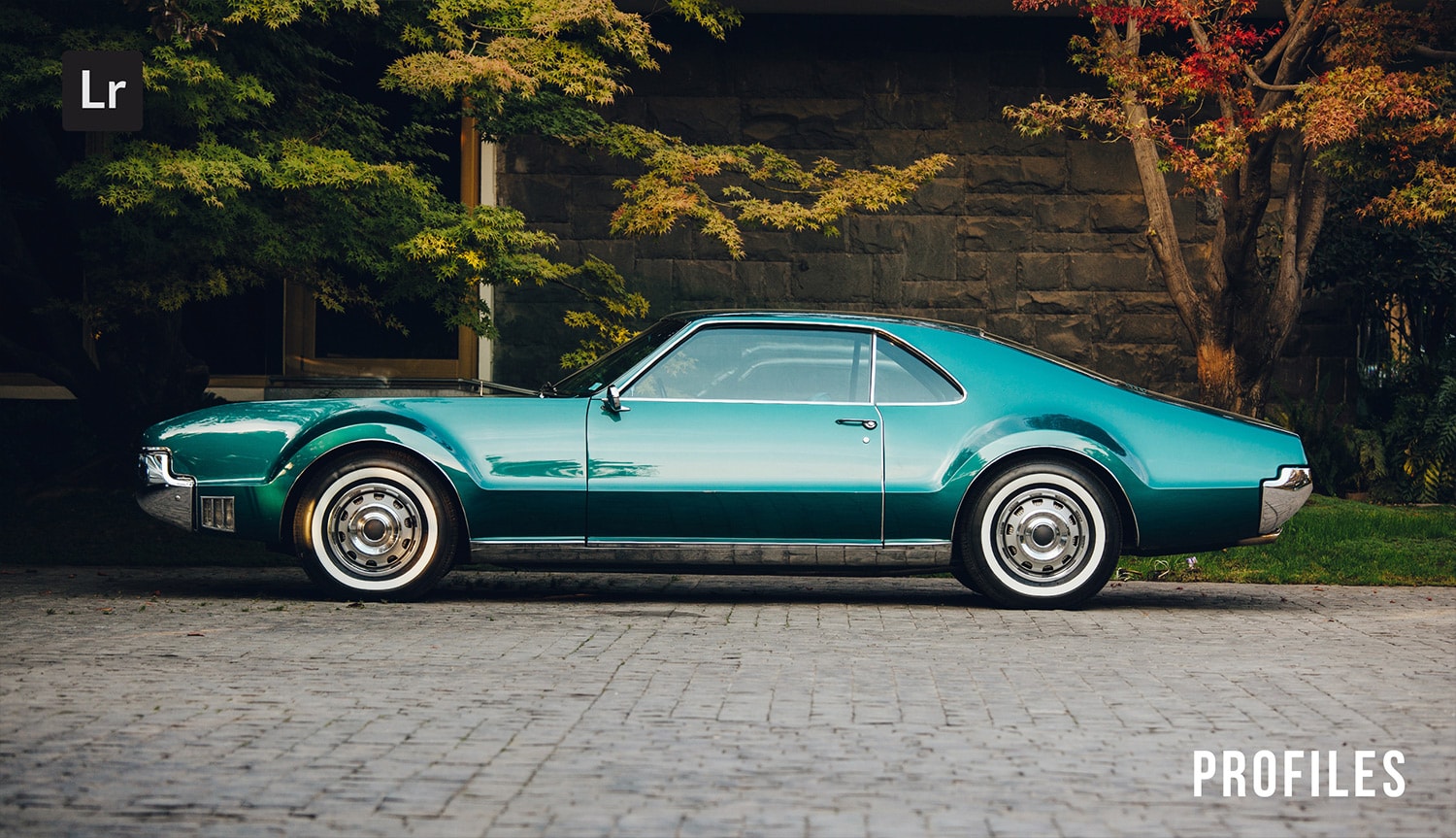
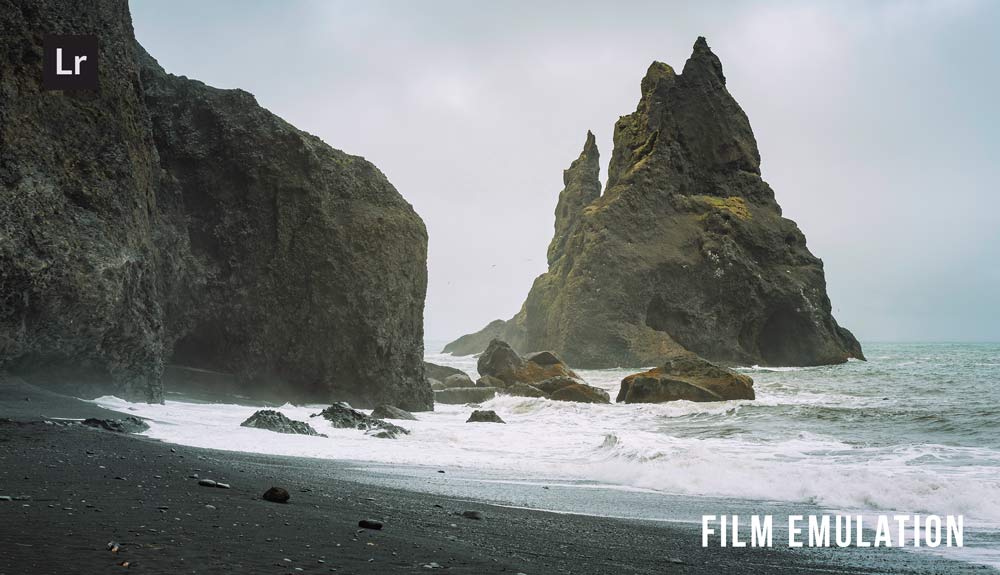
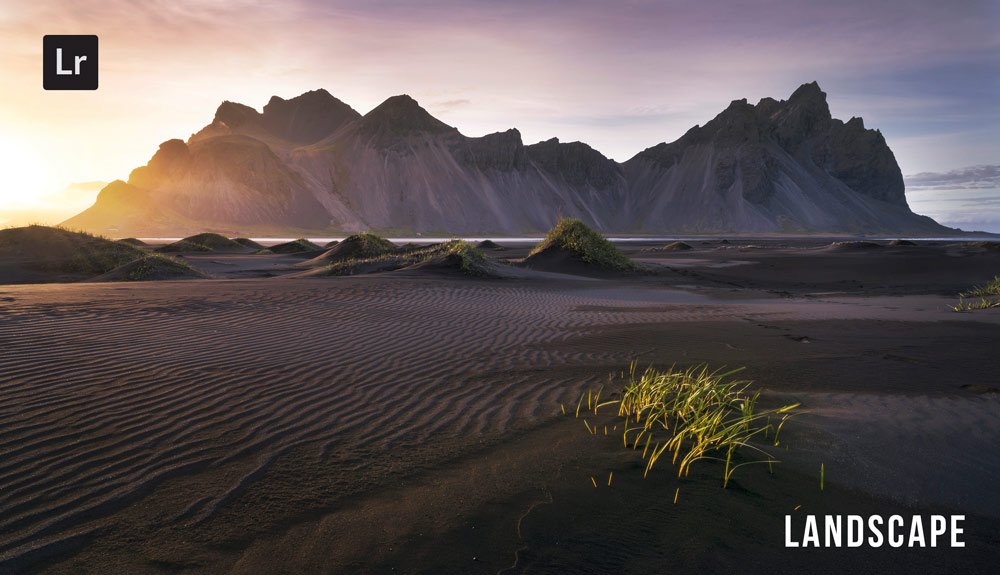
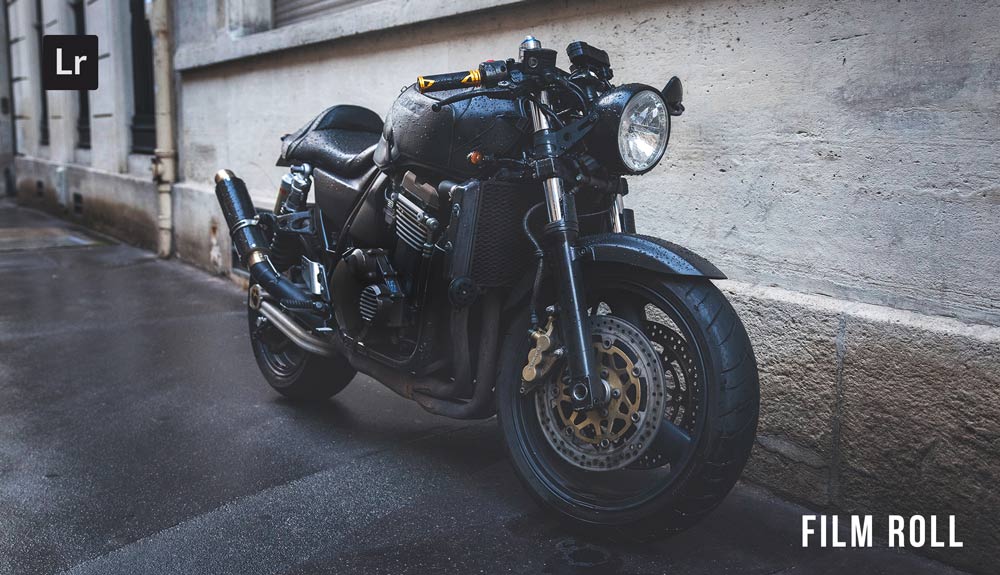
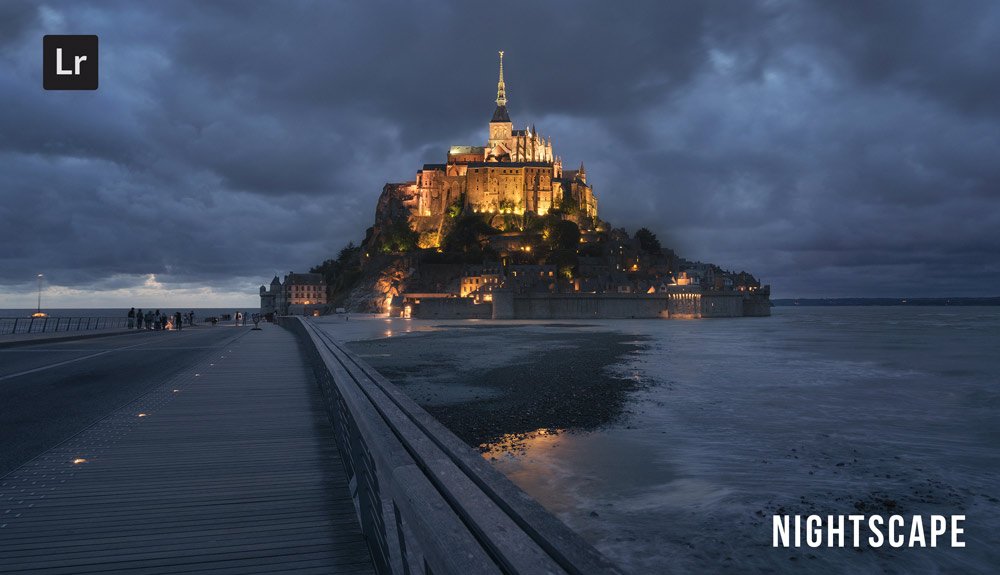
Do you want to take your photography skills to the next level? With The Creative Flow, you’ll have access to more than 1200 Beautiful Lightroom Presets, 1200 Lightroom Profiles, and 200 brushes that will spark your creativity and bring your photos to the next level! Designed for the photographer who wants the ultimate workflow and premium Lightroom collection. The Creative Flow is your own personal preset “toolbox” where you can swap out a variety of different looks with a few simple clicks. Whether you’re a professional or just starting out, this all-in-one collection was created for you! You won't find another product like this anywhere else online - trust us when we say it's worth every penny! Click here right now and get started with The Creative Flow today!
The Creative Flow | Presetpro.com










Lightroom Presets

Lightroom Presets

Lightroom Presets

Lightroom Presets
Lightroom Presets

Lightroom Presets

Lightroom Presets
Lightroom Presets
The film names above are the brands and trademarks of their respective holders. None of the film producers listed endorse or sponsor this film emulation collection or any other content. The film producers are not affiliated with Presetpro.com and all trademarks and copyrights are the exclusive property of their respective owners. Adobe®, Photoshop®, Adobe® Lightroom® are either registered trademarks or trademarks of Adobe Systems Incorporated in the United States and/or other countries.