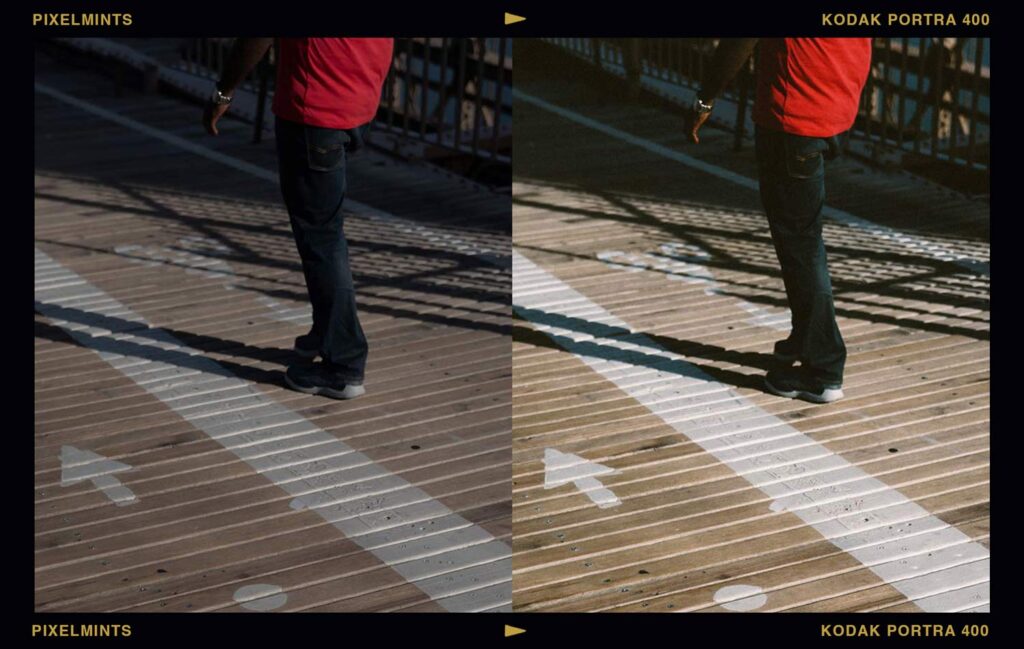
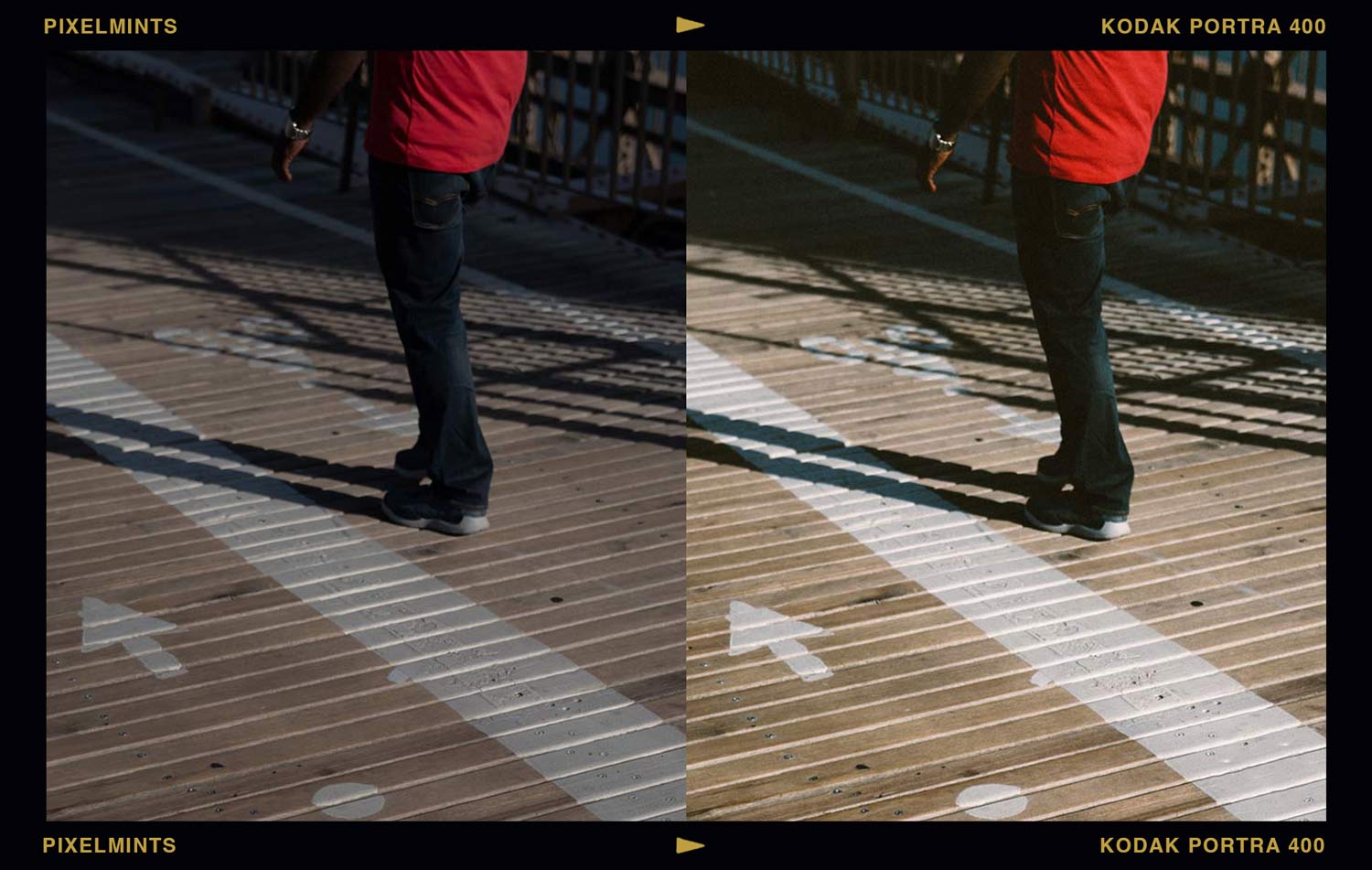
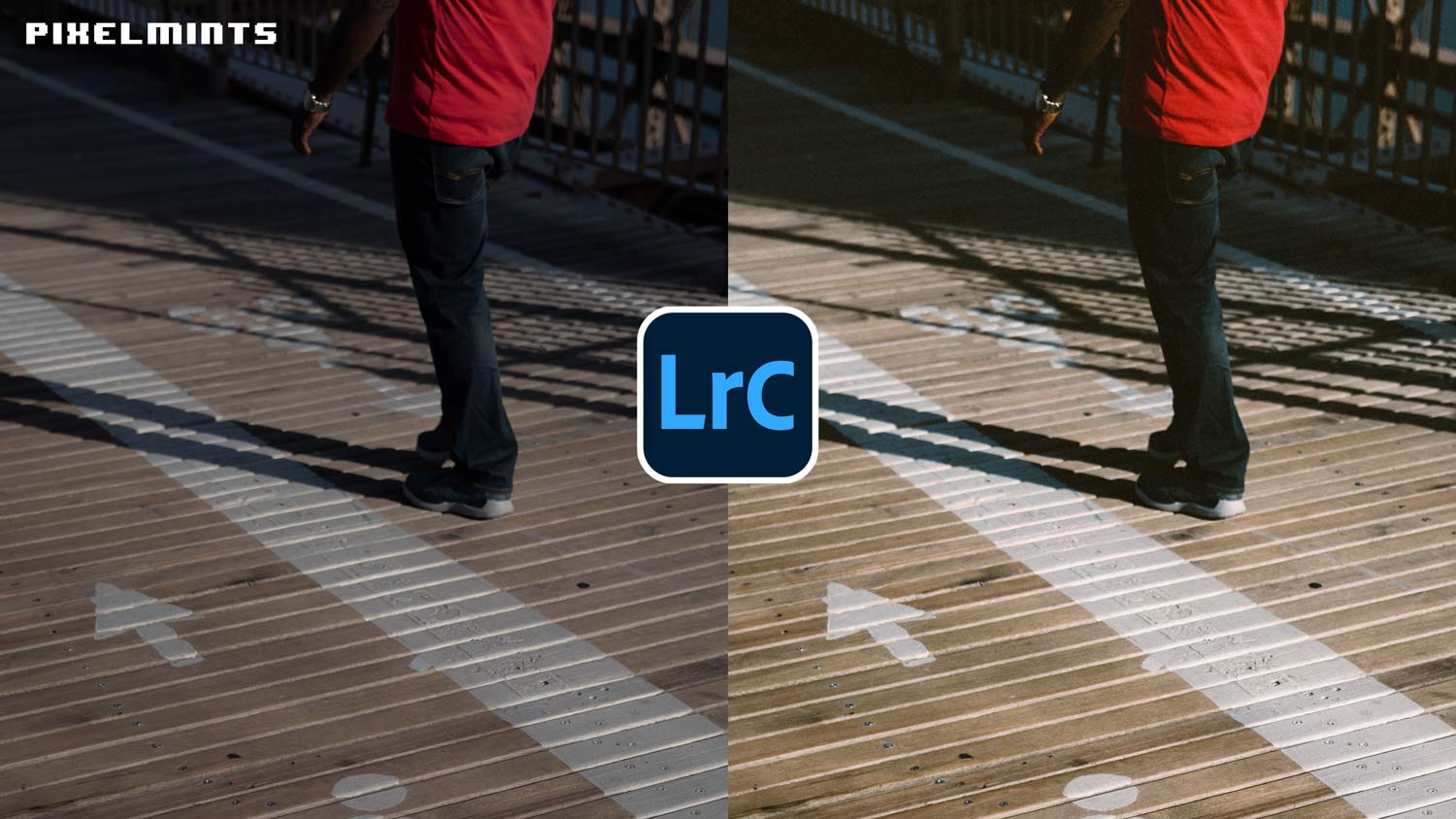
Whenever I load a new batch of portraits into my editing workspace, I always want to focus on the analog aesthetic. There is a timeless, forgiving quality to classic film that modern digital sensors just cannot replicate on their own. Elevate your photography to a professional standard with a foundational look inspired by the legendary Kodak Portra 400. Unlike standard presets, this is a custom camera profile that fundamentally changes how Lightroom reads your RAW data. Find the Free Portra Colour Profile here.
Portra Colour Profile | Quick Reference
| Inspiration | Kodak Portra 400 Analog Film |
| Best For | Wedding photography, natural light portraits, and fashion editorial |
| Aesthetic Style | Flattering skin tones, rich tonal depth, and gentle analog warmth |
| Key Effect | Acts as a digital emulsion to remap core colors before you even touch the contrast sliders |
Introduction
When editing a portrait session, the last thing you want to do is fight with your color sliders just to make skin tones look natural. The “Portra Colour” Free Profile eliminates that struggle. Unlike a standard preset that simply moves your basic sliders around, a profile acts as the digital emulsion for your image. It changes how Adobe Lightroom interprets the raw color data coming from your camera sensor. Inspired by the beautiful, wide-latitude response of Kodak Portra 400, this profile provides rich tonal depth and a gorgeous baseline for your edits.
Real Film Colour for Photographers & Studios.
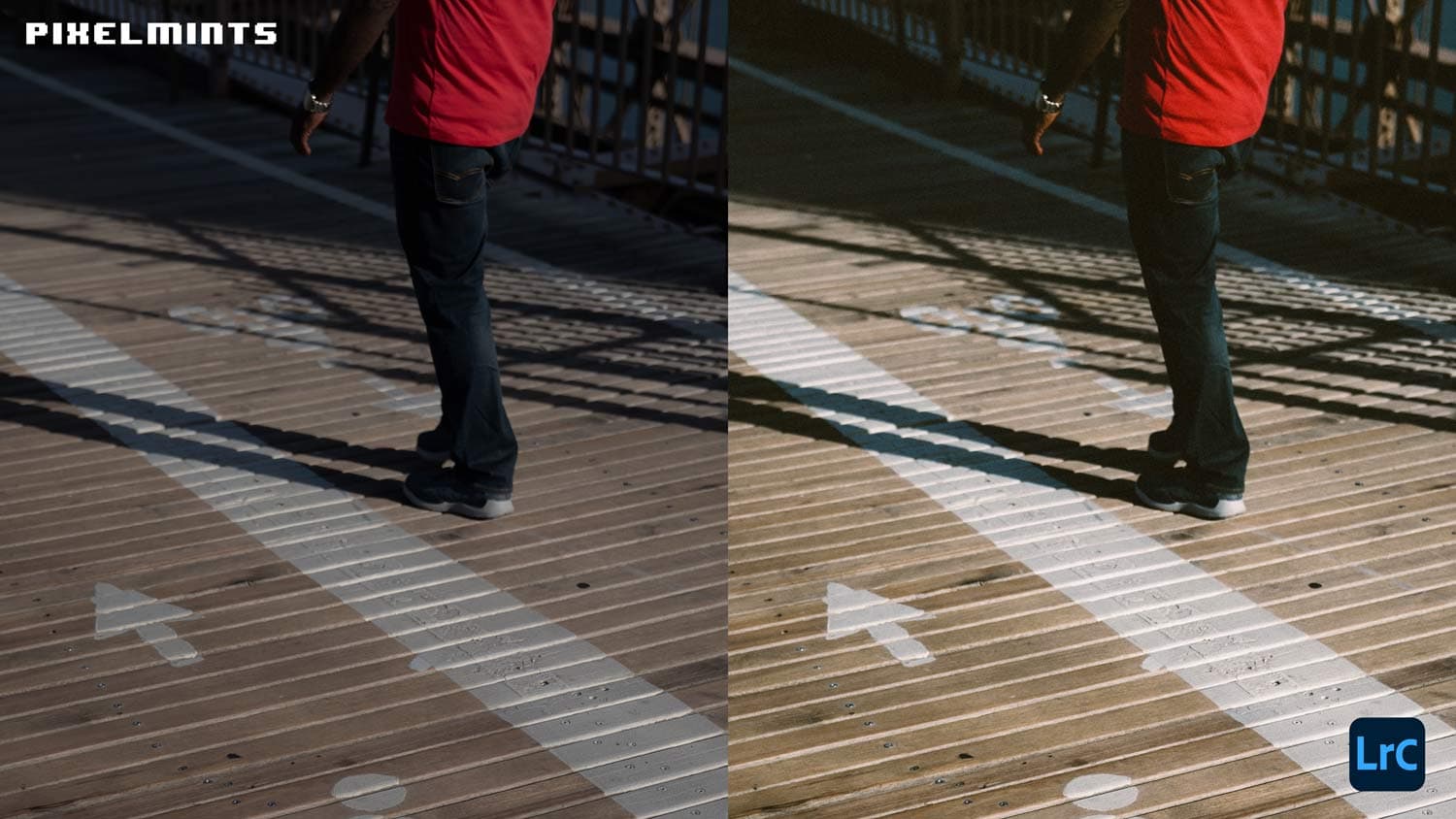
Looking for Real Film Colour? Check out Pixelmints.com. They developed each film emulation from original film stocks to deliver the most authentic experience possible. Get refined colour, organic grain, and highlight rolloff directly in Lightroom.
Portra 400 Inspired Characteristics
Here is a look at how this profile delicately reshapes your RAW files to craft that timeless film aesthetic:
- Flattering Skin Tones: Custom color mapping ensures that skin tones remain completely natural and lifelike.
- Rich Tonal Depth: Beautifully preserves the subtle transitions between highlights and mid-tones.
- Beautifully Preserved Textures: Ensures delicate details are preserved.
- Analog Warmth: Gently infuses the entire image with a comforting, nostalgic glow that feels authentically true to classic film.
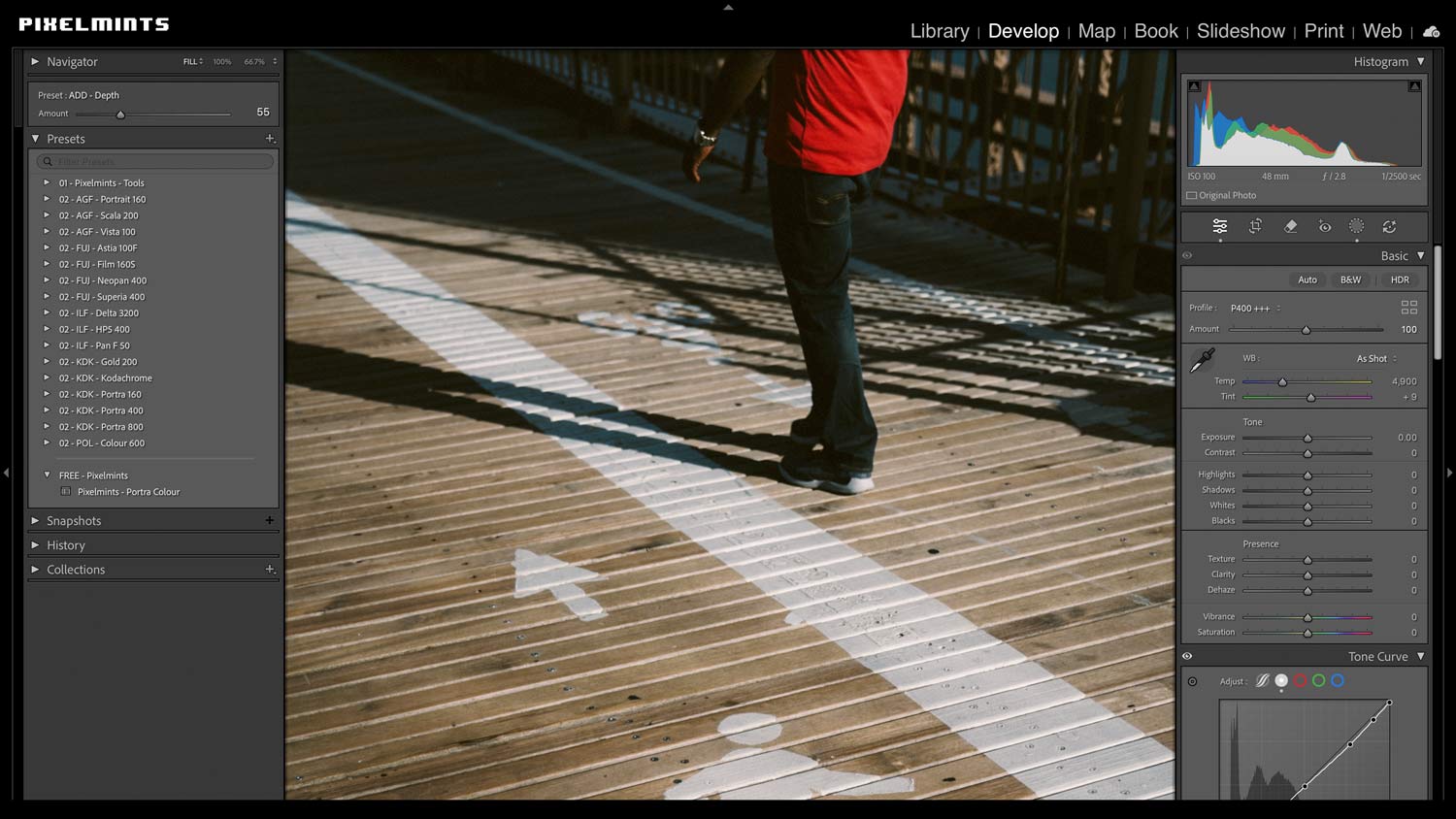
- Independent Workflow: Because it is a profile, all of your basic adjustment sliders remain at zero, giving you total freedom.
Professional Emulation Details
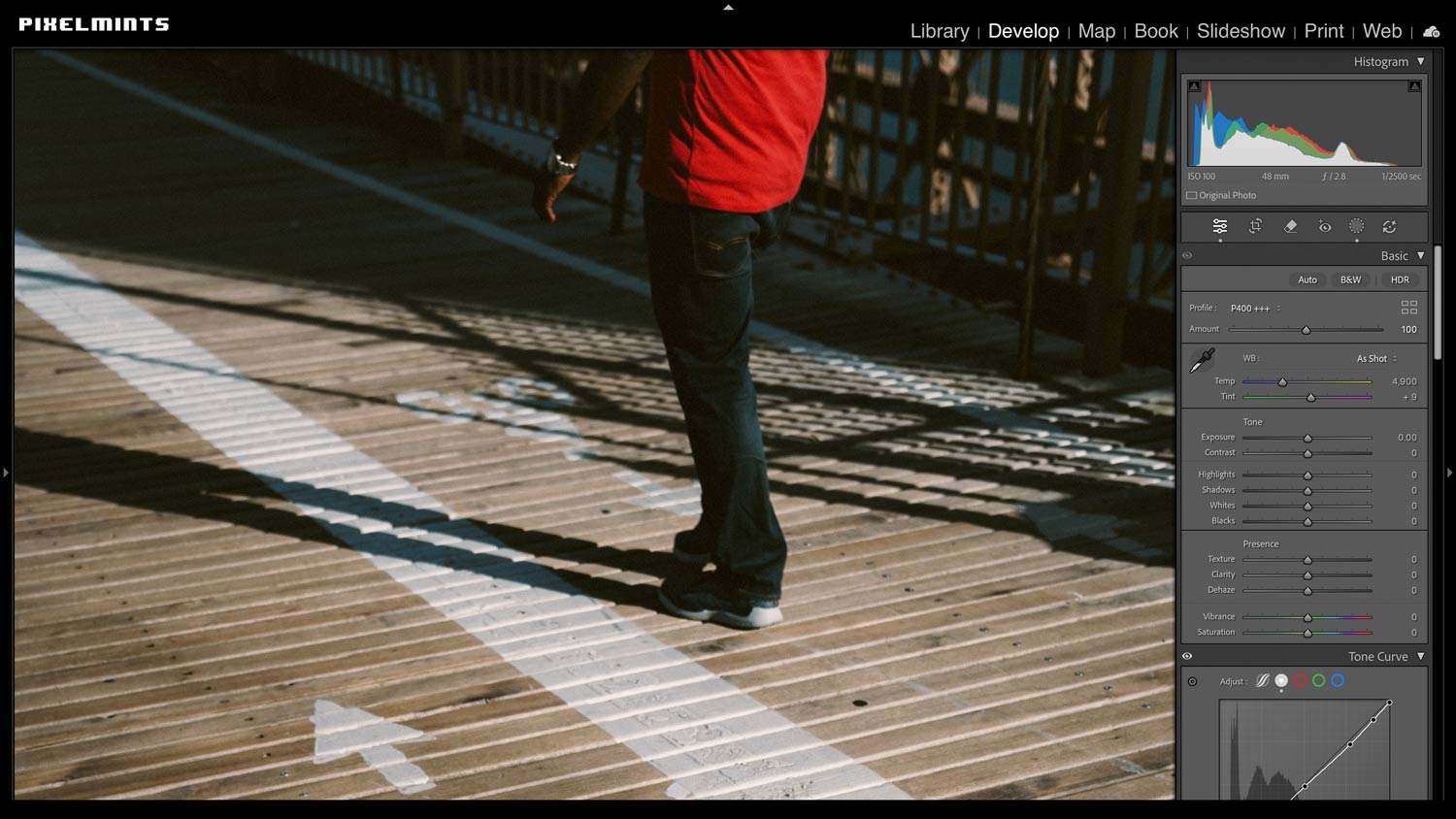
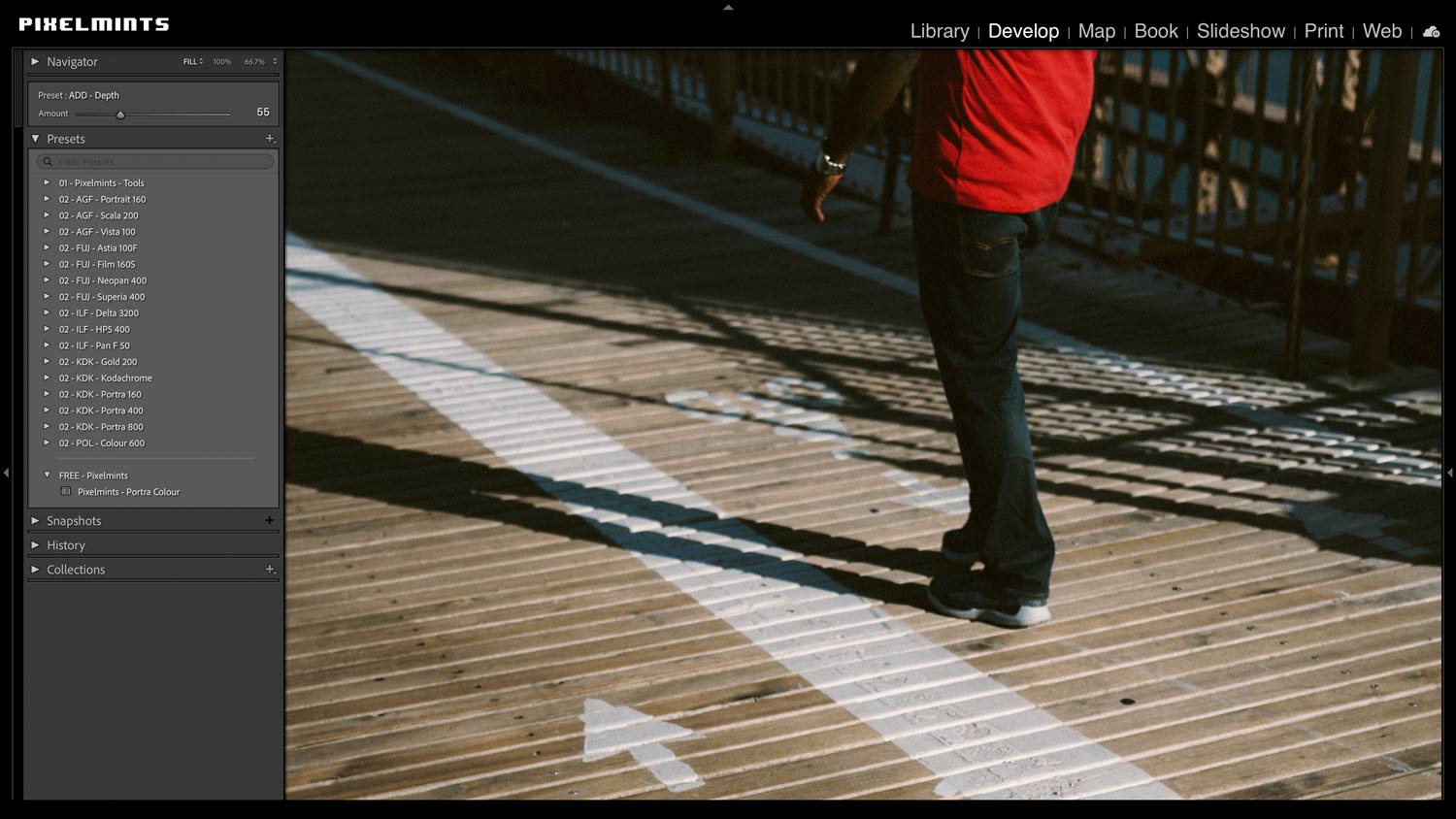
The featured P400 collection in the Studio Pass by Pixelmints is engineered to bring a true sense of analog gravity to your work. By using advanced color profiles, the emulation ensures that your baseline colors remain completely stable, regardless of lighting conditions. It handles the heavy lifting of the color grade, allowing you to fine-tune the intensity using Lightroom’s Profile Amount slider.
- Editorial Ready: Instantly gives your portrait photography a polished, beautiful magazine aesthetic.
- Advanced Color Profiles: Uses custom mapping to keep greens organic and skin tones accurate.
- Non-Destructive Workflow: Enjoy total peace of mind; applying the profile does not overwrite exposure.
- Multi-Platform: Seamlessly edit on the go or in the studio with support for Classic and Lightroom CC.
Conclusion
If you love the look of natural, timeless portraiture, the Free Portra Colour Profile is an absolute must-have in your editing toolkit. By integrating this iconic baseline into Studio Pass, Pixelmints.com gives you an effortless, relaxing way to add rich tonal depth, beautifully preserved textures, and true-to-life analog warmth to your everyday captures. Take a breath, load up your RAW files, and let the Pixelmints team help you transform your digital portraits into a beautiful visual story today.
Key Takeaways
Feature
Details
Inspiration
Kodak Portra 400 Analogue Film
Format
Lightroom Profile (Not a standard preset)
System
The Creative Flow by Presetpro.com
FAQs
Q: What is the difference between a Profile and a Preset?
A: A Profile acts as the digital emulsion, handling the core color mapping and dynamic range behind the scenes. A Preset sits on top to manage texture, grain, and the visible sliders like contrast curves.
Q: Does this profile work well for weddings?
A: Yes! Because it prioritizes accurate, flattering skin tones and protects highlight transitions, it is incredibly popular for natural light wedding photography.
Q: Where can I get this free profile?
A: You can download the free profile right now at Freepresets.com or unlock the ultimate professional P400 editing suite at Pixelmints.com.
Lightroom Presets
Lightroom Presets
Lightroom Presets
Lightroom Presets
Lightroom Presets
Lightroom Presets
Lightroom Presets
Lightroom Presets