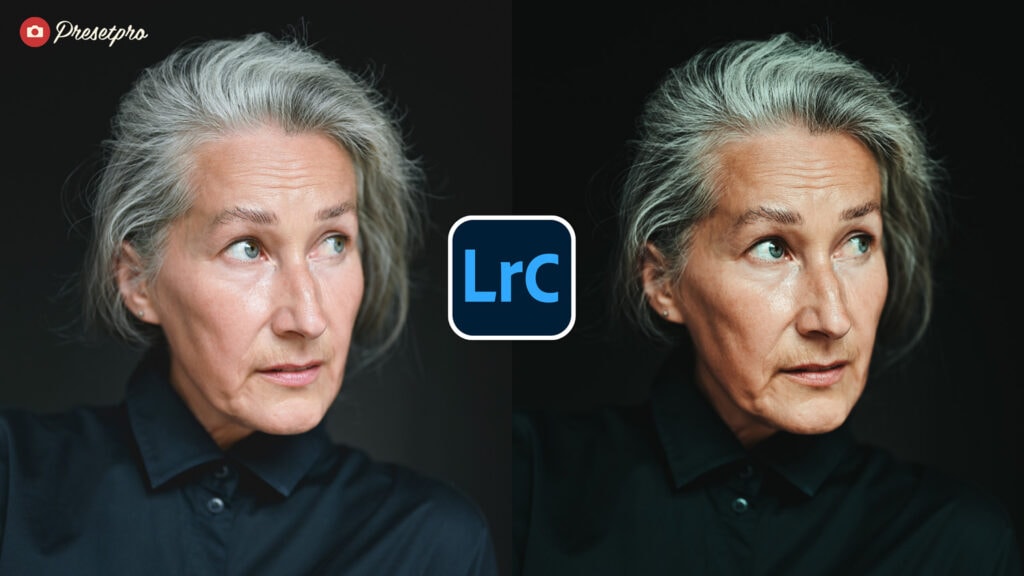
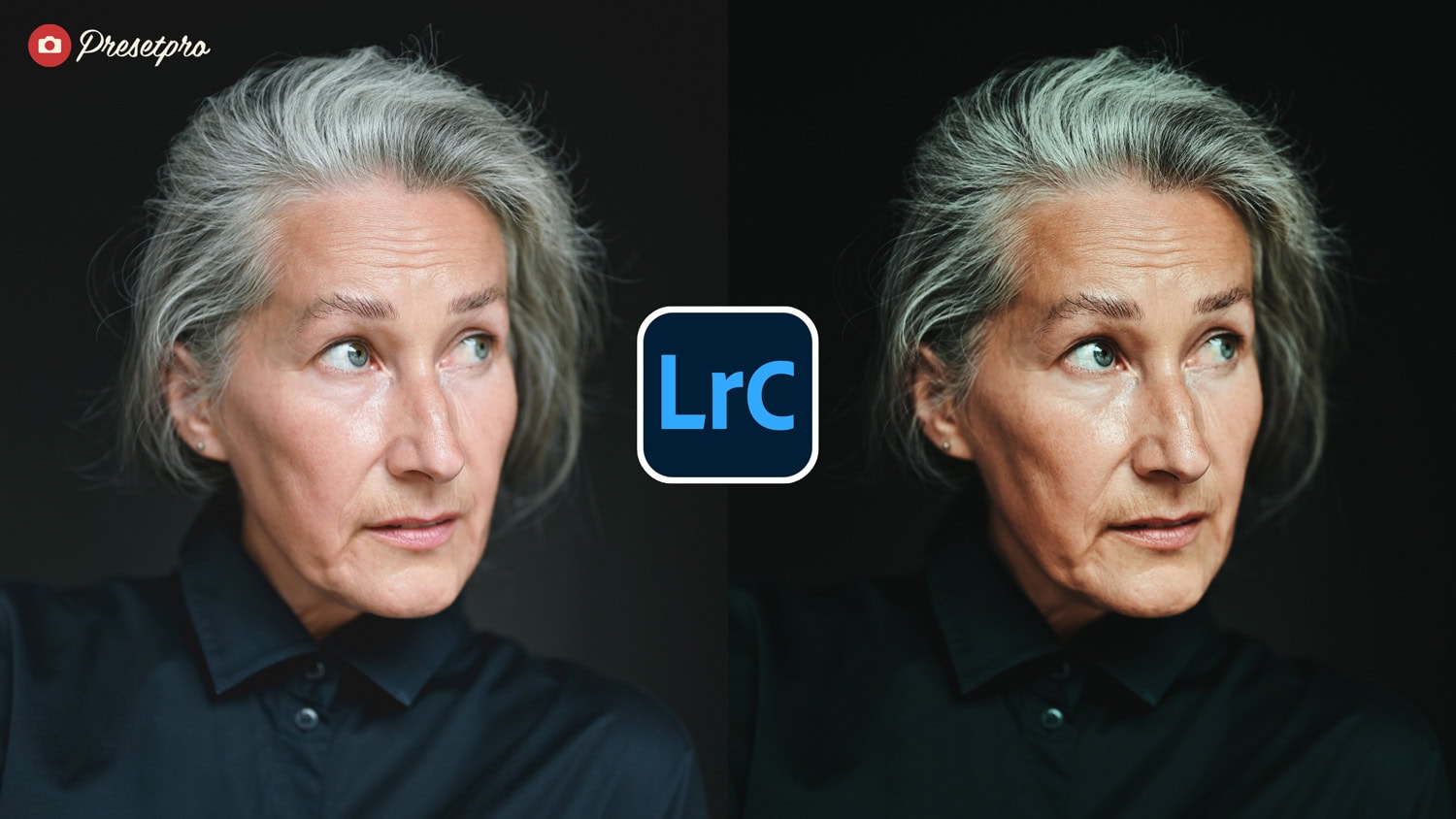
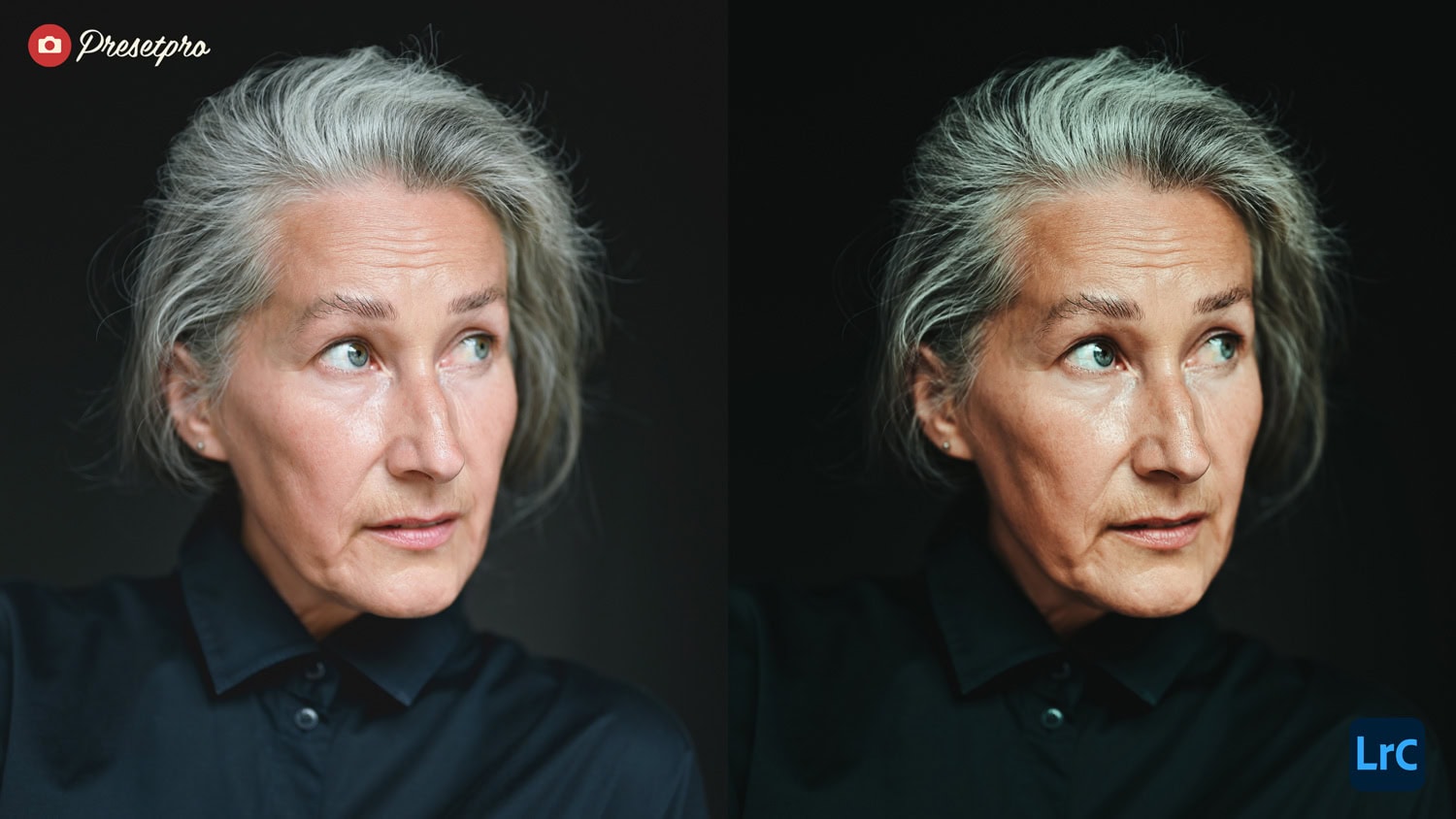
Elevate your photography to a professional standard with a look inspired by classic cinema. Part of the premier Creative Flow collection at Presetpro.com, this featured emulation delivers deep colour blending and a movie-like quality straight to your digital workflow.
Cinematic Fade | Quick Reference
| Inspiration | Classic Cinema and Movie Grading |
| Best For | Street Photography, Portraits, and Urban Landscapes |
| Aesthetic Style | Moody shadows, smooth highlight softening, and rich analog warmth |
| Key Effect | Provides a soft cinematic fade and deep colour blending |
Perfect for adding moody, cinematic tones to portraits and urban photography. Easy to use and adjust to fit your creative vision.
Introduction
The Cinematic Fade Featured Preset is a professional grade tool that transforms your digital RAW images by remapping their colour profiles to match the response of cinematic film stocks. Unlike simple overlays, this preset works deep within Lightroom development settings adjusting camera calibration, tone curves, and HSL channels to replicate a signature muted palette and shadow depth. While the Free Cinematic Fade Preset offers a stunning introduction to this look, the Pro version in the Creative Flow provides a refined, high end film emulation designed for professional results.
Master Your Edit with The Creative Flow
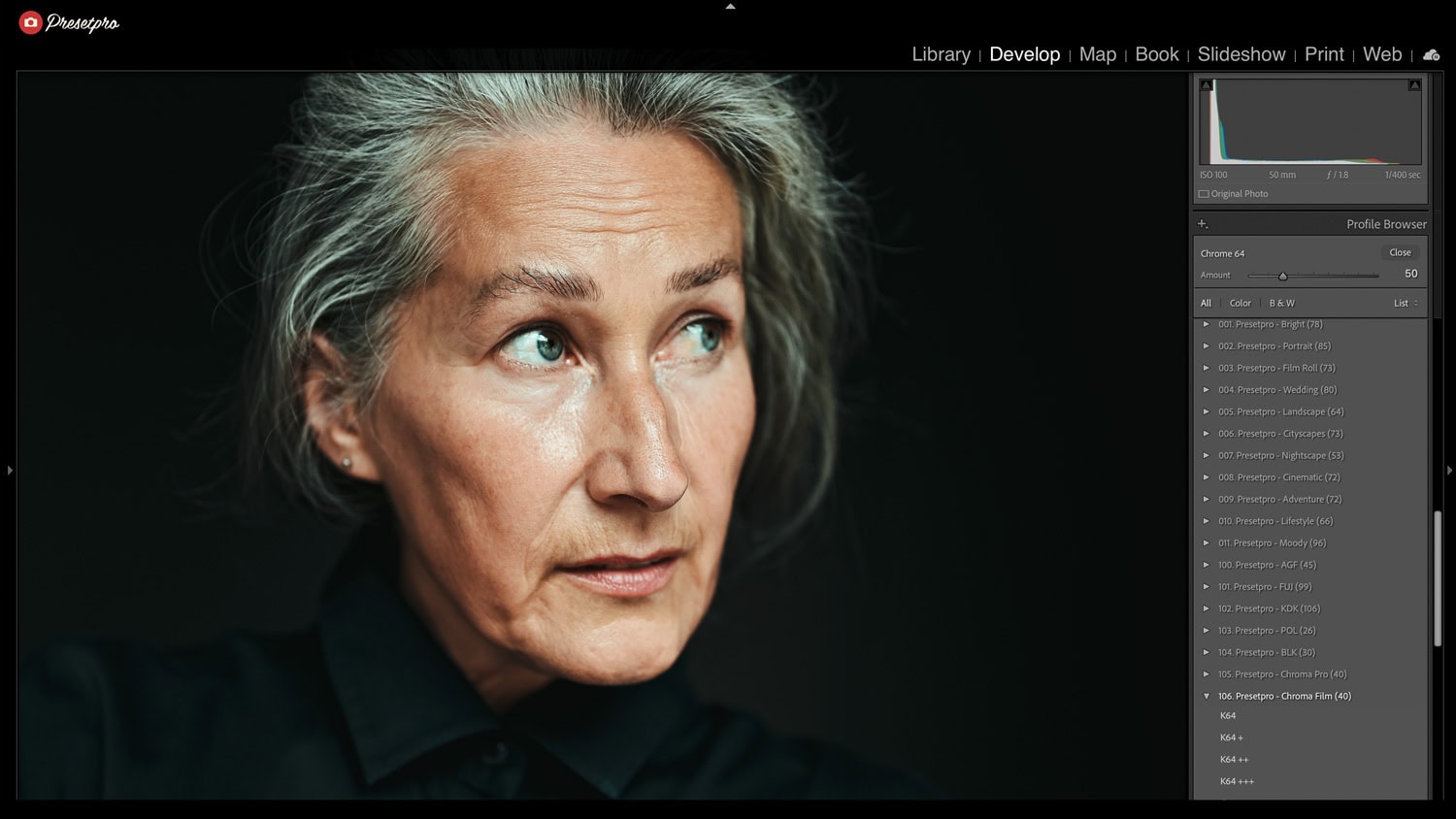
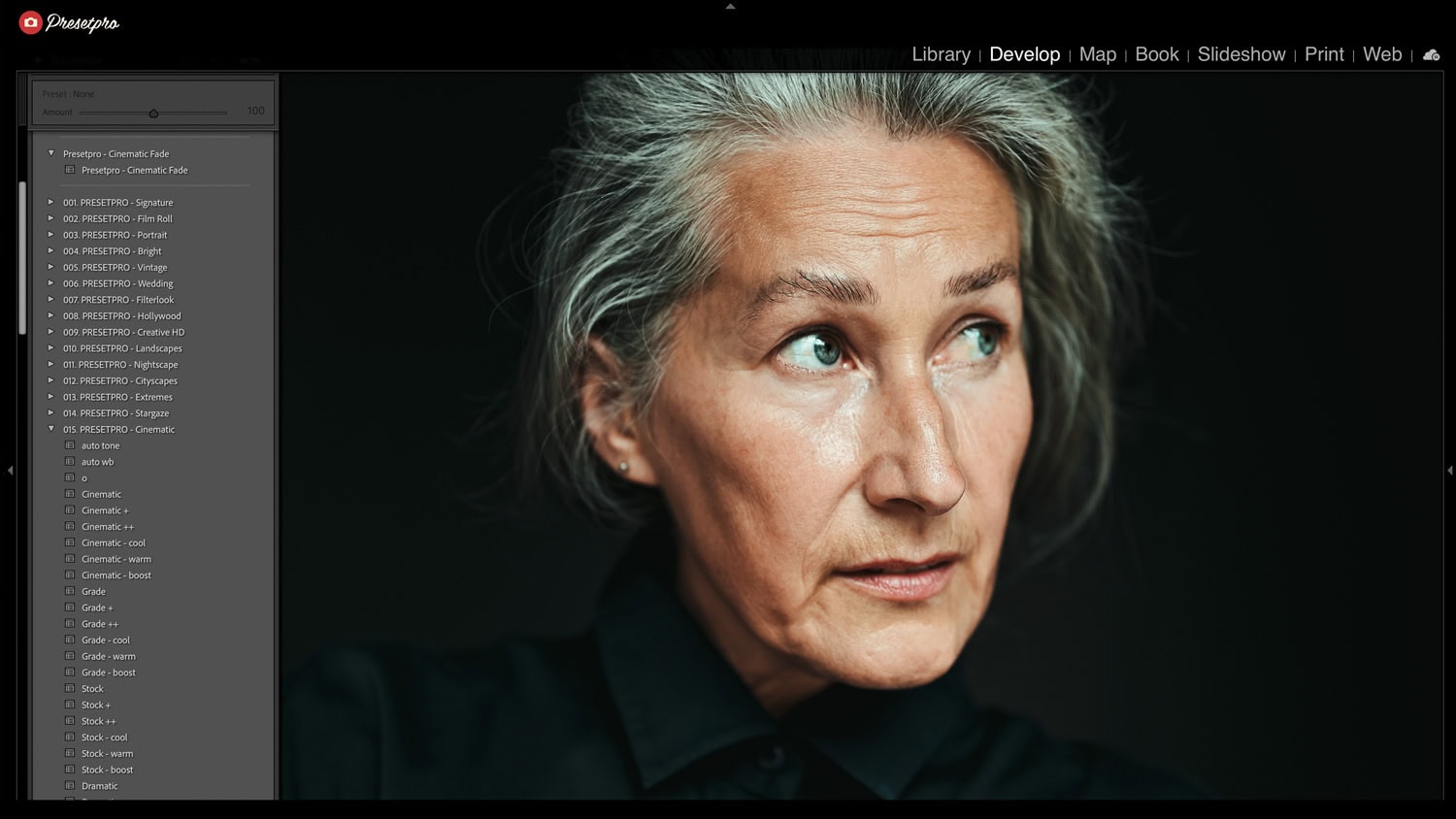
The Creative Flow is the ultimate preset and profile system for Adobe Lightroom. It allows you to layer professional film emulations inspired by classic cinema with specialized brushes and profiles to achieve a custom, high end look. Whether you are shooting urban landscapes or moody street portraits, this system removes digital harshness and replaces it with a cohesive, professional grade that mimics a true movie scan.
Cinematic Inspired Characteristics
Here is how the preset modifies your RAW file to define the professional aesthetic inspired by cinematic grading:
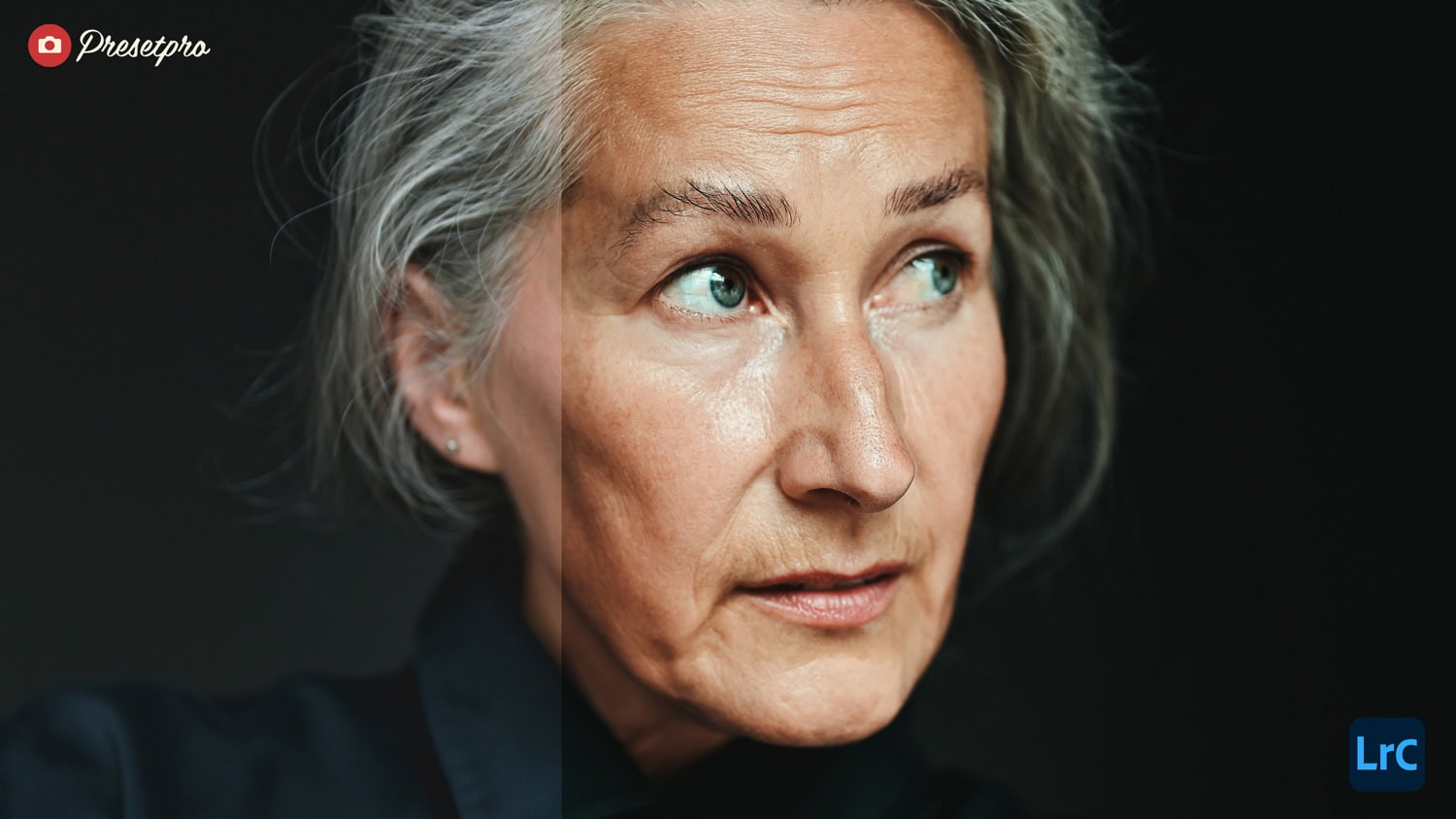
- Deep Colour Blending: Shifts the colour channels to produce rich and cinematic tones for a unified atmosphere.
- Smooth Highlight Softening: Rolls off bright points to prevent digital clipping while retaining image clarity.
- Faded Shadows: Lifts the darkest areas slightly to create a modern, sophisticated matte finish.
- Rich Analog Warmth: Adds a subtle warmth to the midtones for a nostalgic, classic feel.
- Crisp Details: Maintains underlying sharpness while softening the overall image contrast.
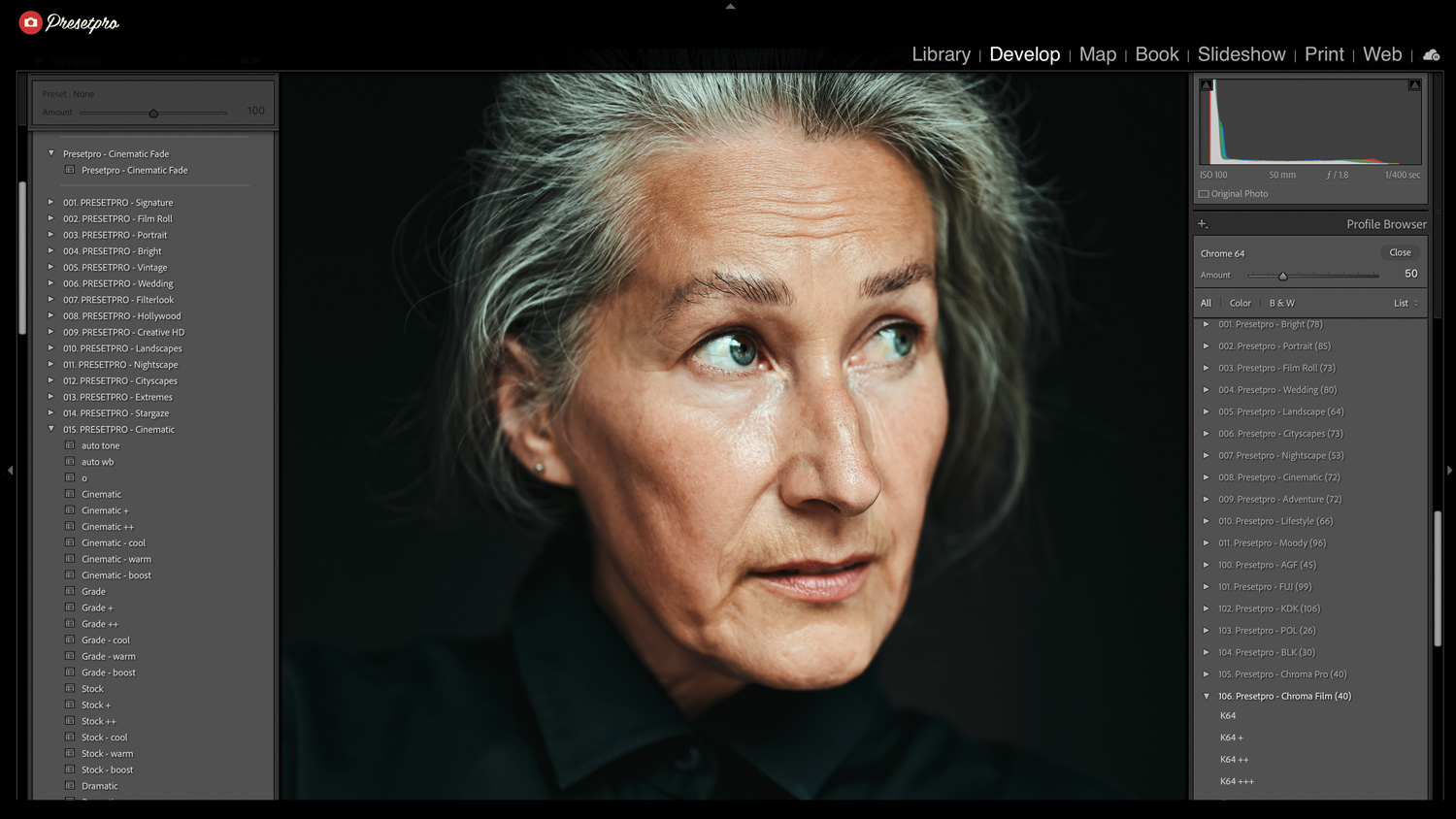
Professional Emulation Details
The featured version of Cinematic Fade in the Creative Flow is engineered to provide the gravity and mood of authentic analog photography. By using advanced colour science, it helps your subject pop against the background with a three dimensional quality. The preset applies only the colour grading, grain, and tonal adjustments, ensuring your image remains versatile for any digital or print layout.
- Editorial Ready: Instantly achieves a high end, moody magazine aesthetic.
- Advanced Colour Science: Utilizes custom mapping for superior colour stability in deep shadows.
- Non Destructive Workflow: Fully adjustable settings within the Creative Flow system.
- Multi Platform: Available for Lightroom Classic, Lightroom CC, and Lightroom Mobile.
Conclusion
Our Cinematic Fade inspired featured preset is an essential tool for photographers seeking a professional, atmospheric look. By integrating this iconic style into The Creative Flow, Presetpro.com provides an effortless way to add mood, faded shadows, and a sophisticated finish to your RAW images. Transform your digital photography into a visual story today.
Key Takeaways
Feature
Details
Inspiration
Classic Cinema and Movie Grading
Colour Palette
Moody shadows, faded blacks, and warm midtones
System
The Creative Flow by Presetpro.com
FAQs
Q: Can I use this for portrait photography?
A: Absolutely. It is specifically calibrated for cinematic portraits, enhancing atmospheric depth while maintaining natural skin tones.
Q: Does this work with all cameras?
A: Yes, it is compatible with RAW files from all major camera brands inside Lightroom.
Q: Where can I get this featured preset?
A: You can download the free version at Freepresets.com or get the professional collection at Presetpro.com.
Lightroom Presets
Lightroom Presets
Lightroom Presets
Lightroom Presets
Lightroom Presets
Lightroom Presets
Lightroom Presets
Lightroom Presets