
Best Free Lightroom Presets for 2026 (Updated October 2026)
Looking for professional results without the subscription cost? This is the most comprehensive list of free Lightroom presets for 2026, over 40 beautiful presets covering Kodak Portra film emulation, Fuji negative looks, cinematic moody tones, flattering portrait grades, and dramatic landscape edits. Every preset on this page is 100% free, works with Lightroom Classic, Lightroom (Cloud), Adobe Camera Raw, and Lightroom Mobile, and has been battle-tested by professional photographers for skin tones, dynamic range, and color accuracy. I’ve grouped them by style and included a quick comparison guide so you can find your look in seconds.
Last updated: October 2026. New preset added this month: Disposable 400 (inspired by Superia 400 film).
Quick Reference Guide
| Preset Name | Best For | Aesthetic |
|---|---|---|
| Disposable 400 NEW | Portraits & Everyday Moments | Superia 400 Inspired, Golden Skin, Fine Grain |
| Portra 400 | Editorial Portraits & Fashion | Kodak Portra 400, Creamy Skin, Warm Midtones |
| Indie Frame | Documentary & Lifestyle | Fuji Negative, Matte Shadows, Cinematic |
| Fast Film | Travel & Lifestyle | Warm, Halation, Print-Like |
| Portra ISO 400 | Weddings & Portraits | Creamy Skin Tones, Fine Grain |
| Iceland | Moody Landscapes | Desaturated Greens, High Contrast |
| Kodachrome | Editorial & Street | Rich Reds, Deep Blues, Punchy |
| Olive & Earth | Travel, Architecture & Lifestyle | Fuji Pro 400H, Warm Earthy Tones, Muted Greens |
| Vellum Fade | Artistic Portraits | Matte, Soft, Hazy |
Jump to Category:
Film Emulations | Cinematic & Retro | Portrait & Lifestyle | Landscape & Travel | Utility & FX
Film Emulations (Free)
These presets are designed to replicate the color science, grain structure, and dynamic range of analog film stocks, including Kodak Portra, Kodachrome, Fuji Pro, and Agfa Ultra.
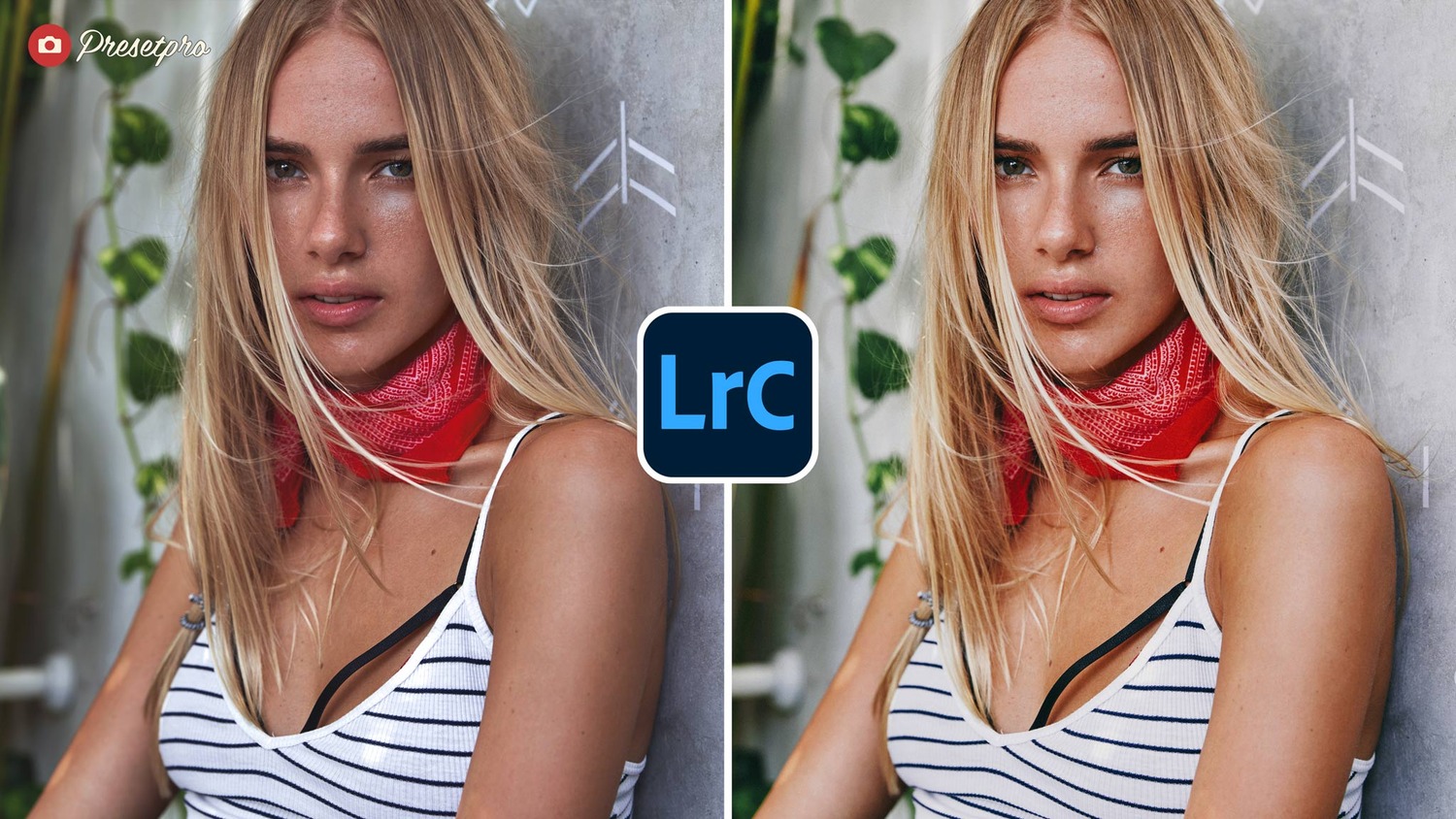
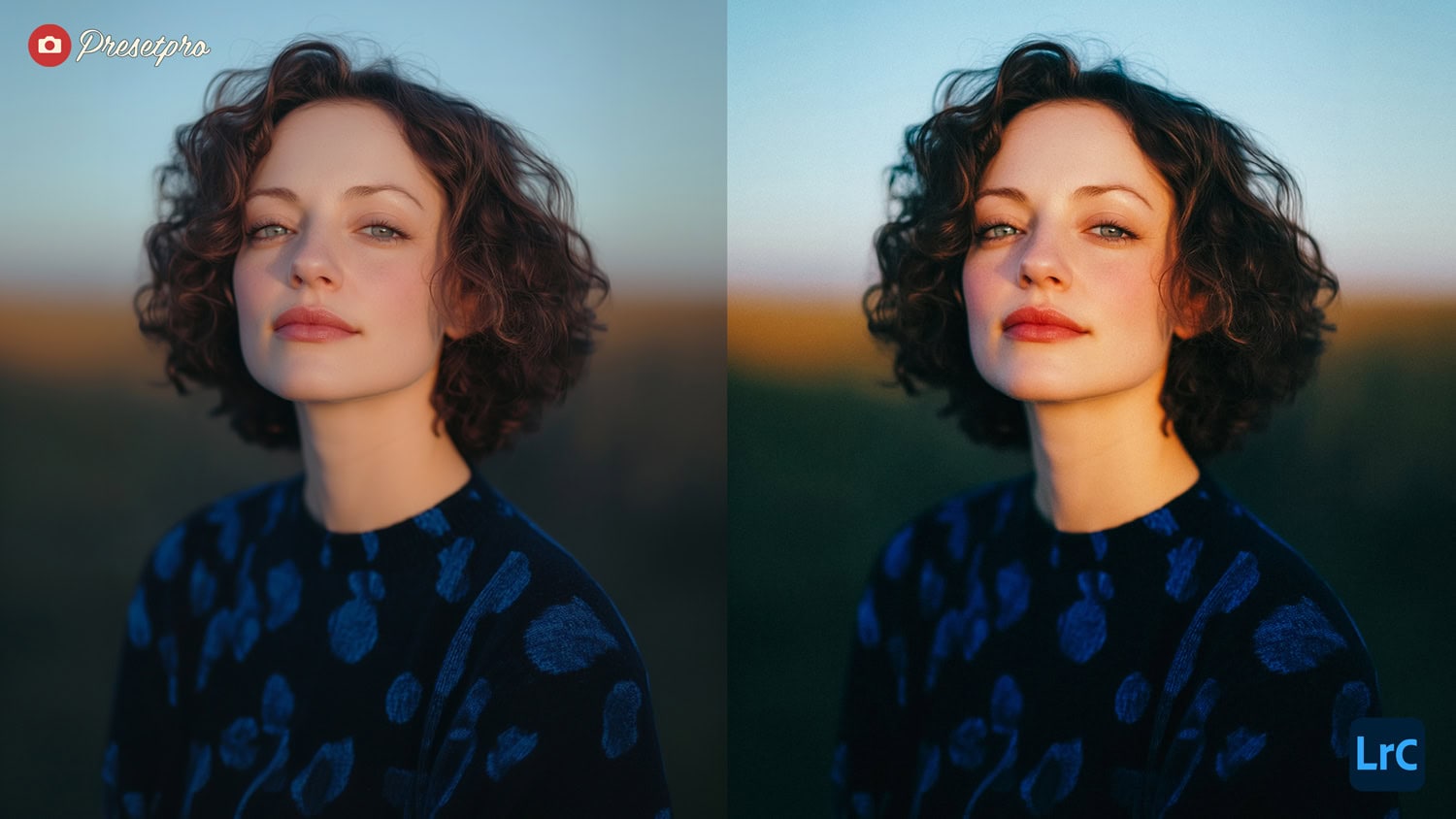
Disposable 400 Preset
A warm, golden film look inspired by Superia X-TRA 400, the film inside Fujifilm’s QuickSnap disposable camera. Skin turns warmer and more golden, the midtones brighten, the highlights stay soft below pure white and the deepest shadows take a cool green tint, with a fine film grain on top. The whole look lives in its profile, which the preset applies in one click, and your white balance and exposure are left as you set them.
- Best For: Portraits, friends and family, summer days, travel snapshots and everyday moments.
- Style: Superia 400 Inspired, Golden Skin, Soft Highlights, Fine Film Grain.
Olive & Earth Preset
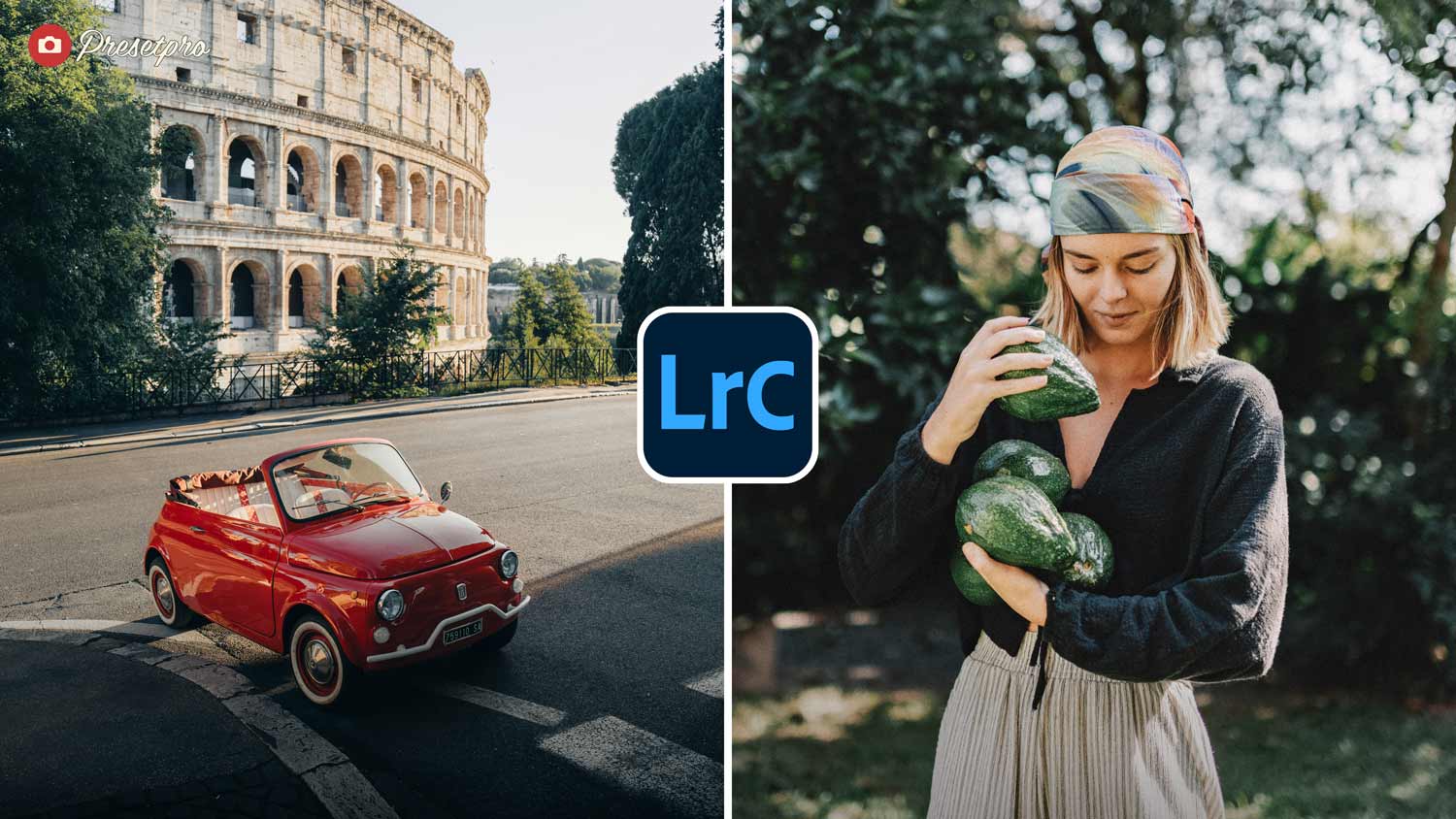
A rich Fuji Pro 400H emulation with warm, earthy highlights, muted greens, and creamy skin tones. Unlike cooler Fuji-inspired presets, this one leans into natural warmth — perfect for travel shots, architecture, and portraits in soft natural light. Includes a matching custom camera profile for fine-tuned control.
- Best For: Travel photography, architectural shots, lifestyle and portrait work, and nature scenes.
- Style: Fuji Pro 400H, Warm Earthy Tones, Muted Greens, Creamy Skin.
Portra 400 Preset
An authentic emulation of Kodak Portra 400, the gold-standard color negative film trusted by wedding, fashion, and editorial photographers for more than two decades. This free preset recreates the film’s signature creamy skin tones, warm midtone roll-off, and gentle highlight compression.
- Best For: Editorial portraits, fashion photography, weddings, and lifestyle shoots.
- Style: Kodak Portra 400, Creamy Skin Tones, Warm Midtones, Soft Film Contrast.
Fast Film Preset
If you love warm halation and dreamy highlights, Fast Film dials in a classic print vibe in one click.
- Best For: Travel journals and everyday storytelling.
- Style: Warm, Nostalgic, Print-Scan look.
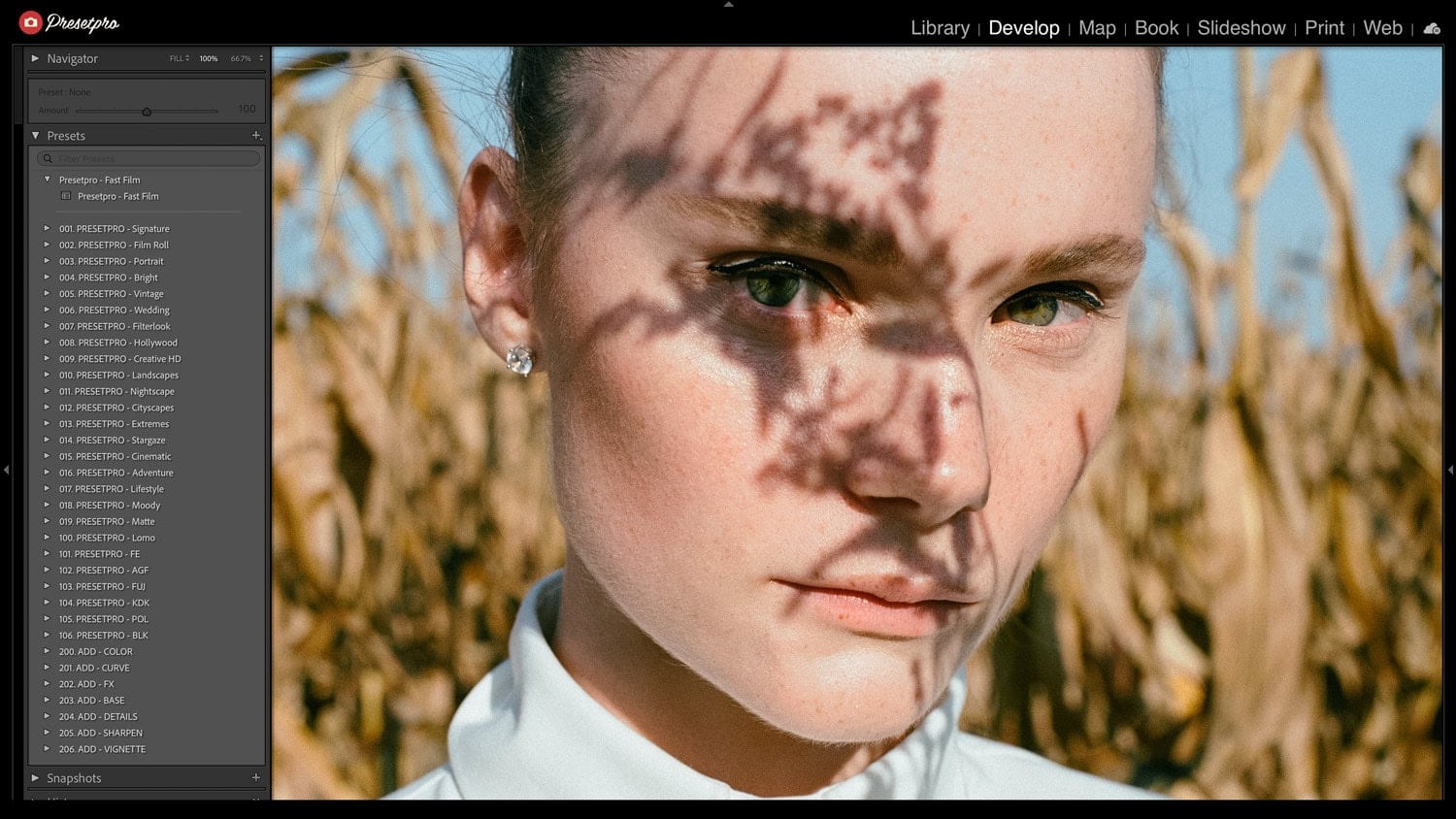
Fuji Film Preset
Designed to emulate the classic Fuji Film aesthetic, this preset offers Fuji tones and subtle grain.
- Best For: Travel journals and everyday storytelling.
- Style: Warm, Nostalgic, Cinematic.
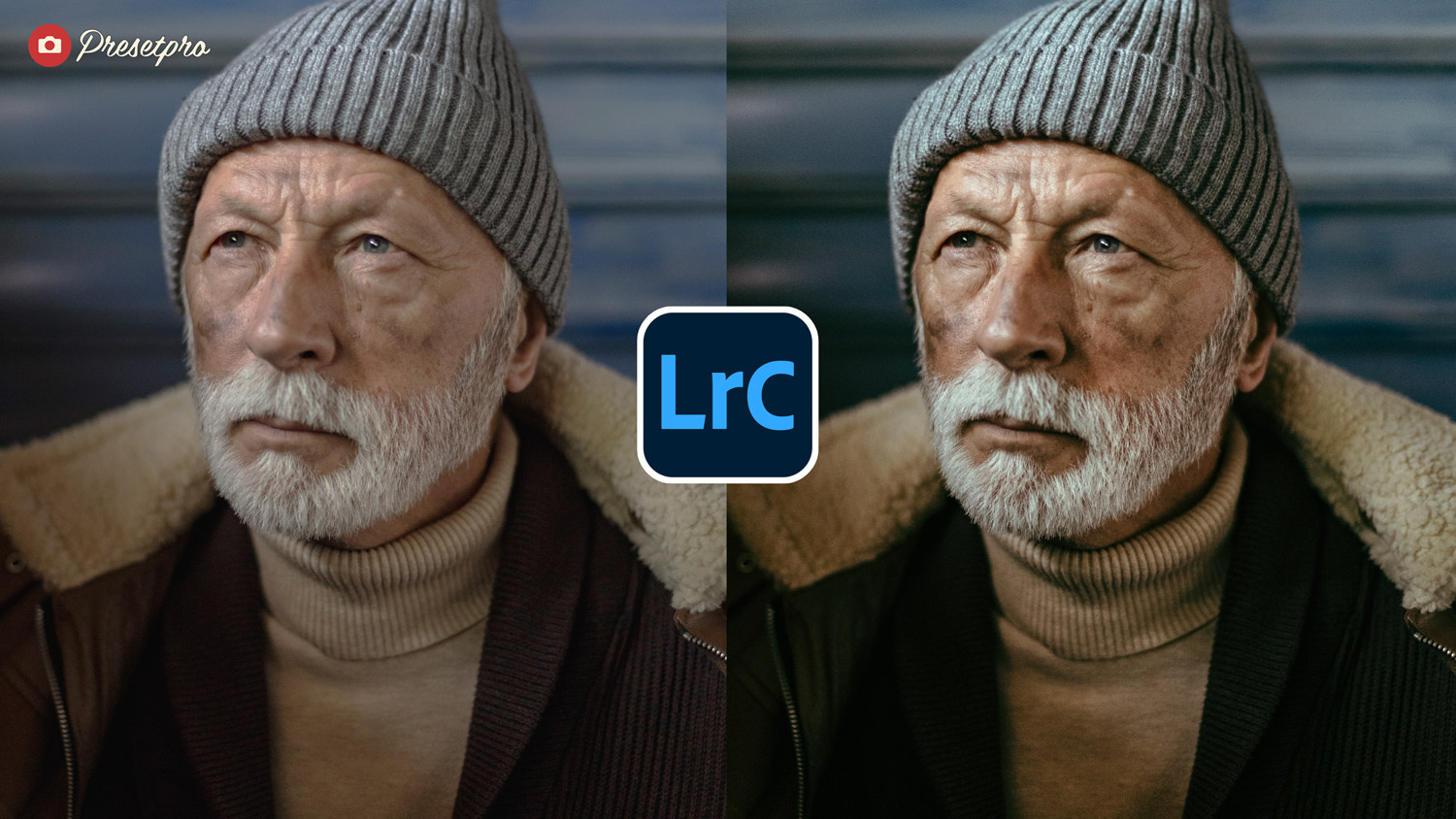
Portra ISO 400 Preset
Inspired by Kodak Portra 400, this free preset adds gentle contrast, keeps skin tones natural, and introduces a subtle grain structure.
- Best For: Weddings, family sessions, and lifestyle.
- Style: Natural, Fine Grain, Warm Midtones.
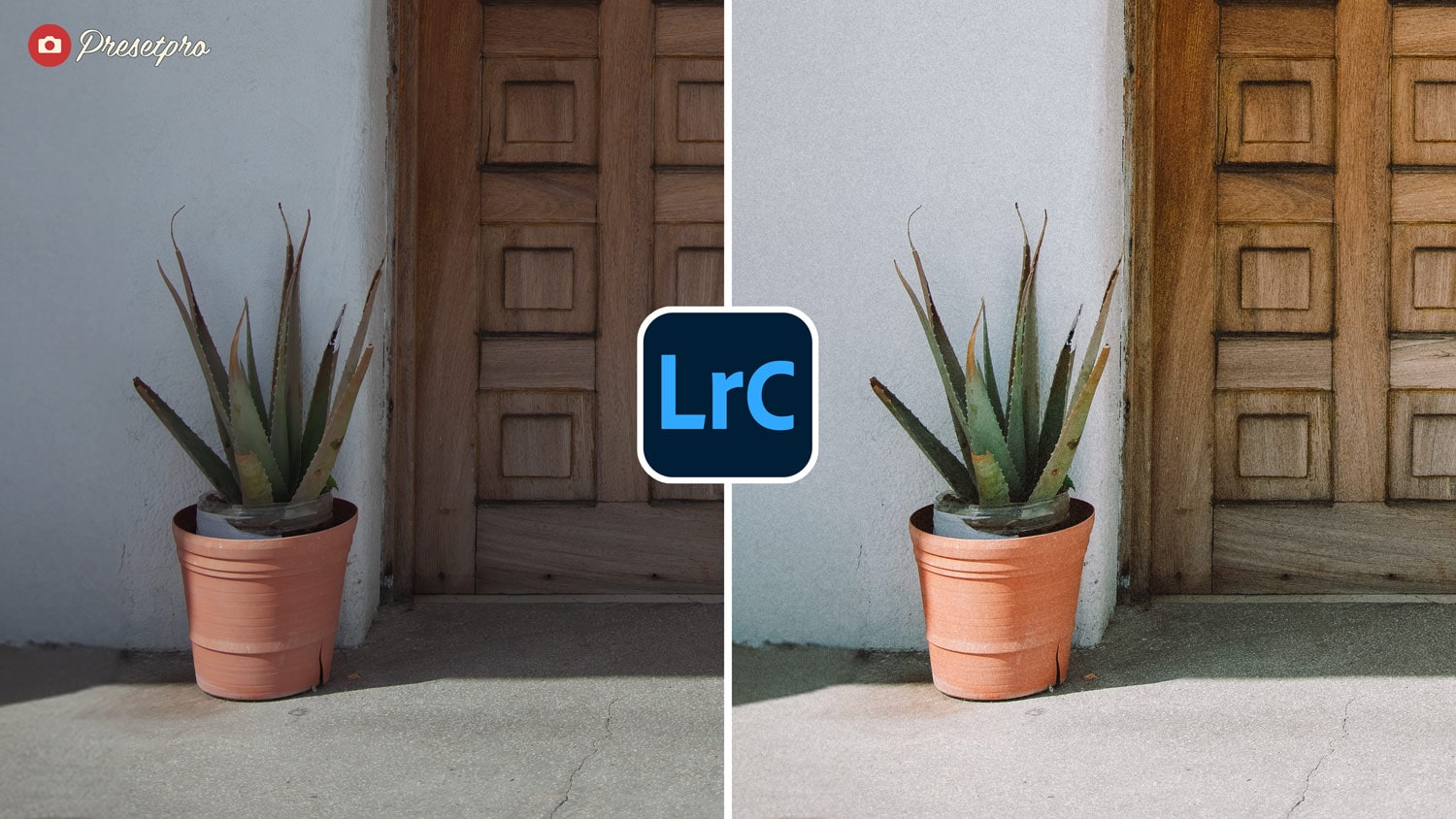
35mm Fade Preset
A Portra-160-inspired look with soft pastels and low-key contrast. It lifts the blacks slightly for a matte finish.
- Best For: Backlit portraits and golden hour.
- Style: Faded, Pastel, Soft Contrast.
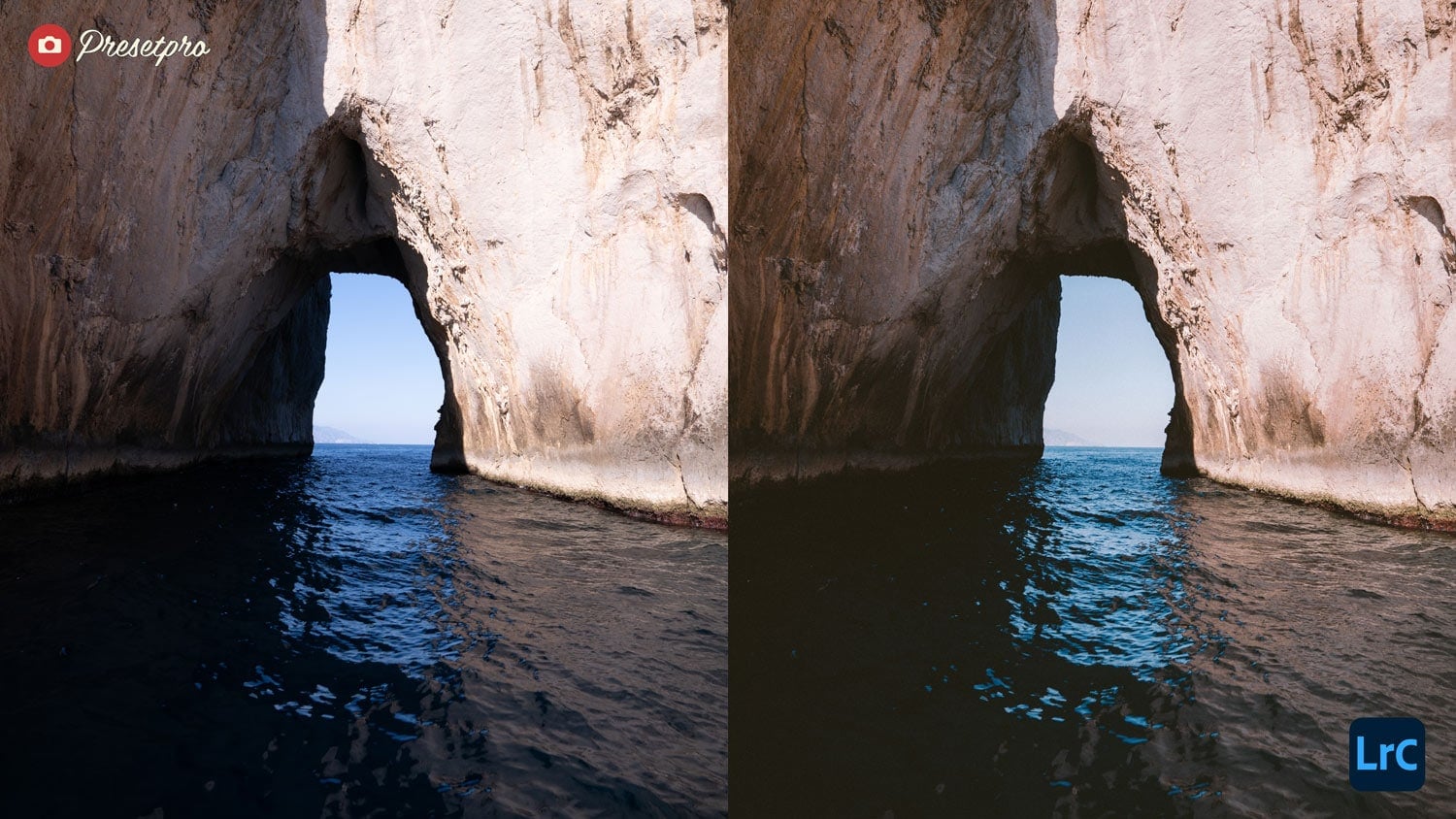
Lightroom Presets
Lightroom Presets
Lightroom Presets
Lightroom Presets
Lightroom Presets
Lightroom Presets
Lightroom Presets
Lightroom Presets
Lightroom Presets
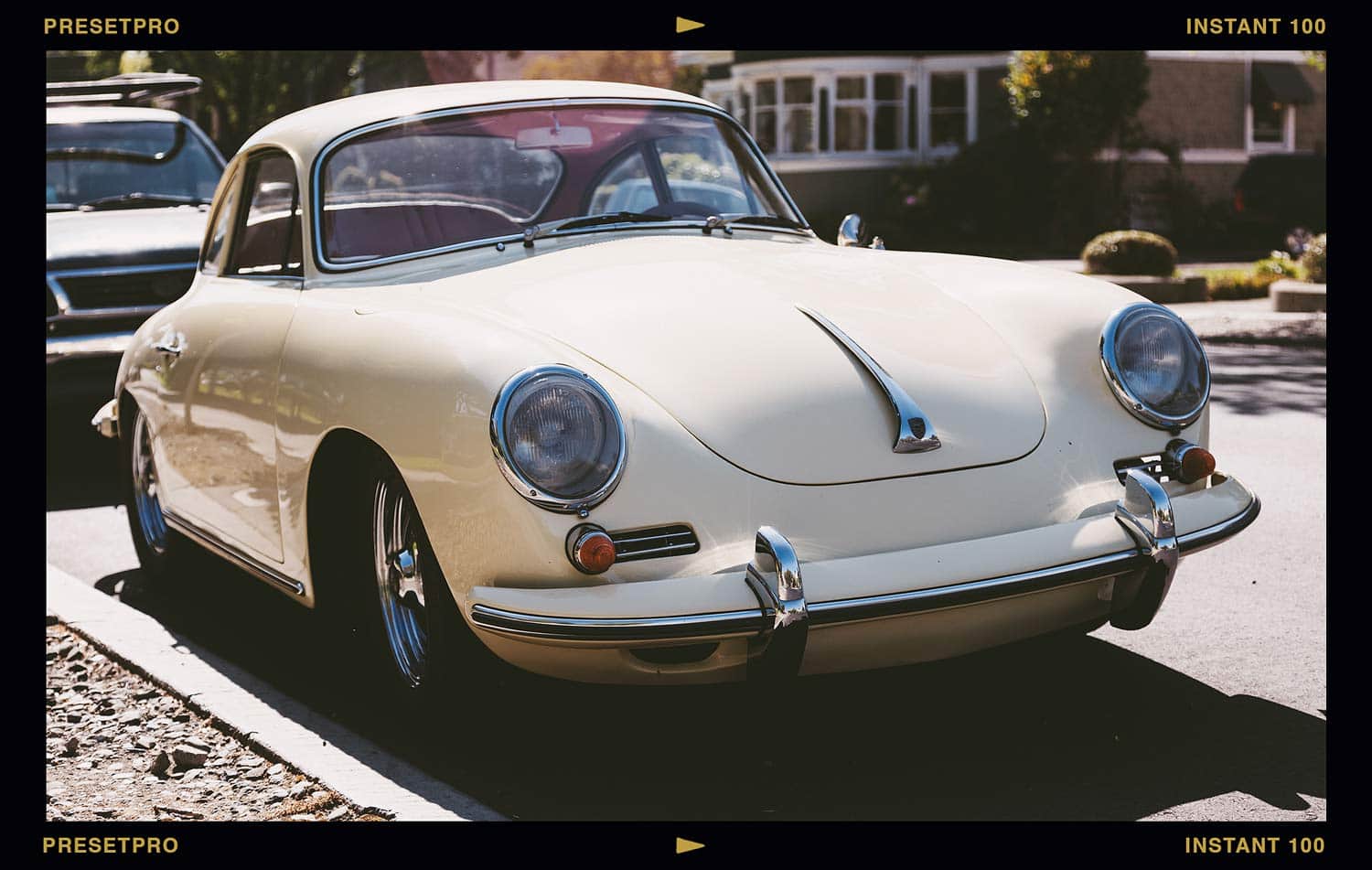
Instant 100 Preset
Bringing out rich tonal depth and beautiful analog warmth in vintage subjects with the Fuji FP-100C-inspired Instant 100 preset.
- Best For: Street photography, travel, and portraits.
- Style: Vintage vibe and instant film look.
Kodachrome Preset
Channel the legendary Kodachrome 64. This preset delivers rich reds, deep blues, and crisp micro-contrast for that iconic “National Geographic” look.
- Best For: Street photography and editorial travel.
- Style: Punchy, Saturated, High Contrast.
Fuji Pro Film Preset
A cooler palette with elegant grain and clean whites. It prioritizes green and blue hues, making it distinct from Kodak-style presets.
- Best For: Outdoor weddings and nature.
- Style: Cool Tones, Clean Whites, Sharp.
Indie Frame Preset
Recreates the cinematic atmosphere and incredible dynamic range of classic Fuji negative film. It lifts heavy shadows into a soft matte finish while shifting greens toward a cool cyan, preserving remarkably warm and forgiving skin tones. Uniquely, this download includes a custom blending profile for maximum control.
- Best For: Candid lifestyle, street scenes, and documentary photography.
- Style: Fuji Negative, Cinematic, Soft Matte Contrast.
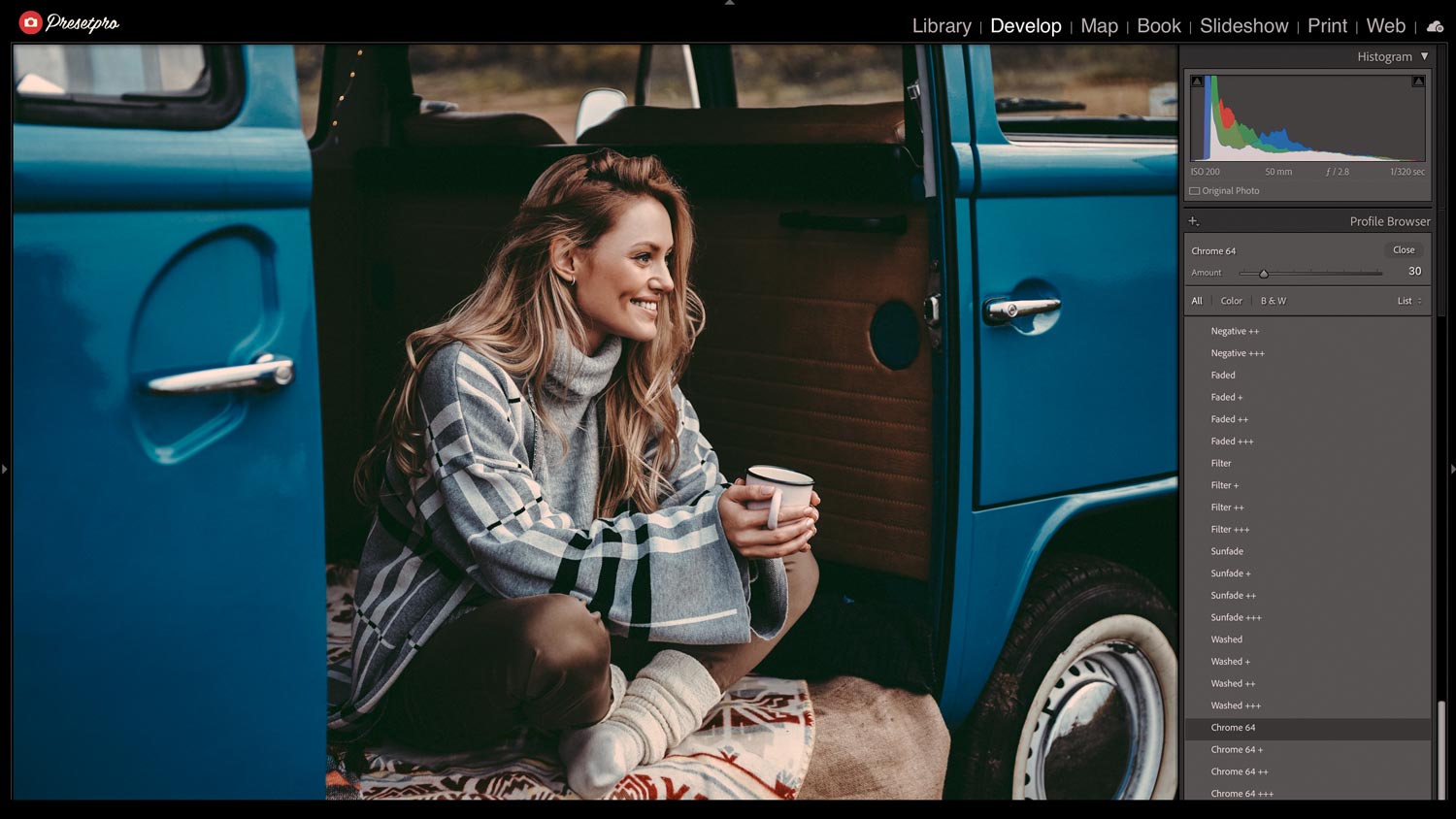
Moody 35mm Preset
Easily recreate the cinematic, atmospheric look of classic Fuji analog film directly in your digital workspace.
- Best For: Cityscapes and portraits.
- Style: Luminous, Rich, Glossy.
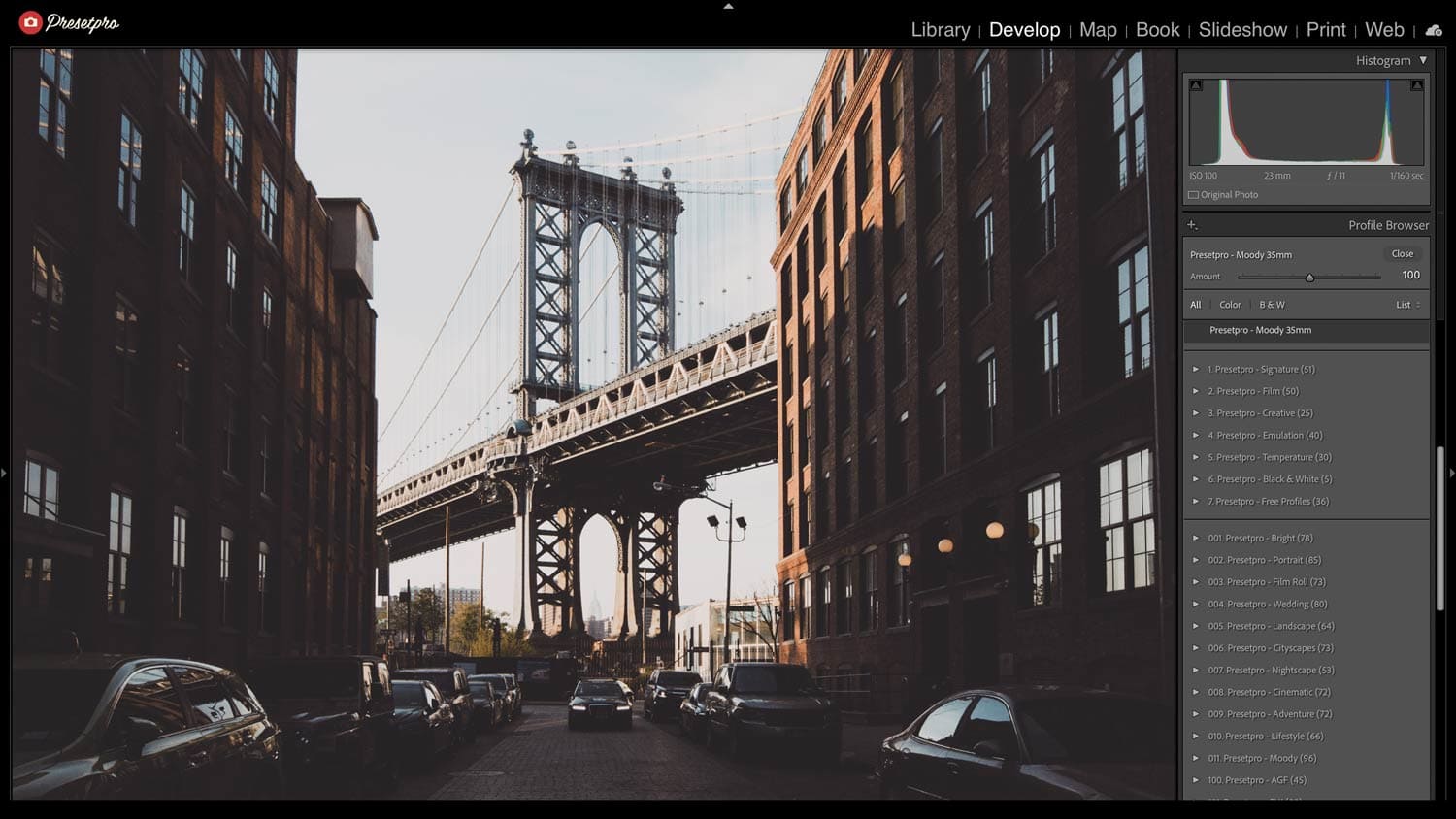
Chroma Film Preset
Delivers luminous highlights and rich midtones. This preset adds a “glossy” finish to images without crushing shadow detail.
- Best For: City lights and fashion.
- Style: Luminous, Rich, Glossy.
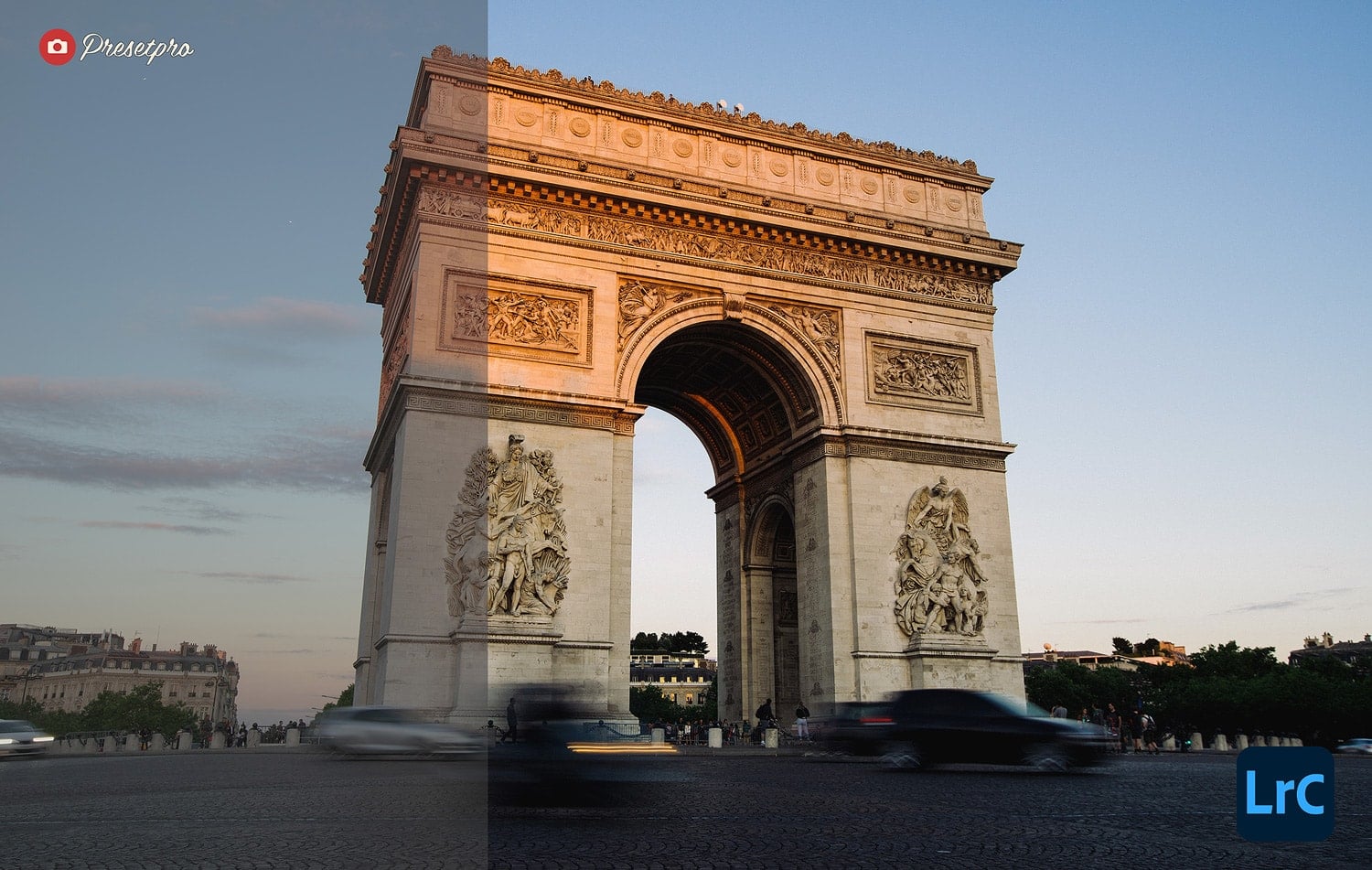
Lightroom Presets
Lightroom Presets
Lightroom Presets
Lightroom Presets
Lightroom Presets
Lightroom Presets
Lightroom Presets
Lightroom Presets
Lightroom Presets
Portrait 160 Preset
Emulating Agfa Portrait 160, this preset offers a wide tonal range, allowing smooth transitions from highlights to shadows without harsh clipping.
- Best For: Studio portraits and soft natural light.
- Style: Soft, Flattering, Low Contrast.

Portra Color Preset
Focuses on exceptional skin-tone accuracy. It smoothes imperfections while retaining natural texture, mimicking the versatility of Portra 400.
- Best For: Headshots and close-ups.
- Style: Accurate, Warm, Texture-Rich.
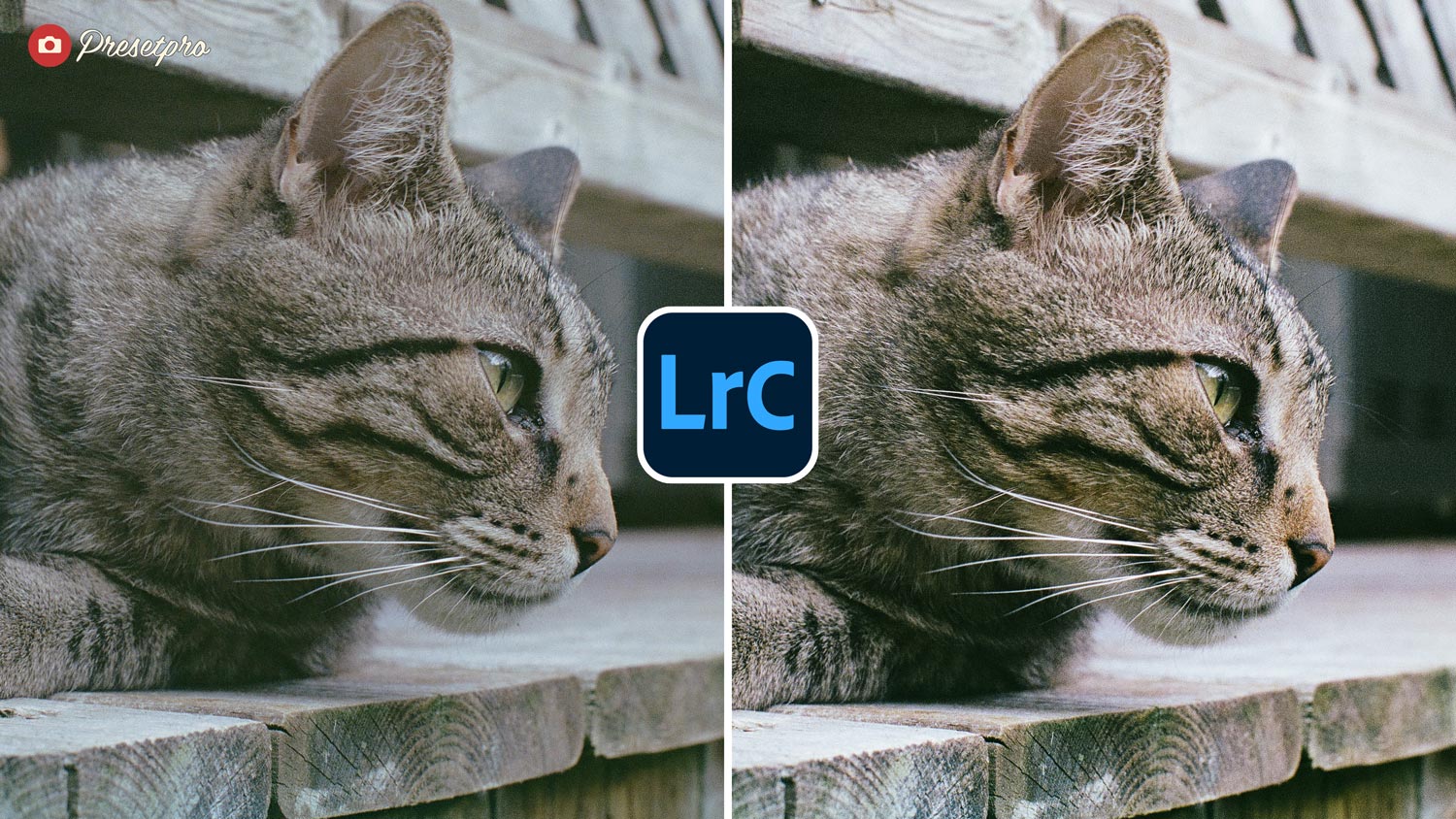
Kodak Simulation Preset
The “Kodak Simulation” preset emulates the classic appeal of the legendary Kodachrome 64 film.
- Best For: Portraiture, street photography, and documentary photography.
- Style: Kodachrome 64, deeply vibrant red/yellow reproduction, ultra-fine physical film grain.
Moody Sun Preset
Lomography-style color with natural skin and a subtle vintage vibe.
- Best For: Golden hour and street photography.
- Style: Vintage, Warm, Moody.
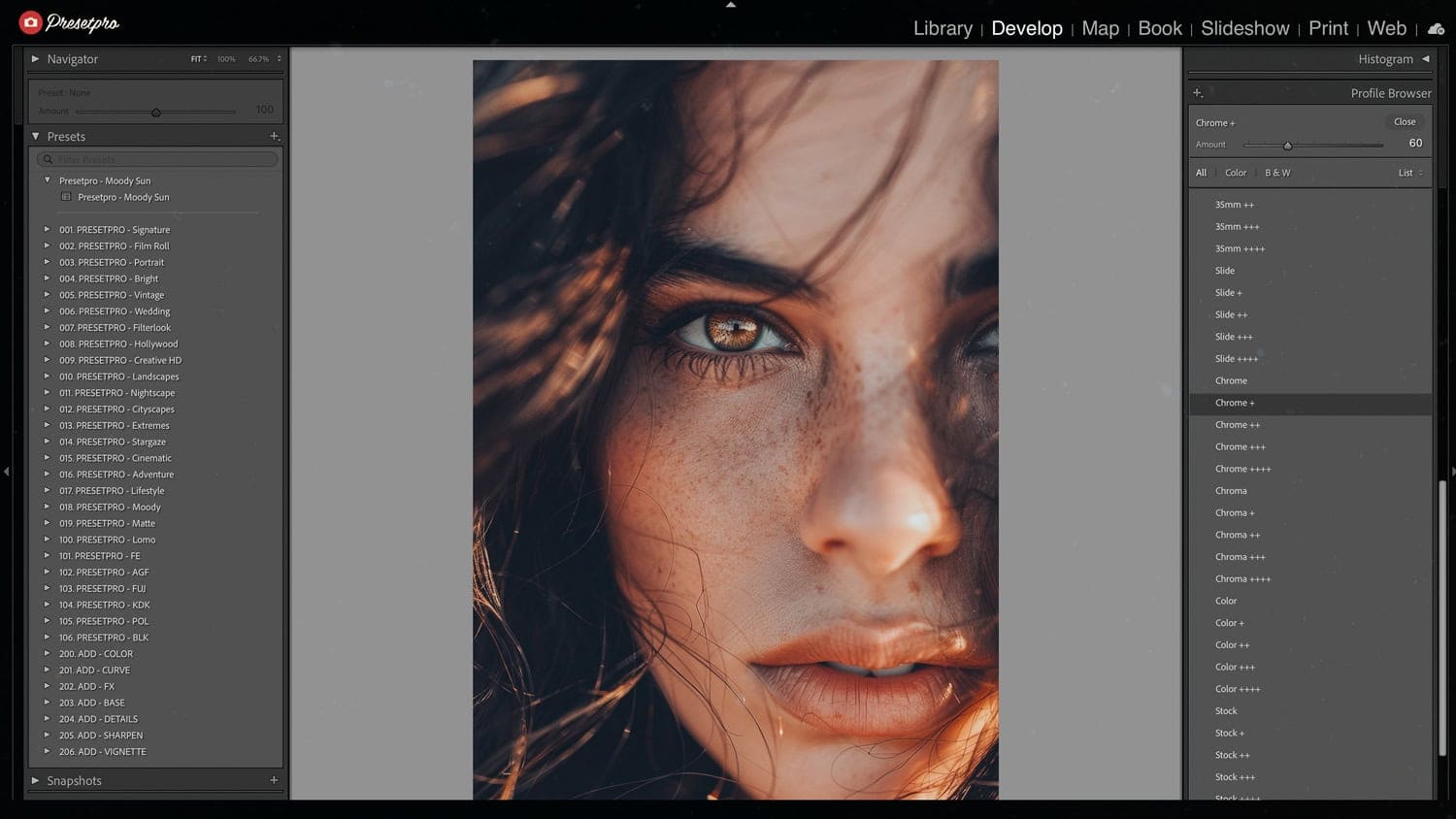
Film Style Preset
Inspired by the Agfa Ultra 100, it enhances photos with intense colors and fine grain.
- Best For: Editorial and weddings.
- Style: Accurate, Texture-Rich.
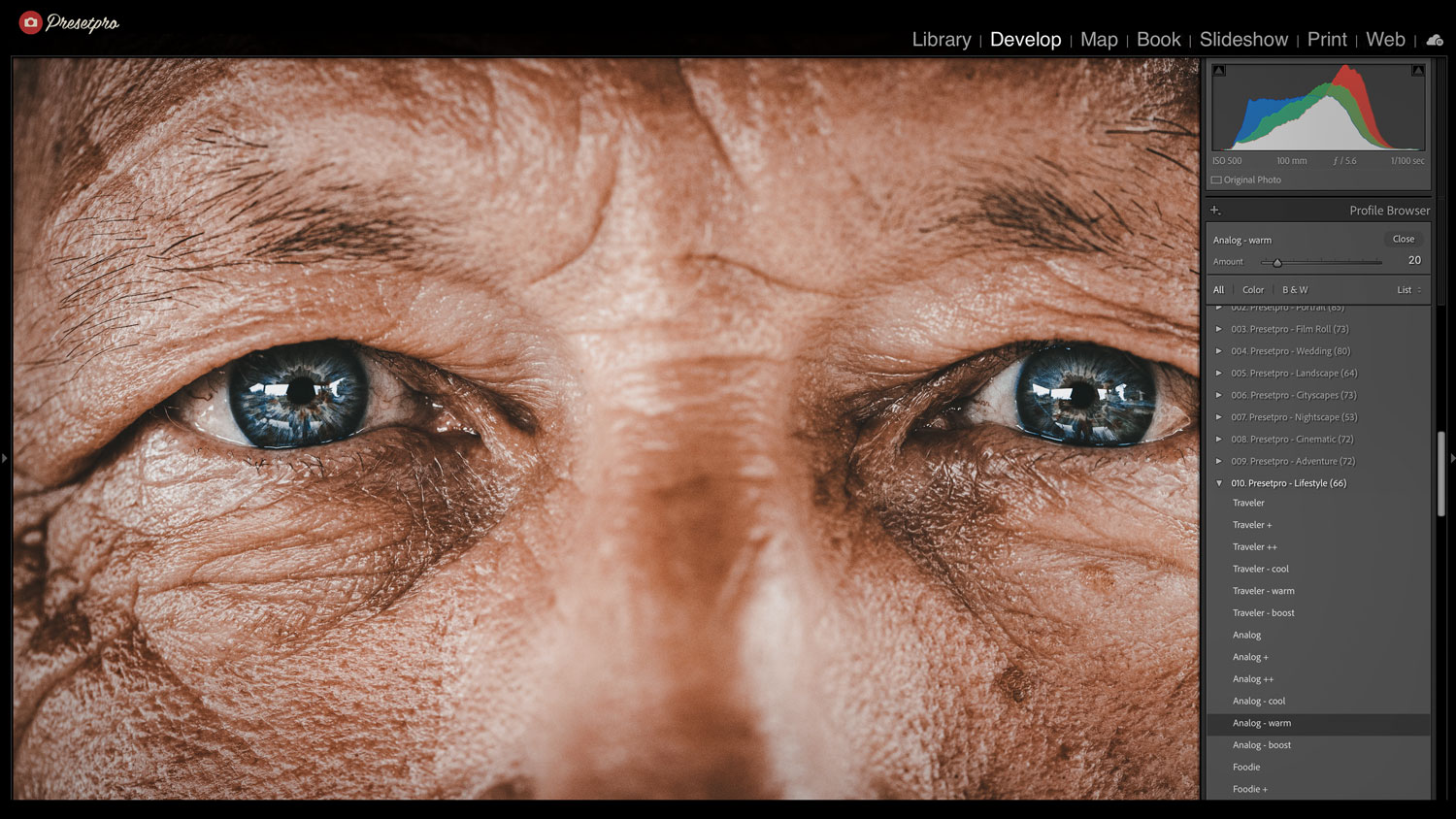
Ultra Film Preset
Inspired by the Agfa Ultra 100, it enhances photos with intense colors and fine grain.
- Best For: Fashion and vibrant scenery.
- Style: Intense, Vivid, Grainy.
Cinematic & Retro
Presets designed for video-style grading, teal & orange tones, and dramatic lighting.
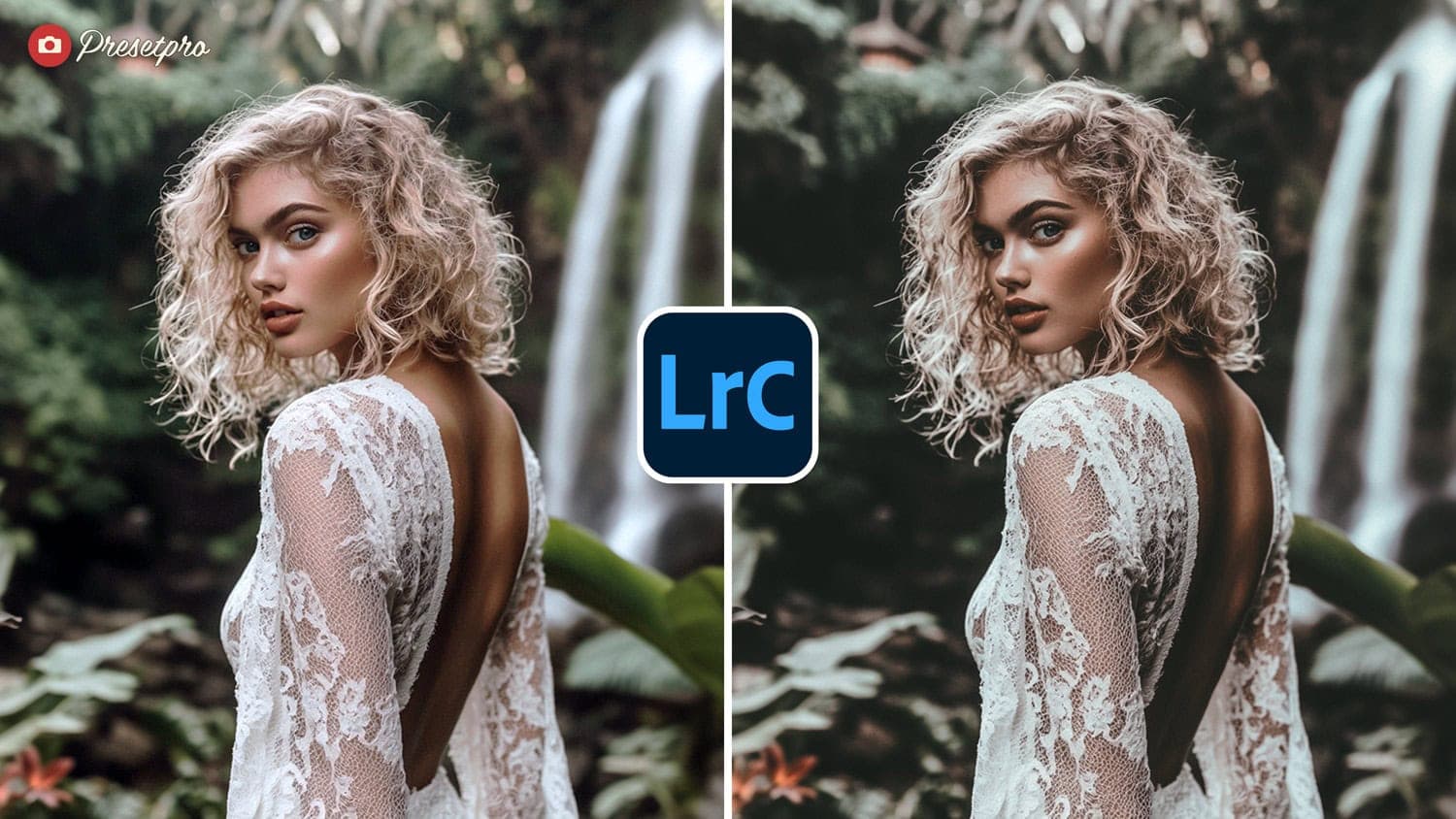
Bali Mood Preset
Deep tones with cinematic contrast.
- Best For: Travel diaries and Instagram reels.
- Style: Dark, Moody, Tropical.
Lomography Preset
Lomo-inspired vignetting, punchy color, and nostalgic grit.
- Best For: Artistic street photography.
- Style: Vignetted, Saturated, Toy Camera.
Lightroom Presets
Lightroom Presets
Lightroom Presets
Lightroom Presets
Lightroom Presets
Lightroom Presets
Lightroom Presets
Lightroom Presets
Lightroom Presets
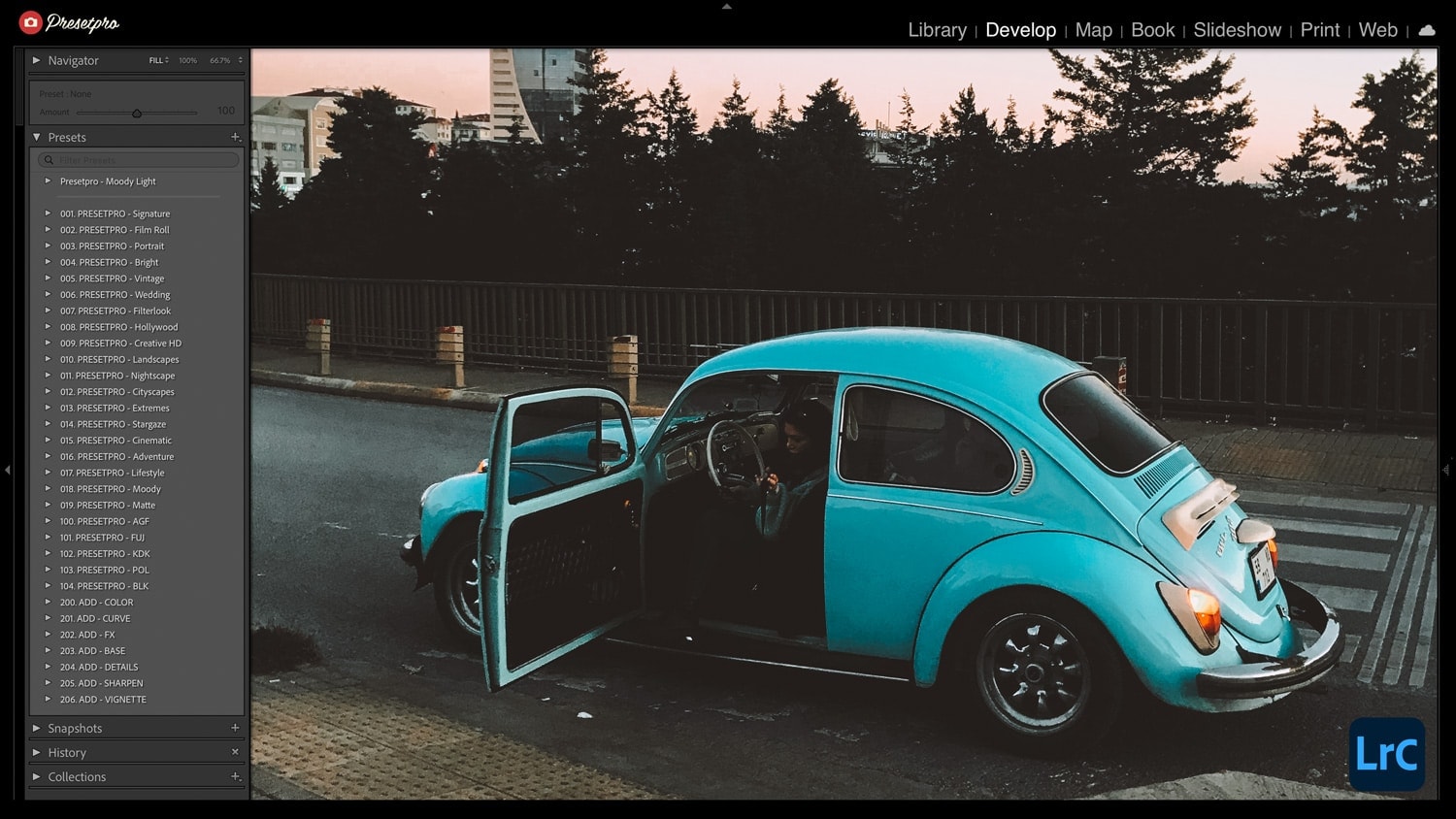
Moody Light Preset
Old-school cinema tonality with soft contrast and tasteful grain.
- Best For: Indoor shots and overcast days.
- Style: Soft, Grainy, Timeless.
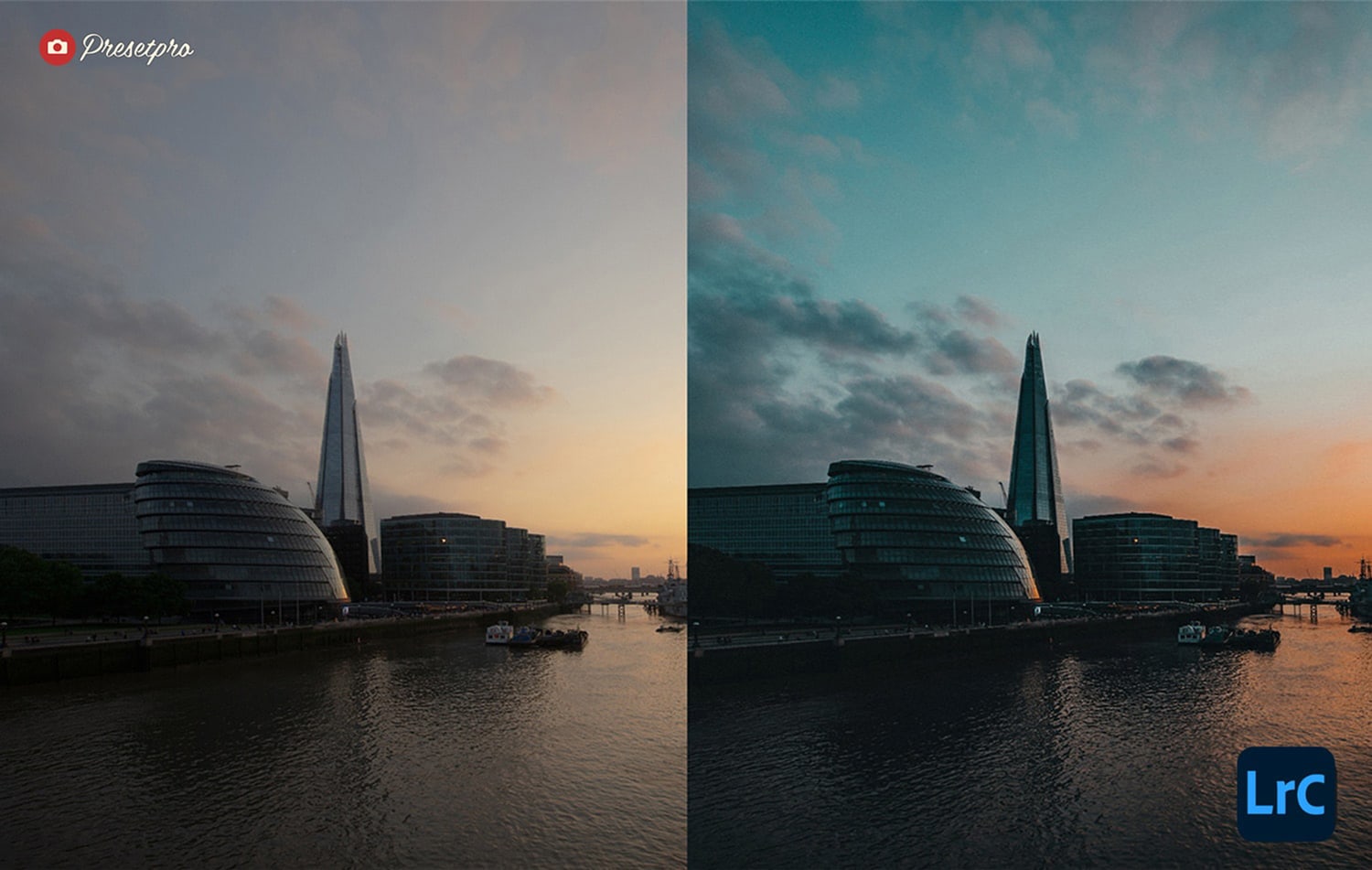
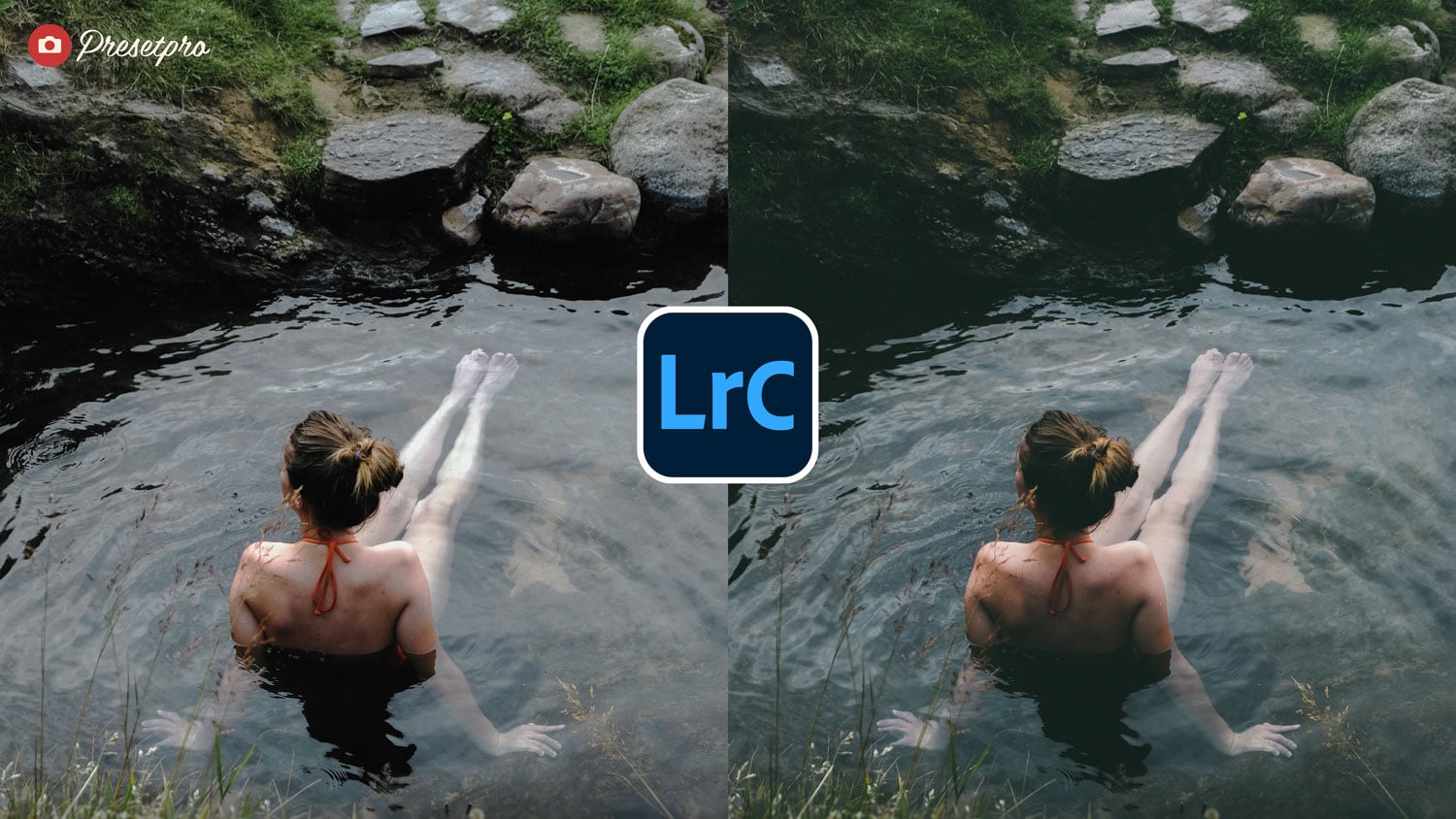
Iceland Preset
Optimized for overcast landscapes. It retains subtle color integrity while adding drama.
- Best For: Waterfalls, black beaches, and rocks.
- Style: Atmospheric, Cool, Desaturated.
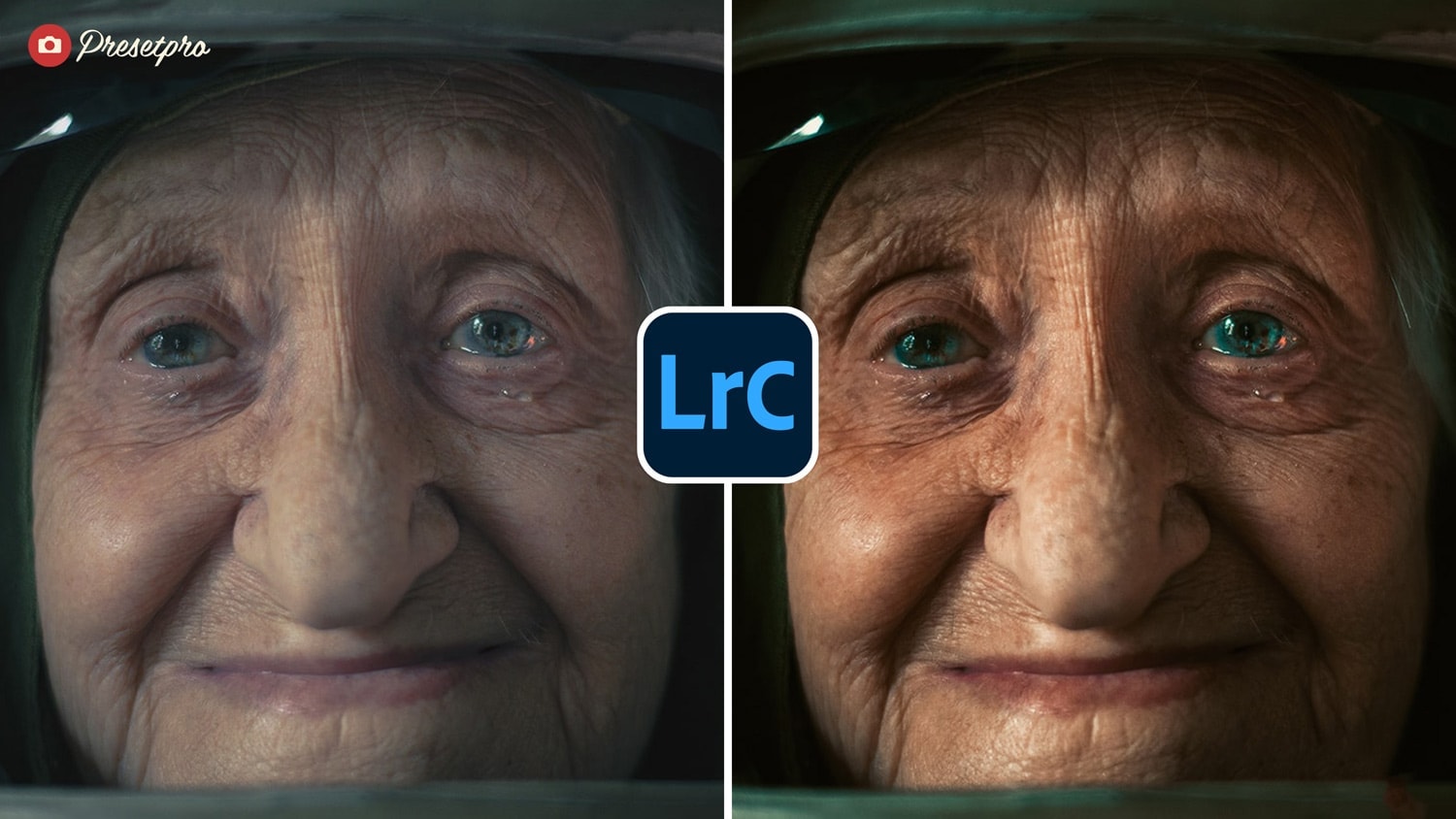
Film Grade
Modern film color with moody midtones and soft roll-off.
- Best For: Editorial polish in seconds.
- Style: Clean, Modern, Cinematic.
Portrait & Lifestyle
Presets tuned for skin tones (skintone protection), softness, and flattering contrast.
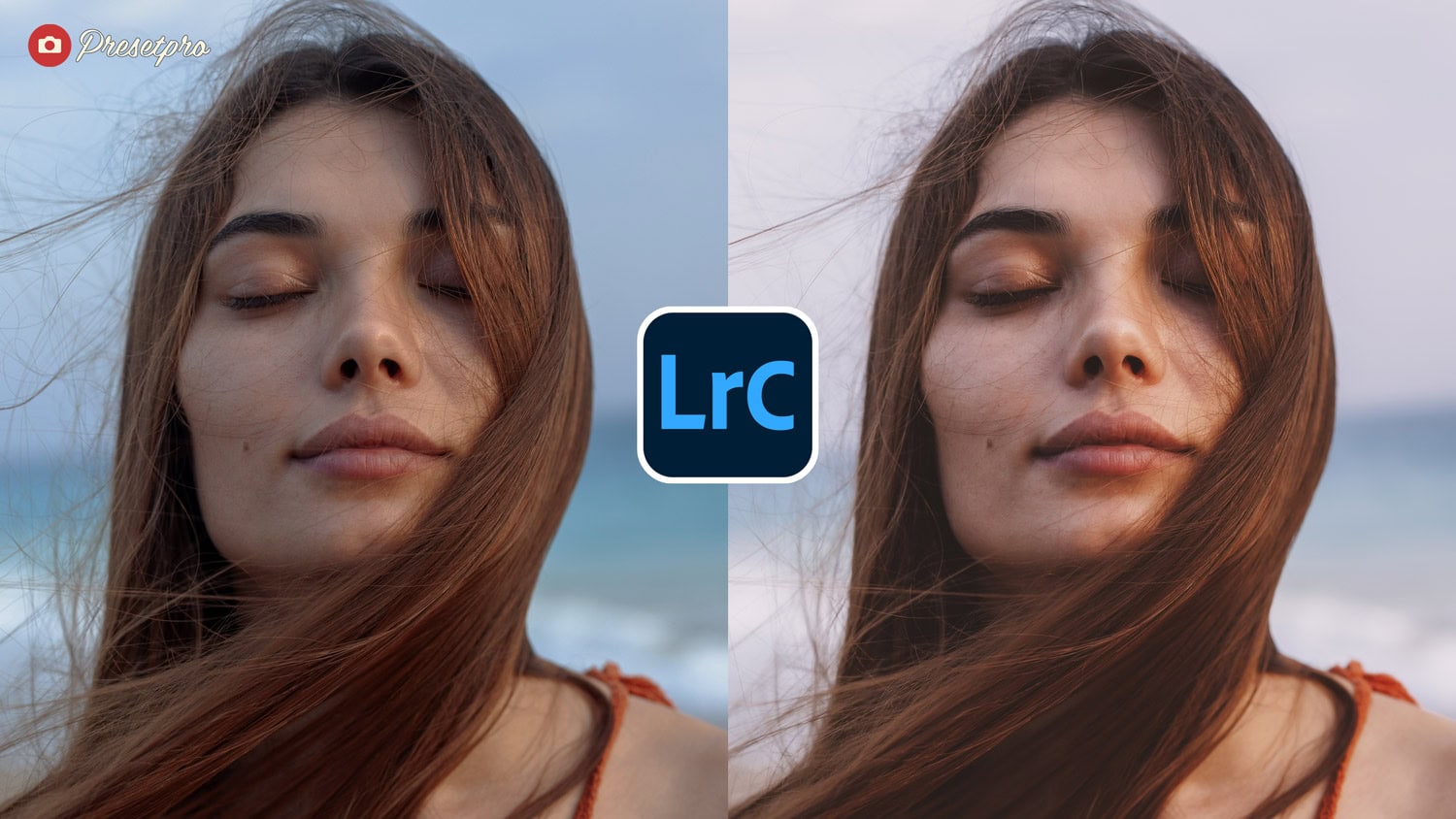
Vellum Fade Preset
Inspired by the hazy, semi-translucent quality of archival vellum paper. It lifts the shadows for a printed-page aesthetic.
- Best For: Fine art portraits.
- Style: Matte, Faded, Organic.
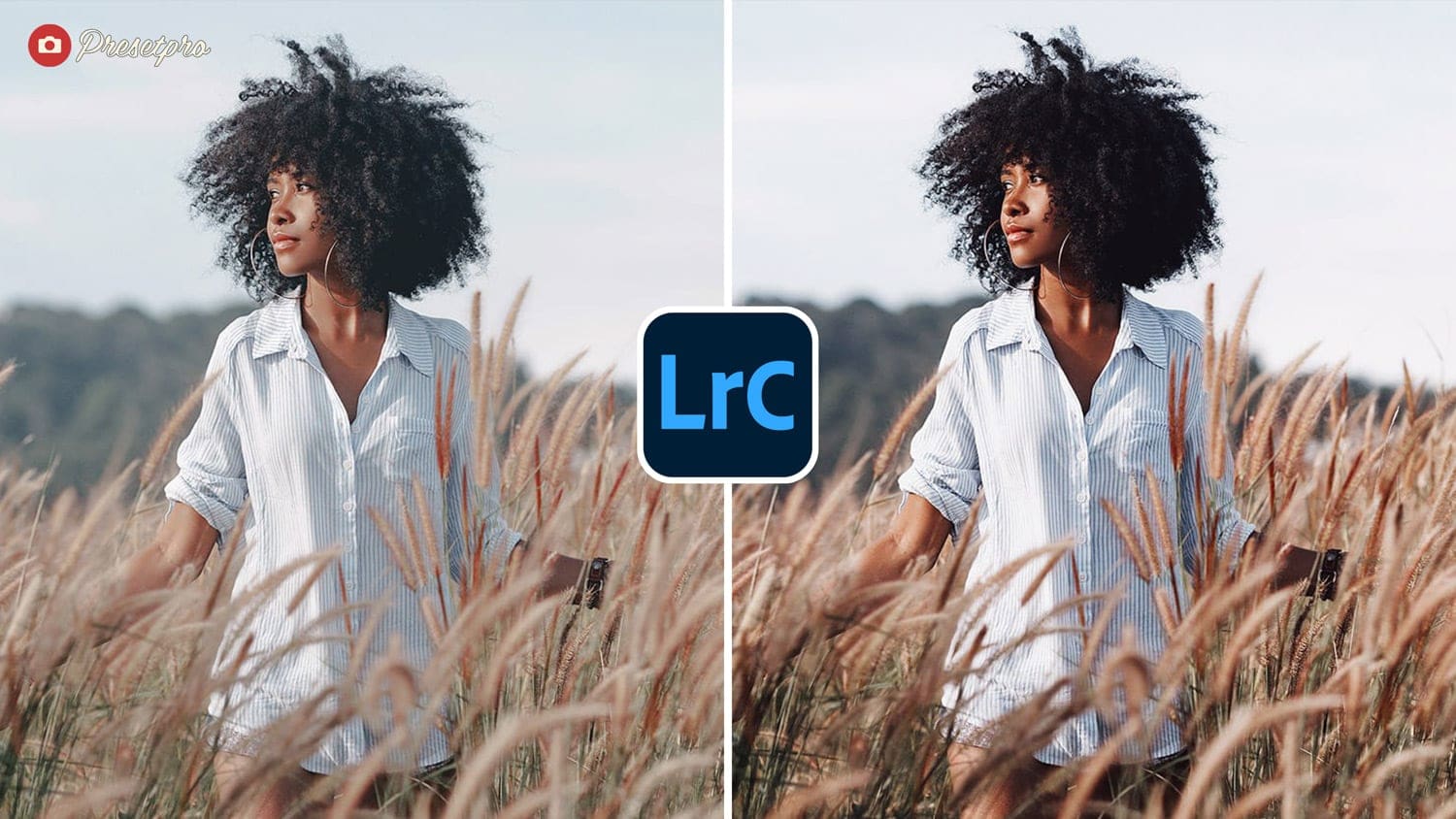
Bohemian Film Preset
Vintage warmth with airy highlights.
- Best For: Sunlit portraits and festivals.
- Style: Boho, Warm, Airy.
Lightroom Presets
Lightroom Presets
Lightroom Presets
Lightroom Presets
Lightroom Presets
Lightroom Presets
Lightroom Presets
Lightroom Presets
Lightroom Presets
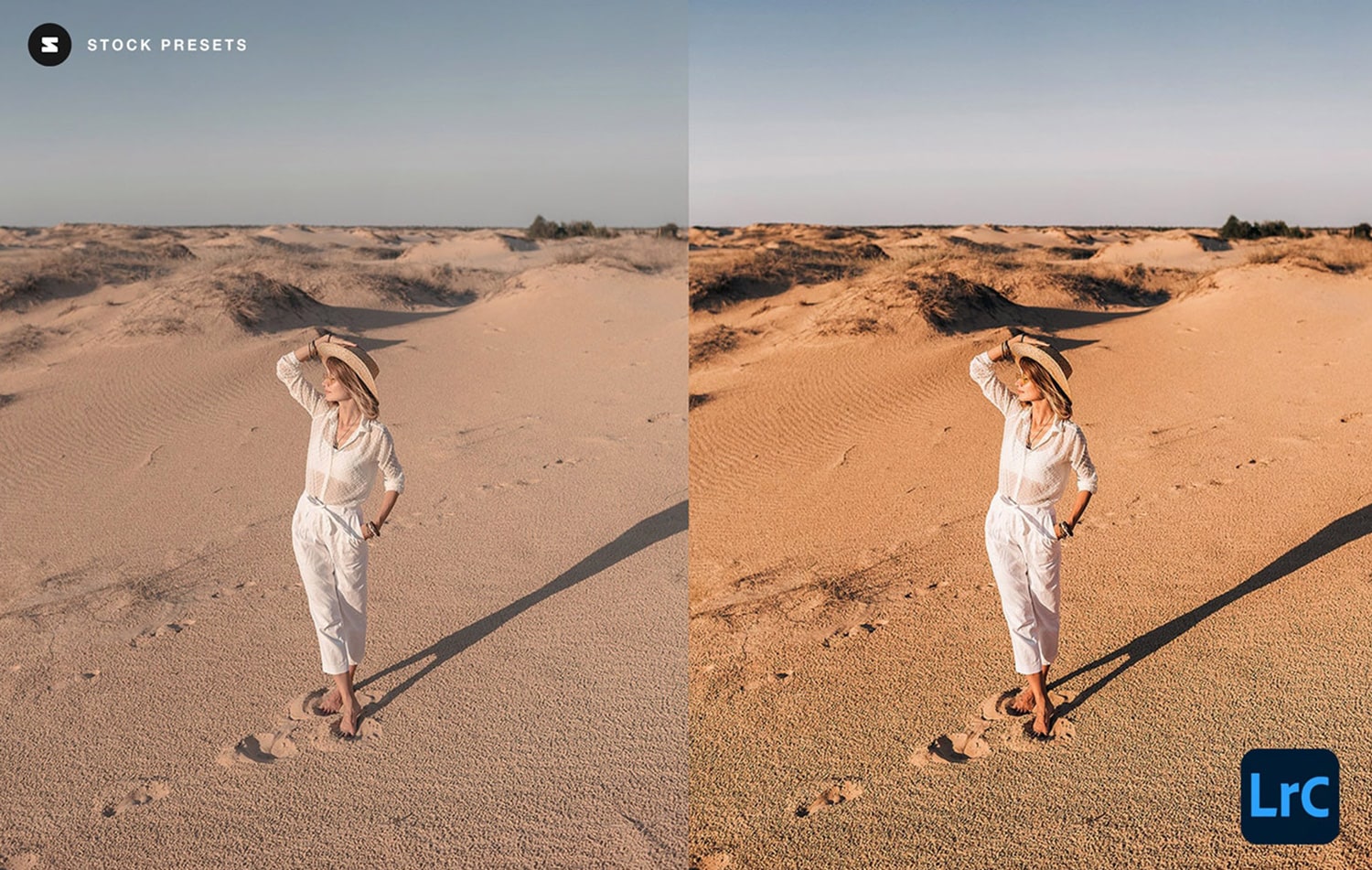
Portrait Preset
Clean skin, gentle contrast, and natural color. A perfect base grade for batch editing.
- Best For: Family and couple shoots.
- Style: Natural, Clean, Soft.
Lightroom Presets
Lightroom Presets
Lightroom Presets
Lightroom Presets
Lightroom Presets
Lightroom Presets
Lightroom Presets
Lightroom Presets
Lightroom Presets
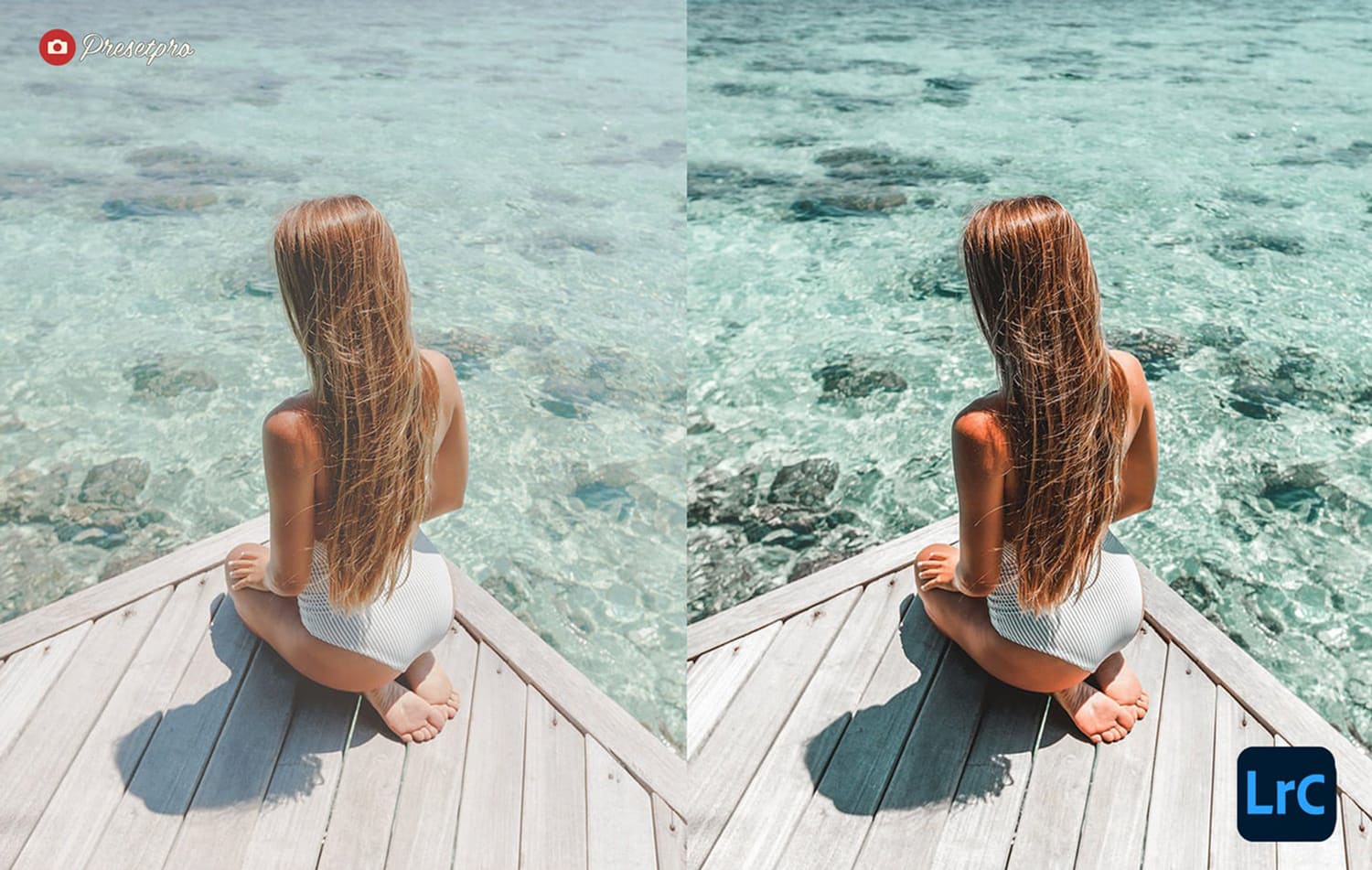
Creatives Preset
Warm-turquoise palette with modern pop.
- Best For: Influencers and creative brands.
- Style: Stylized, Turquoise & Orange.
Landscape, Travel & City
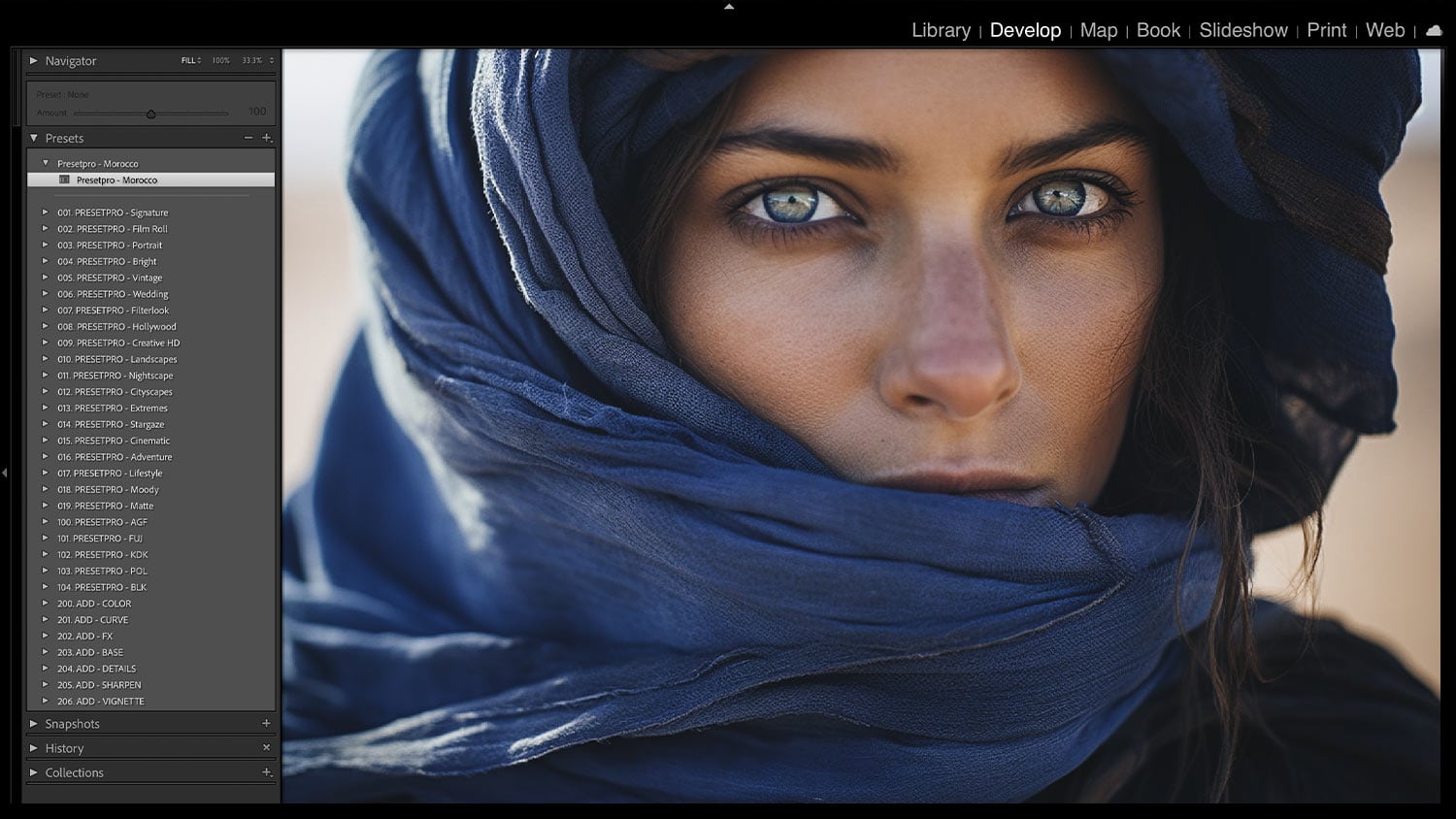
Morocco Preset
Warm dunes, blue alleyways, and earthy medina tones.
- Best For: Desert and exotic travel.
- Style: Earthy, Warm, Saturated.
Lightroom Presets
Lightroom Presets
Lightroom Presets
Lightroom Presets
Lightroom Presets
Lightroom Presets
Lightroom Presets
Lightroom Presets
Lightroom Presets
Color Fade Preset
Inspired by Kodak Gold 200, known for its warm tones and rich color saturation.
- Best For: Sunny vacations.
- Style: Golden, Saturated, Classic.
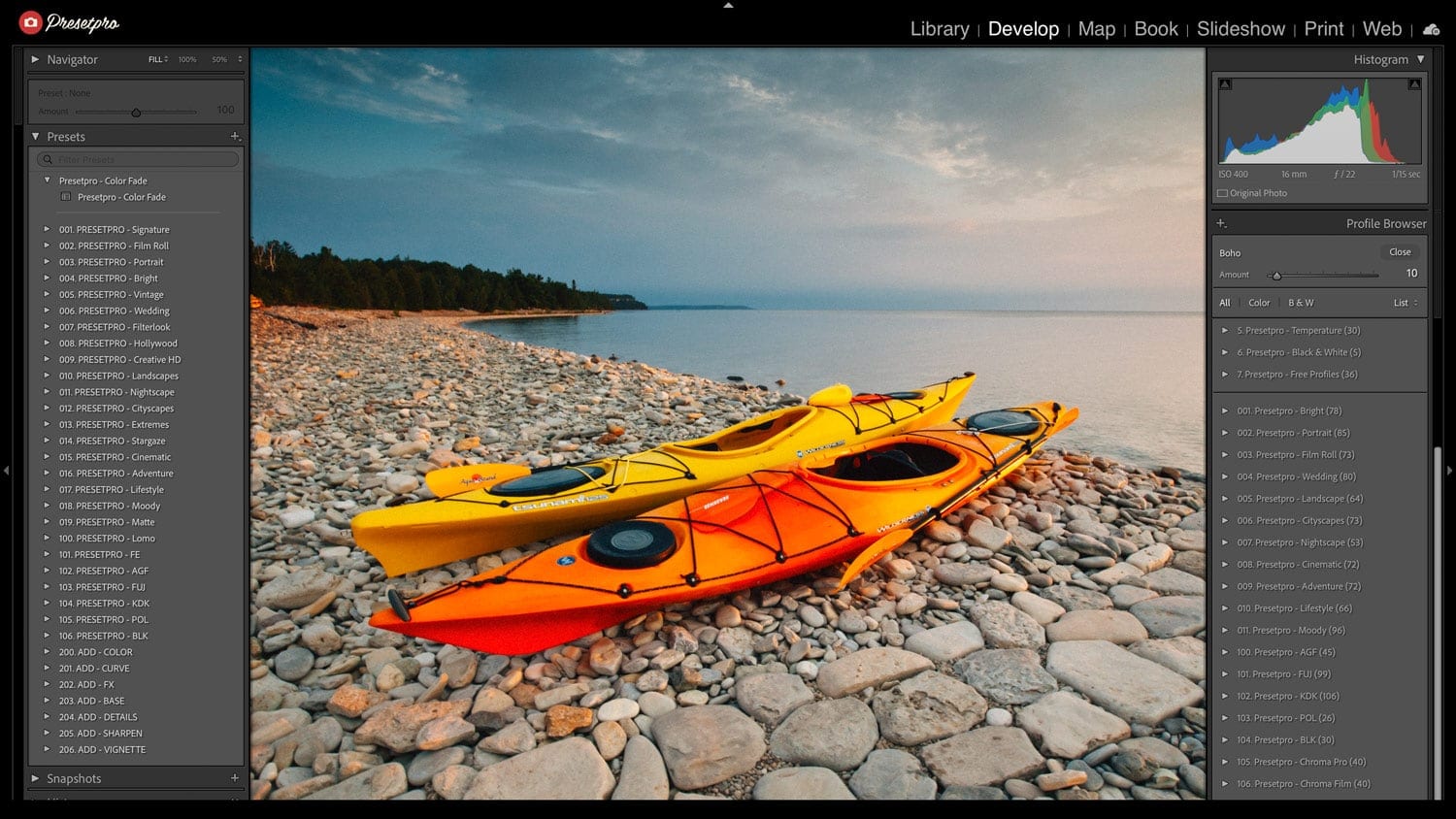
Adventure Preset
Contrast, clarity, and color for bold landscapes.
- Best For: Mountains and hiking.
- Style: Sharp, High Dynamic Range (HDR), Clean.
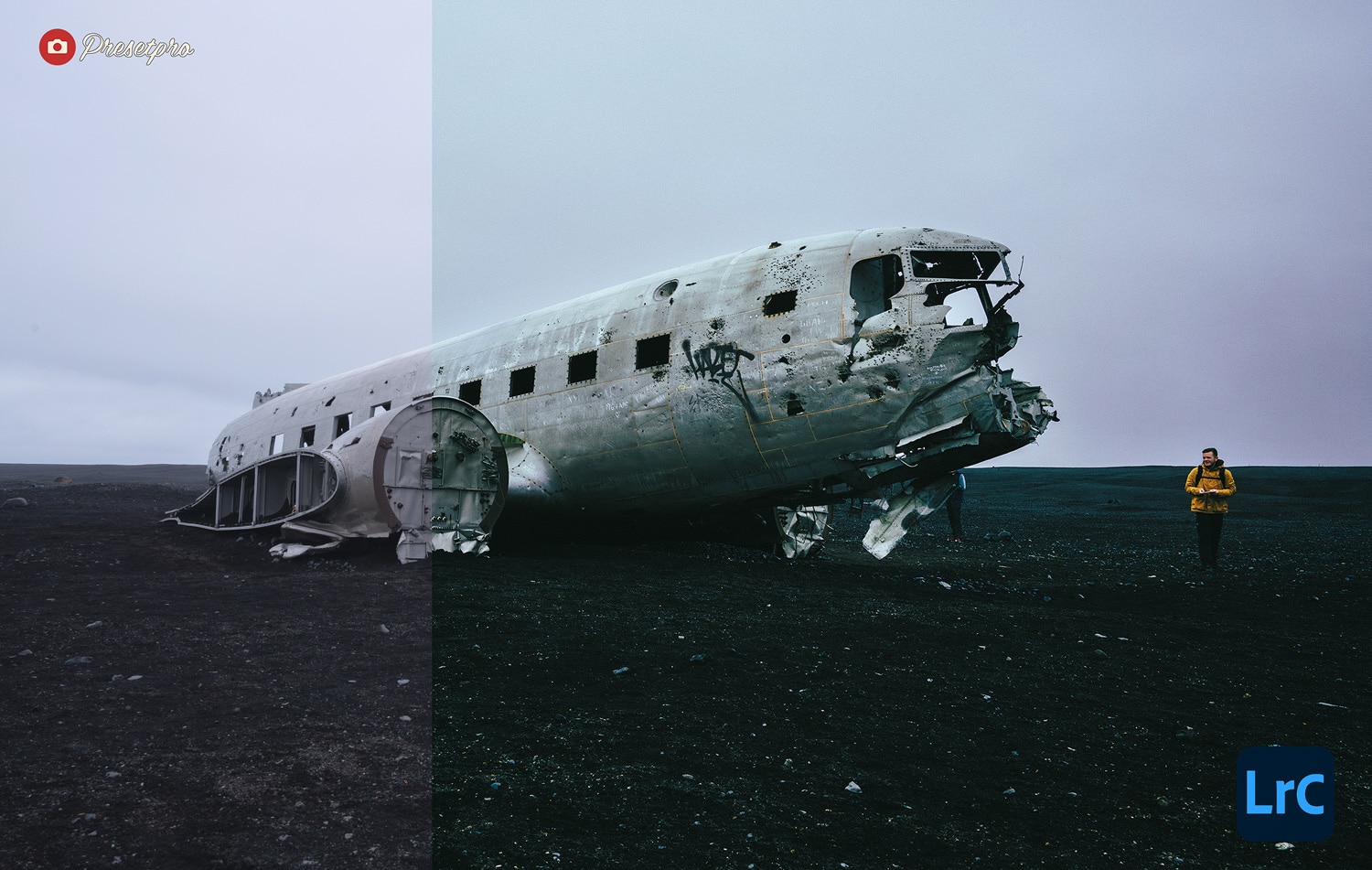
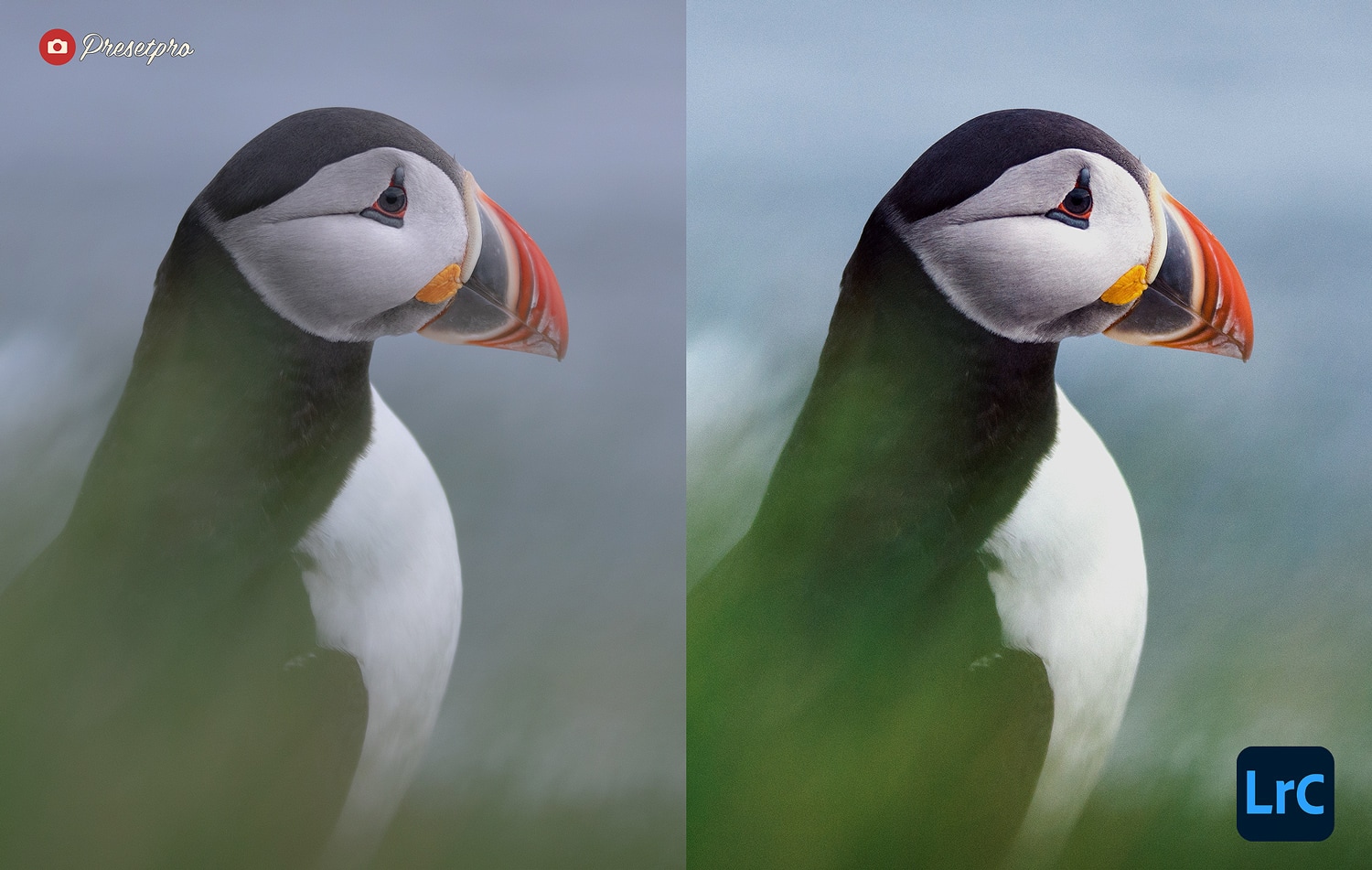
Icelandic Preset
Bold color for dramatic landscapes — icy blues, mossy greens, and moody skies.
- Best For: Northern landscapes.
- Style: Cool, Vibrant Green/Blue.
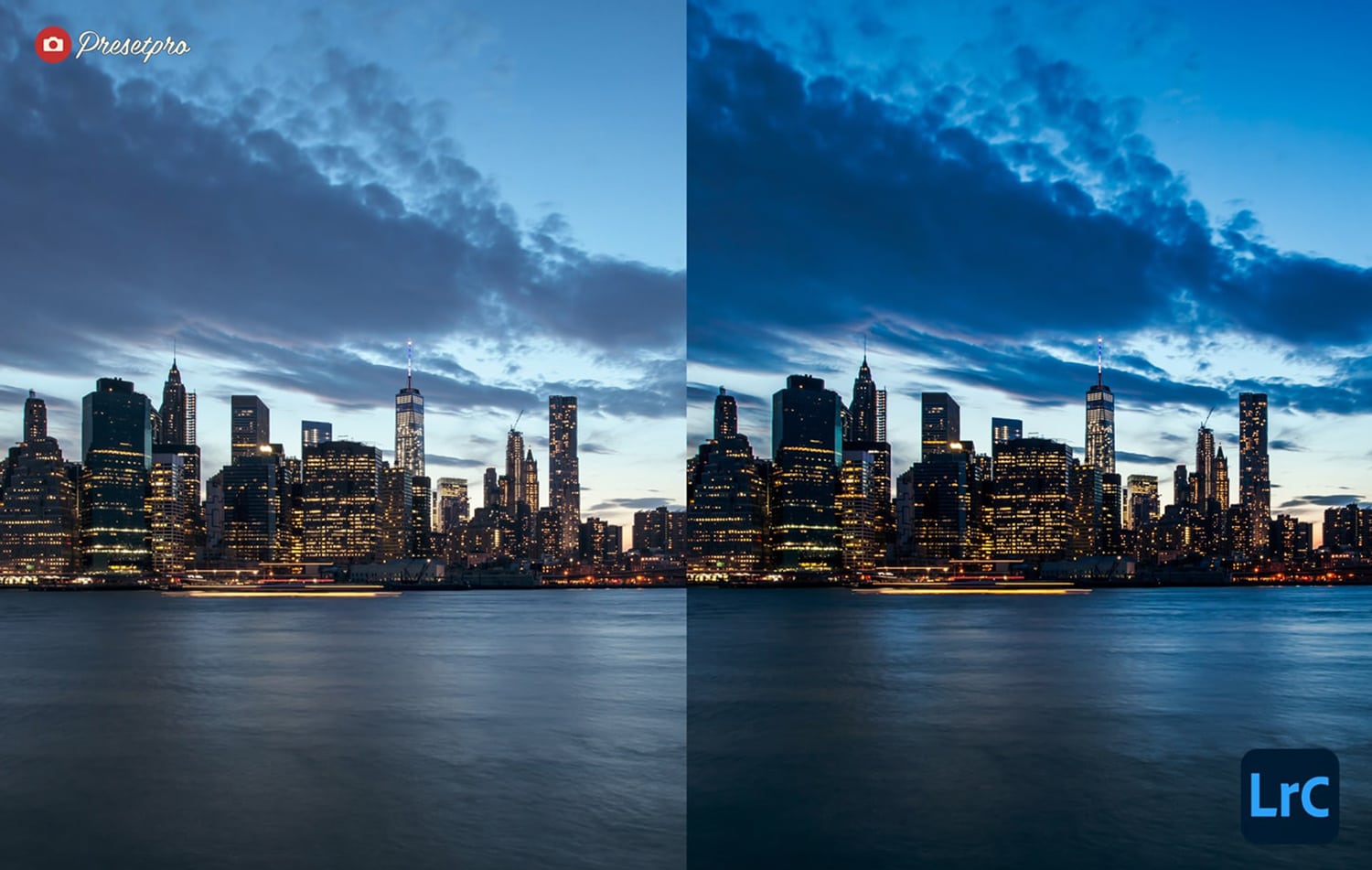
Landmark Preset
Blue hour and city lights: adds polish and glow without nuking shadow detail.
- Best For: Architecture and night cityscapes.
- Style: Deep Blue, glowing highlights.
Utility, Mood & Special Effects
Bayside Preset
Night scenes with a filmic twist.
- Best For: Neon lights and reflections.
- Style: Rich, Clean Black Points.
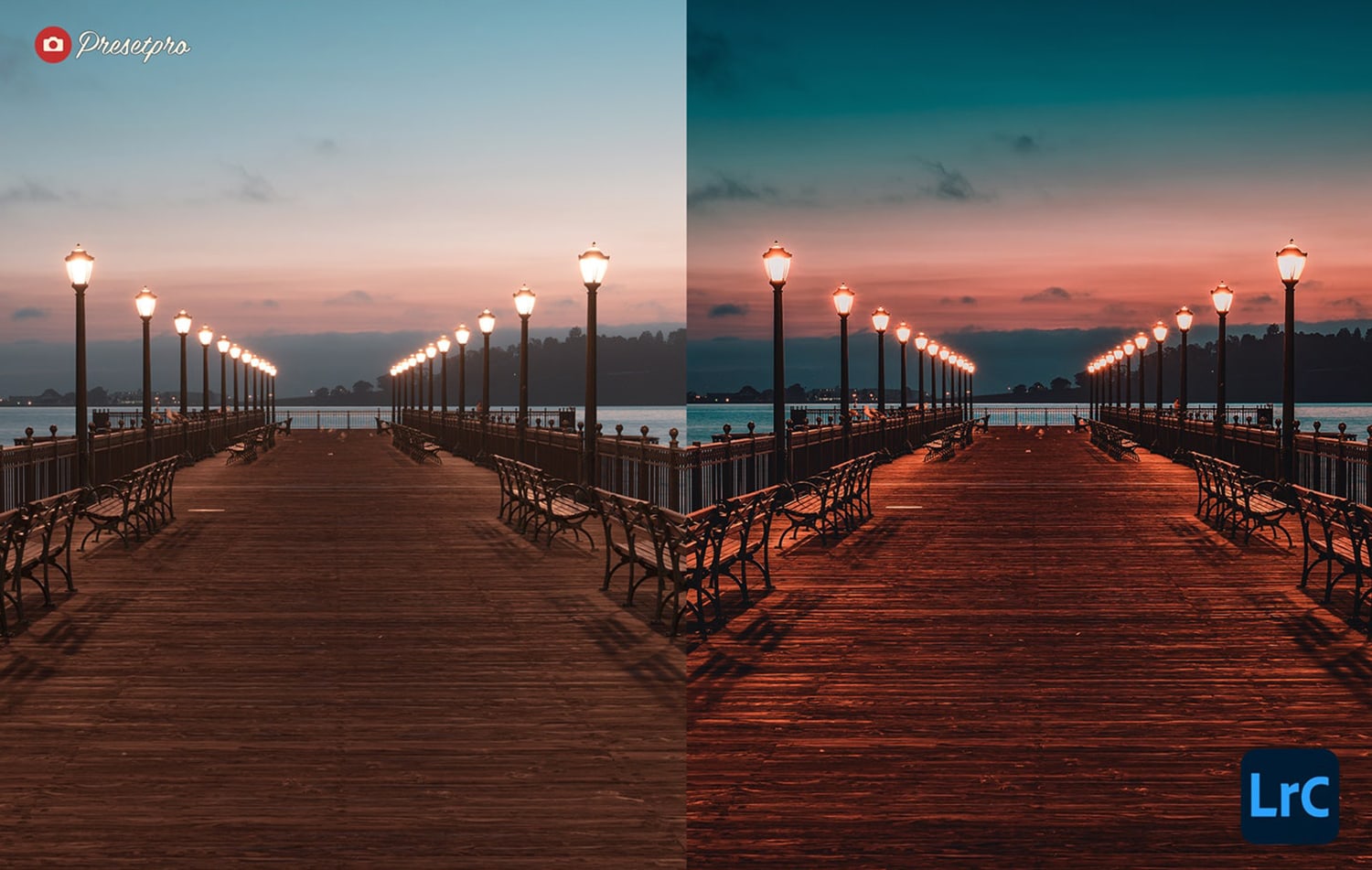
Moody Aqua Preset
Reduces greens and shifts toward cinematic blues.
- Best For: Forests and rainy days.
- Style: Teal Shift, Desaturated Greens.
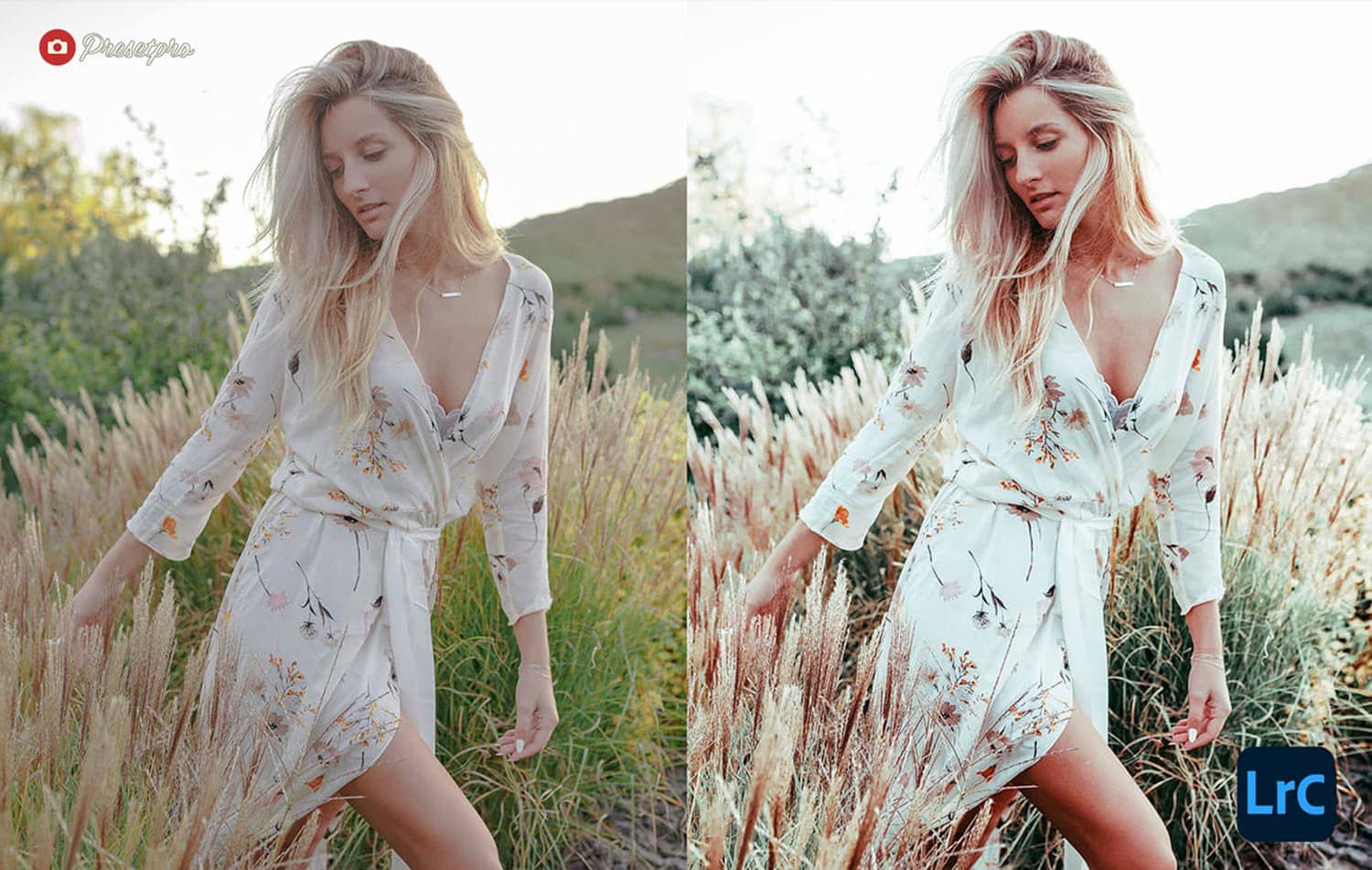
Wild Wind Preset
Soft, dreamy tonality with a hint of cool.
- Best For: Misty trails and overcast portraits.
- Style: Dreamy, Soft, Cool.
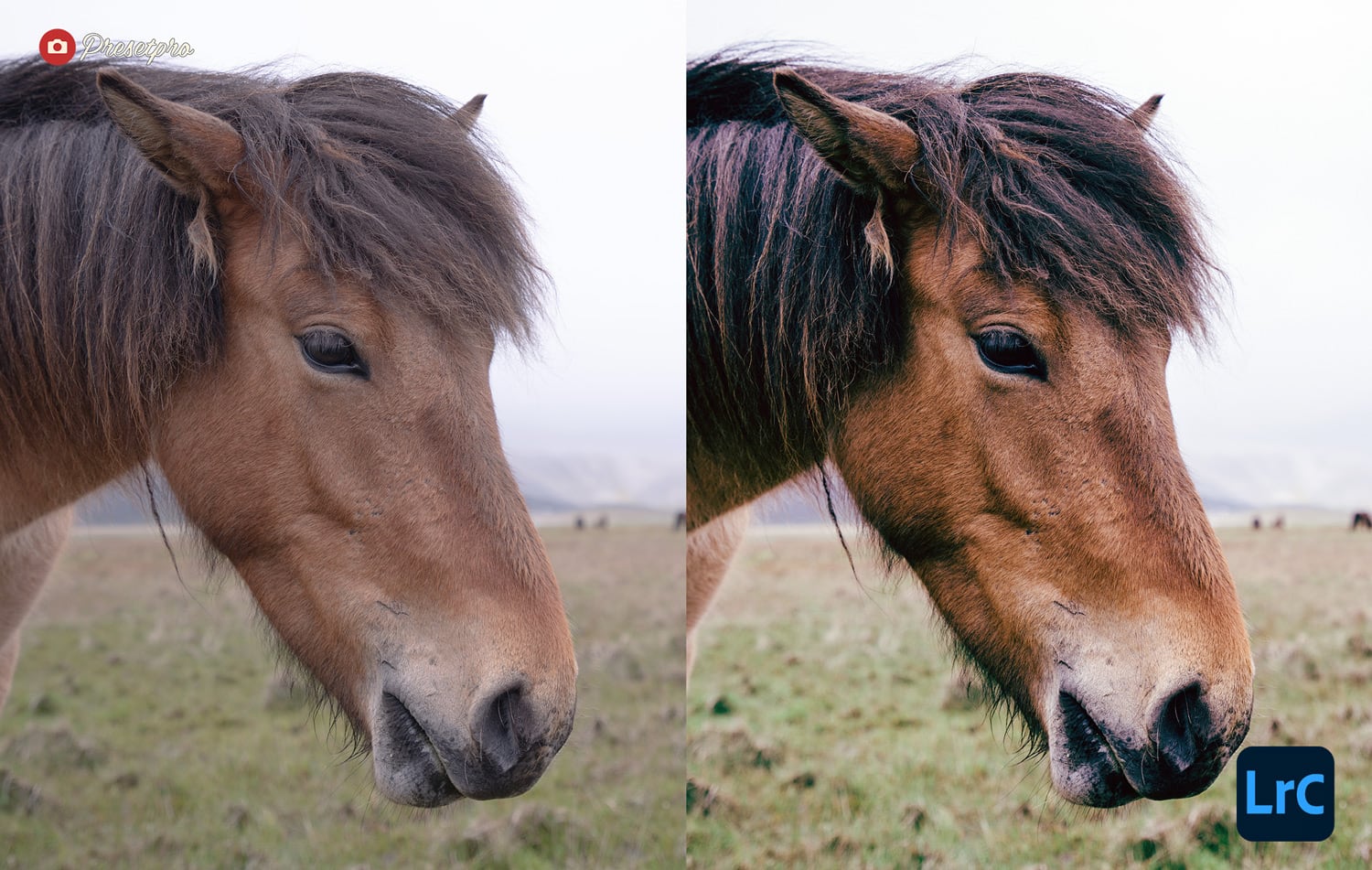
Elevation Preset
Cool cinematic grade for sweeping vistas and moody skies.
- Best For: Aerial photography (drone).
- Style: Epic, Cool, Broad Dynamic Range.
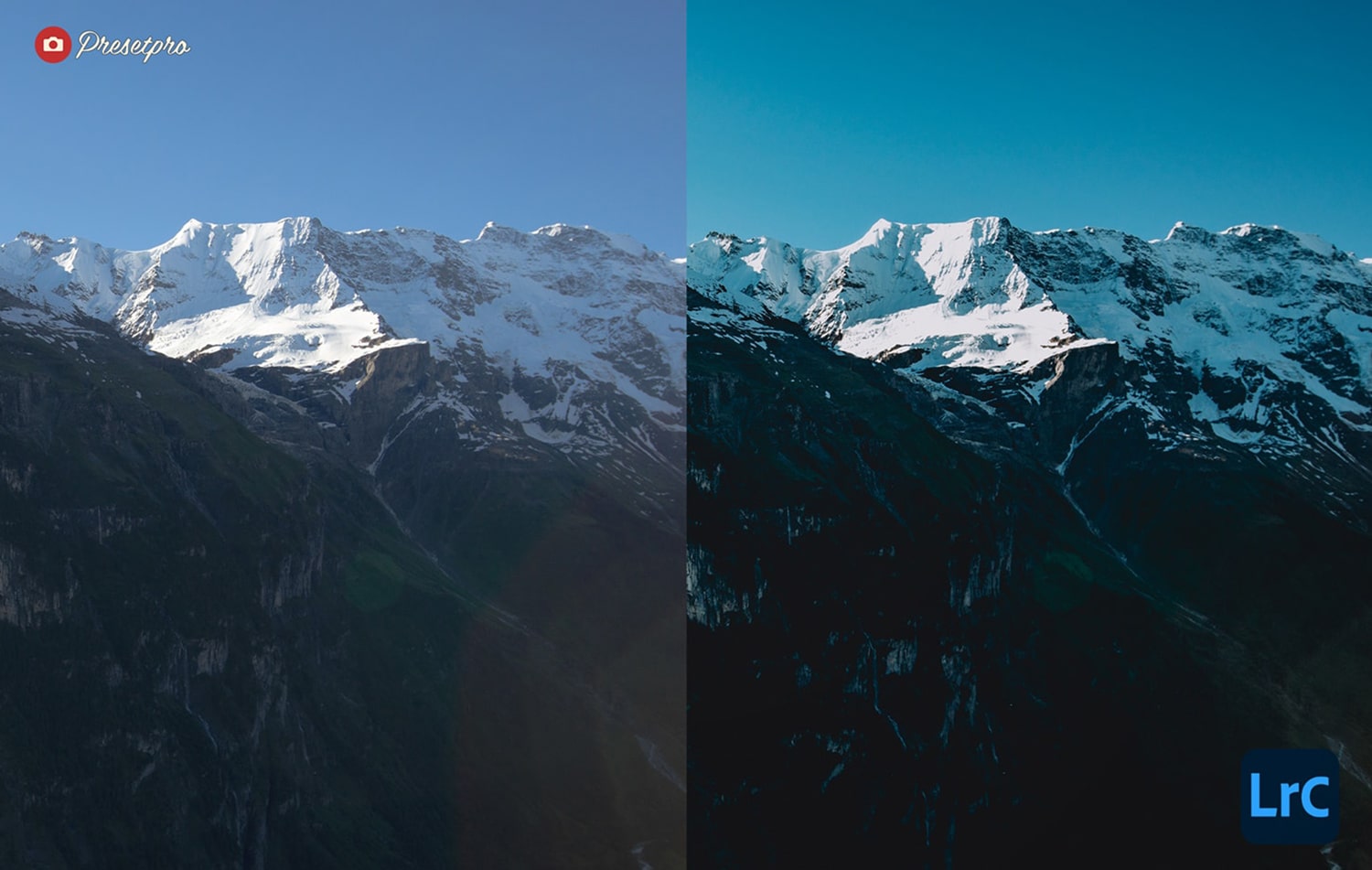
Northern Preset
Moody film palette for winter landscapes and aurora nights.
- Best For: Snow and Winter.
- Style: Deep Tones, High Contrast.
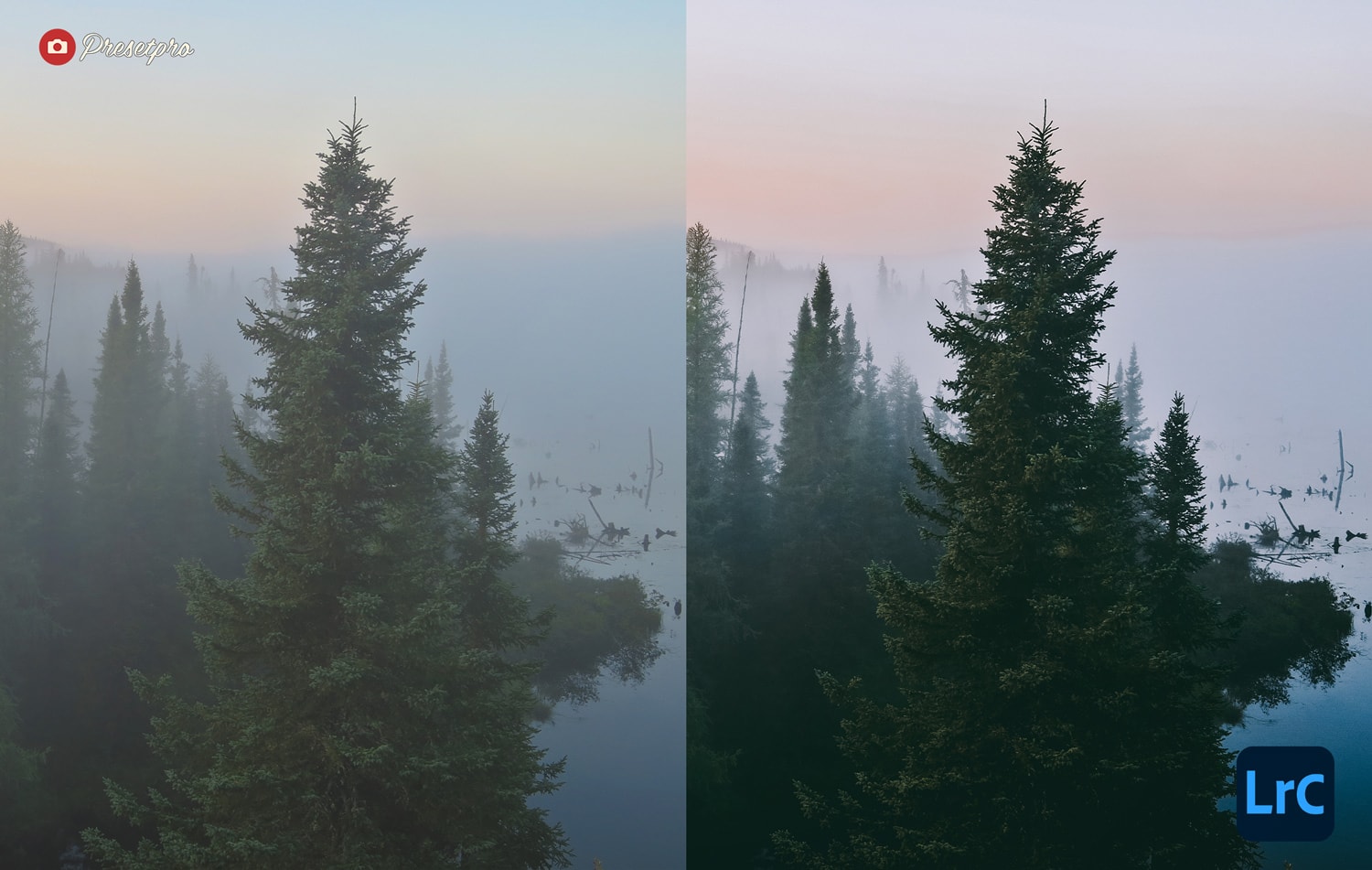
Mango Preset
Colorful, travel-ready palette for beach days.
- Best For: Tropical travel.
- Style: Warm, Vibrant, Juicy.
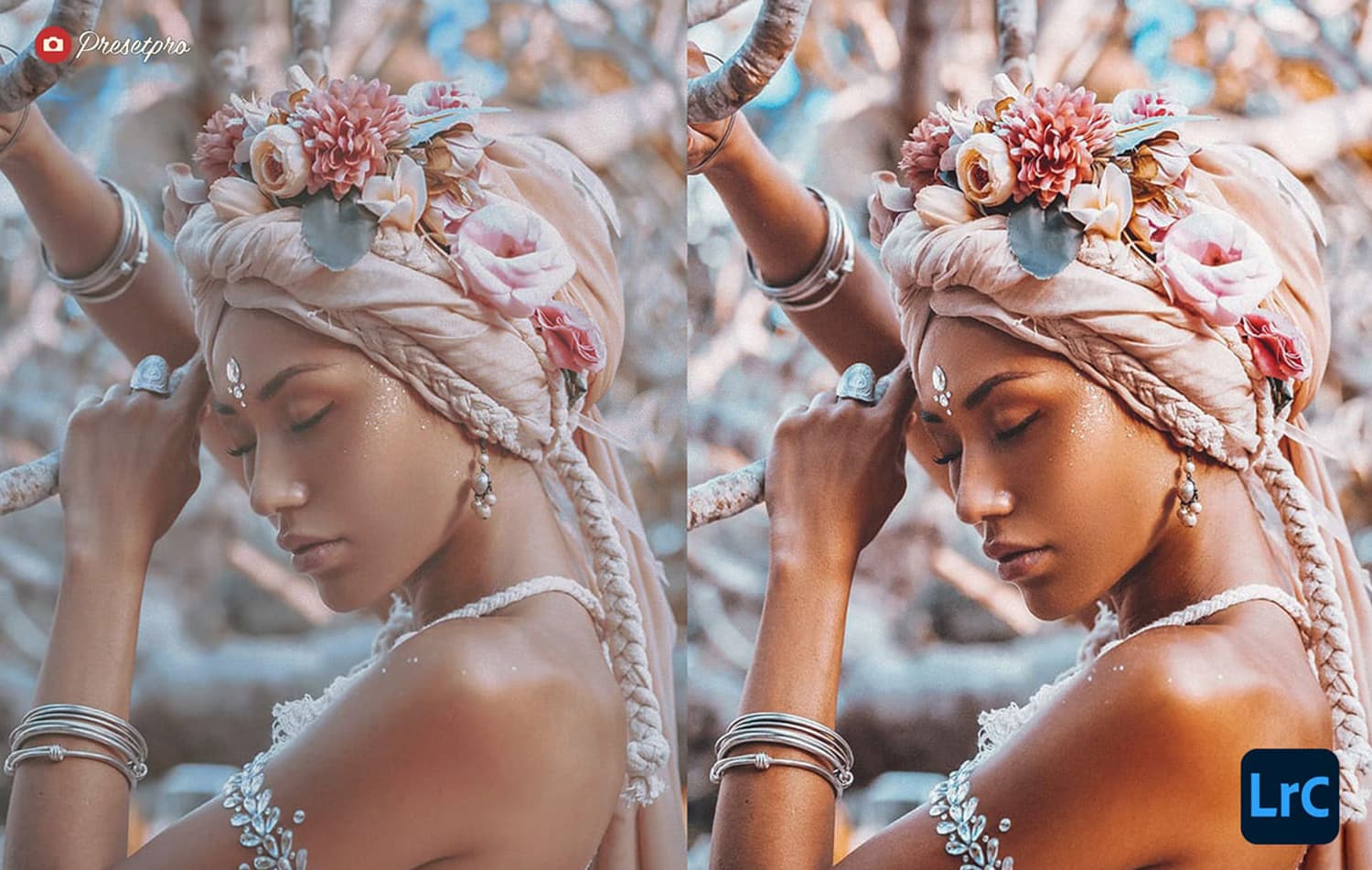
Dehaze Preset
One-click clarity and sky separation. Boosts detail on hazy horizons without HDR halos.
- Best For: Mid-day landscape shots.
- Style: Clear, Contrast-rich.
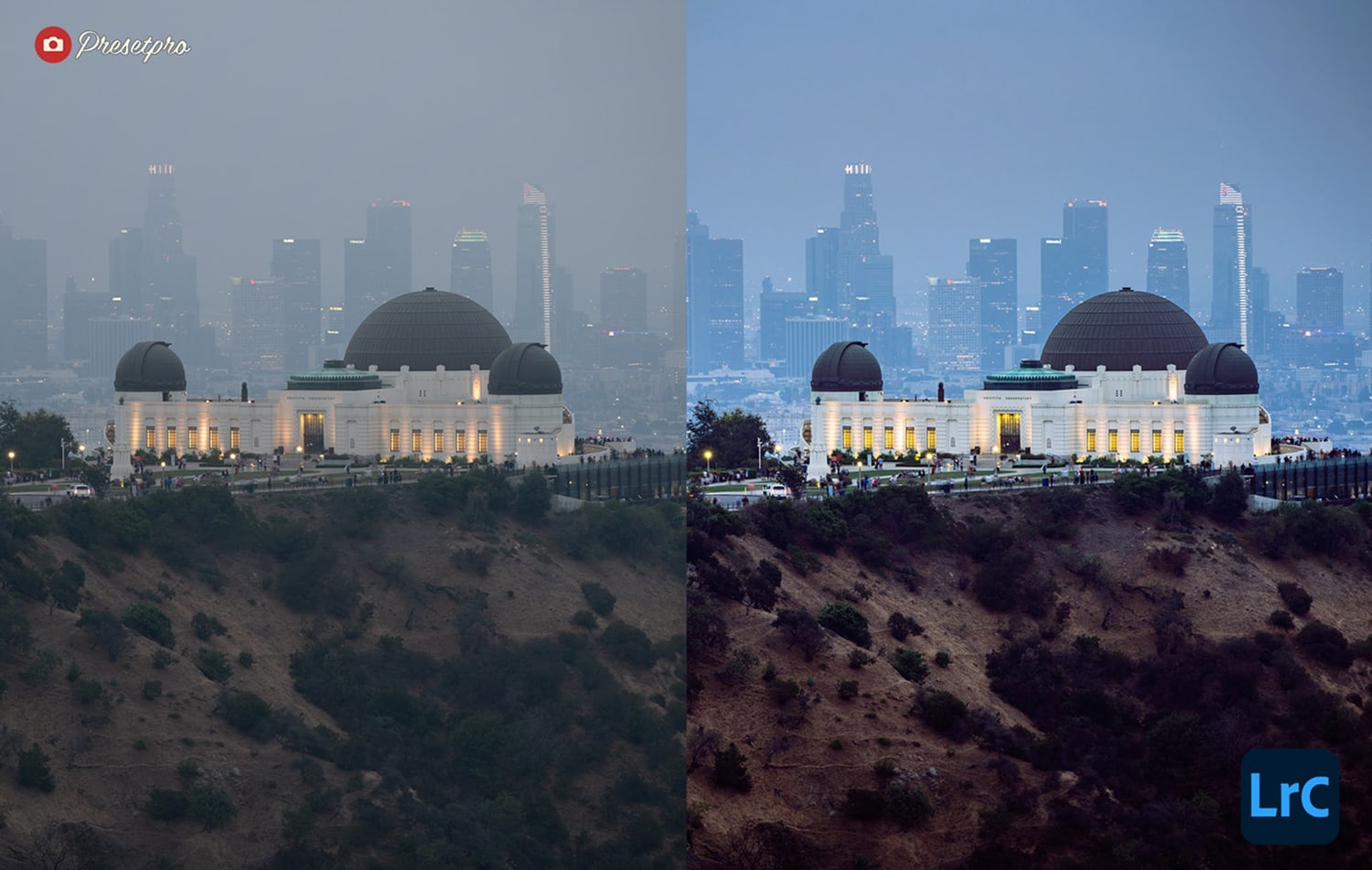
Golden Preset
Warm glow for weddings and golden-hour landscapes. Adds radiance without orange casts.
- Best For: Sunset portraits.
- Style: Golden, Radiant, Warm.
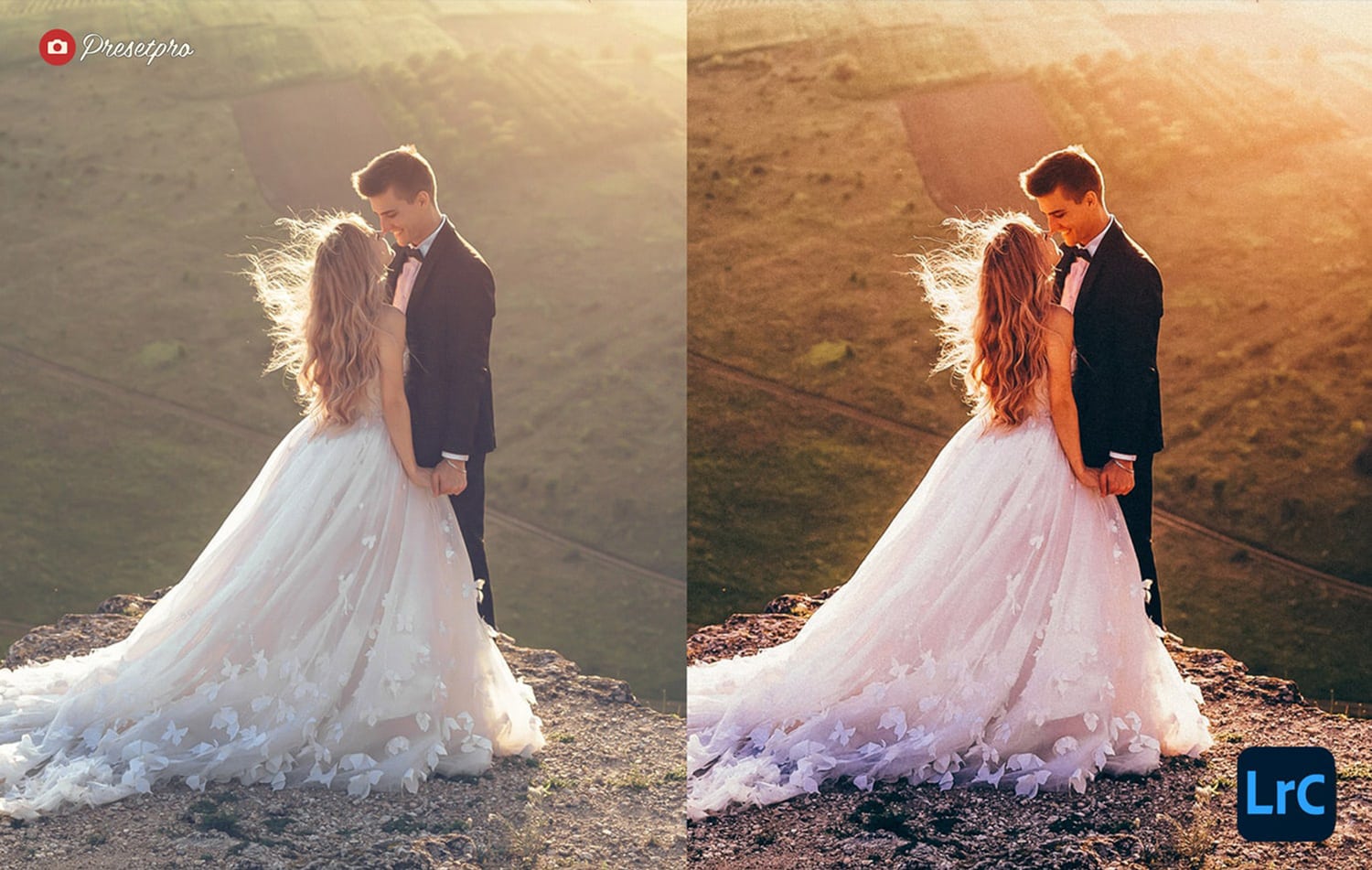
Sun Waves Preset
Colorful, dynamic landscape grade that adds shape to light and a gentle punch to skies.
- Best For: Coastal landscapes.
- Style: Dynamic, Bright.
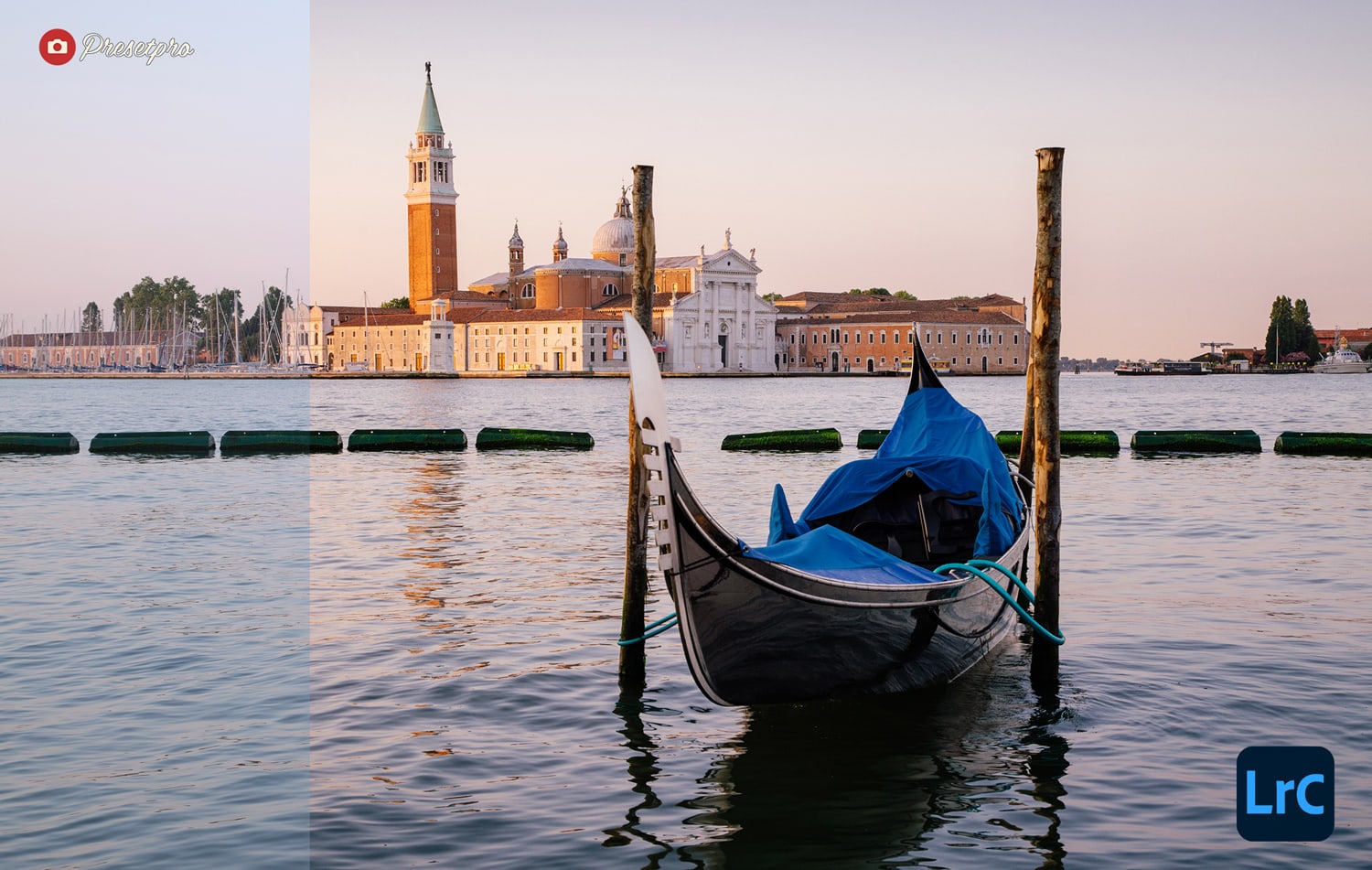
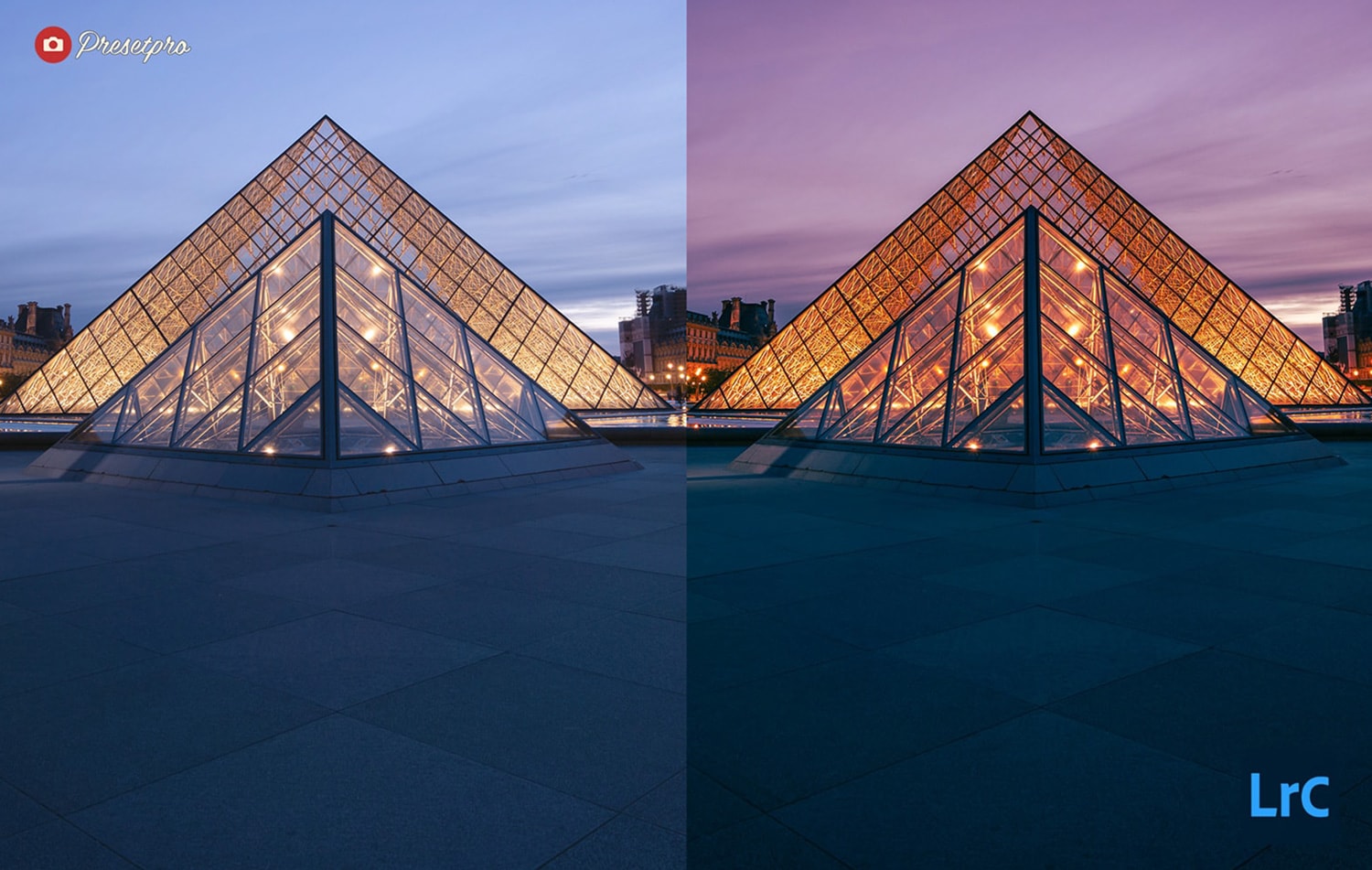
Louvre Preset
Dreamy nightscape palette with glow and refined color.
- Best For: Monuments and city strolls.
- Style: Dreamy, Glowing, Warm Lights.
More Free Presets Coming Soon
We’re always adding new looks. Bookmark this page and check back — I’ll keep updating it with fresh, free options throughout 2026.
How to Install Lightroom Presets (Video)
Helpful Tools & Pro Packs
Lightroom Presets
Lightroom Presets
Lightroom Presets
Lightroom Presets
Lightroom Presets
Lightroom Presets
Lightroom Presets
Lightroom Presets
Lightroom Presets
Frequently Asked Questions
What is the best free Lightroom preset for Kodak Portra film look in 2026?
The Portra 400 Preset is our top recommendation for 2026. It authentically replicates Kodak Portra 400 negative film with creamy skin tones, warm midtones, and lifted shadows. The Portra Color Preset is a great alternative for close-up portraits, and the Portra ISO 400 Preset adds extra grain structure.
Are these Lightroom presets really free?
Yes — every preset linked on this page is 100% free to download with no email required for most. Some downloads offer optional pro upgrades for extra variations and tools.
Do these presets work with Lightroom Classic and Lightroom (Cloud)?
Yes. Most downloads are in .xmp format, which works with Lightroom Classic, Adobe Camera Raw (ACR), and Lightroom (Cloud). If you see a .lrtemplate file, import it in Lightroom Classic and it will auto-update.
Can I use these presets on Lightroom Mobile?
Yes. If you sync presets through your Adobe Creative Cloud account from the desktop version, they’ll appear automatically on Lightroom Mobile. Some packs also include DNG files you can import directly into the mobile app.
Which preset is best for wedding photography?
For weddings, the new Portra 400 Preset, Portra ISO 400, and Fuji Pro Film Preset are the most popular. All three protect skin tones while delivering a refined, film-inspired finish. The Olive & Earth Preset is also worth trying for outdoor ceremonies — its warm earthy tones and creamy skin rendering work beautifully in natural light.
Which free preset is best for moody landscape photography?
The Iceland Preset and Northern Preset are designed for overcast, atmospheric landscape work. They desaturate greens and add controlled contrast.
Will these presets overwrite my edits?
Presets adjust multiple sliders at once. Apply the preset first, then fine-tune exposure and white balance, and tweak masks or grain to taste. You can always reset with Ctrl/Cmd + Z or use the History panel.
What’s the best way to keep a consistent editing style across a shoot?
Pick 2–3 presets as your base look, then build a repeatable workflow: exposure → white balance → camera profile → local masks → grain → export. Batch-syncing your settings across a shoot keeps everything cohesive.
How do I install Lightroom presets in 2026?
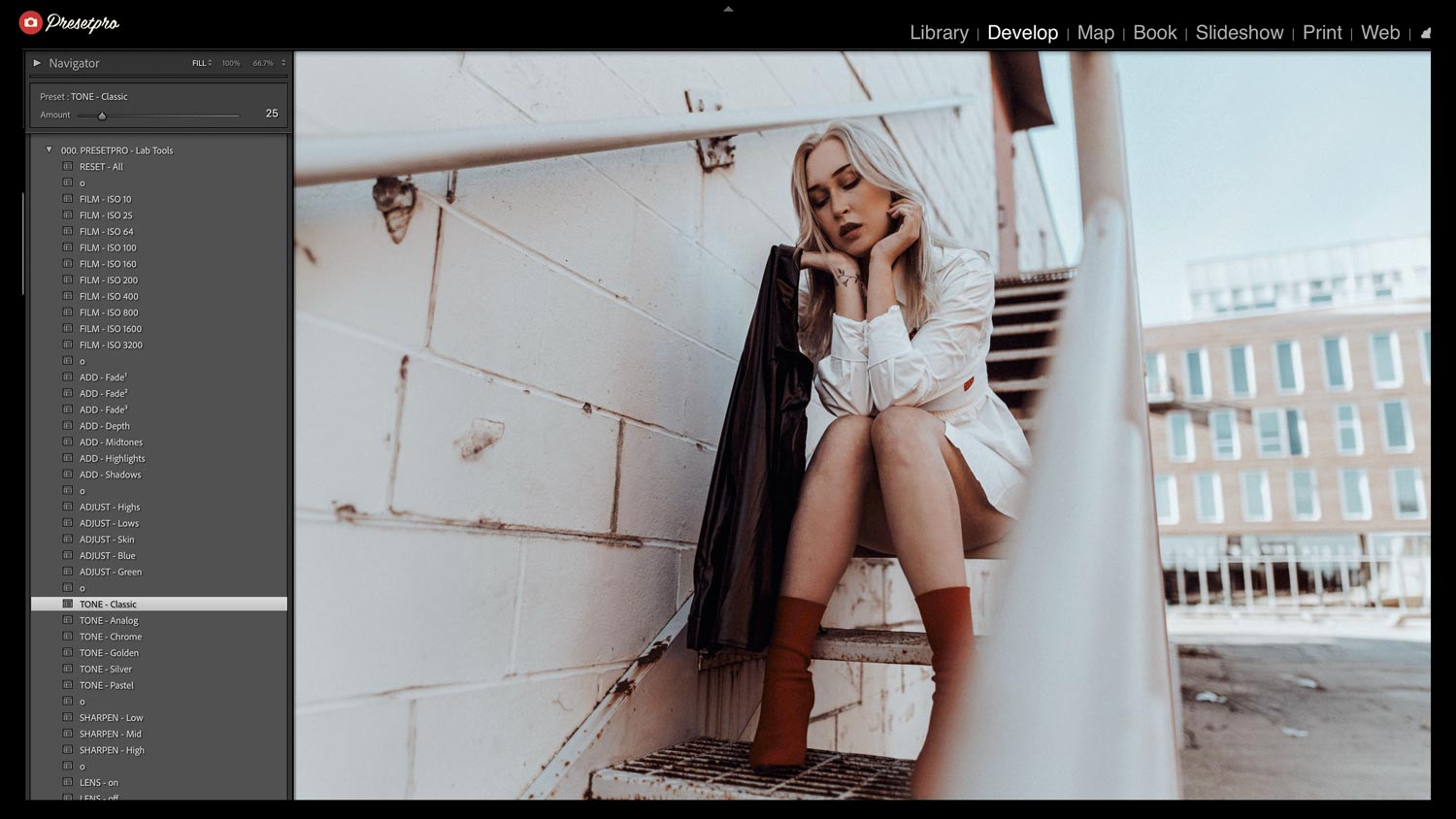
In Lightroom Classic: Develop module → Presets panel → click the + icon → Import Presets → select your .xmp or .zip file. In Lightroom (Cloud) and Mobile: open a photo → Edit → Presets → three-dot menu → Import Presets. Watch the video above for a complete walkthrough.
Film and camera names are trademarks of their respective owners. Presetpro is not affiliated with or endorsed by Kodak, Fujifilm, Agfa or Lomography.