Introduction
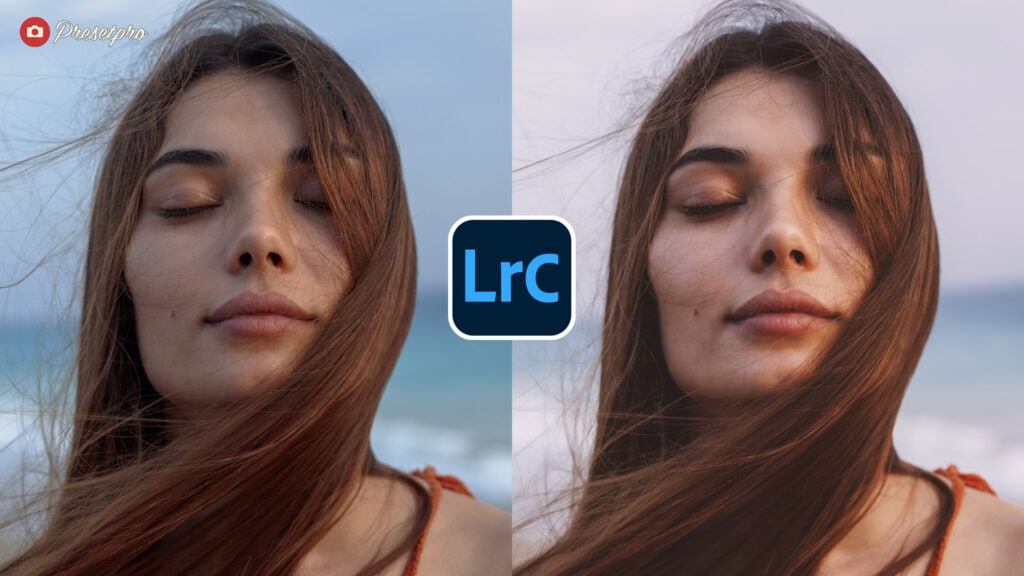
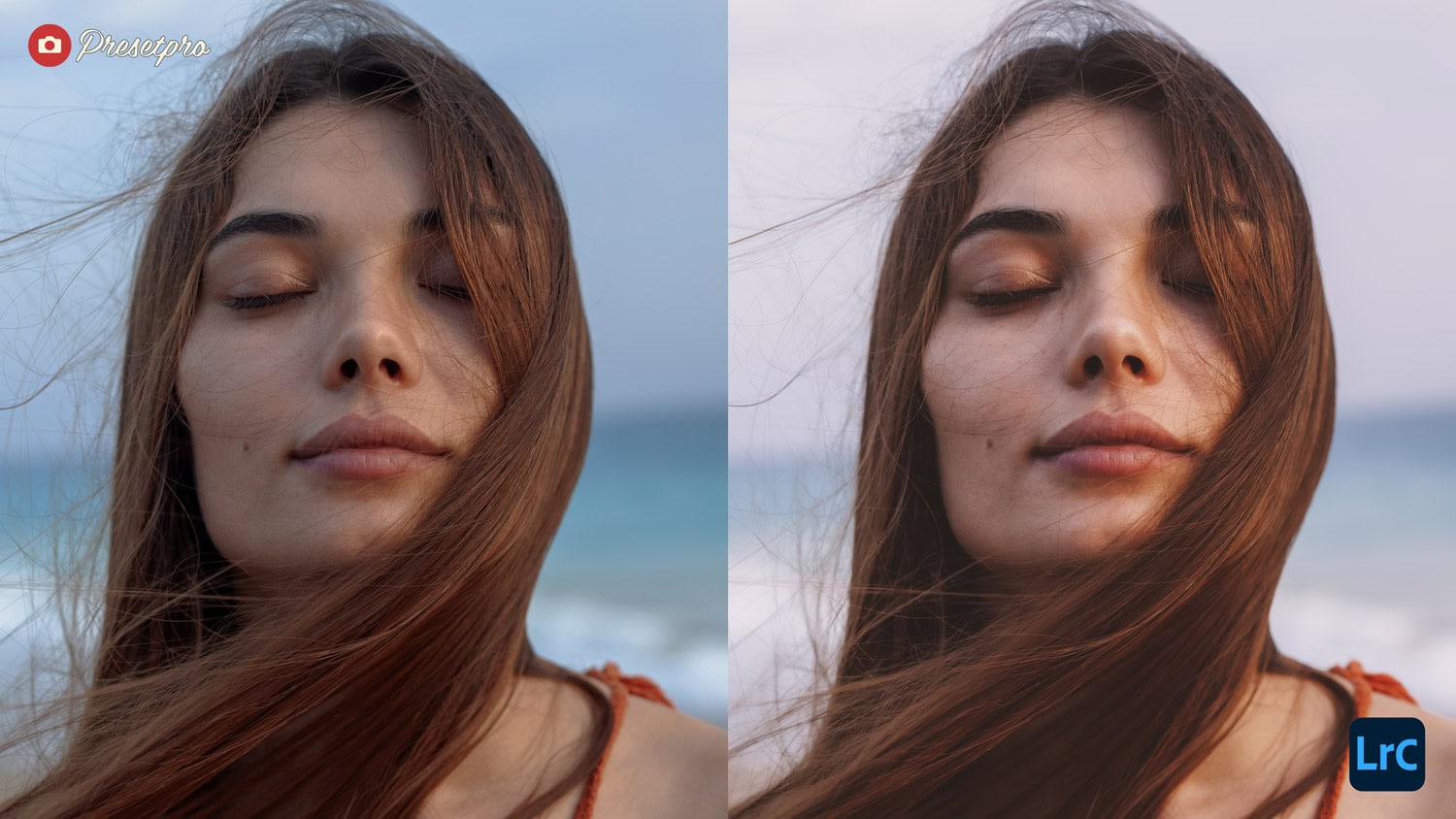
The Free Vellum Fade Preset is a standalone tool designed to transform your digital RAW images with a semi-translucent, organic aesthetic. Inspired by the texture of archival vellum, it softens digital harshness to create a timeless, printed-page quality. It is important to note the difference between the versions: Vellum Fade is the free preset available for download. In the professional Creative Flow workflow, this look is replicated and enhanced by selecting the Matte > Fade preset and mixing it with the powerful Chromatic Profile. This combination allows for a cinematic matte finish that maintains color stability in the shadows.
Vellum Fade Characteristics
| Shadows | Lifts black point for a non-reflective, smoky matte finish. |
| Highlights | Softens roll-off to prevent digital clipping. |
| Color Palette | Muted, organic tones with warm definition. |
| Compatibility | Desktop (XMP), Mobile (DNG), and Adobe Camera Raw (ACR). |
Here’s how this aesthetic modifies your RAW file to define the sophisticated look inspired by vellum paper:
- Organic Matte Finish: Lifts the black point significantly to create a soft, non-reflective shadow quality.
- Semi-Translucent Haze: Introduces a delicate wash over the image, softening contrast without losing essential detail.
- Muted Palette: Desaturates overly vibrant colors to produce a refined, sophisticated tone.
- Printed Page Aesthetic: Smooths out digital sharpness to replicate the feel of an image printed on high-quality matte paper.
- Soft Highlights: Rolls off the brightest points to prevent clipping, ensuring a dreamy, ethereal look.
Pro Workflow: The Chromatic Profile
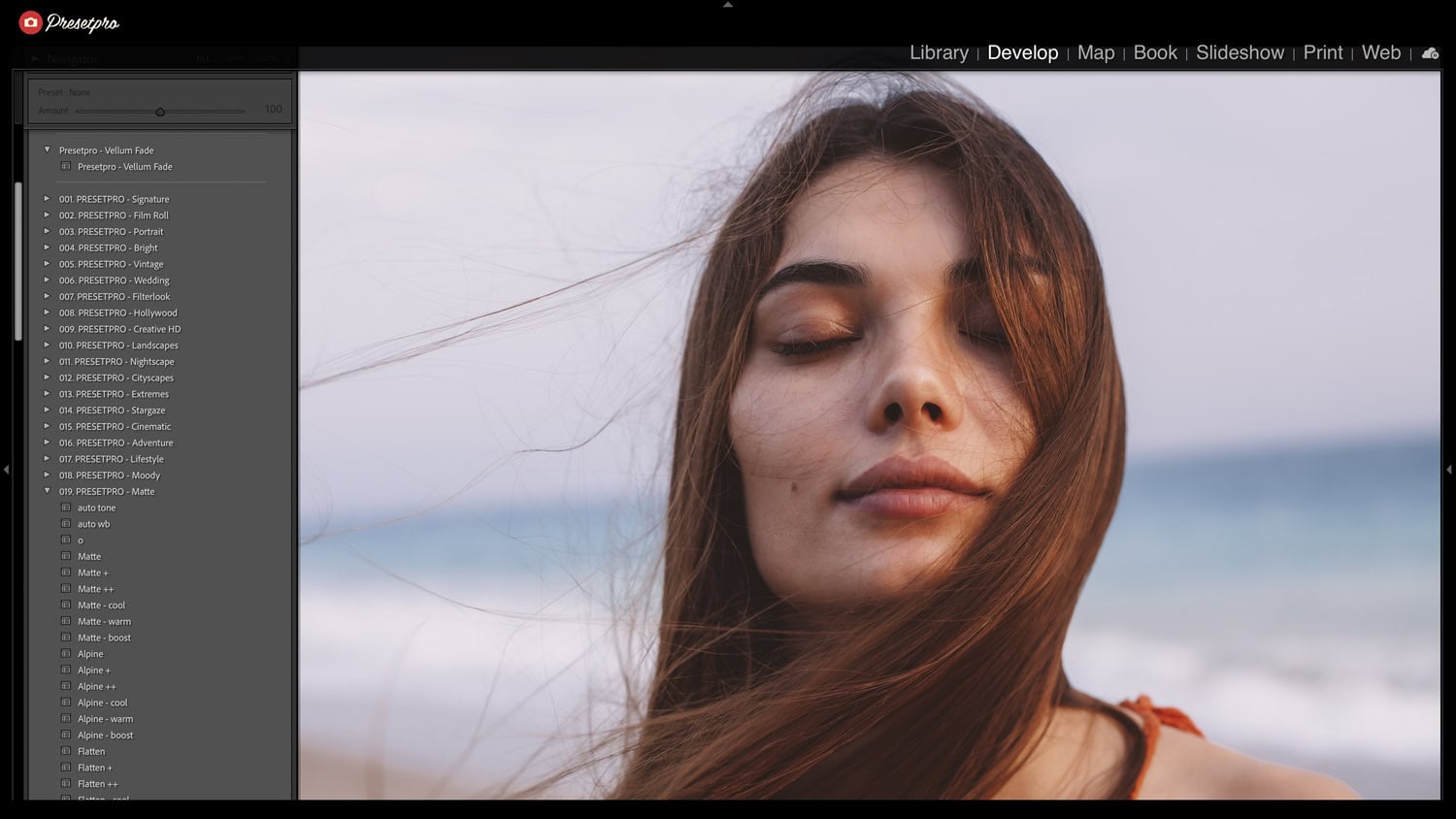
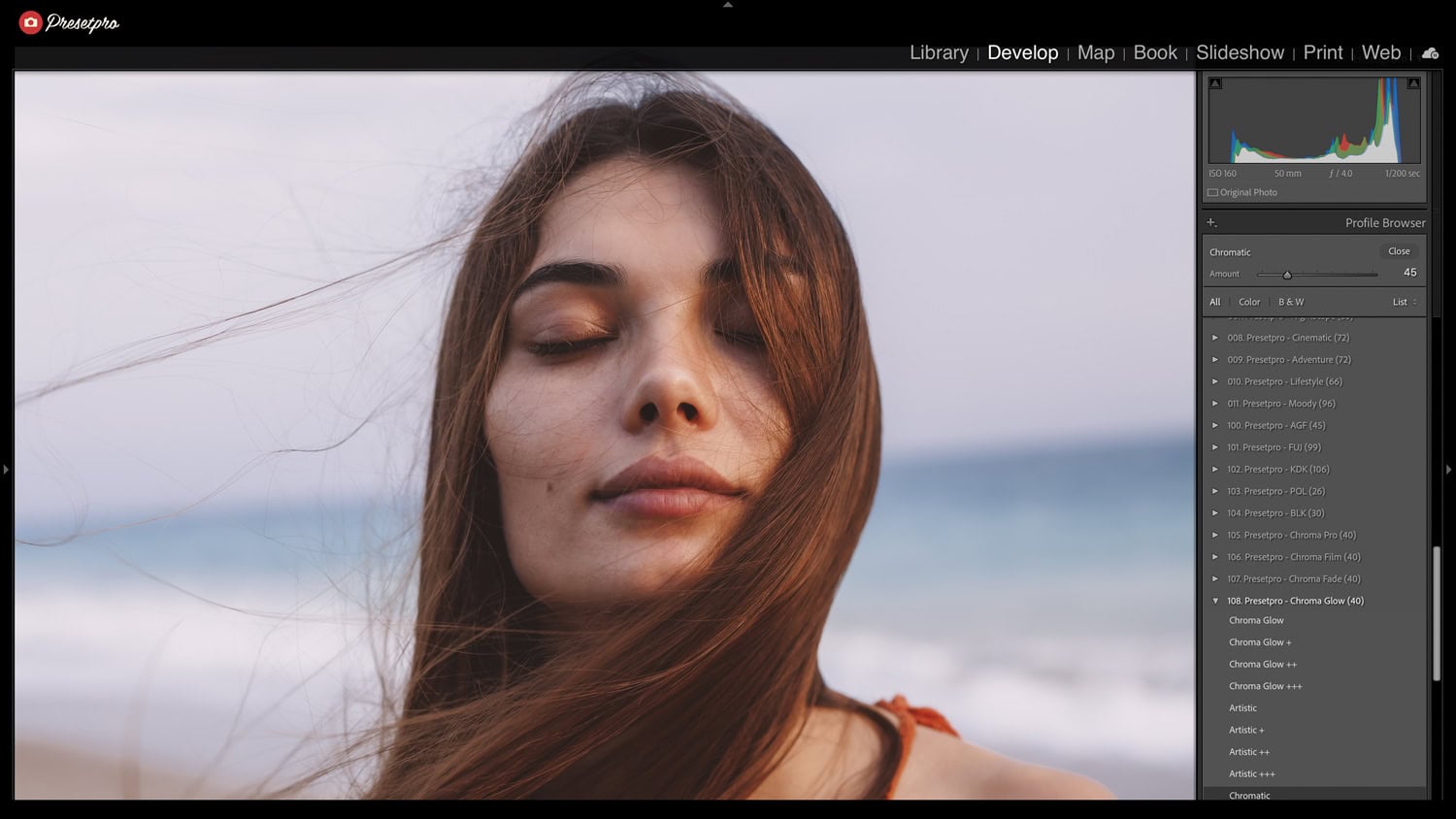
To achieve the highest quality result in the Creative Flow, you use a unique combination of tools. You create this professional look by selecting the Matte > Fade preset and combining it with the Chromatic Profile. Unlike the free preset, this profile remaps the underlying color science of your camera to create a linear response. This ensures that when you lift the shadows for that “vellum” look, the colors remain stable and do not shift unnaturally.
- The Formula: Select Matte Collection > Fade Preset + Chromatic Profile.
- Advanced Color Science: The profile manages deep-level color shifts that standard presets cannot control.
- Non-Destructive Workflow: You can dial the profile intensity up or down to perfect the fade.
- Multi-Platform: Available for Lightroom Classic, Lightroom CC, and Lightroom Mobile.
Conclusion
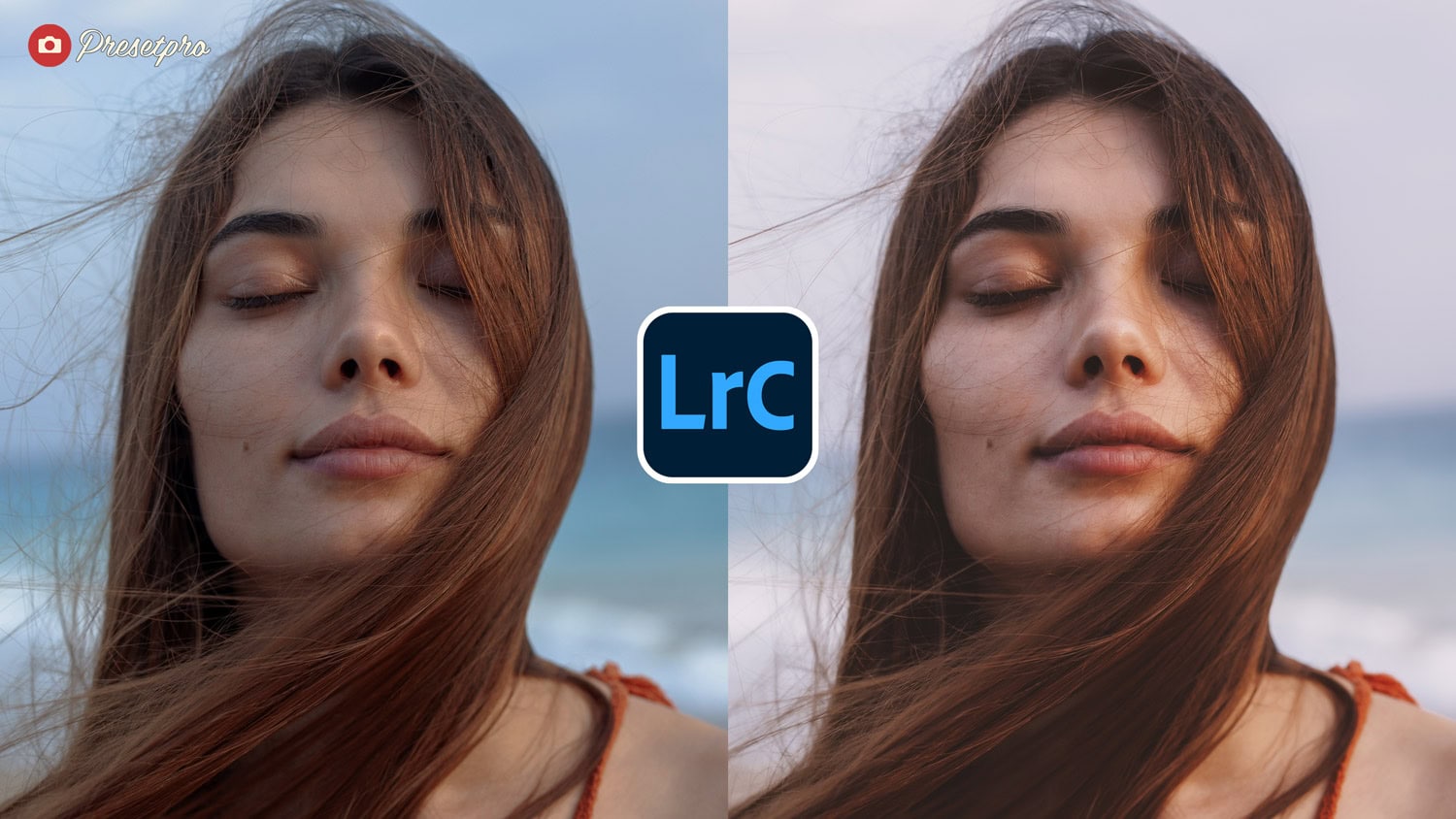
Our Vellum Fade inspired featured preset is an essential tool for photographers seeking a sophisticated, organic matte look. Whether you use the Free Vellum Fade preset or the professional Matte > Fade + Chromatic Profile combination in The Creative Flow, Presetpro.com provides an effortless way to add depth, softness, and a timeless printed quality to your RAW images. Transform your digital photography into a visual story today.
FAQs
Q: Is “Vellum Fade” in the Creative Flow?
A: No, “Vellum Fade” is the free standalone preset. In the Creative Flow, you create this professional look by using the Matte > Fade preset and mixing in the Chromatic Profile.
Q: What is the benefit of the Pro version?
A: The Pro workflow uses the Chromatic Profile. This remaps the camera’s color science, ensuring that shadows fade smoothly without unnatural color shifts, which standard presets cannot achieve.
Q: Where can I get this featured preset?
A: You can find it at Presetpro.com.
Lightroom Presets

Lightroom Presets

Lightroom Presets
Lightroom Presets
Lightroom Presets
Lightroom Presets
Lightroom Presets
Lightroom Presets