
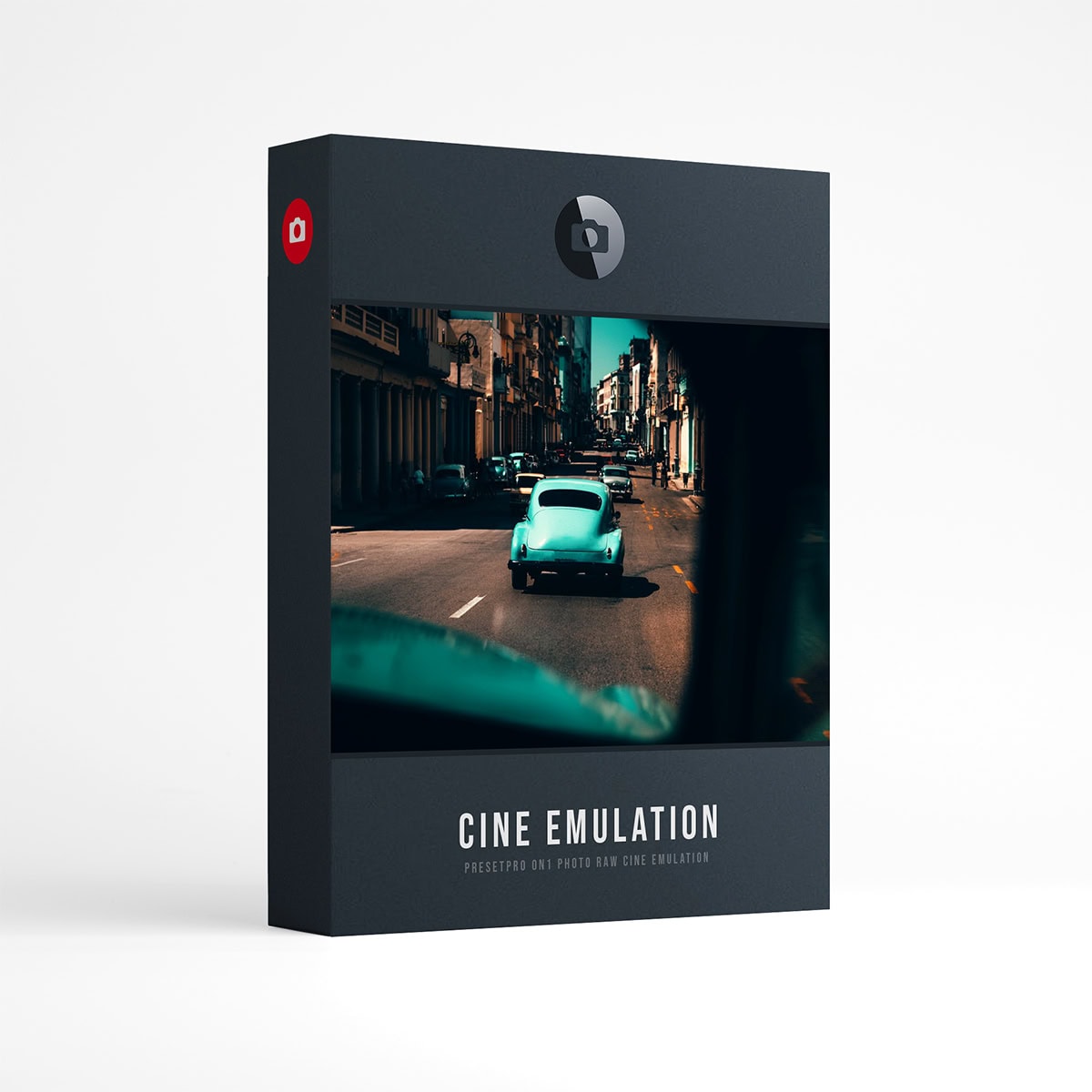
CINE Film for ON1 Photo RAW | 20 Cinematic Film Presets
Each preset is crafted to give the modern photographer beautiful, cinematic film grades, right inside ON1 Photo RAW.
Cinematic film presets for ON1 Photo RAW: 20 presets built from film inspired 3D LUTs and ON1’s own Film Grain, Vignette and Glow filters, so you can tune the look and the grain after you apply it.
Five cinematic grades in four steps, standard to +++. Each blends two film inspired looks into one LUT with its toning and contrast, then adds ON1’s own Vignette and Film Grain filters; Golden adds a soft Glow.
Every preset applies to RAW and JPEG files and lands in ON1 as a normal filter stack: the LUT filter holding the film look, with its opacity to soften it, and the Film Grain filter already applied, plus the Vignette and Glow. Turn any of them down, up, or off. The blend, the toning, the vignette and the grain all rise together from standard to +++.
The five grades
Each grade starts from two film inspired looks; the lines below say what the grade is designed to do.
- Teal OrangeWarm skin against teal shadows, with added contrast and a light vignette.
- GoldenA warm base inspired by Kodak Portra, with a soft glow.
- MidnightA cool, faded night grade inspired by Polaroid instant film.
- BleachA drained, hard-contrast bleach bypass look with coarse grain.
- NoirBlack and white inspired by Kodak Tri-X, with a selenium tone and a strong vignette.
More examples: the film emulation gallery (edited in Lightroom, so treat it as a mood reference).
What’s included
- Presets20 cinematic presets: 5 grades, 4 versions each.
- LooksTeal Orange, Golden, Midnight, Bleach and Noir, five grades built from film inspired looks.
- FamiliesEvery look in four steps: standard, +, ++ and +++.
- EditableEach preset is a normal ON1 stack: the LUT filter with its opacity and Film Grain, Vignette and Glow. Nothing is flattened.
- LUTsThe film LUTs install with the presets and also appear in ON1’s LUT filter, under CINE Film.
- FilesWorks on any photo ON1 Photo RAW can open, RAW or JPEG.
- VersionON1 Photo RAW 2027. Built and tested on the Mac (see question 7).
- InstallDouble-click the .ONPreset file, click Yes, then quit and reopen ON1. A one-page install card is in the download.
- Full setAlso included in the Film Collection for ON1 Photo RAW, all 151 presets in six collections.
- DownloadInstant download after purchase.
These are presets for ON1 Photo RAW 2027 only, not for Lightroom, Luminar or Photoshop.
The 20 presets
Listed as they appear in ON1 Photo RAW.
20 · Cinematic
In ON1: 06 – CINE Film. Five grades, four versions each.
- Teal Orange
- Teal Orange +
- Teal Orange ++
- Teal Orange +++
- Golden
- Golden +
- Golden ++
- Golden +++
- Midnight
- Midnight +
- Midnight ++
- Midnight +++
- Bleach
- Bleach +
- Bleach ++
- Bleach +++
- Noir
- Noir +
- Noir ++
- Noir +++
Frequently asked questions
01
How do I install this collection in ON1 Photo RAW?
02
Do the presets work on RAW and JPEG files?
03
How do I adjust the strength of a look?
04
What do +, ++ and +++ mean?
05
How are the cinematic presets built?
06
Do I need to install the LUTs separately?
07
Which versions of ON1 Photo RAW does it work with?
Instant download. 20 cinematic presets, every filter still yours.
Want every collection? The Film Collection for ON1 Photo RAW has 151 presets in six collections and already includes these 20, so you only need one of the two.
Kodak, Portra, Tri-X and Polaroid are the brands and trademarks of their respective holders. They do not endorse or sponsor this collection or any other content, and are not affiliated with Presetpro.com; all trademarks and copyrights are the exclusive property of their respective owners. ON1 and ON1 Photo RAW are trademarks of ON1, Inc., which does not endorse or sponsor this collection. Lightroom and Photoshop are trademarks of Adobe Inc., Luminar of Skylum Software, Mac of Apple Inc. and Windows of Microsoft Corporation.