





RAW Series AP160 | Agfa Portrait 160 Inspired Presets & Profiles for Lightroom
The look is the look, on any supported camera.
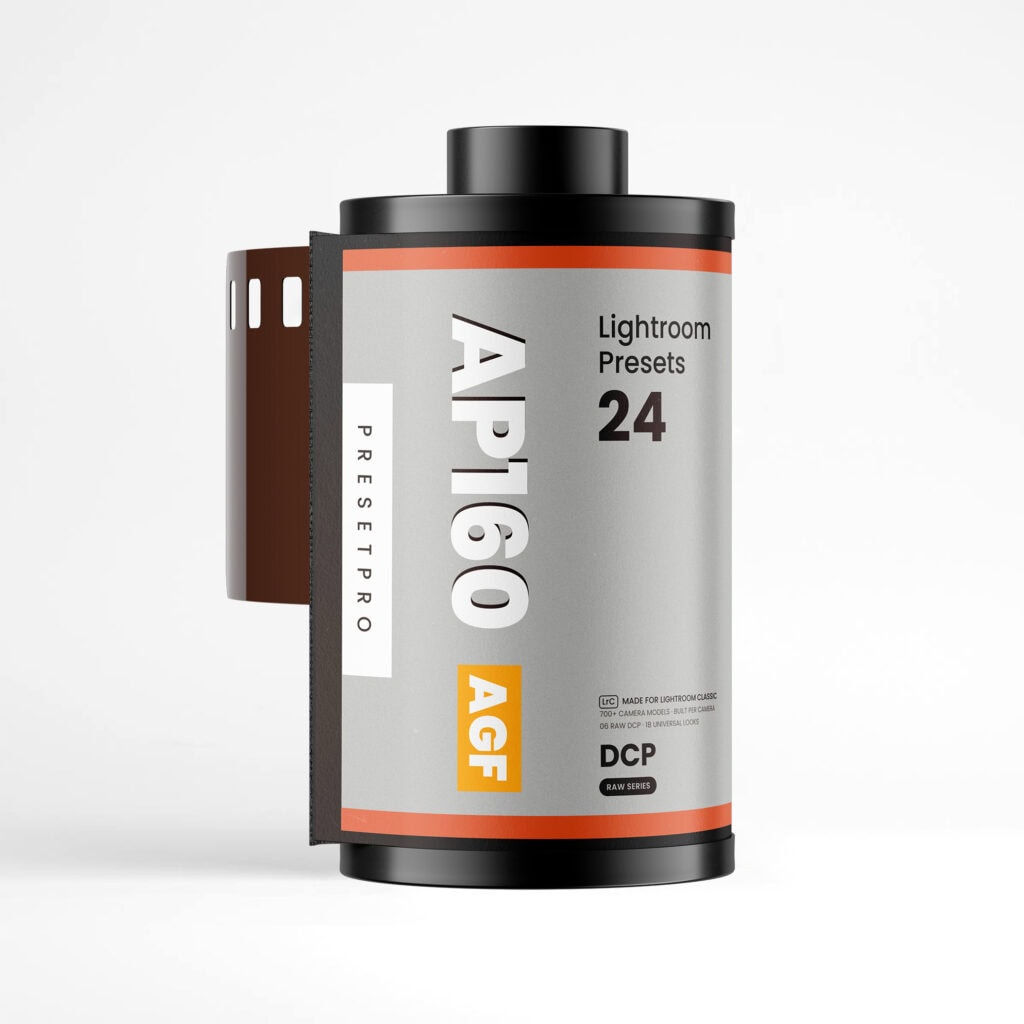
Film emulation for RAW files: the Portrait 160 look is locked inside each raw look, on a camera profile built for your exact camera.
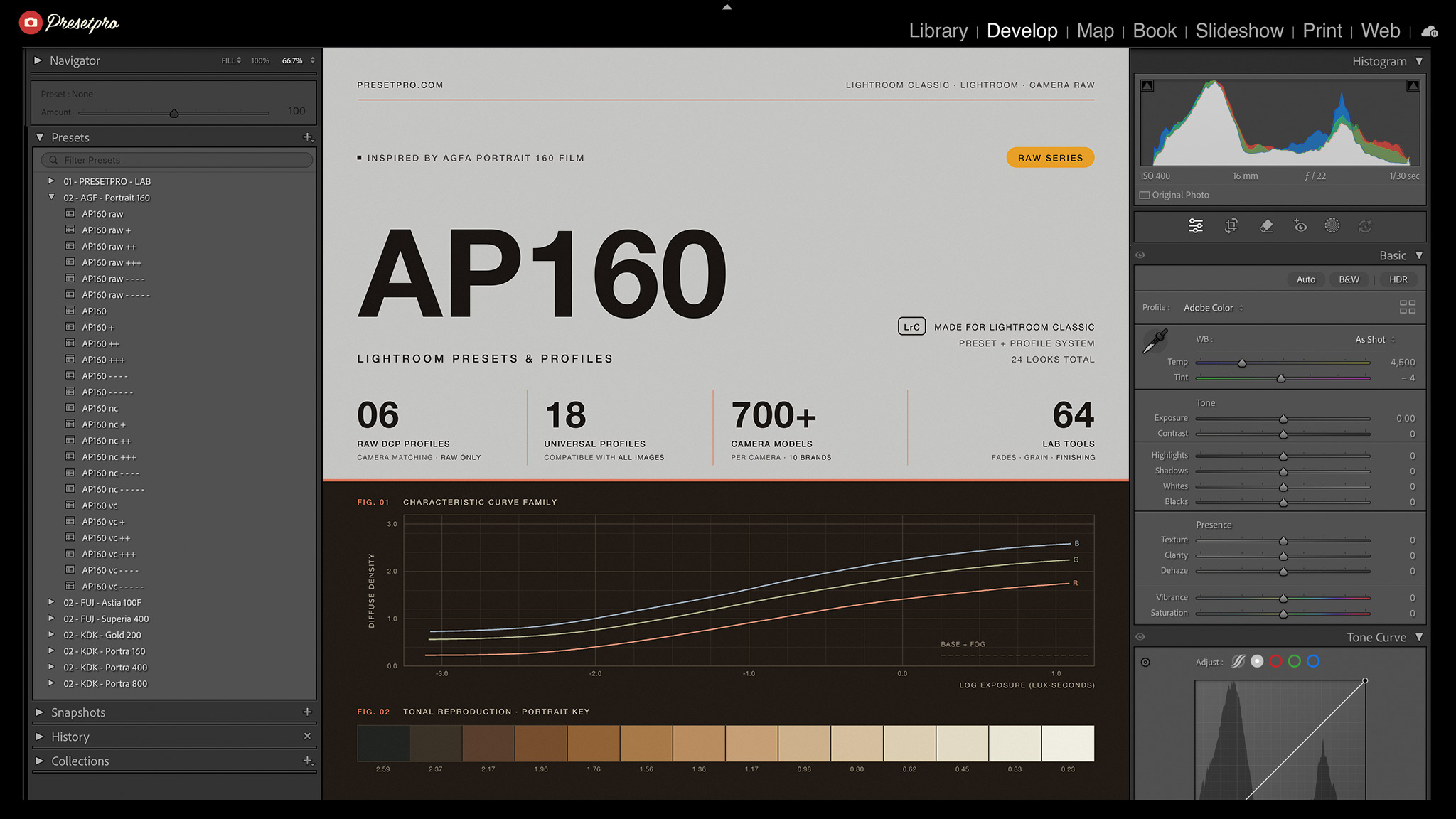
Inspired by Agfacolor Portrait 160, the ISO 160 professional color negative Agfa named for the work it was made for. On Agfa’s own professional data sheet it carries the finest grain figure of the ten films listed, RMS granularity 3.5, and the highest resolving power of any color film on it, 150 lines per millimeter. It is the first Agfa stock in the RAW Series. Most film presets apply one recipe on top of whatever profile your camera happens to load, so the same look renders differently on every body. AP160 fixes what sits underneath: camera profiles individually built for each of 759 camera models, all made to one base rendering, with the Portrait 160 look locked inside the raw looks on top.
Choose from 24 looks: 6 RAW looks that render through your camera’s own profile, and 18 universal looks that work on every RAW and JPEG image. Both rows carry an Amount slider from 0 to 200. Then finish with the 64-tool LAB: film fades, grain by ISO, vignettes, and print-style finishing.
What’s included
- Looks24 film looks: 6 RAW DCP looks and 18 universal profiles, every look with its matching preset.
- CamerasCamera profiles individually built for 759 camera models across 10 brands, one per camera, all made to one base rendering.
- LabThe 64-tool PRESETPRO LAB: film fades, grain by ISO, vignettes, and finishing tools. The LAB is shared across the RAW Series, so if you already own another stock it simply updates in place.
- ClassicBuilt for Lightroom Classic. The 6 RAW DCP looks are Lightroom Classic only, because Lightroom Cloud does not support third-party camera profiles.
- CloudA dedicated Cloud Edition is included: the 18 universal looks and the full LAB, tested in the cloud version of Lightroom.
- FilesUniversal looks work with JPEG and RAW photos; the RAW looks render through your camera’s own profile (RAW files, Lightroom Classic).
- UpdatesInstant download after purchase, with free profile updates for the stock you own.
- PlatformCompatible with Mac and PC desktops.
The 6 RAW looks are built on camera profiles (DCP), and the cloud version of Lightroom does not support third-party camera profiles, so those 6 looks are a Lightroom Classic feature. Your download also includes a dedicated Cloud Edition with the 18 universal looks and the complete 64-tool LAB for the cloud app.
The 24 looks
24 looks, each with its matching preset.
06 · RAW looks
The 6 AP160 raw looks render through a camera profile built for your exact camera (RAW files, Lightroom Classic). Every slider starts at zero, and the Amount slider runs 0 to 200.
- AP160 raw
- AP160 raw +
- AP160 raw ++
- AP160 raw +++
- AP160 raw – – – –
- AP160 raw – – – – –
18 · Universal looks
Work on every RAW and JPEG image with an Amount slider from 0 to 200. Three color balances, 6 strengths each: AP160, then nc and vc, two alternative balances of our own for cooler and stronger color.
- AP160
- AP160 +
- AP160 ++
- AP160 +++
- AP160 – – – –
- AP160 – – – – –
- AP160 nc
- AP160 nc +
- AP160 nc ++
- AP160 nc +++
- AP160 nc – – – –
- AP160 nc – – – – –
- AP160 vc
- AP160 vc +
- AP160 vc ++
- AP160 vc +++
- AP160 vc – – – –
- AP160 vc – – – – –
The 64-tool LAB
Film fades, tone moves, grain by ISO, vignettes, and lens looks that stack on any look. Apply the preset first, then the profile: a preset always resets the profile to its own bundled choice.
Reset
- RESET – All
Film
- FILM – ISO 10
- FILM – ISO 25
- FILM – ISO 64
- FILM – ISO 100
- FILM – ISO 160
- FILM – ISO 200
- FILM – ISO 400
- FILM – ISO 800
- FILM – ISO 1600
- FILM – ISO 3200
Adjust
- ADJUST – Highs
- ADJUST – Lows
- ADJUST – Skin
- ADJUST – Blue
- ADJUST – Green
Tone
- TONE – Classic
- TONE – Analog
- TONE – Chrome
- TONE – Golden
- TONE – Silver
- TONE – Pastel
Add
- ADD – Fade¹
- ADD – Fade²
- ADD – Fade³
- ADD – Depth
- ADD – Midtones
- ADD – Highlights
- ADD – Shadows
Sharpen
- SHARPEN – Low
- SHARPEN – Mid
- SHARPEN – High
Lens
- LENS – on
- LENS – off
Grain
- GRAIN – ISO 100 –
- GRAIN – ISO 100 +
- GRAIN – ISO 160 –
- GRAIN – ISO 160 +
- GRAIN – ISO 200 –
- GRAIN – ISO 200 +
- GRAIN – ISO 400 –
- GRAIN – ISO 400 +
- GRAIN – ISO 800 –
- GRAIN – ISO 800 +
- GRAIN – ISO 1600 –
- GRAIN – ISO 1600 +
- GRAIN – ISO 3200 –
- GRAIN – ISO 3200 +
Vignette
- VIGNETTE – 15
- VIGNETTE – 25
- VIGNETTE – 50
- VIGNETTE – 75
Vignette lens
- VIGNETTE lens – 15
- VIGNETTE lens – 25
- VIGNETTE lens – 50
- VIGNETTE lens – 75
Frequently asked questions
01
Do the RAW looks work in Lightroom (the cloud version)?
02
Why don’t I see the AP160 raw looks on my photo?
03
Portrait 160 was a fine-grained film. How much grain will I get?
04
Do the looks work on JPEG files?
05
Does it work with my camera?
06
What makes this different from a normal preset pack?
07
Agfa film is gone. Does that matter?
08
How do I install the RAW Series AP160?
Instant download, then free profile updates for the stock you own.
New to film emulation? Read the complete film stock guide. Want to know what a camera profile is? The DCP camera profiles guide.
Agfa, Agfacolor and the Agfa rhombus are trademarks of Agfa-Gevaert N.V. or its affiliates. Agfa-Gevaert does not endorse or sponsor this collection or any other content, and is not affiliated with Presetpro.com; all trademarks and copyrights are the exclusive property of their respective owners. Adobe®, Adobe® Lightroom® and Adobe® Camera Raw are either registered trademarks or trademarks of Adobe Inc. in the United States and/or other countries.