



Tropic Mobile DNG Presets
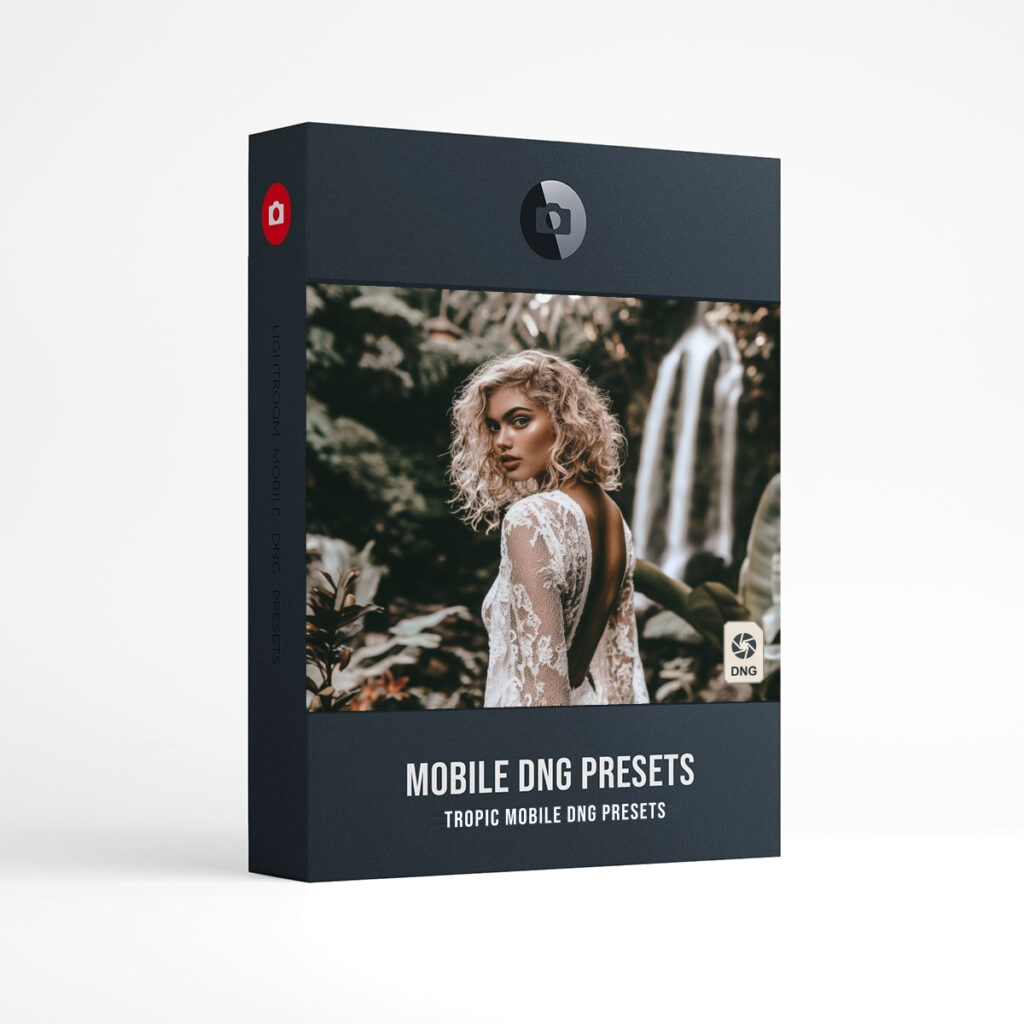
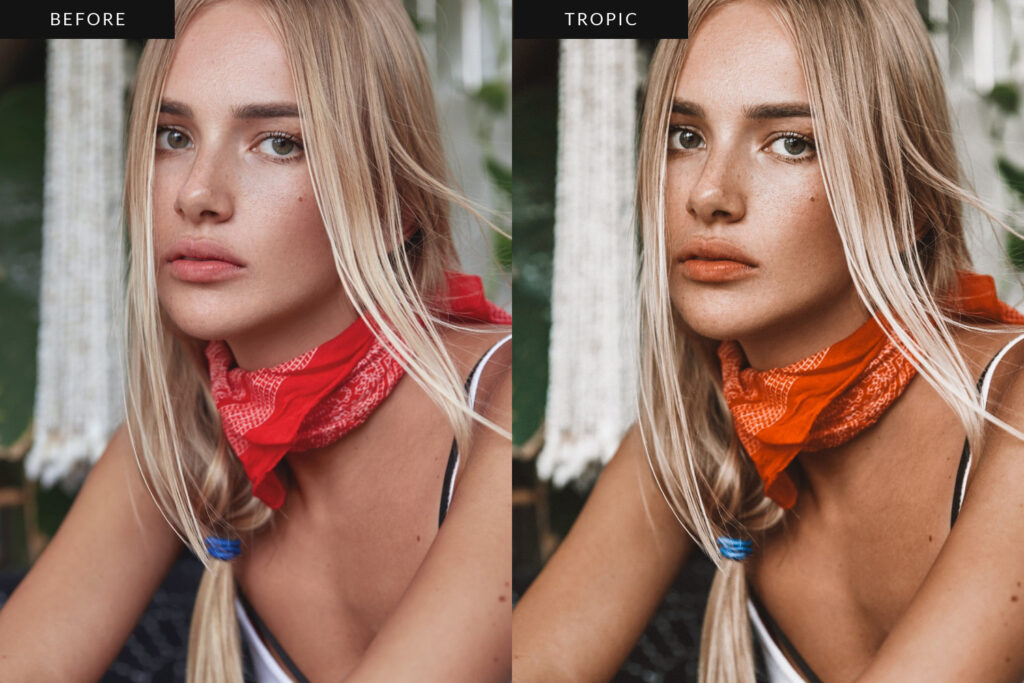
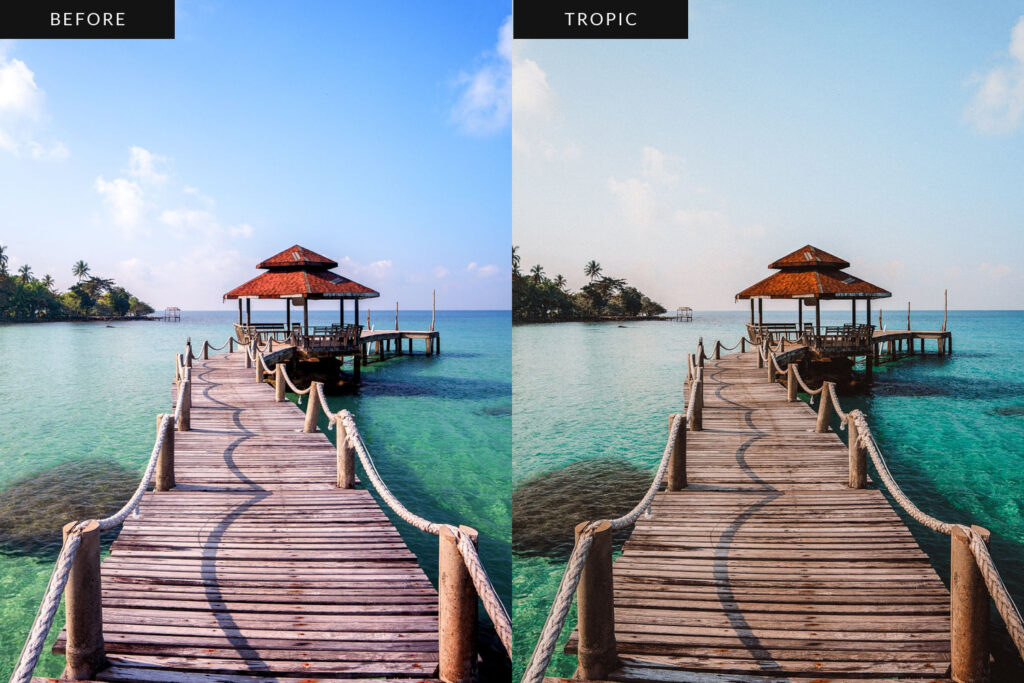
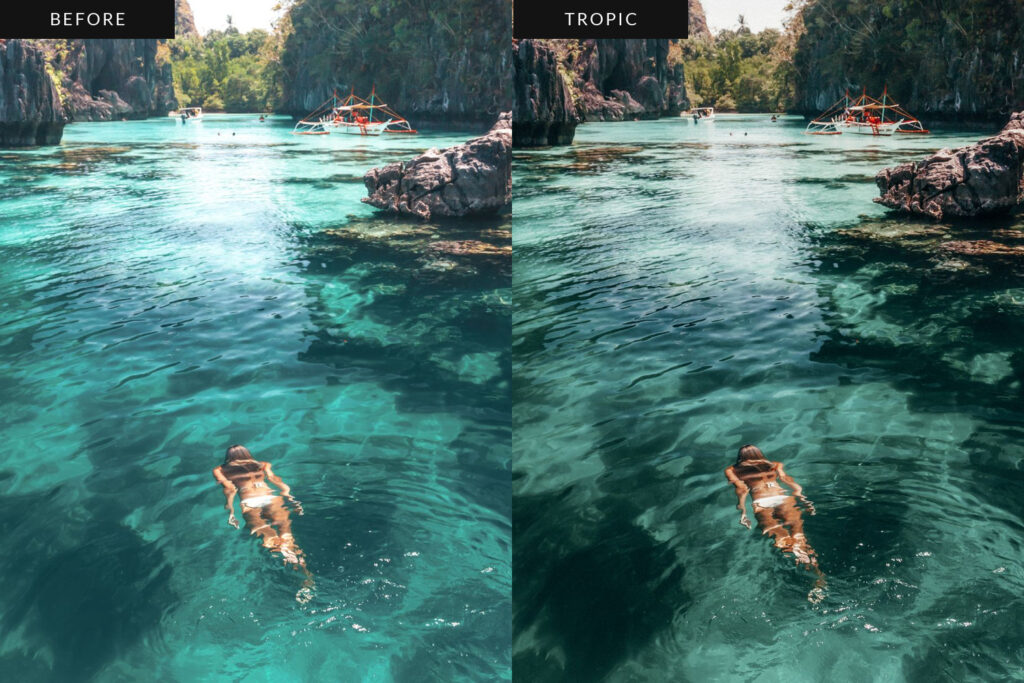
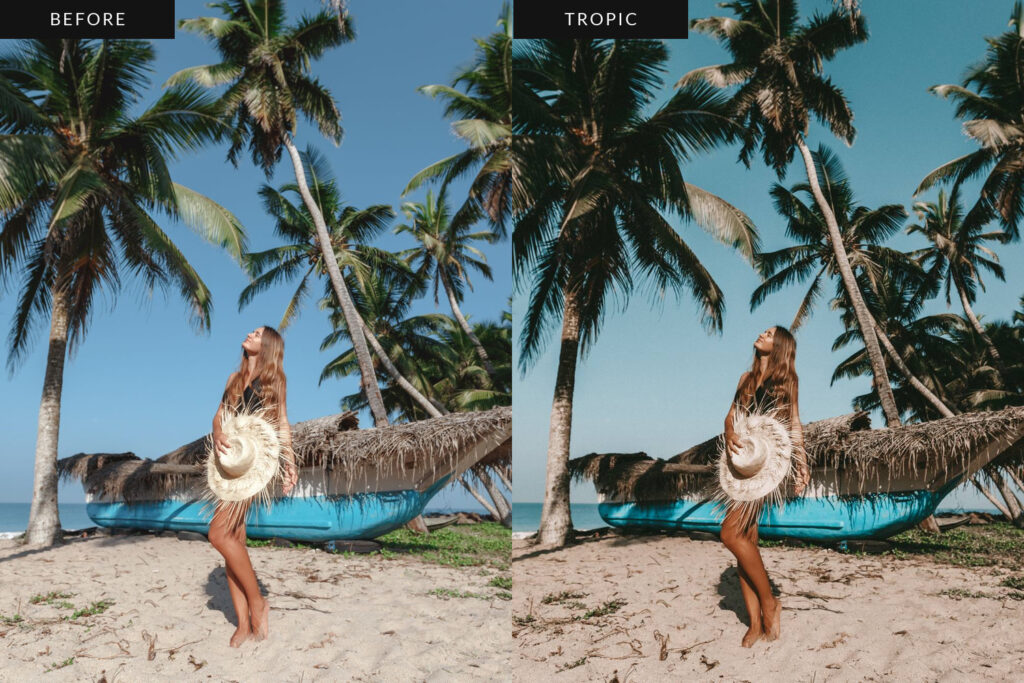
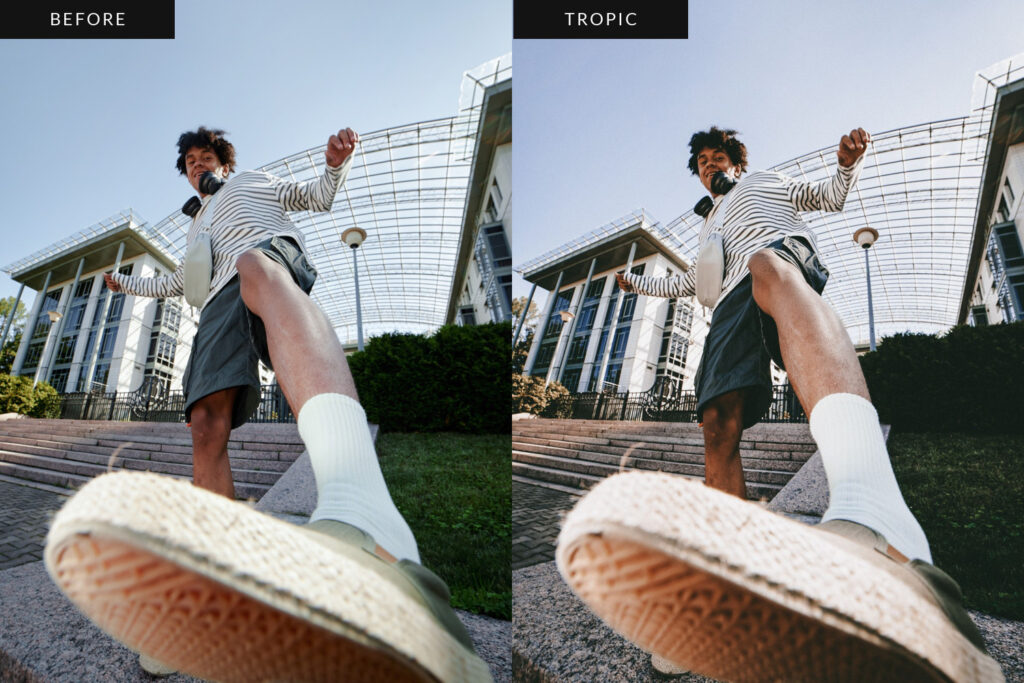
Tropic is a collection of 15 DNG presets for the Lightroom mobile app, made for beach, travel and summer portraits. Warm golden skin, teal water, highlights that stay soft and a fine film grain give every photo the same sun-warmed feel, so your feed reads like one long summer. Start with Sunkissed, then try the stronger, warmer and cooler versions or one of the nine tropical variations. * See installation instructions *
- 15 DNG presets for Adobe Lightroom mobile, plus a How to Install PDF.
- Made for the free Lightroom mobile app on iPhone and Android.
- Presets work with JPEG and RAW photos in Lightroom mobile.
- Download on a computer, then add the presets to your phone.
- Installation instructions
The 15 Tropic Presets
- Sunkissed: the signature look, warm, golden and sun-faded
- Sunkissed +: a little stronger
- Sunkissed ++: stronger again
- Sunkissed Warm: warmer
- Sunkissed Cool: cooler
- Sunkissed Boost: more color
- Hibiscus: terracotta and reds let back in, warm shadows
- Lagoon: brighter, clean whites, vivid blues and aquas
- Golden Sand: softer contrast, lifted blacks, golden highlights, fine grain
- Jungle: moody and darker, deep greens, teal shadows, amber highlights
- Cabana: bright and airy, creamy highlights, soft greens
- Island: teal water and sky, warm skin
- Papaya: the boldest color of the set
- Postcard Film: faded film, matte blacks, softer whites, a warm cast and grain
- Palm Mono: warm black and white with grain
1. How to Install DNG Presets – Desktop to Mobile
2. How to Install DNG Presets – Direct to Mobile
Frequently Asked Questions
Do I need a paid Lightroom plan?
No. The Tropic presets are DNG files made for the free Lightroom mobile app on iPhone and Android. They use no masks, which are a paid feature in Lightroom mobile.
How do I install the Tropic presets?
Download the zip on a computer, then add the 15 DNG files to Lightroom mobile and save each one as a preset. The installation guide and the videos above walk you through it on iPhone and Android.
Do the presets work on JPEG and RAW photos?
Yes. The presets work on JPEG and RAW photos in Lightroom mobile. Every photo is different, so use the sliders to fine tune the look after you apply a preset.
Adobe and Lightroom are trademarks of Adobe Inc. Presetpro is not affiliated with Adobe.