


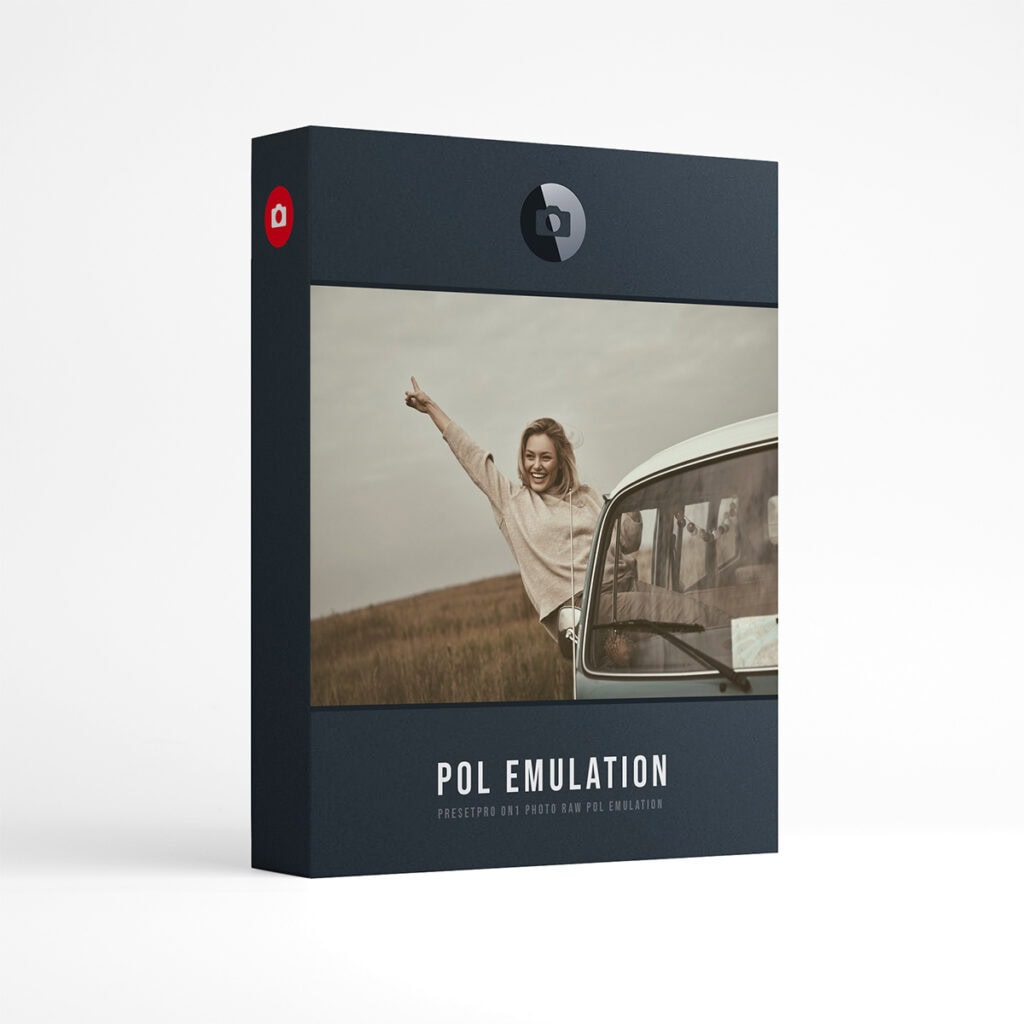
POL Film for ON1 Photo RAW | 16 Polaroid Inspired Film Presets
Each preset is crafted to give the modern photographer beautiful, Polaroid inspired color, right inside ON1 Photo RAW.
Polaroid inspired film presets for ON1 Photo RAW: 16 presets built from film inspired 3D LUTs and ON1’s own Film Grain filter, so you can tune the look and the grain after you apply it.
Inspired by Polaroid Color 600 integral film, in four color balances, each in four steps from standard to +++: the standard balance, nc (natural color), cc (cool color) and wc (warm color). Each look comes in four steps, from the standard look to +++.
Every preset applies to RAW and JPEG files and lands in ON1 as a normal filter stack: the LUT filter holding the film look, with its opacity to soften it, and the Film Grain filter already applied. Turn any of them down, up, or off. Grain is ON1’s own Film Grain filter, so you can tune it or switch it off.
What’s included
- Presets16 Polaroid inspired presets: 4 film looks, 4 versions each.
- LooksLooks inspired by Polaroid Color 600 instant film in four color balances: standard, nc, cc and wc.
- FamiliesEvery look in four steps: standard, +, ++ and +++.
- EditableEach preset is a normal ON1 stack: the LUT filter with its opacity and Film Grain. Nothing is flattened.
- LUTsThe film LUTs install with the presets and also appear in ON1’s LUT filter, under POL Film.
- FilesWorks on any photo ON1 Photo RAW can open, RAW or JPEG.
- VersionON1 Photo RAW 2027. Built and tested on the Mac (see question 7).
- InstallDouble-click the .ONPreset file, click Yes, then quit and reopen ON1. A one-page install card is in the download.
- Full setAlso included in the Film Collection for ON1 Photo RAW, all 151 presets in six collections.
- DownloadInstant download after purchase.
These are presets for ON1 Photo RAW 2027 only, not for Lightroom, Luminar or Photoshop.
The 16 presets
Listed as they appear in ON1 Photo RAW. Each preset is named after the film that inspired it.
16 · Inspired by Polaroid
In ON1: 05 – POL Film. Four Polaroid inspired film looks, four versions each.
- Color 600
- Color 600 +
- Color 600 ++
- Color 600 +++
- Color 600 nc
- Color 600 nc +
- Color 600 nc ++
- Color 600 nc +++
- Color 600 cc
- Color 600 cc +
- Color 600 cc ++
- Color 600 cc +++
- Color 600 wc
- Color 600 wc +
- Color 600 wc ++
- Color 600 wc +++
Frequently asked questions
01
How do I install this collection in ON1 Photo RAW?
02
Do the presets work on RAW and JPEG files?
03
How do I adjust the strength of a look?
04
What do +, ++ and +++ mean?
05
What do nc, cc and wc mean?
06
Do I need to install the LUTs separately?
07
Which versions of ON1 Photo RAW does it work with?
Instant download. 16 Polaroid inspired presets, every filter still yours.
Want every collection? The Film Collection for ON1 Photo RAW has 151 presets in six collections and already includes these 16, so you only need one of the two.
Polaroid and Color 600 are the brands and trademarks of their respective holders. Polaroid does not endorse or sponsor this collection or any other content, and is not affiliated with Presetpro.com; all trademarks and copyrights are the exclusive property of their respective owners. ON1 and ON1 Photo RAW are trademarks of ON1, Inc., which does not endorse or sponsor this collection. Lightroom and Photoshop are trademarks of Adobe Inc., Luminar of Skylum Software, Mac of Apple Inc. and Windows of Microsoft Corporation.