


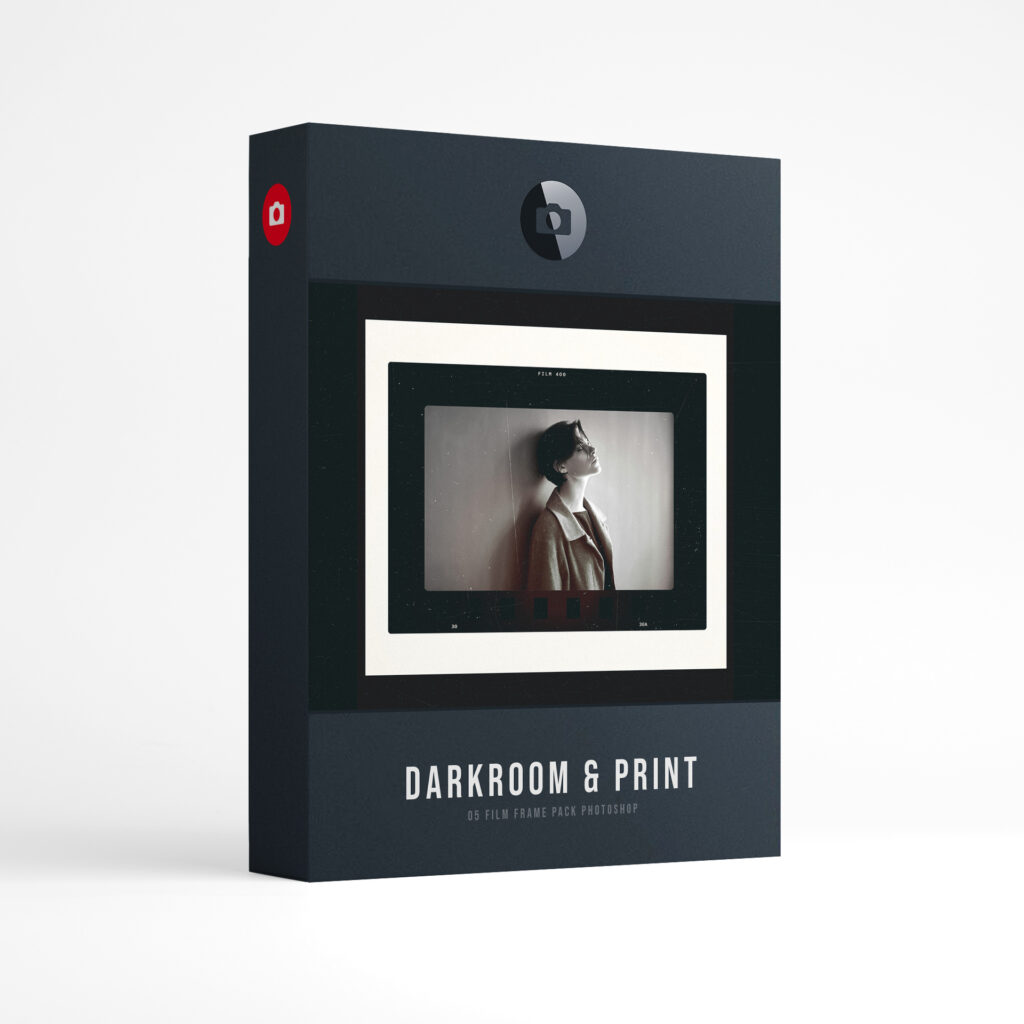

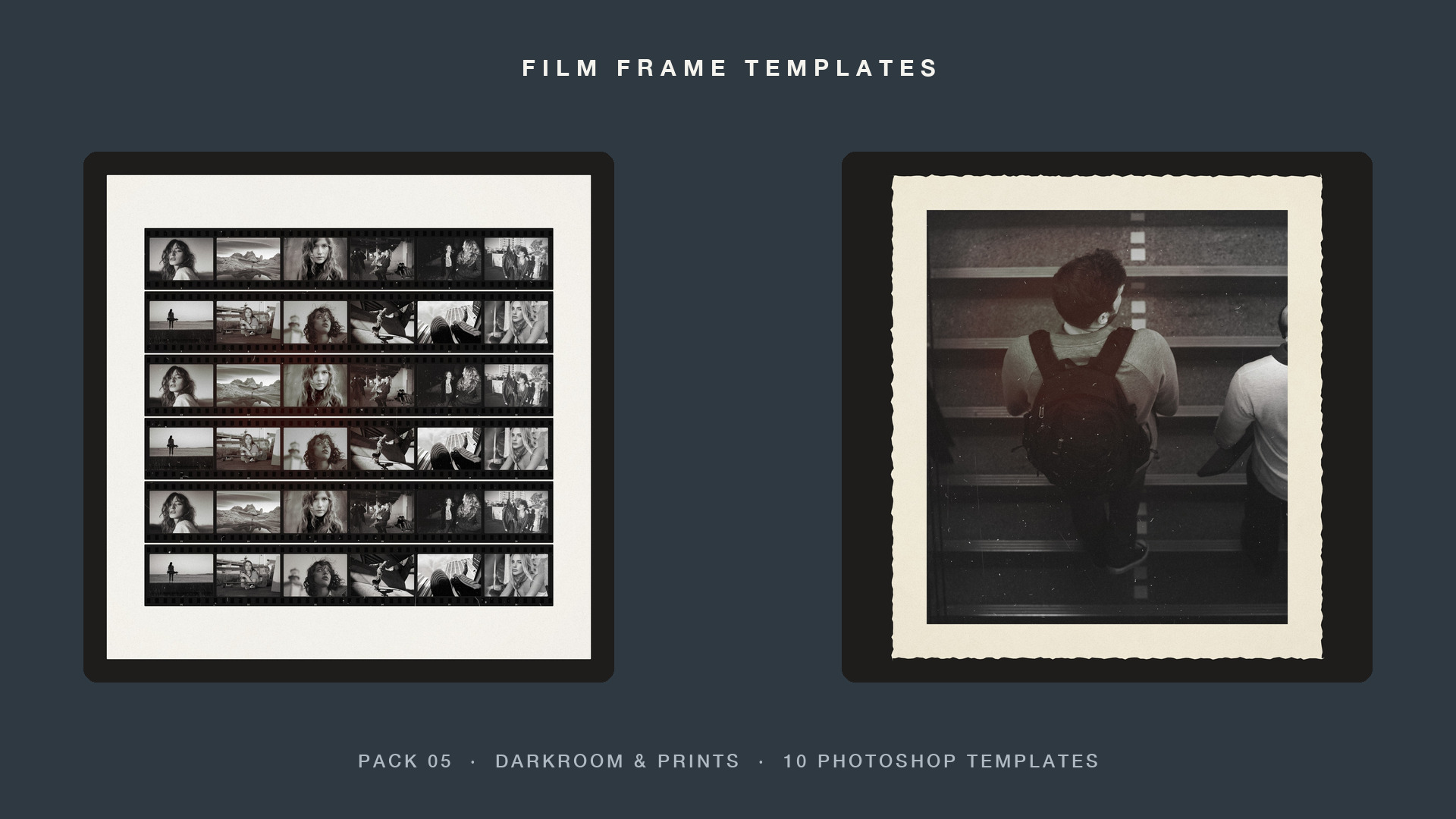
Darkroom & Prints film frame templates for Photoshop
Darkroom prints: filed carriers, white border, deckle edge, contact sheets, test strip and fiber paper. Each template is a layered Photoshop file: drop your photo into the smart object, pick the frame color, switch the film effects on or off, and export.
See What’s Included:
- 10 layered Photoshop templates, 5000 x 5000 px at 300 ppi.
- A smart object for every photo: double-click, drop your photo in, save.
- On/Off film effects: scratches, dust, light leak, light and grain.
- A Change frame color layer. Live edge print text you can retype, with the free IBM Plex Mono font.
- A How to Use guide and a preview of every template.
- Works in Photoshop 2023 or newer, on Mac and Windows.
- A 1.2 GB zip, downloaded from presetpro.com after checkout.

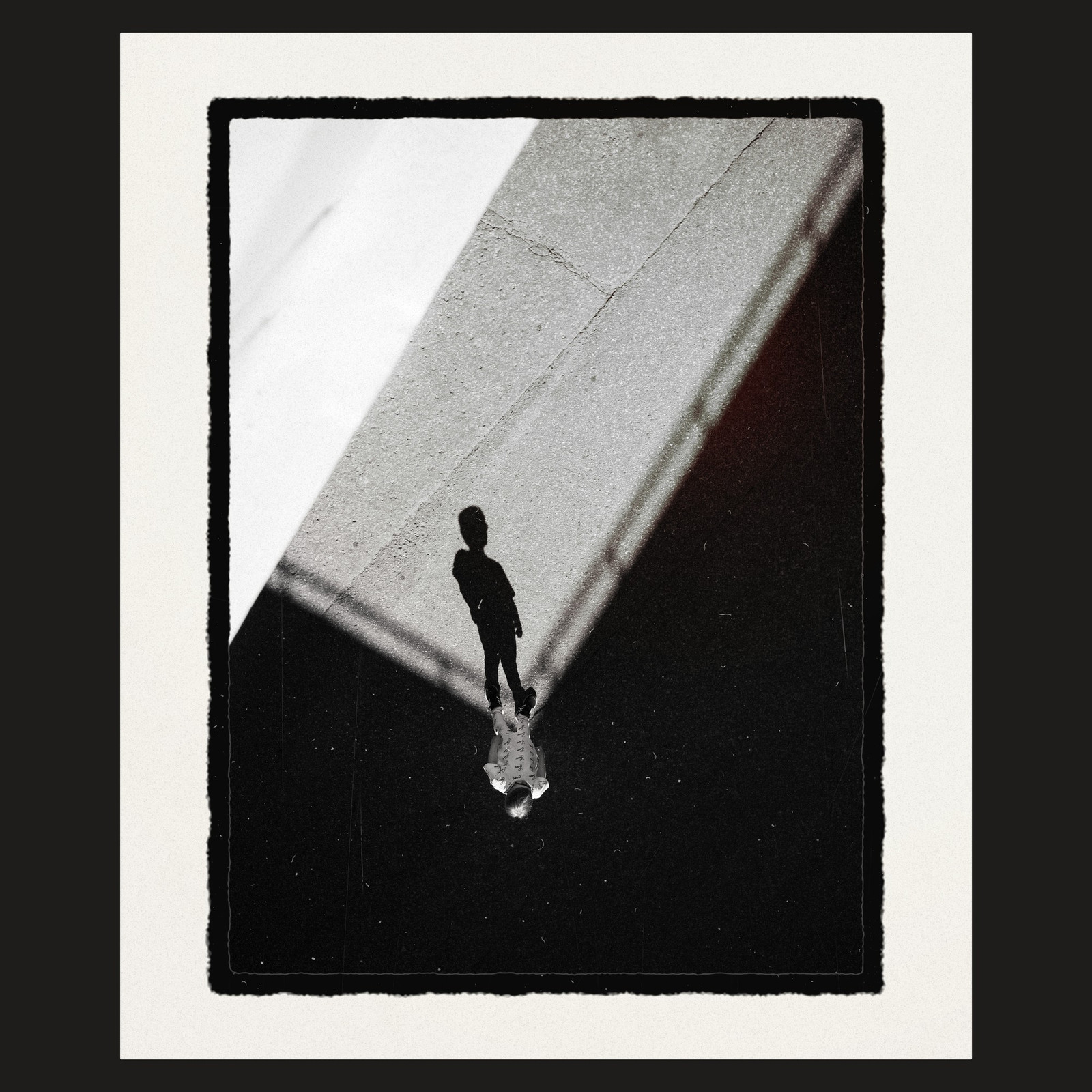
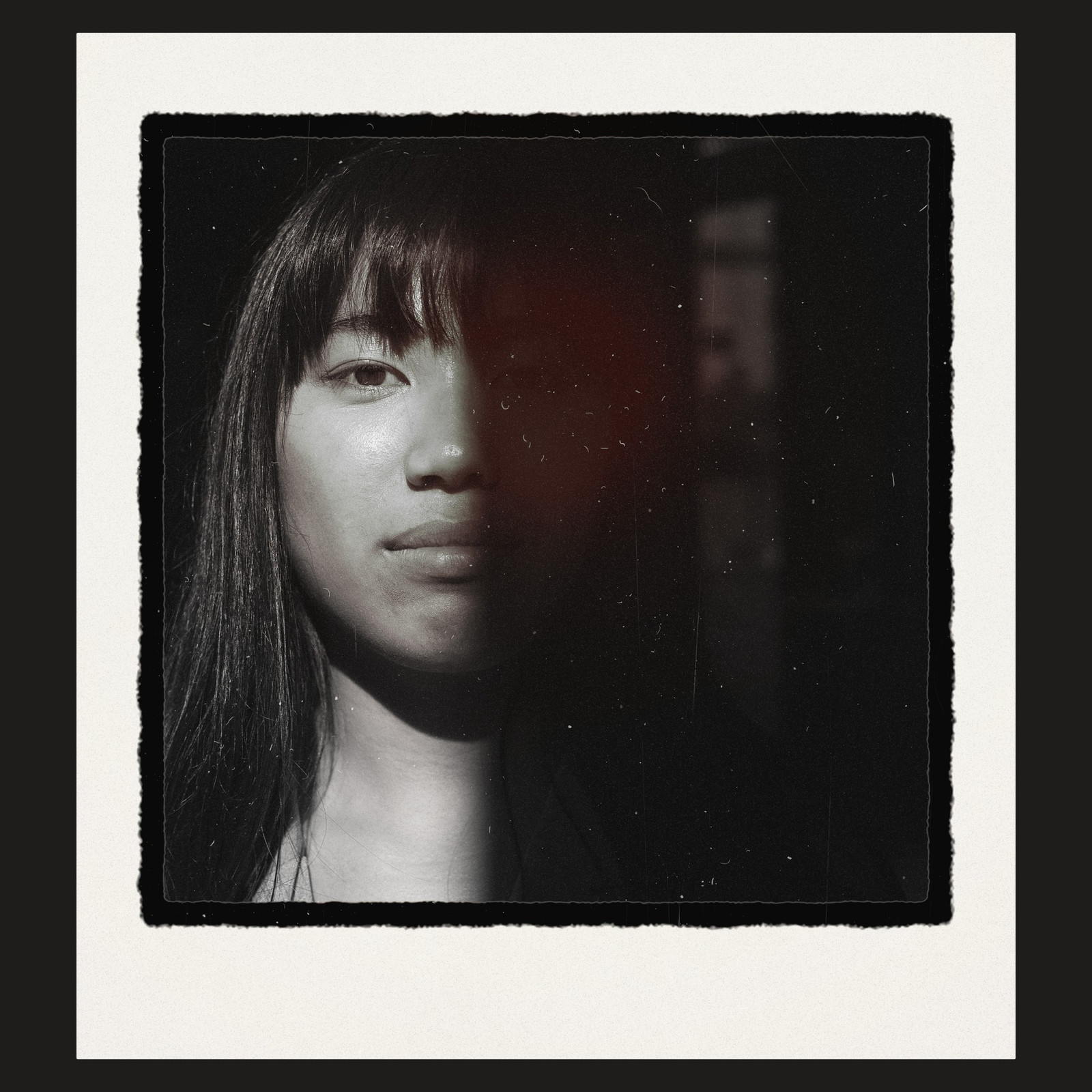

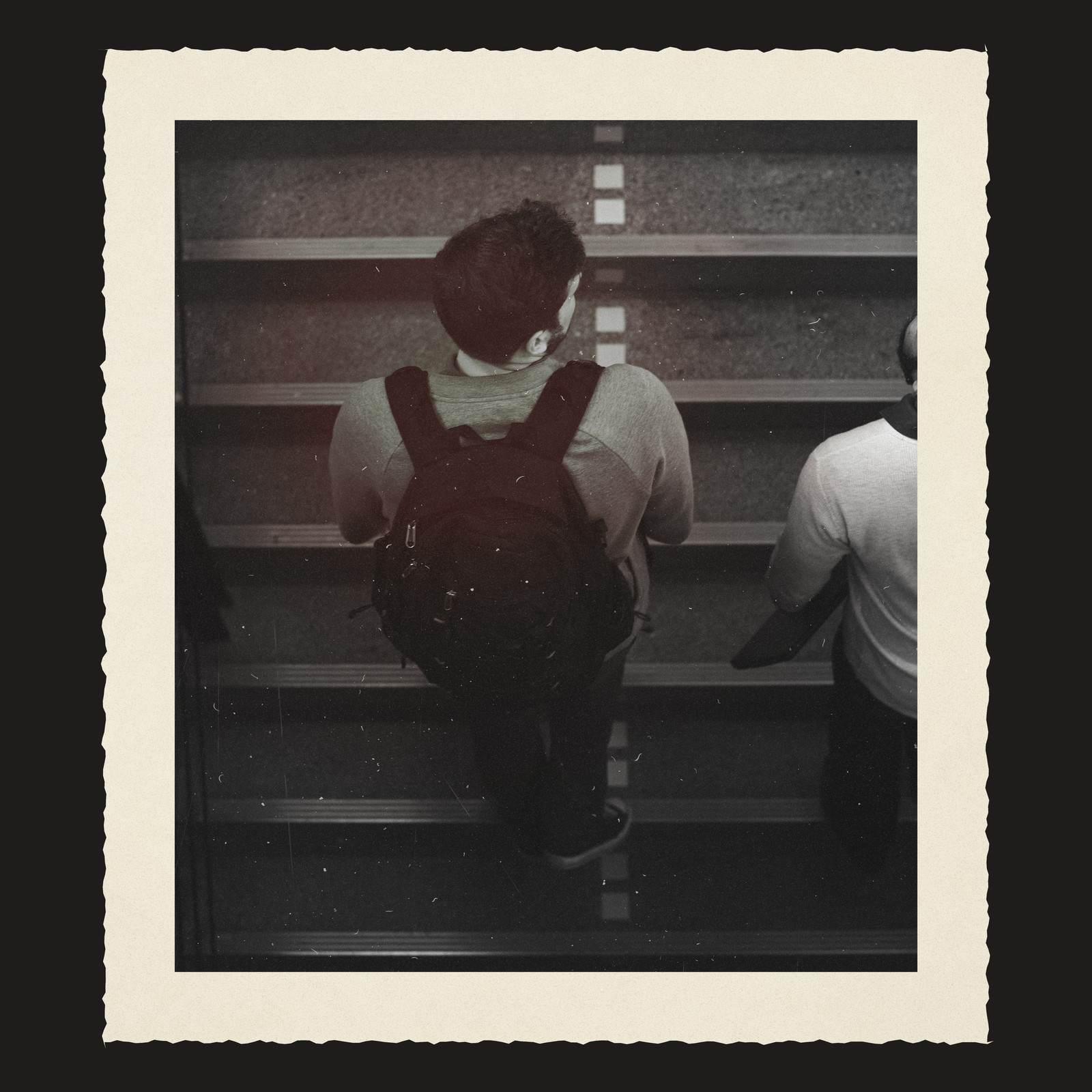
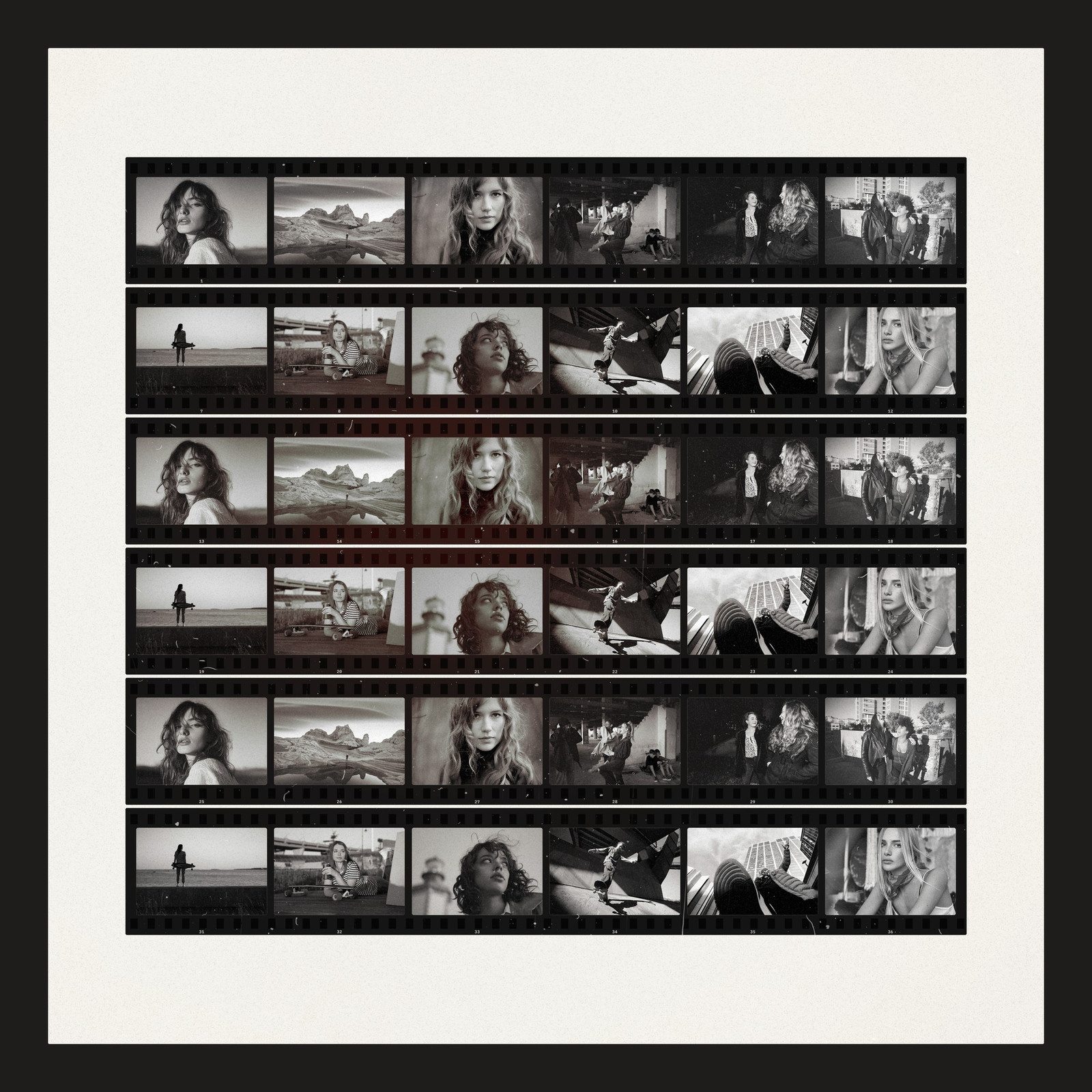
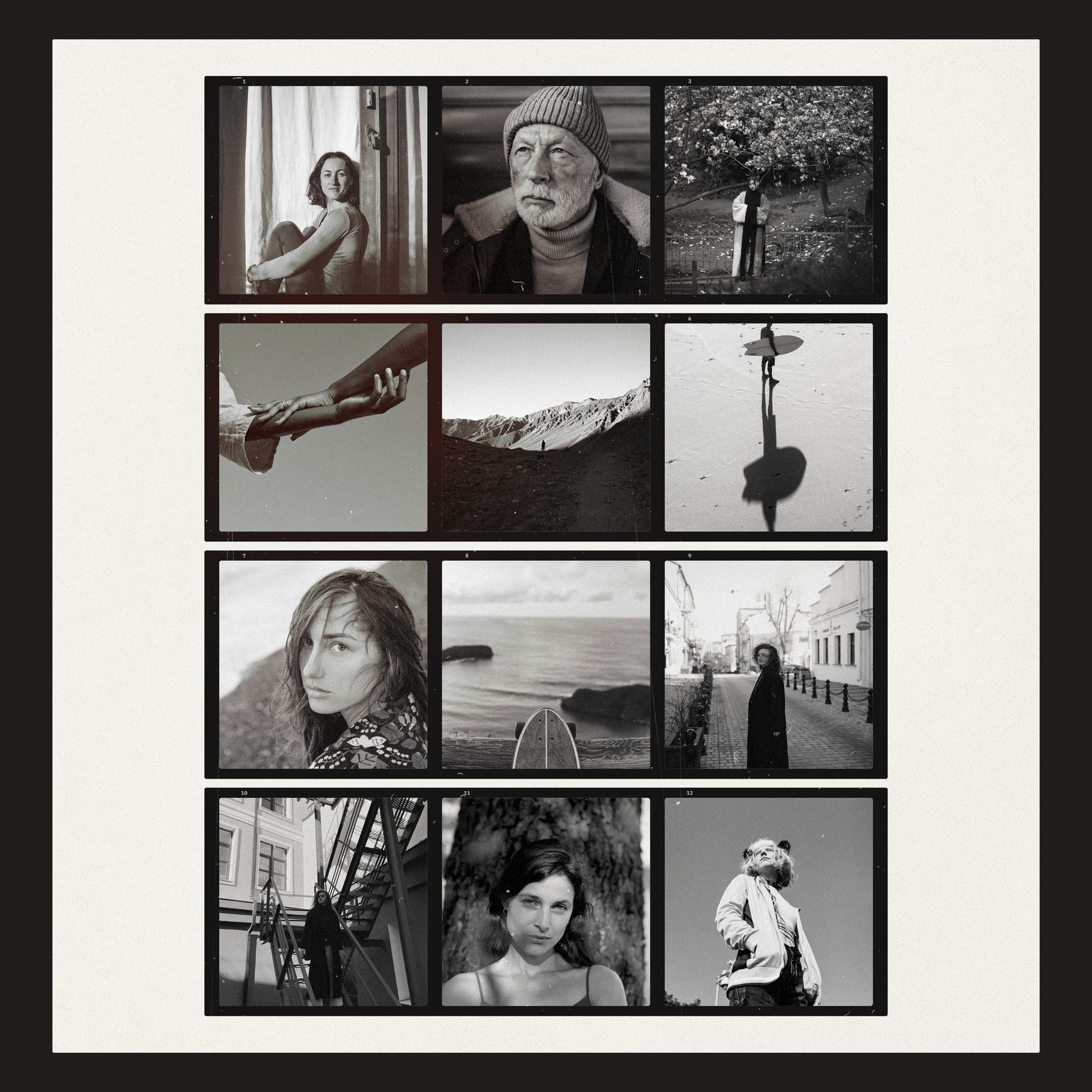
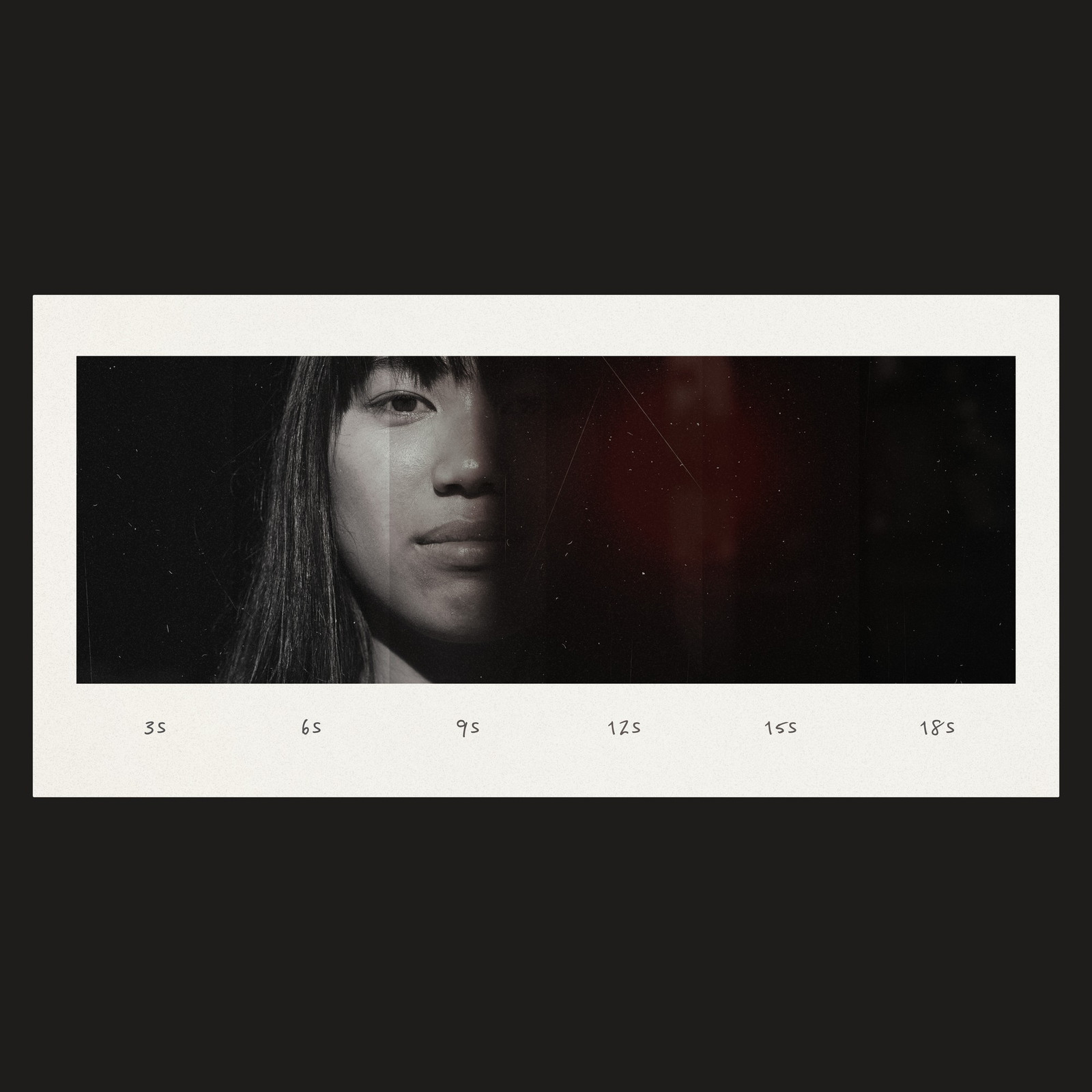
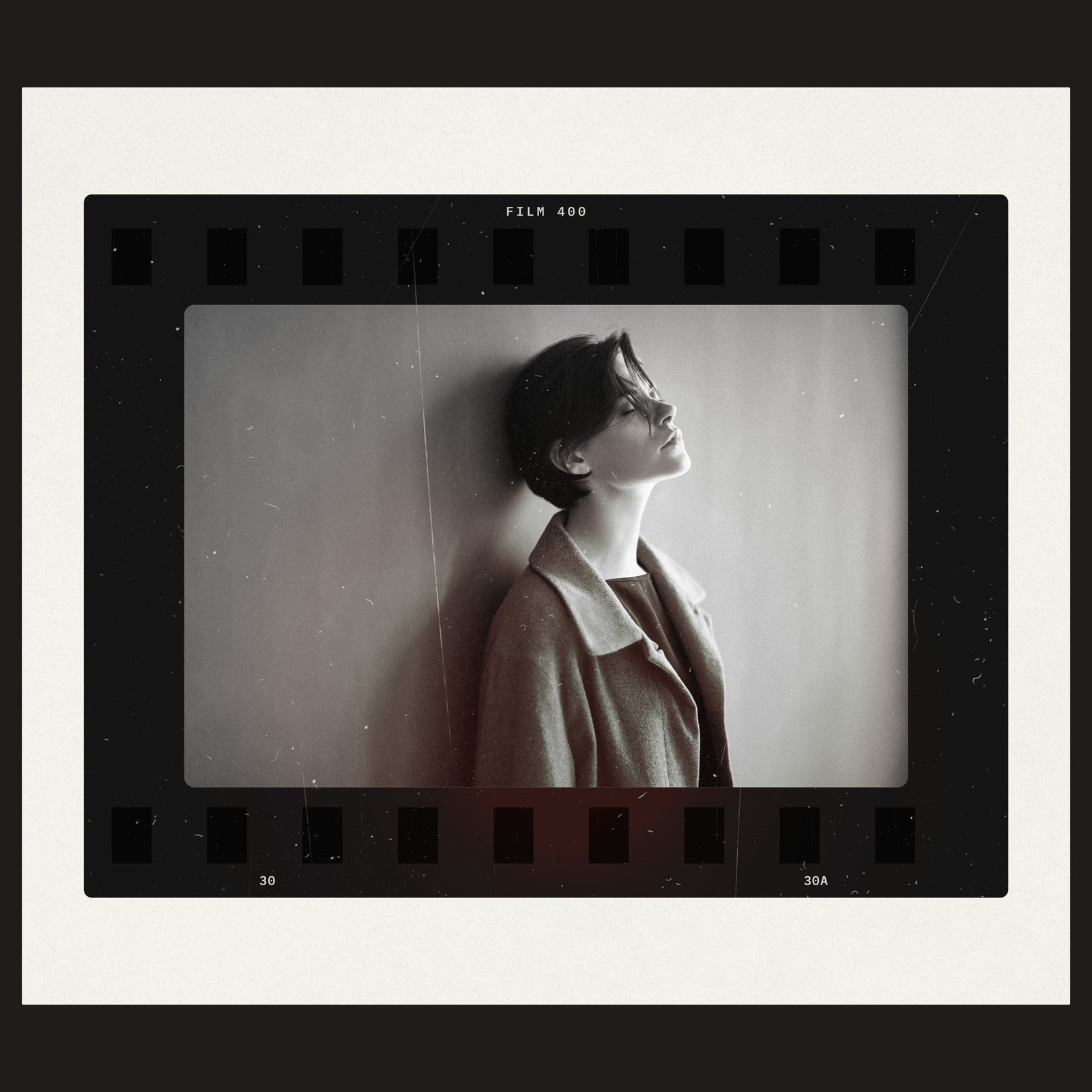
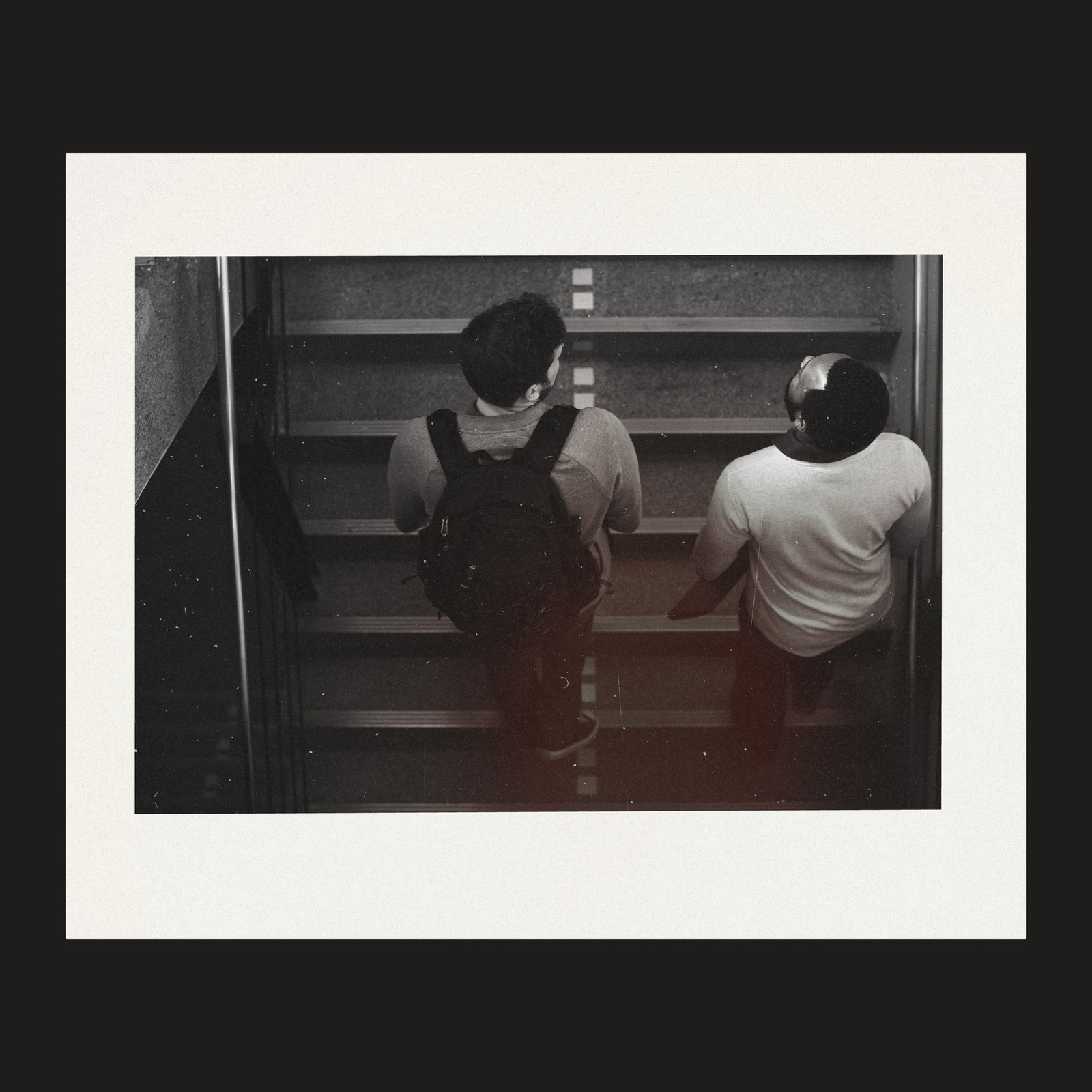
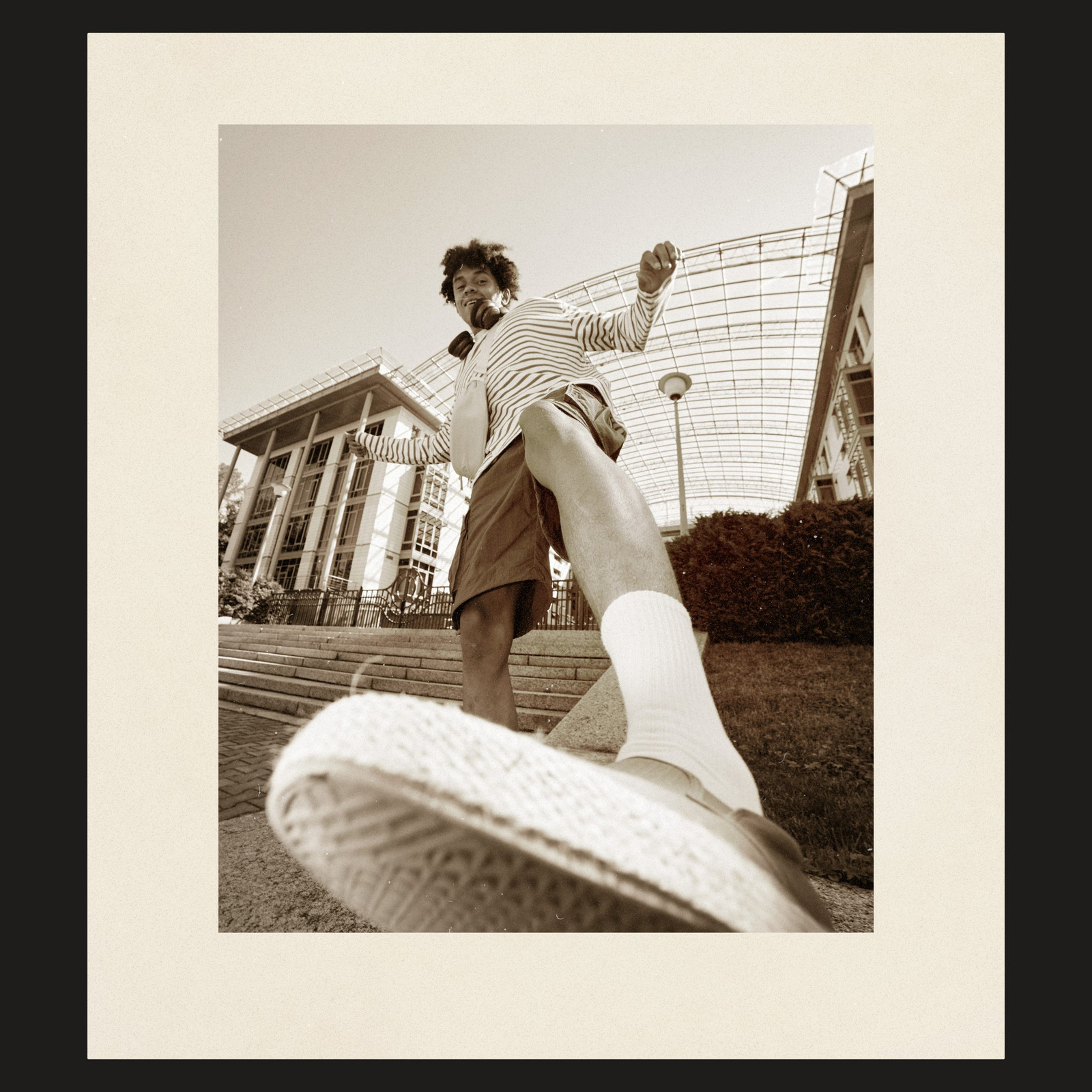
All ten templates, shown with demo photos. Photos are not included.
The ten templates
- Filed Carrier 35mm
- Filed Carrier 6×6
- White Border Print
- Deckle Edge Print
- 35mm Contact Sheet
- 120 Contact Sheet
- Test Strip
- Full Rebate Print
- Uneven Easel Border
- Fiber Paper Print
How to use
- Unzip the download and open any template in Photoshop.
- Double-click the thumbnail of the layer called Edit photo. Drag your photo into the tab that opens, resize it to fill the frame, then save and close the tab.
- Double-click Change frame color to pick a color, and click the eye on any On/Off layer to show or hide that effect.
- Export with File, Export, Export As, as a JPG or PNG.
Every step is in the How to Use guide inside the download.
Questions
Which version of Photoshop do I need?
Photoshop 2023 or newer, on Mac or Windows. The templates are layered PSD files, so there is no plug-in or action to install.
How do I put my photo in a frame?
Double-click the thumbnail of the layer called Edit photo, drag your photo into the tab that opens, resize it to fill the frame, then save and close the tab. Strips have one Edit photo layer per frame.
Are the demo photos included?
No. The photos on this page show the templates in use. The download has the templates, the How to Use guide and a preview of every template.
How do I download it?
Your order email links to presetpro.com/downloads/. Enter the email you used at checkout and your order number, then click Download. The pack is a 1.2 GB zip, and you can come back to that page any time to download it again.
Adobe and Photoshop are either registered trademarks or trademarks of Adobe Inc. in the United States and/or other countries. Presetpro is not affiliated with or endorsed by Adobe Inc.