
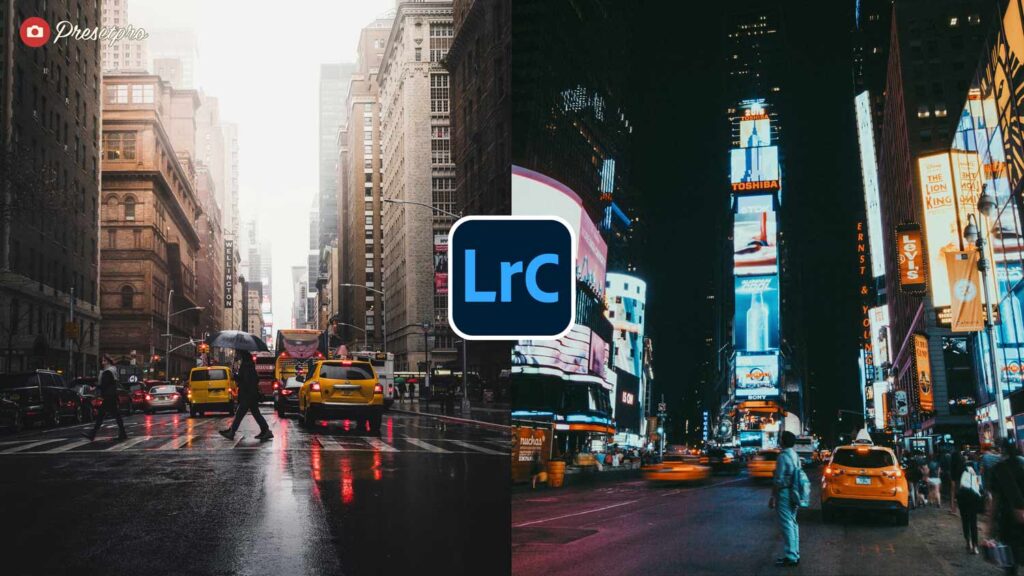
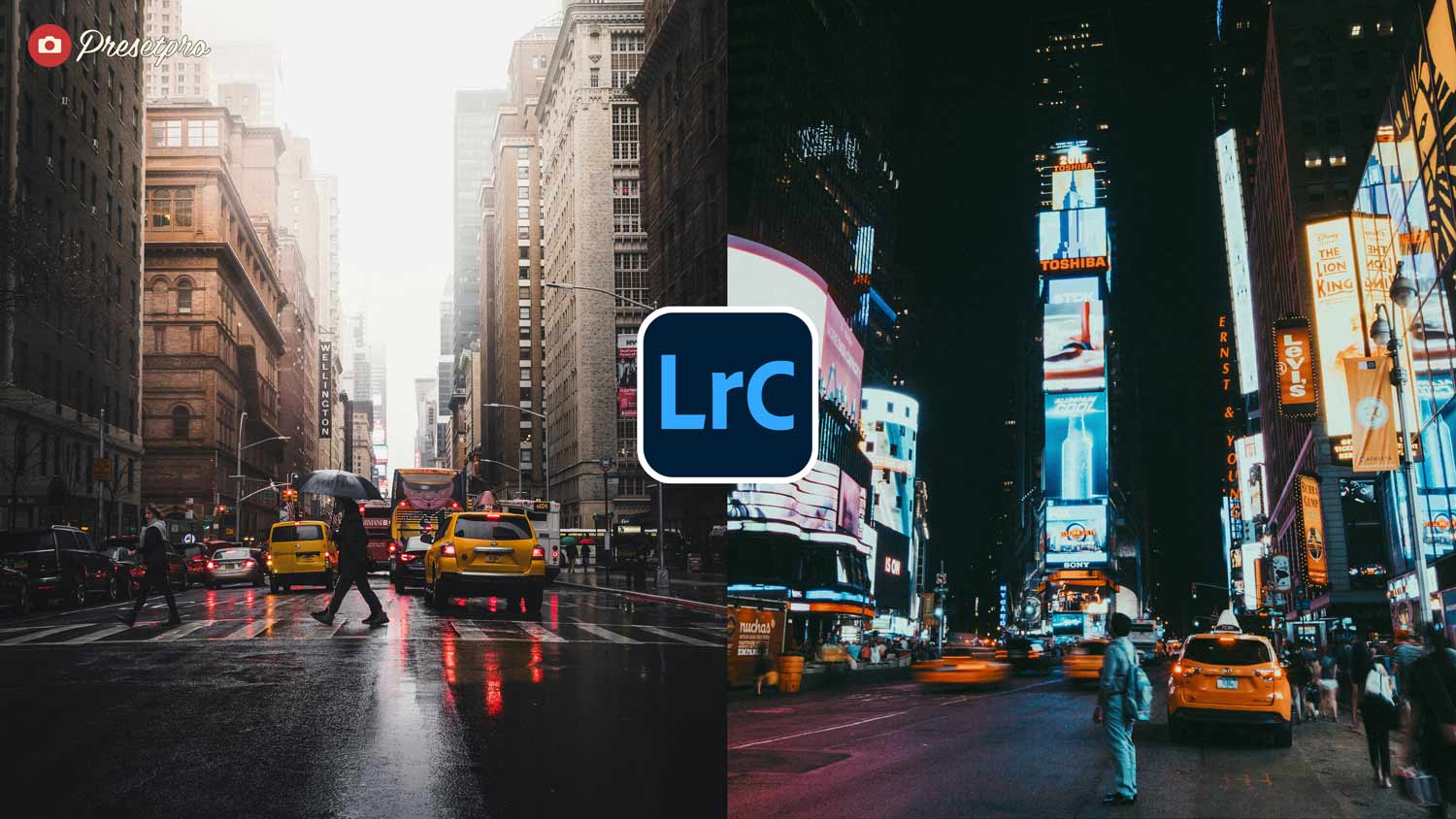
There is a cinematic quality to film that digital cameras struggle to capture on their own. Modern sensors are brilliant at recording sharp, clean detail, but they can leave your images feeling flat and a little clinical, missing the soft light, the gentle haze, and the moody atmosphere that makes a still feel like a frame from a film. Add a soft, cinematic film haze to your photos with a look built for travel, street, and landscape storytelling. Part of the premier Creative Flow collection at Presetpro.com, this featured look brings that filmic mood straight to your digital workspace.
Film Haze | Quick Reference
| Inspiration | Cinematic film with a soft, hazy atmosphere |
| Best For | Travel, landscape, cityscape, street, and portraits |
| Aesthetic Style | Soft haze, balanced warm-cool color, gentle filmic contrast |
| Key Effect | Turns clean, clinical digital files into a moody, cinematic film grade |
Film Haze Preset
Inspired by the soft, atmospheric look of cinematic film, this preset adds gentle contrast and a moody, filmic glow to your photos.
- Best For: Travel, landscape, cityscape, street, and portraits.
- Style: Soft atmospheric haze, balanced warm-cool color, and gentle filmic contrast.
Perfect for breathing life into flat RAW files. Add cinematic film haze and rich, believable color with a single click.
Introduction
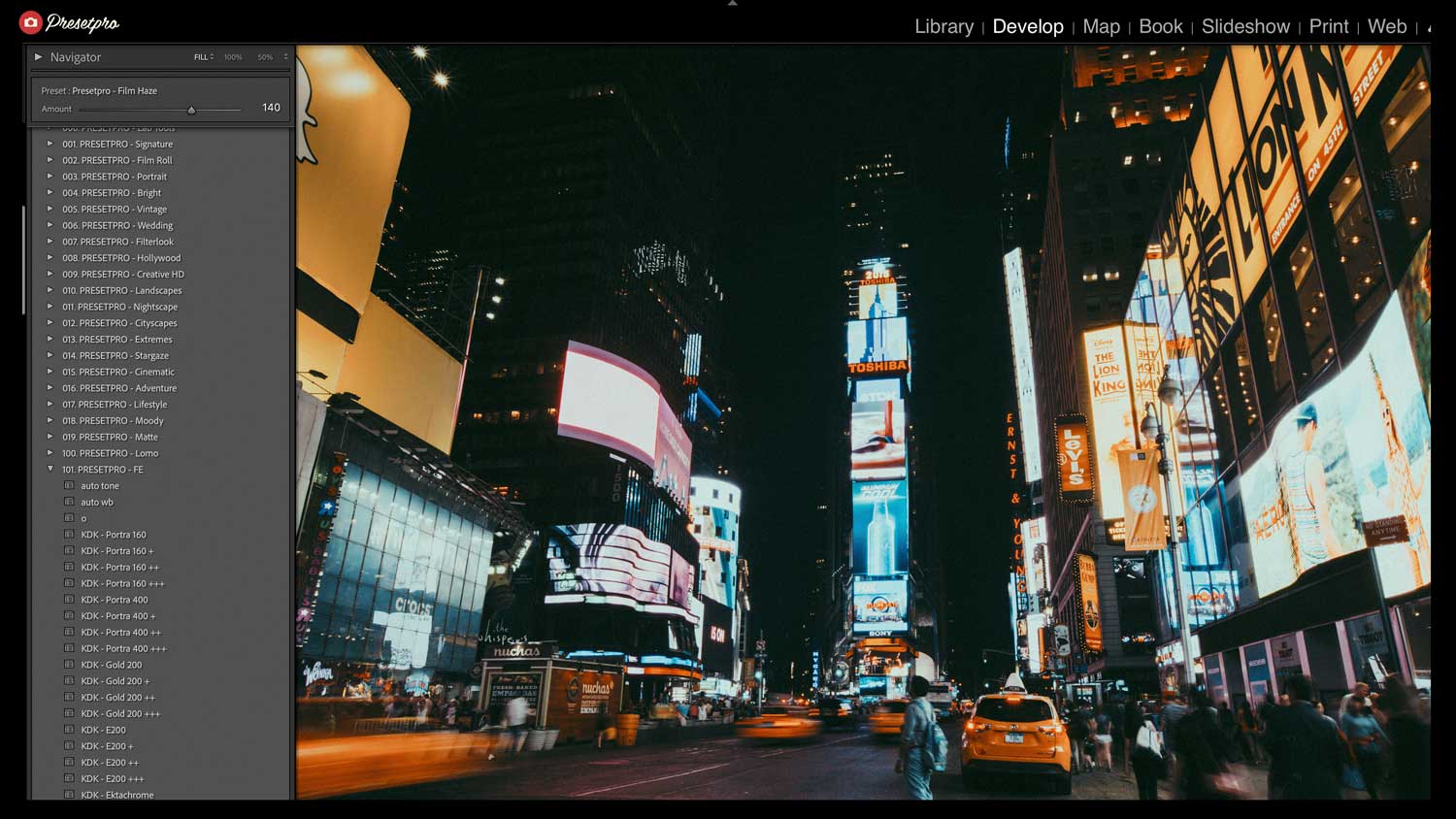
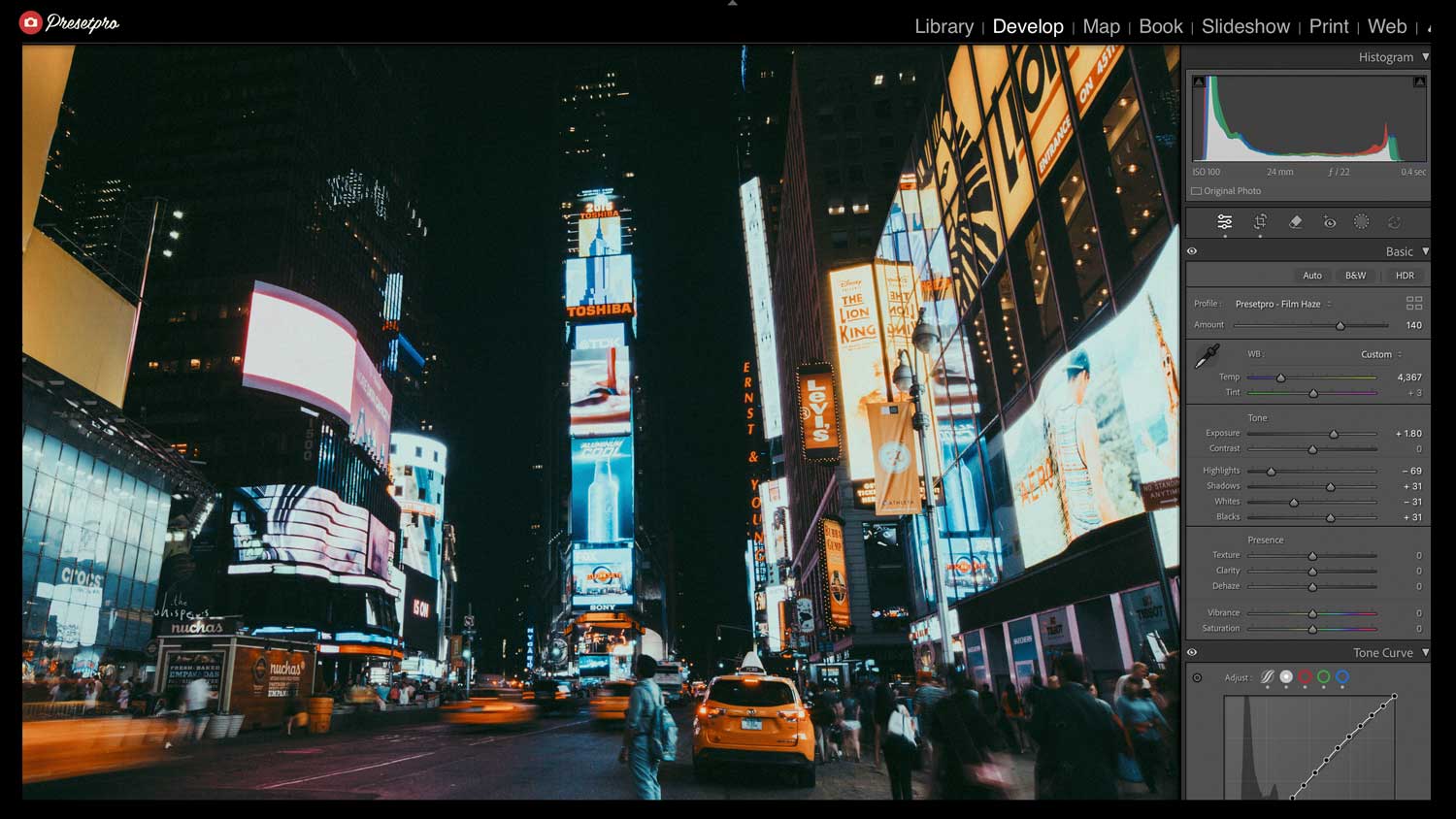
When I sit down to edit a set of travel or street photos, I want the process to feel relaxed and the results to feel like real film. The Film Haze Featured Preset gives you exactly that. It works on your RAW files by gently softening the highlights, lifting the shadows, and shifting the color toward a balanced cinematic palette, the warm-cool tension that gives film its mood. Rather than dropping a heavy filter over your photo, it works inside Lightroom’s develop panel, shaping the tone curve and HSL colors to give you rich, believable tones and a soft, hazy atmosphere. The Free Film Haze Preset is a great way to try the look instantly, and the premium version offers a more refined grade with full professional control.
Master Your Edit with The Creative Flow
Editing should feel relaxing and creative, not like a chore. The Creative Flow is a complete preset and profile system for Adobe Lightroom, built so you can actually enjoy the art of color grading. It lets you layer cinematic looks like this Film Haze grade with matching profiles and specialized brushes, building your final look one easy step at a time. Whether you are shooting a rainy city street or a misty mountain trail, it gently softens that clean digital feel and replaces it with a moody, cinematic atmosphere.
Film Haze Inspired Characteristics
Here is a look at how this preset gently reshapes your RAW files to create that cinematic film feel:
- Soft Atmospheric Haze: Adds a gentle, diffused haze that softens the scene and gives it a moody, filmic depth.
- Lifted Shadows: Opens up the darkest areas for that matte, faded film base instead of heavy digital blacks.
- Balanced Warm-Cool Color: Shifts the palette toward a cinematic blend of cool shadows and warm highlights for instant mood.
- Gentle Filmic Contrast: Keeps highlights from clipping with a smooth roll-off, so bright skies and city lights stay soft and natural.

Professional Emulation Details
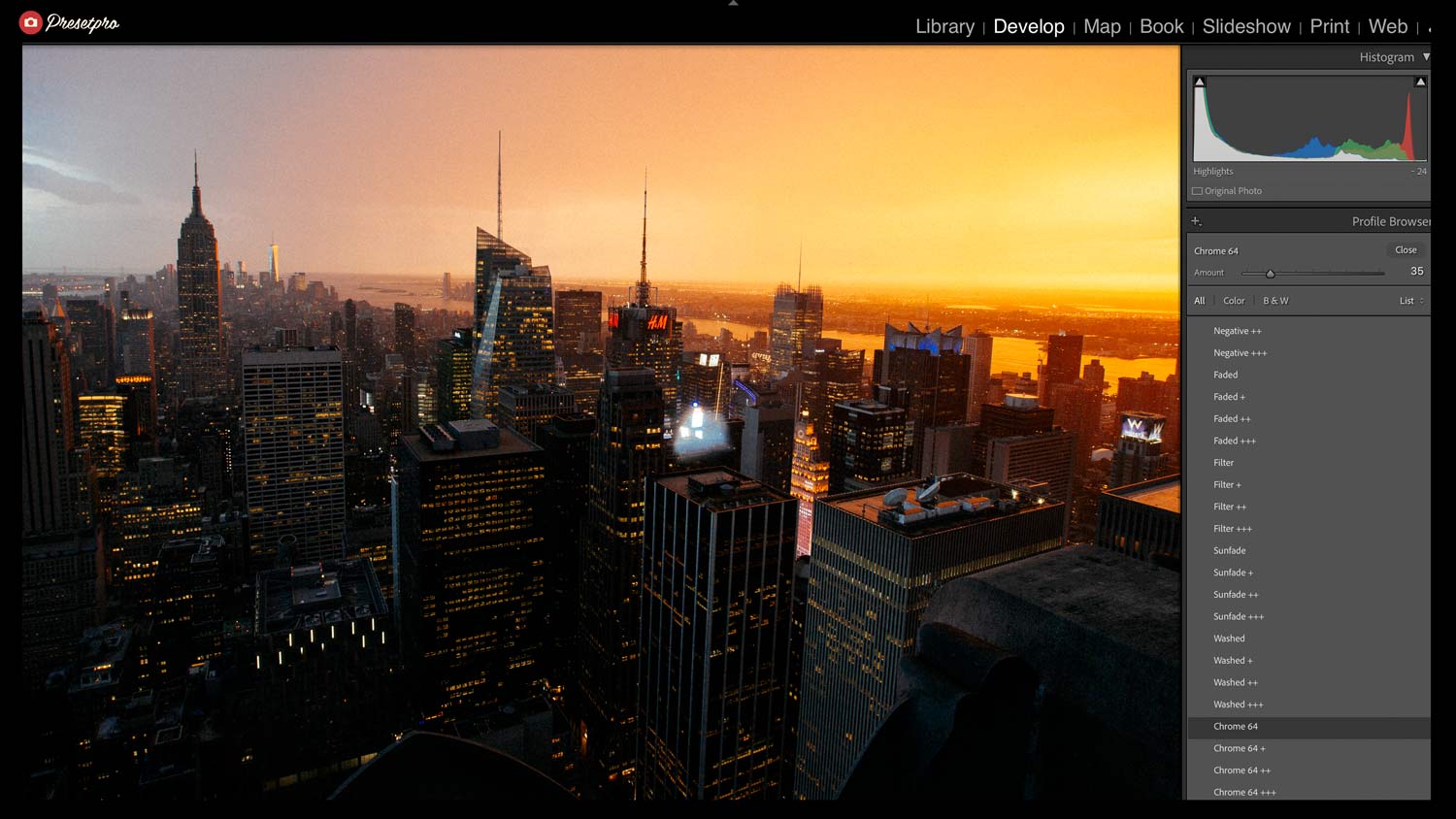
The premium version of this look, Chroma, found in the Lomography Collection, pairs the preset with a custom cinematic film profile, and that is what gives the look its depth and consistency. The profile lays the foundation for the color and the haze while the preset shapes the grade on top, so your tones stay true and your mood stays consistent from one photo to the next. Each profile includes an adjustable Amount slider, so you can dial the haze and color from a subtle whisper to a bold cinematic statement.
- Editorial Ready: Gives your photos a polished, cinematic, story-driven feel right away.
- Custom Film Profile: A dedicated profile keeps your color and haze consistent and true to the cinematic film look.
- Adjustable Haze Profiles: Switch between Faded, Filter, Sunfade, Washed, Chrome 64 and more, each with its own mood and intensity.
- Non-Destructive Workflow: Every setting stays fully adjustable inside the Creative Flow, so you never lock yourself in.
- Multi-Platform: Works in Lightroom Classic, Lightroom CC, and Lightroom Mobile, so you can edit on the go or in the studio.
Conclusion
If you love moody, cinematic photography, the Film Haze featured preset is a lovely addition to your editing toolkit. Built into The Creative Flow, Presetpro.com gives you a relaxed, one-click way to add soft haze, gentle contrast, and rich cinematic color to your everyday captures. Take a breath, load up your RAW files, and let the Presetpro team help you turn your digital photography into a beautiful visual story today.
Key Takeaways
Feature
Details
Inspiration
Cinematic film with a soft, hazy atmosphere
Color Palette
Cool shadows, warm highlights, and soft atmospheric haze
System
The Creative Flow by Presetpro.com
FAQs
Q: Can I use the Film Haze preset for travel, cityscape, and street photography?
A: Yes! Film Haze is built to be versatile. It adds a soft, cinematic haze that brings mood and depth to rainy city streets, misty landscapes, and everyday travel shots, while keeping skin tones natural and flattering in portraits.
Q: Does this preset work with all camera brands like Sony and Canon?
A: Absolutely. It is built to work with RAW files from all major camera brands inside the Adobe Lightroom ecosystem, including Lightroom Classic, CC, and Mobile.
Q: What is the benefit of the Pro version, Chroma?
A: The Pro version, Chroma, adds a dedicated cinematic film profile alongside the preset, which gives you more consistent color and a richer, deeper haze. You also get an adjustable Amount slider and complete, non-destructive control over the final cinematic grade.
Q: Where can I get the Film Haze preset?
A: You can download the free version right now at Freepresets.com or unlock the ultimate professional editing suite at Presetpro.com.

Lightroom Presets
Lightroom Presets
Lightroom Presets
Lightroom Presets
Lightroom Presets
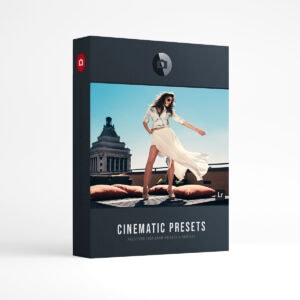
Lightroom Presets
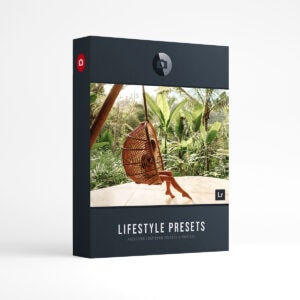
Lightroom Presets
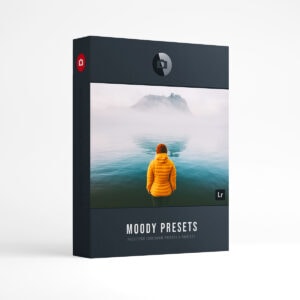
Lightroom Presets